

Edit an Endpoint
To edit an endpoint, follow the steps below.
-
Go to .
The List of Endpoints page appears.
-
Click 3 dots
 icon of
the required endpoint under the Action column.
icon of
the required endpoint under the Action column.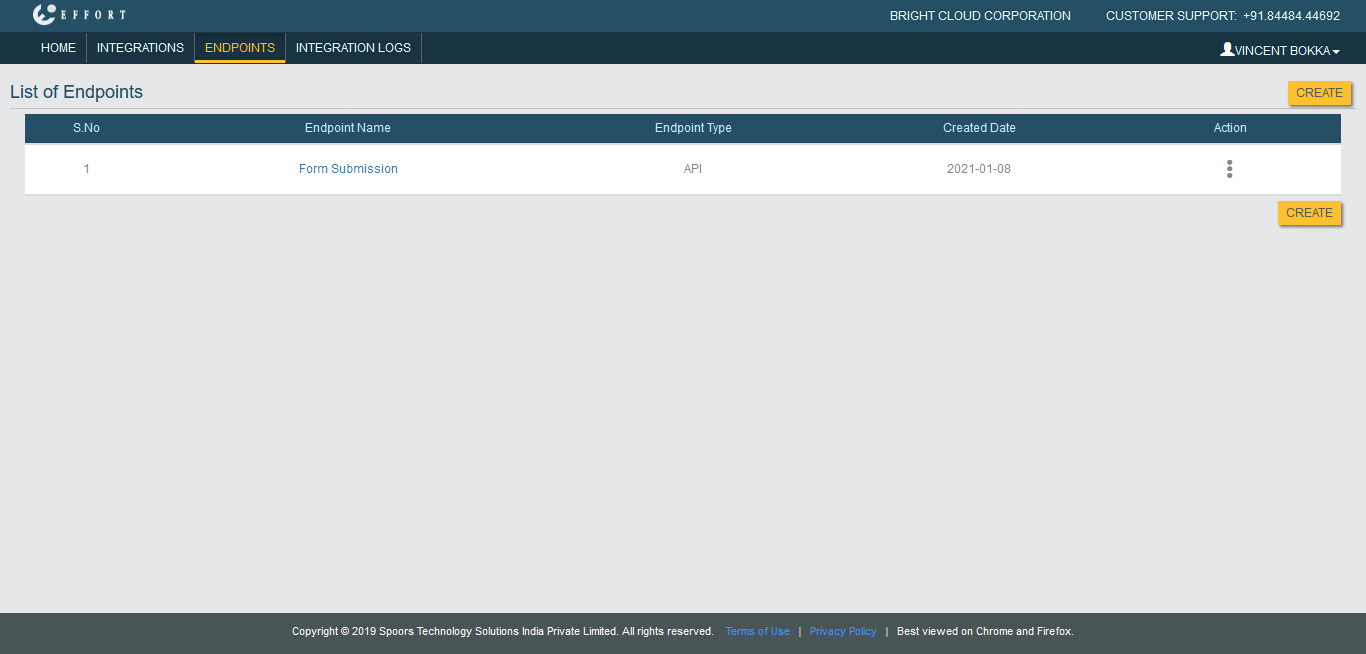
-
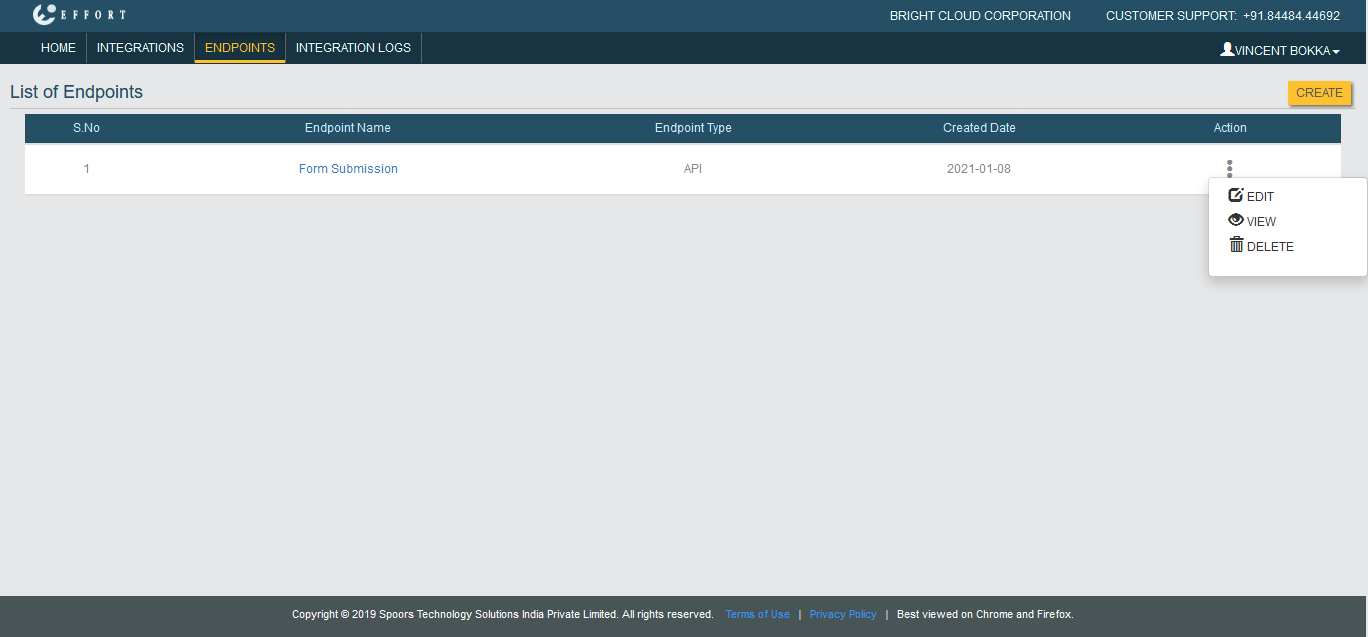
Click Edit option.
- Modify the fields as per your requirement.
- Click Save.