

Edit an Integration Configuration
To edit an integration configuration, follow the steps below.
-
Go to .
The List of Integration Configurations page appears.
-
Click pencil
 icon
under the Edit column.
icon
under the Edit column.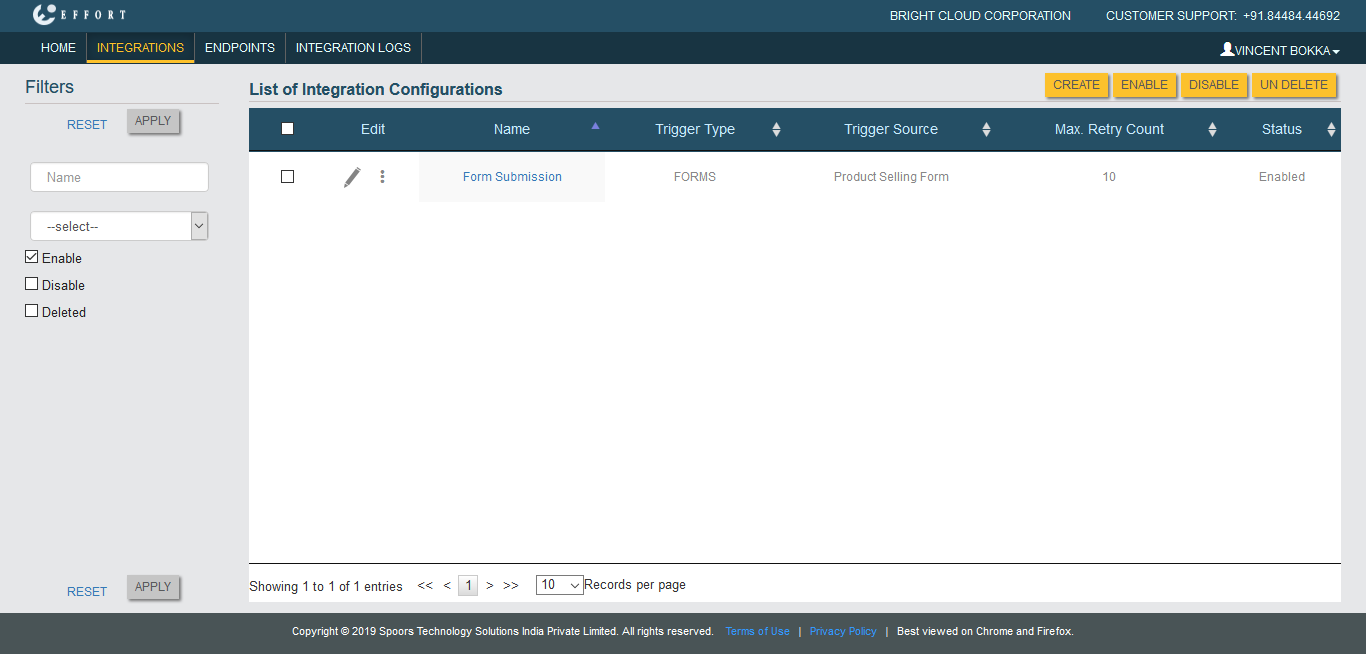
-
Modify the fields as per your requirement.
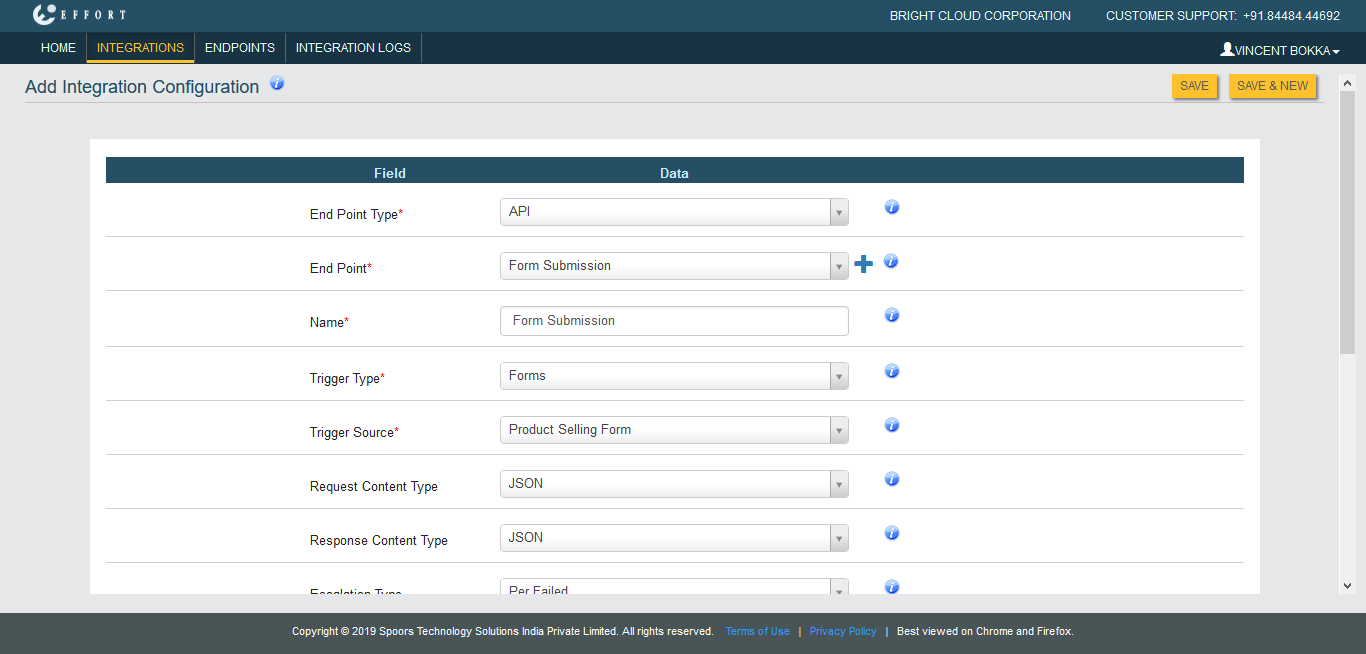
Refer to Related Information provided at the bottom to know more about the configuration fields. - Click Save.