

Create an Article
-
Go to .
Click
 on the web
app to view the Knowledge Base module.
on the web
app to view the Knowledge Base module. -
Click Create File button located on top right
corner.
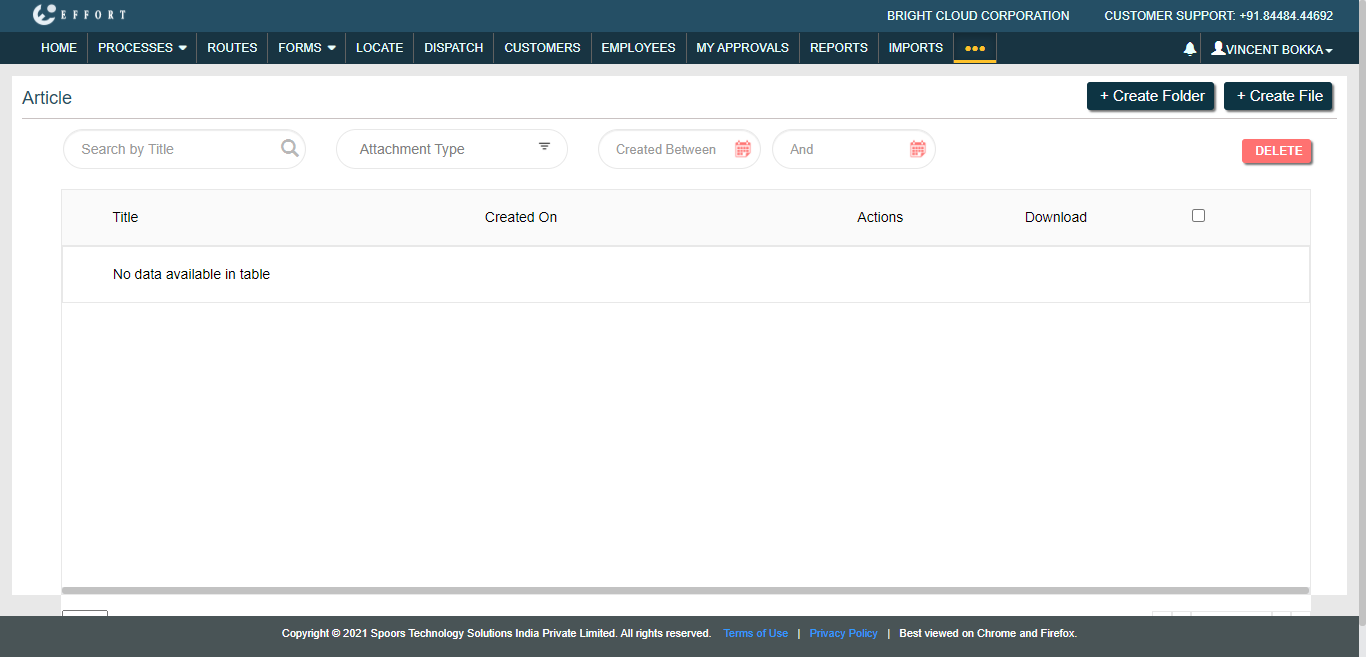
The Create Article pop-up window appears.
-
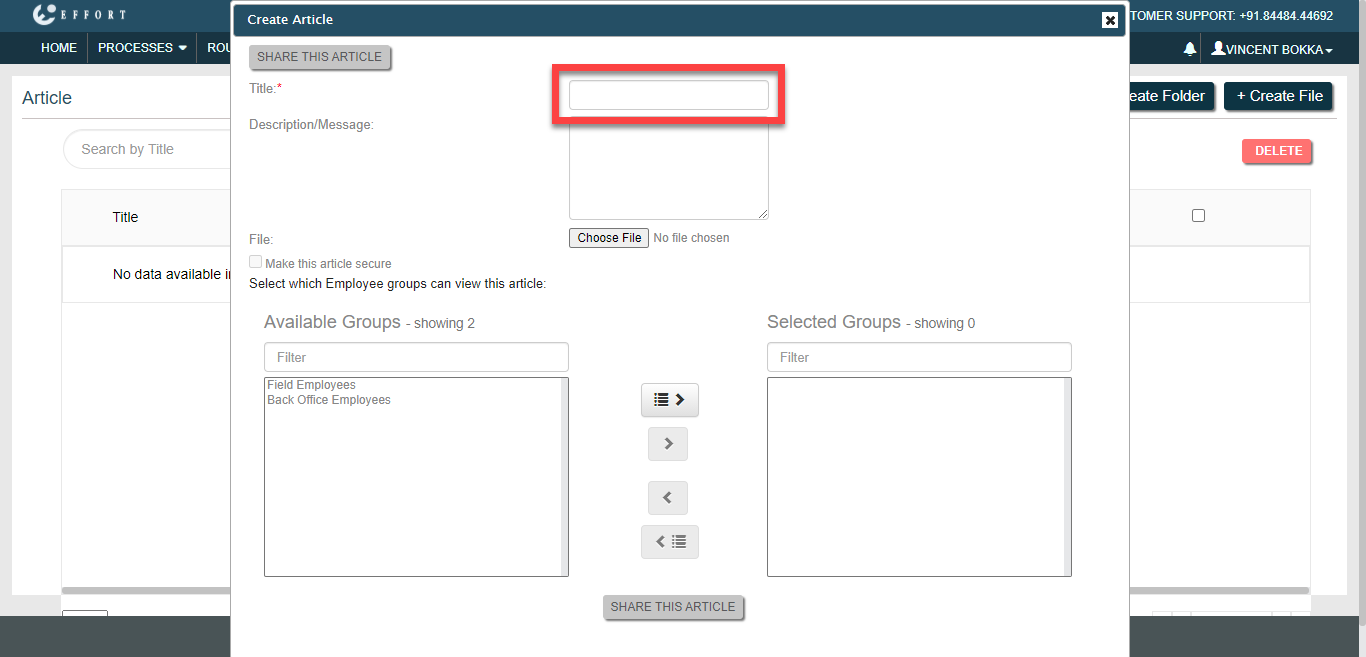
Enter a title for the article in the Title text
box.
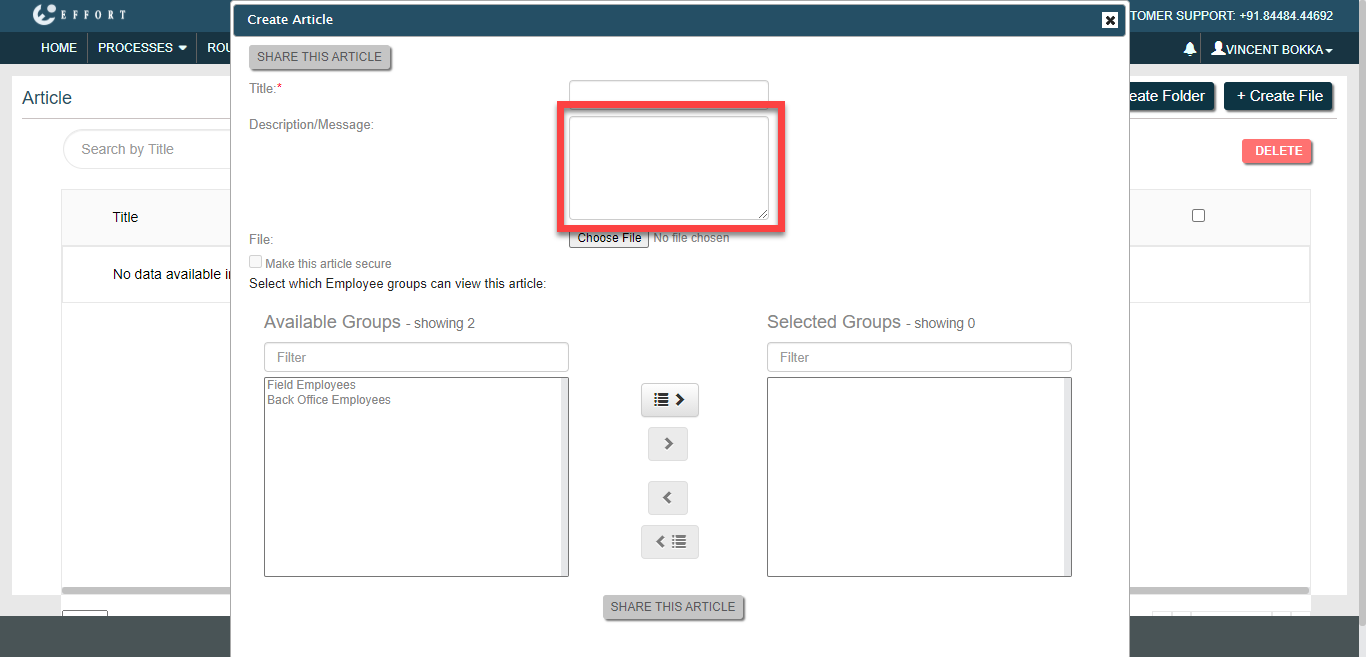
- Optional:
Enter a description for the article in the
Description/Message textbox.
-
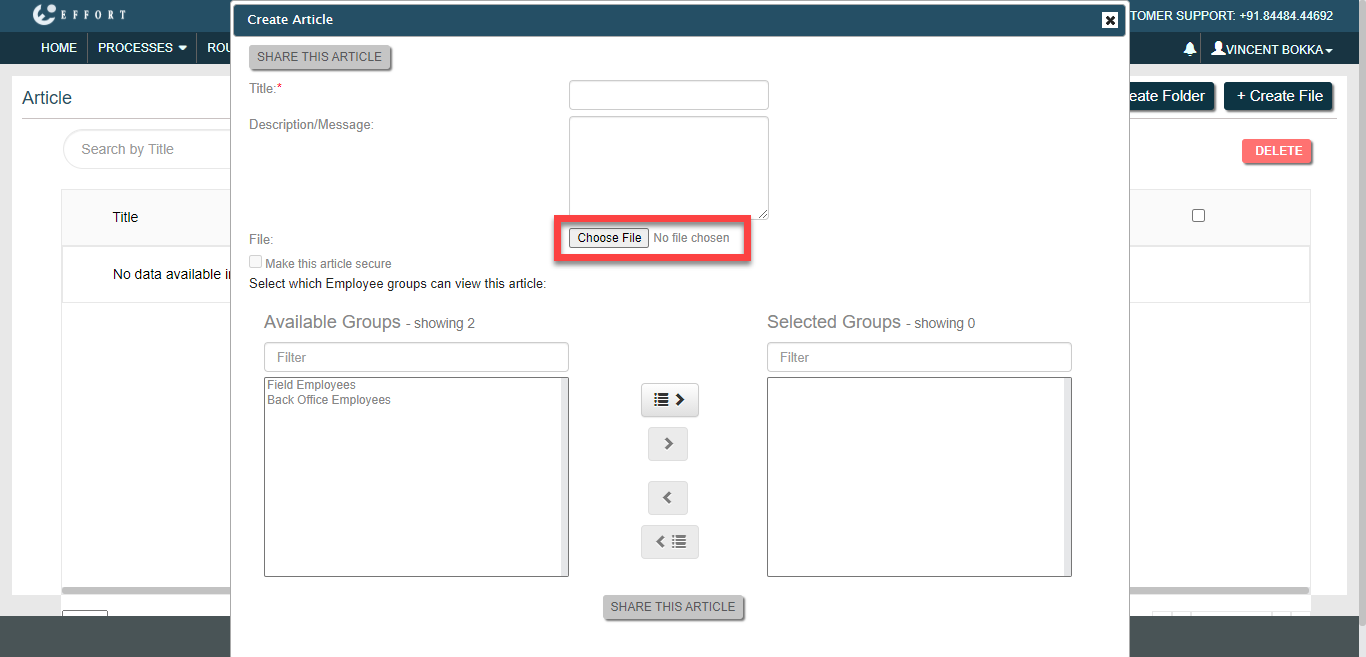
Click Choose File to select an article.
-
Select the employee groups in the Available Groups
section and click move or move all icon to move them to the Selected
Groups section.
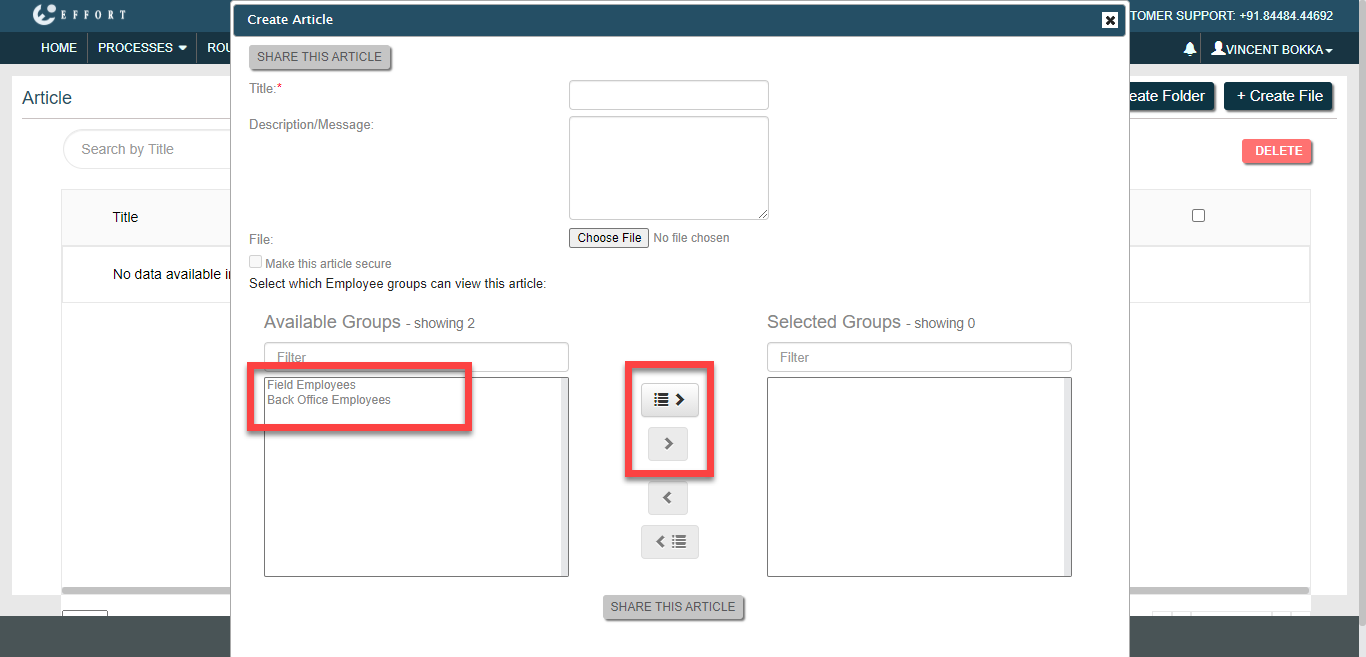
- Click Share This Article button.