

Delete a Folder
-
Go to
Click
 on the web
app to view the Knowledge Base module.
on the web
app to view the Knowledge Base module. -
Click checkboxes to select the articles.
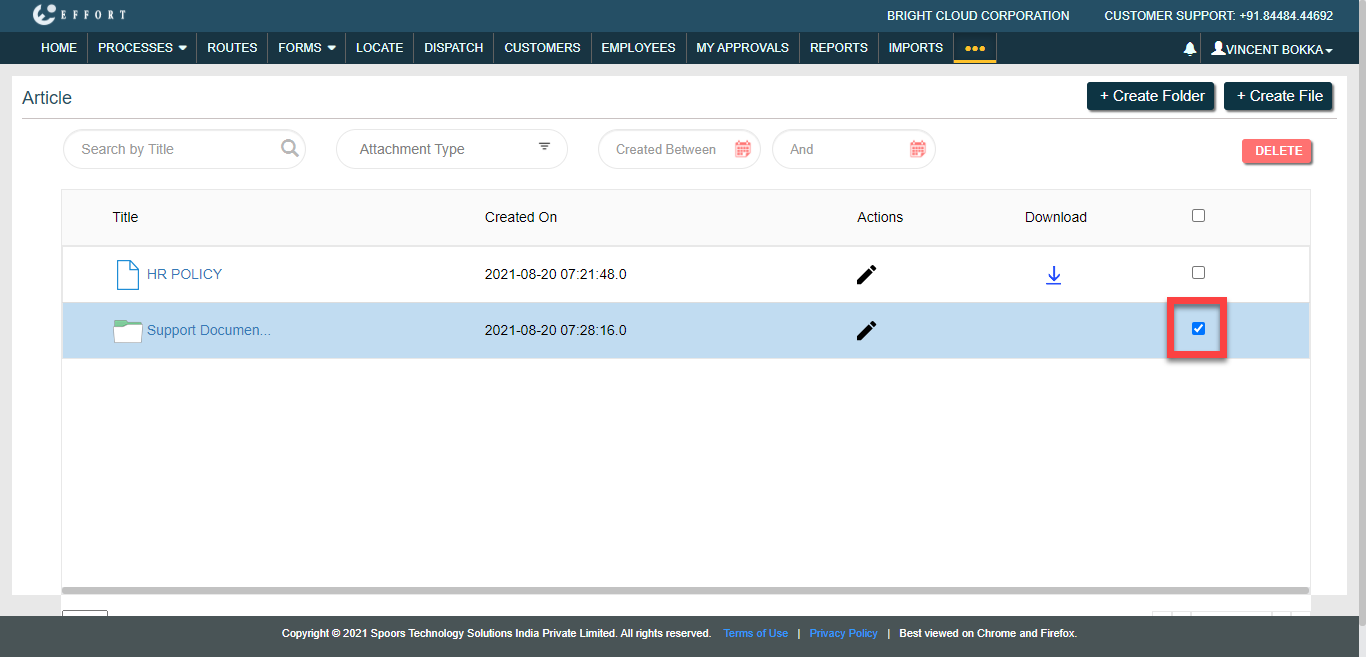
- Click Delete button to delete the selected folders.
- Click OK in the confirmation pop-up.