View Knowledge Base Articles in the Mobile App
- Tap Knowledge Base on the Home screen.
-
Tap an article which you want to view.
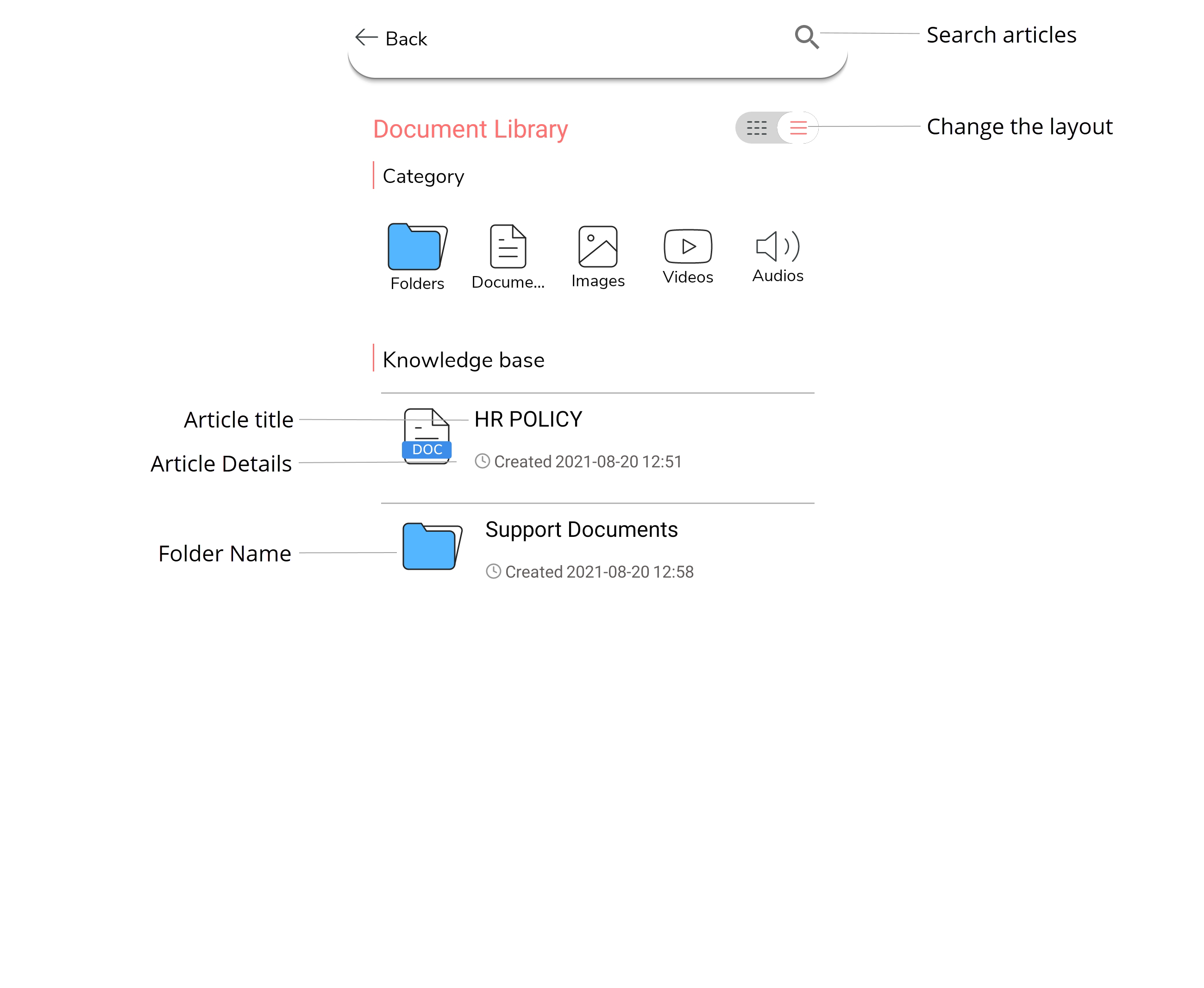
Tap folder name if you want to view the list of articles in the folder. -
Tap Request For Download button to download the
article.
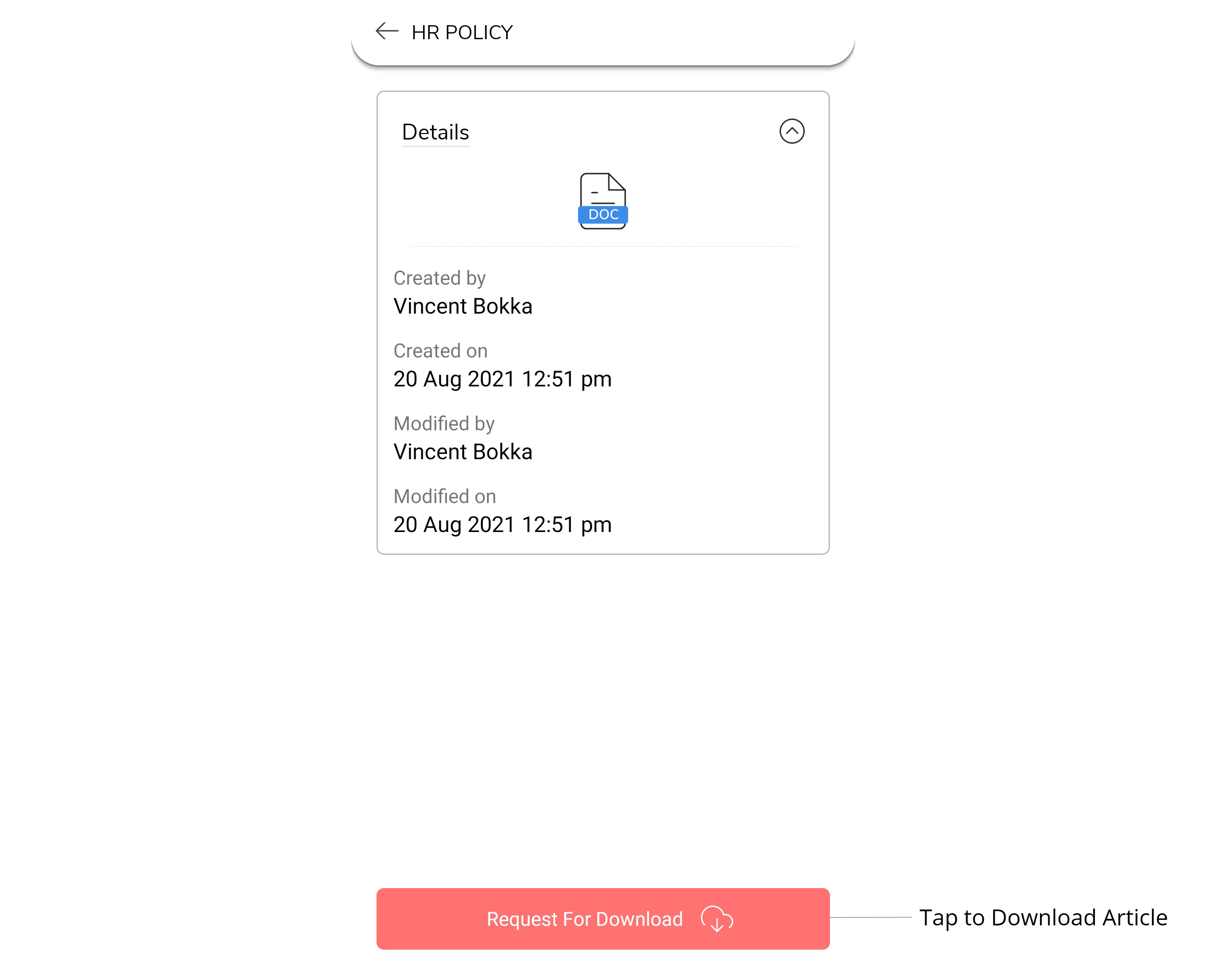
- Wait until the download gets completed.
-
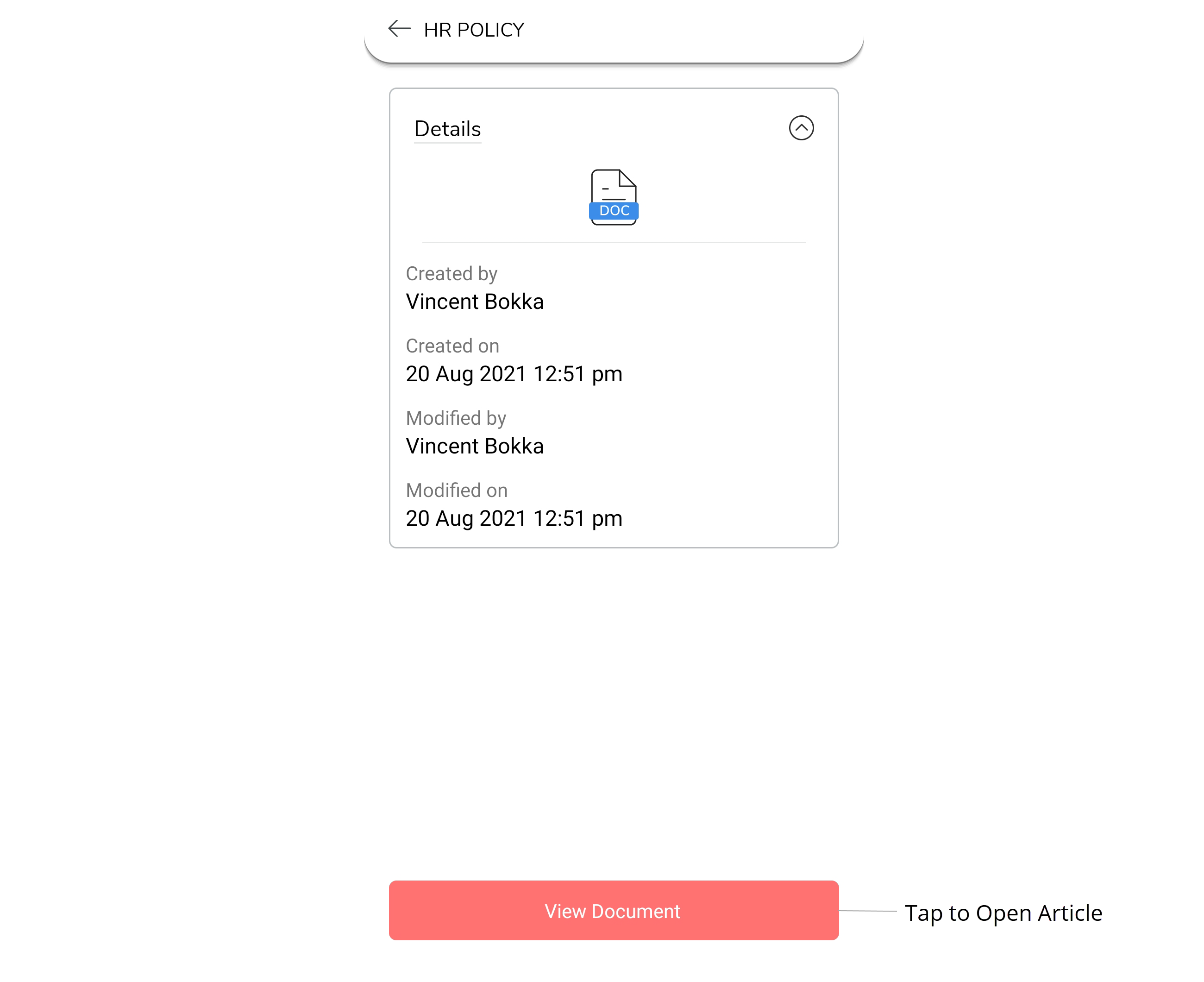
Click View Document button to view the article.