

Edit An Article
-
Go to .
Click
 on the web
app to view the Knowledge Base module.
on the web
app to view the Knowledge Base module. -
Click pencil
 icon
under the Actions column.
icon
under the Actions column.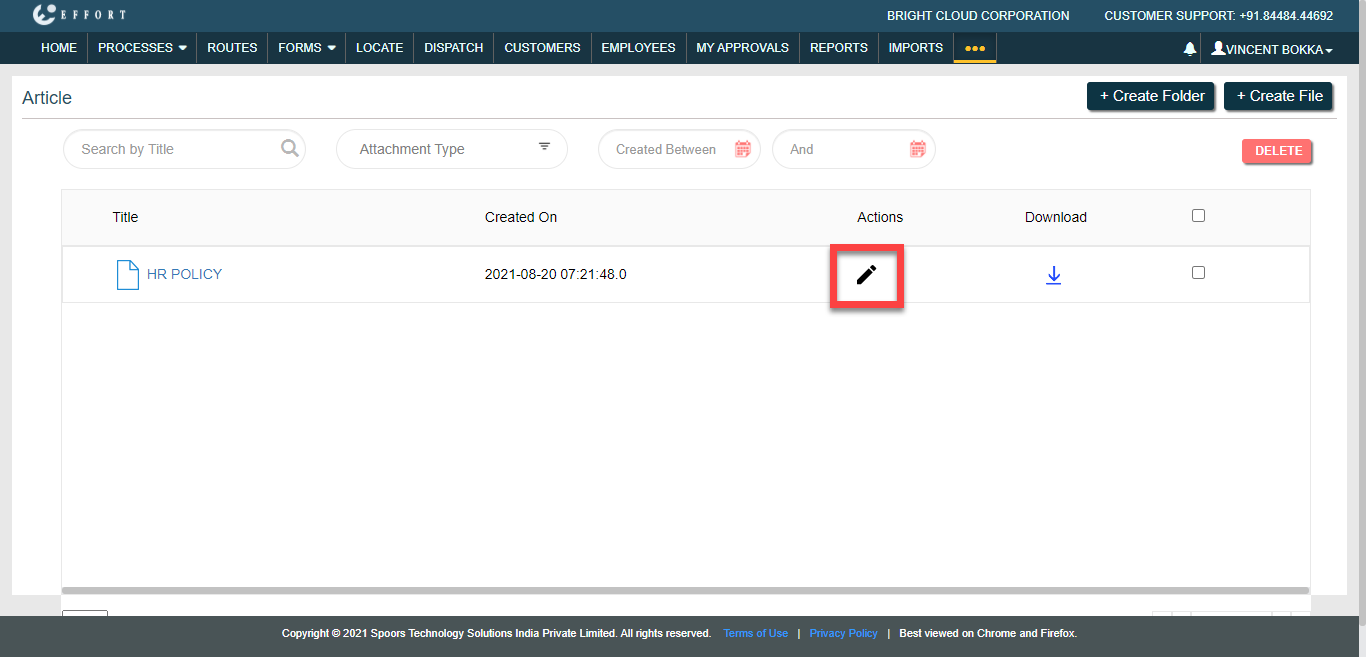
The Modify pop-up window appears.
-
Edit the fields as per your requirement.
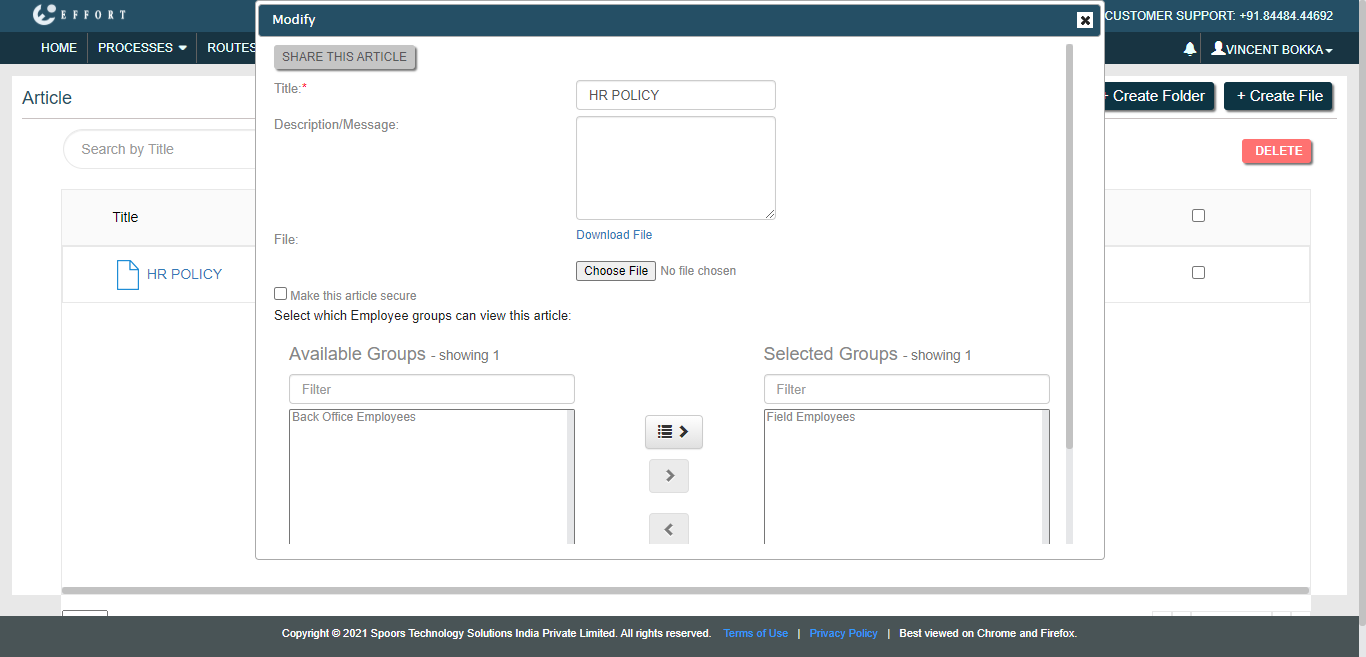
- Click Share This Article.