

Optimize a Route Plan
Optimizing a day plan re-orders the customers such that all of them can be visited with minimum amount of travel.
-
Go to .
The Assigned Route Plan page appears.
-
Click the
 icon in the Route Plan section.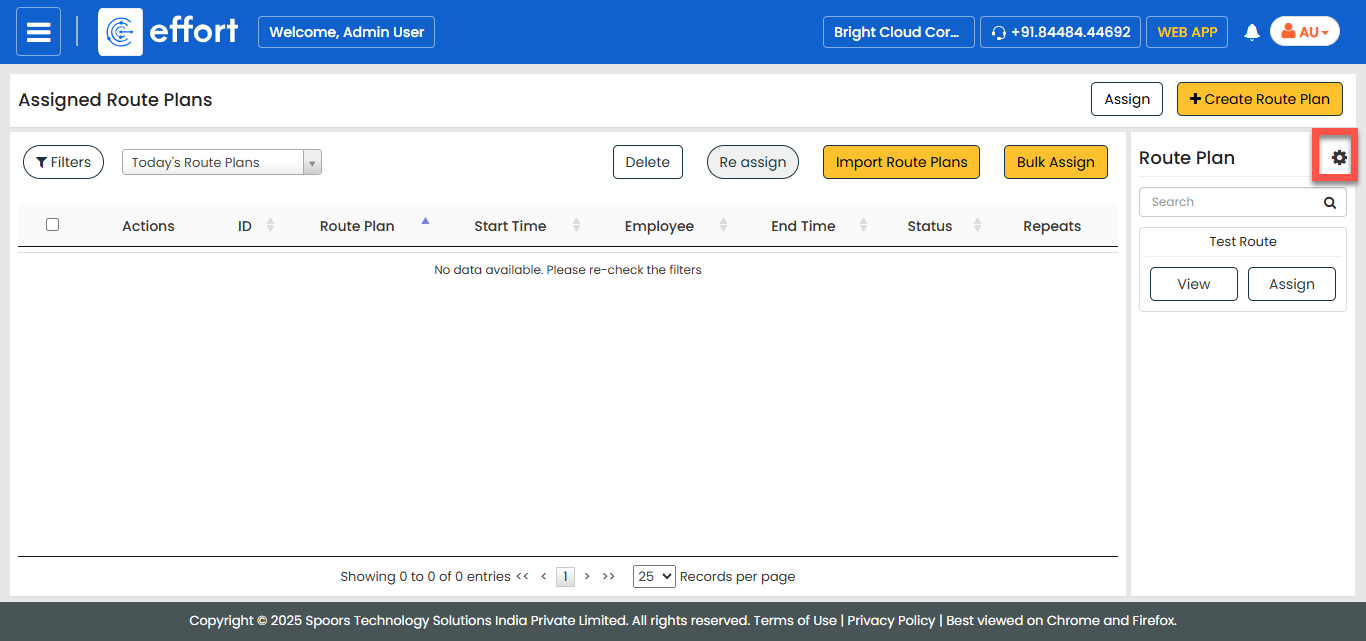
-
Under the Actions column, click the edit
 icon corresponding to the route plan you want to modify.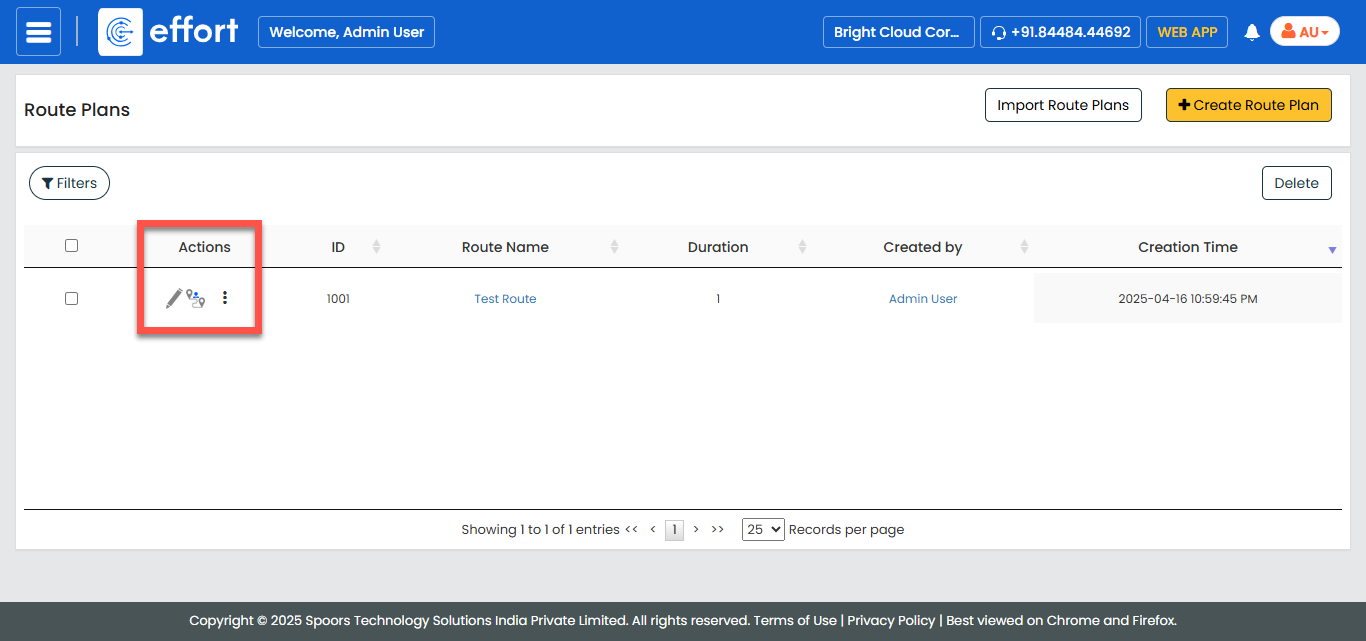
-
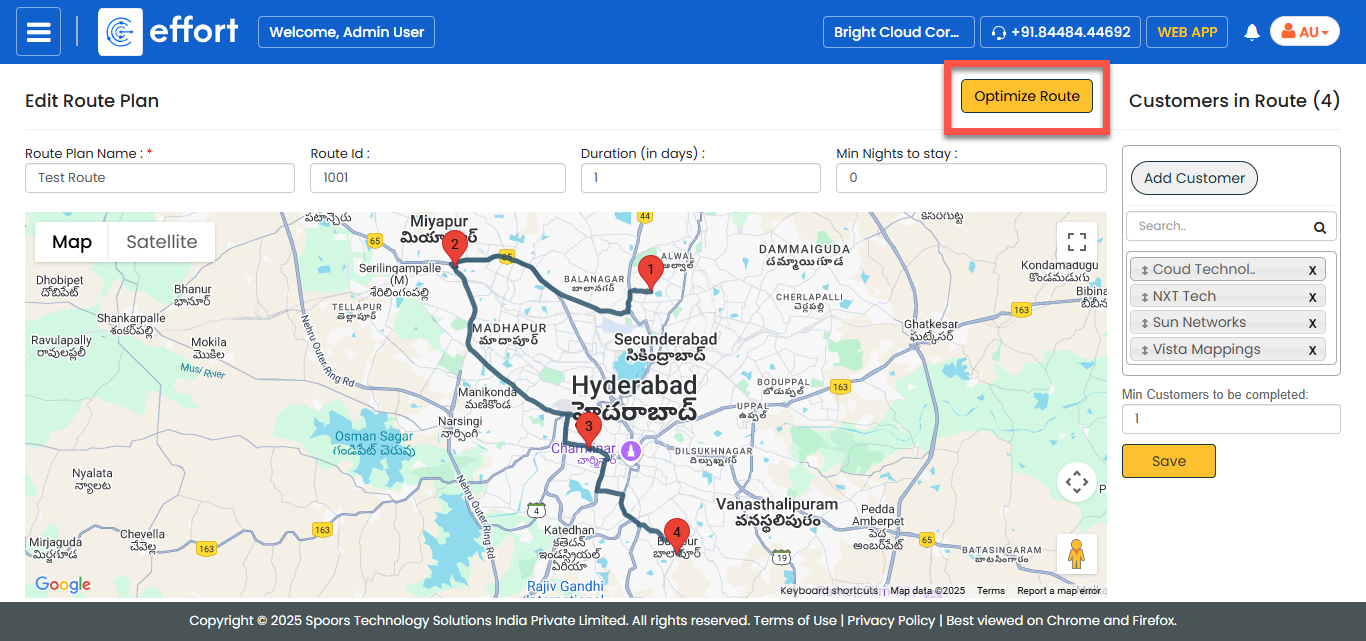
Click the OPTIMIZE ROUTE button.
-
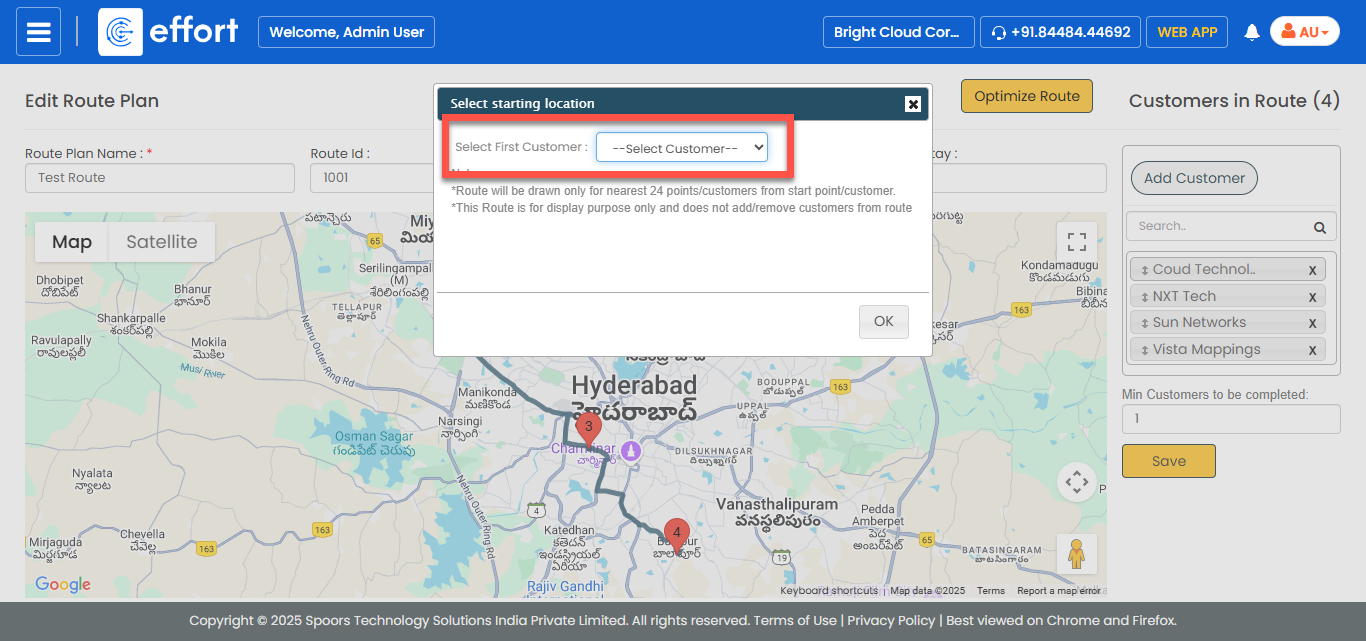
Select the customer you want to visit first and click
OK.
- Optional:
Re-order the customers further in the customers panel shown on the right, using
the drag-and-drop interface.
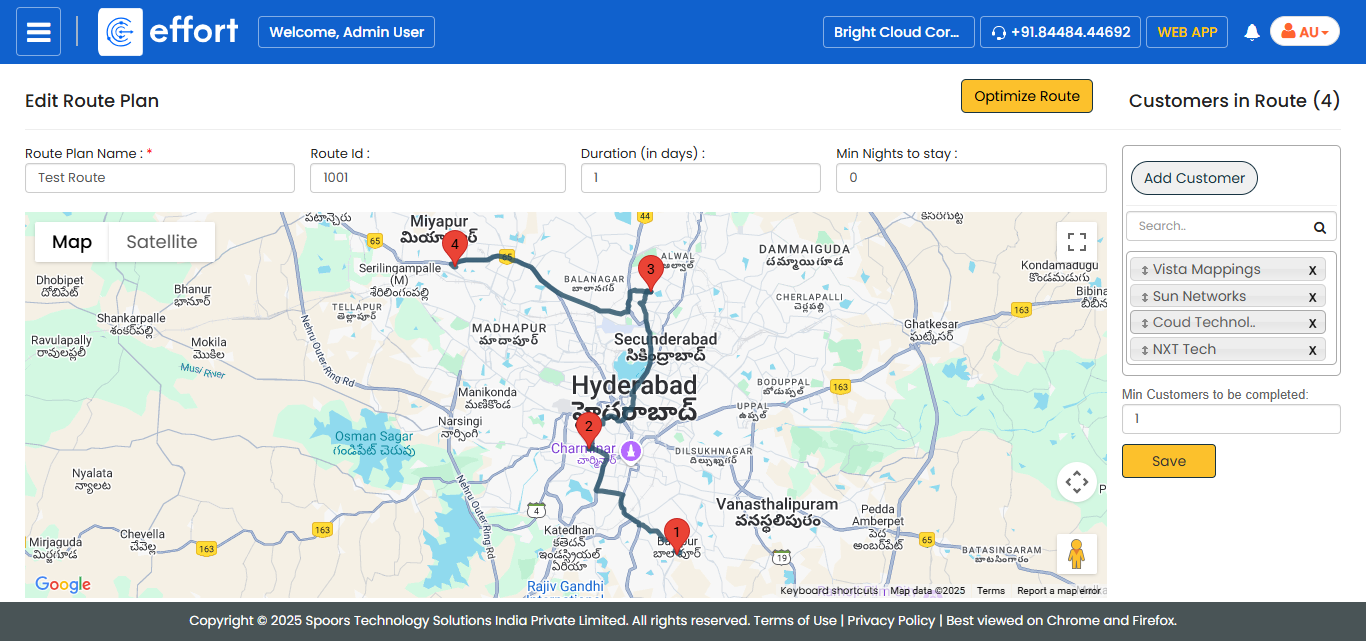
Numbered markers and the order in which the customers are shown in the right panel indicate the order in which customers should be visited. - Click SAVE.