Accept a Work Invitation
This topic helps you understand how to accept a work invitation from your mobile app. When a work is assigned to you by another user or team, it appears as a pending invitation which you can choose to approve.
-
On the Home screen, do one of the following:
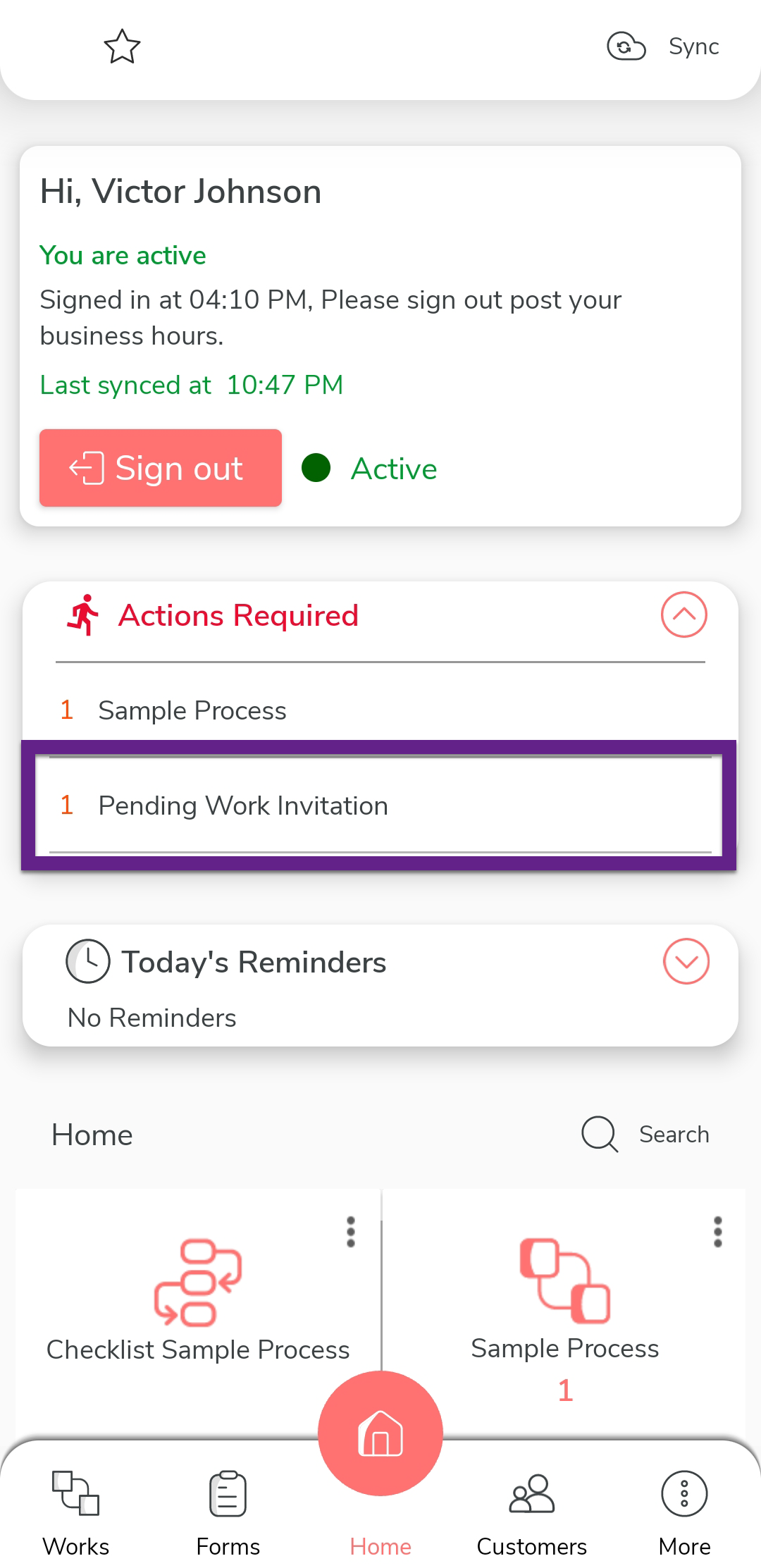
- Tap the 1 Pending Work Invitation banner.
(OR)
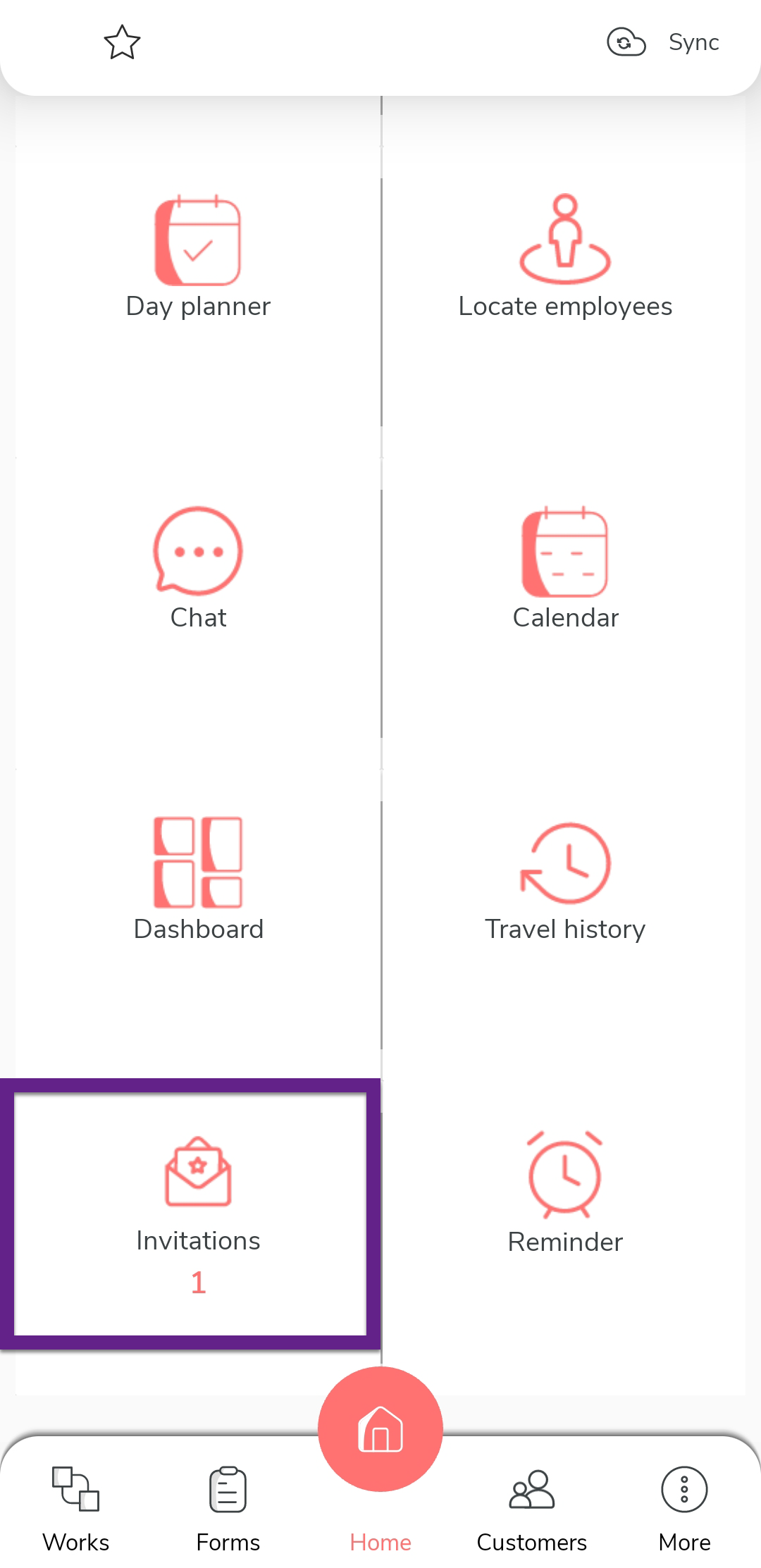
- Tap the Invitations card.
- Tap the 1 Pending Work Invitation banner.
(OR)
-
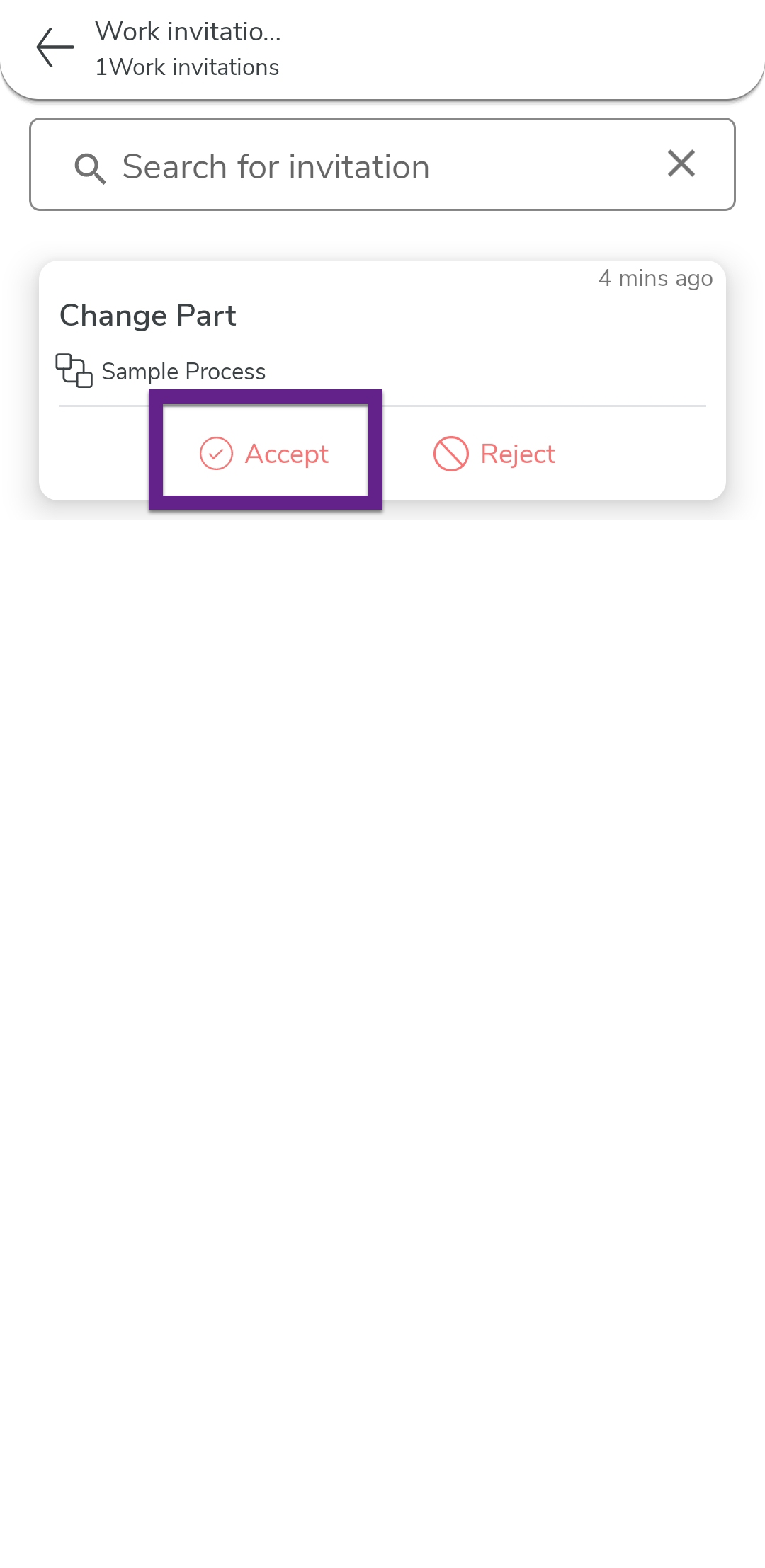
Review the list of pending invitations.

-
Tap Approve option for the work invitation you want to
accept.
Note: Once approved, the work will move to your active works list and you can proceed with the assigned actions. -
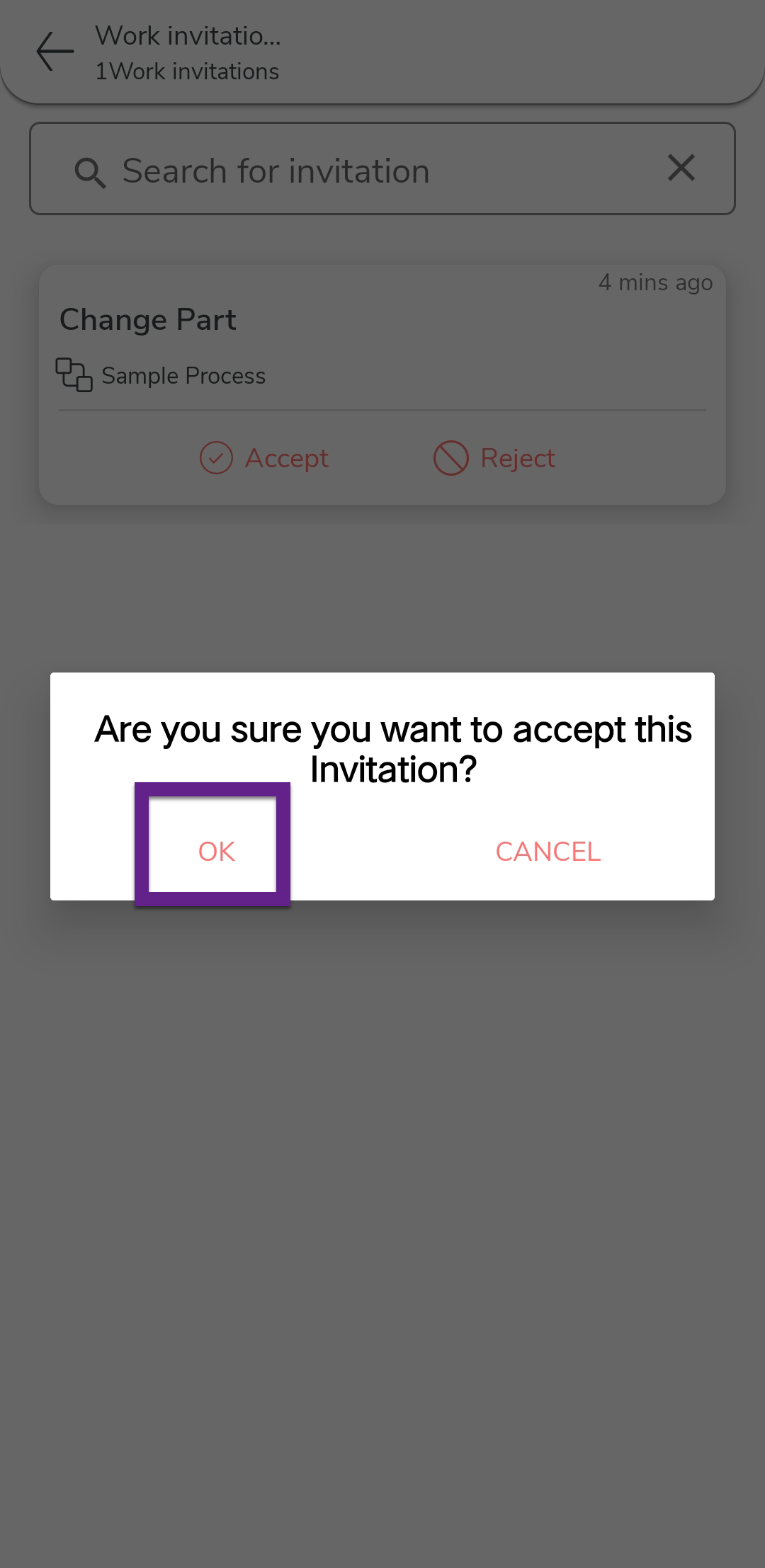
In the confirmation dialog, tap OK.