Set a Work as Favorite
This topic helps you understand how to mark a work entry as favorite in the mobile app. Marking important work entries as favorites allows you to quickly access them without searching through the entire list.
-
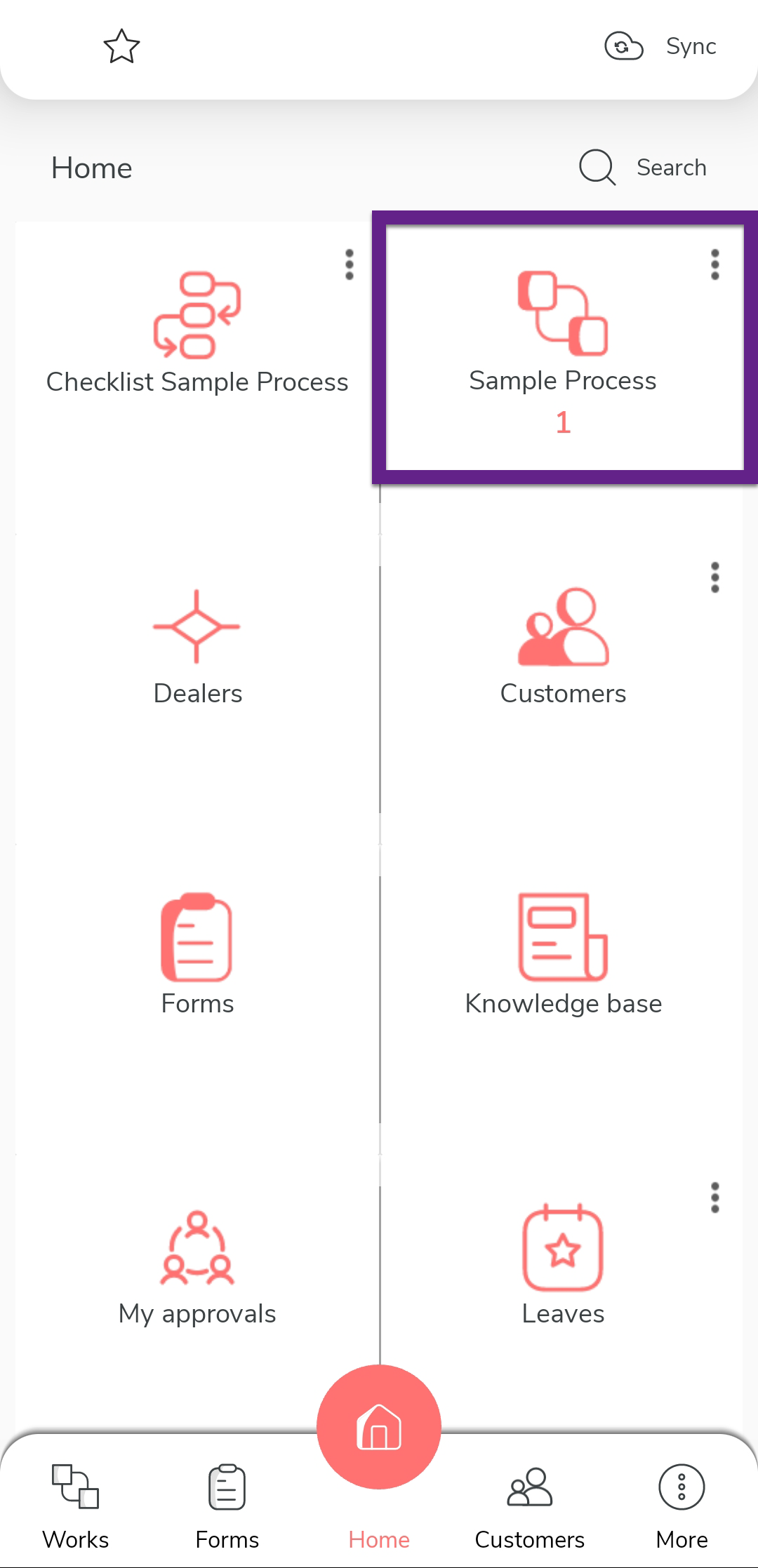
Tap the process on the home screen.
-
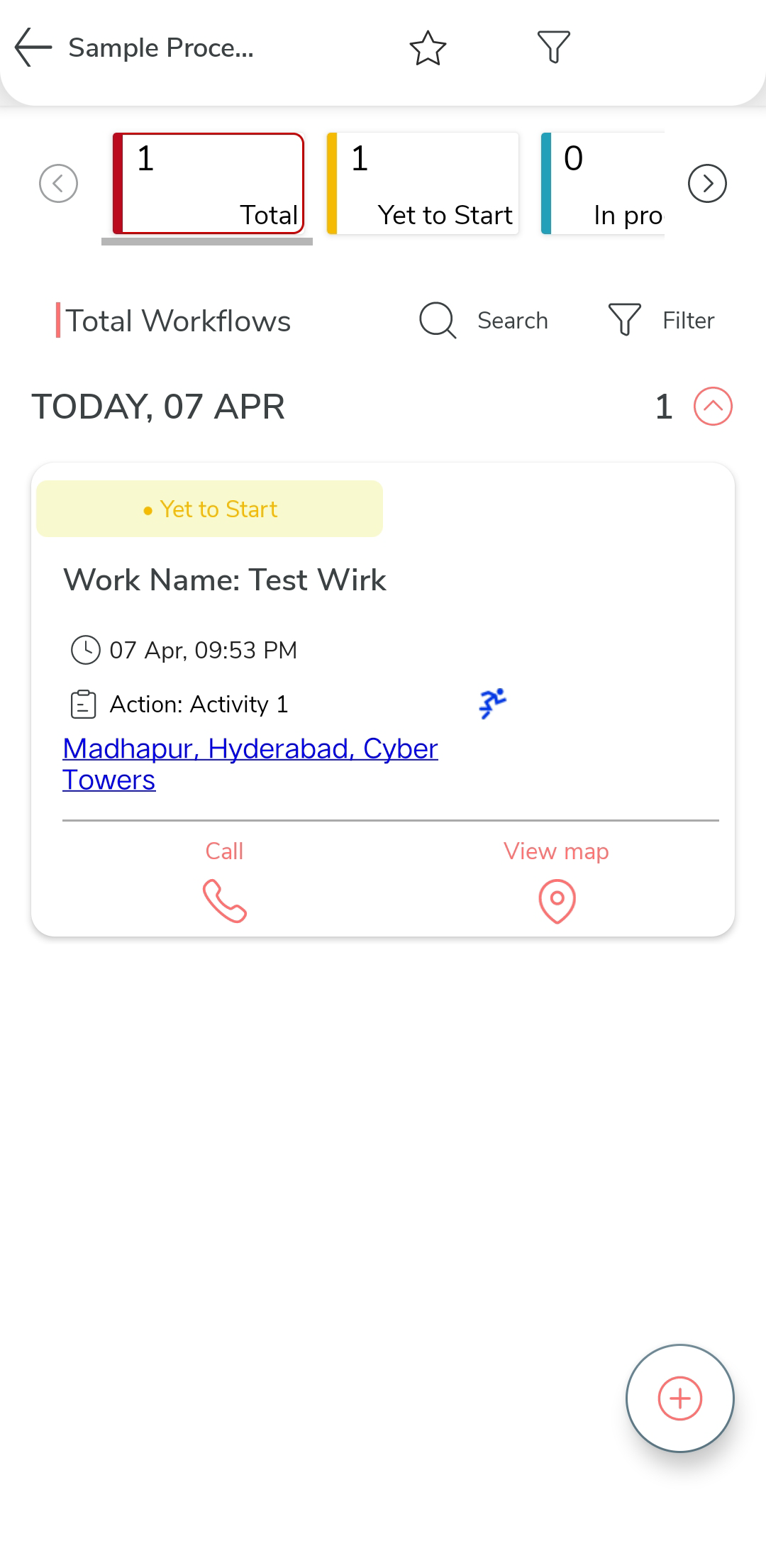
Tap on the specific work you want to mark as favorite.
-
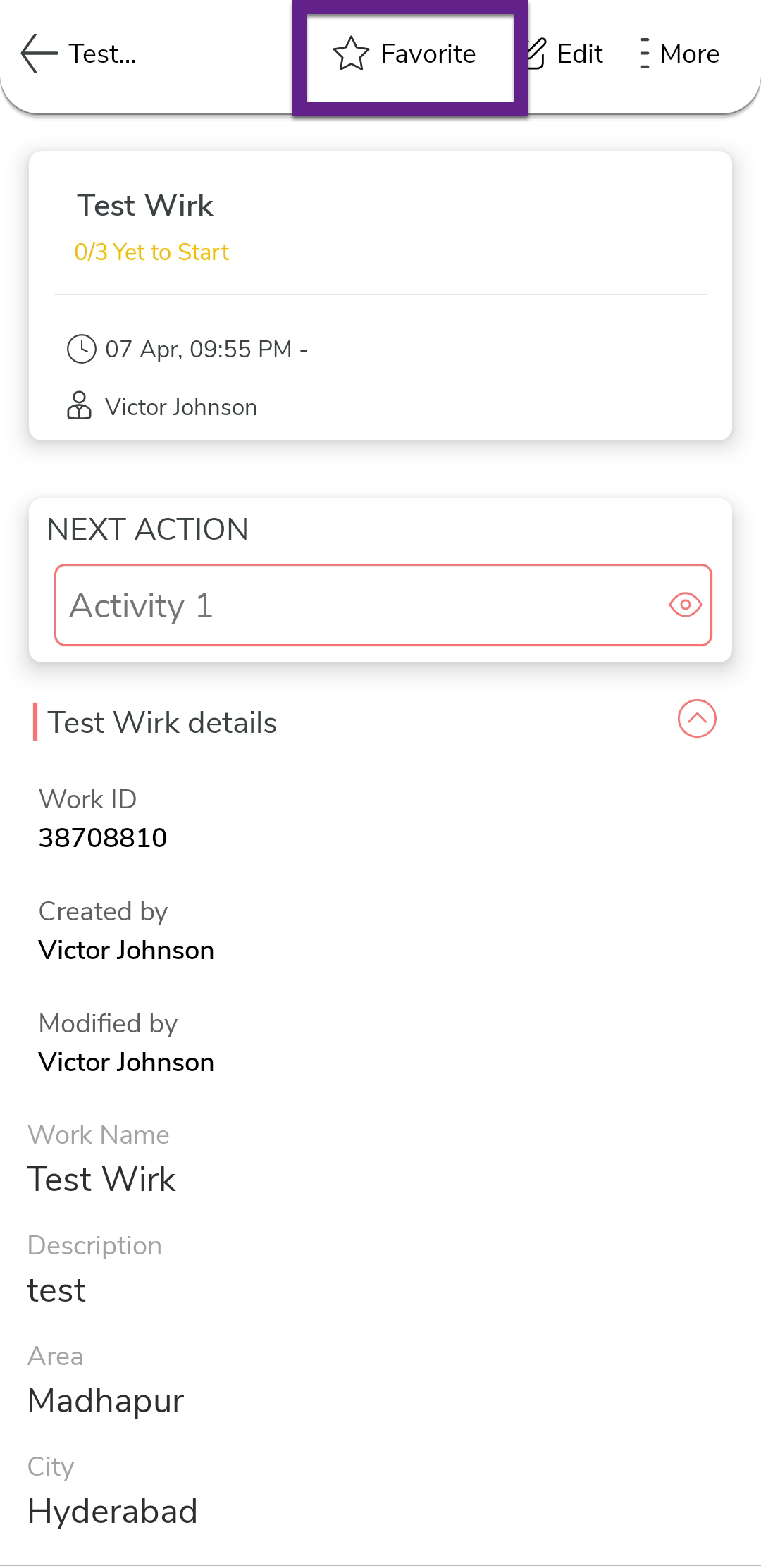
Tap the Favorite option to set the work as
favorite.