Complete a Work in Mobile App
This topic helps you understand how to complete a work entry using the mobile app. A work may include one or more activities that need to be completed, such as filling out forms or performing field activities.
-
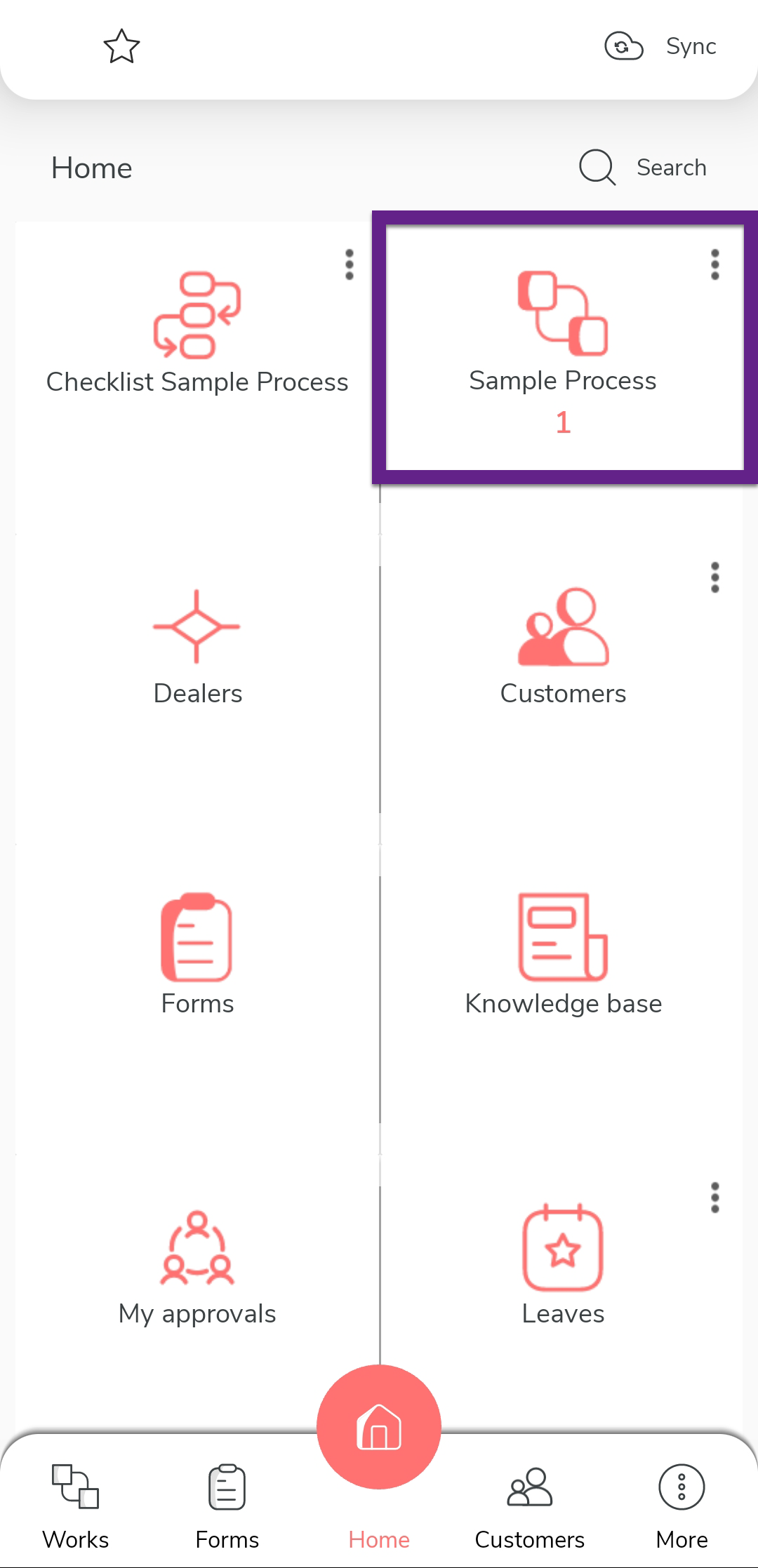
Tap the process on the home screen.
-
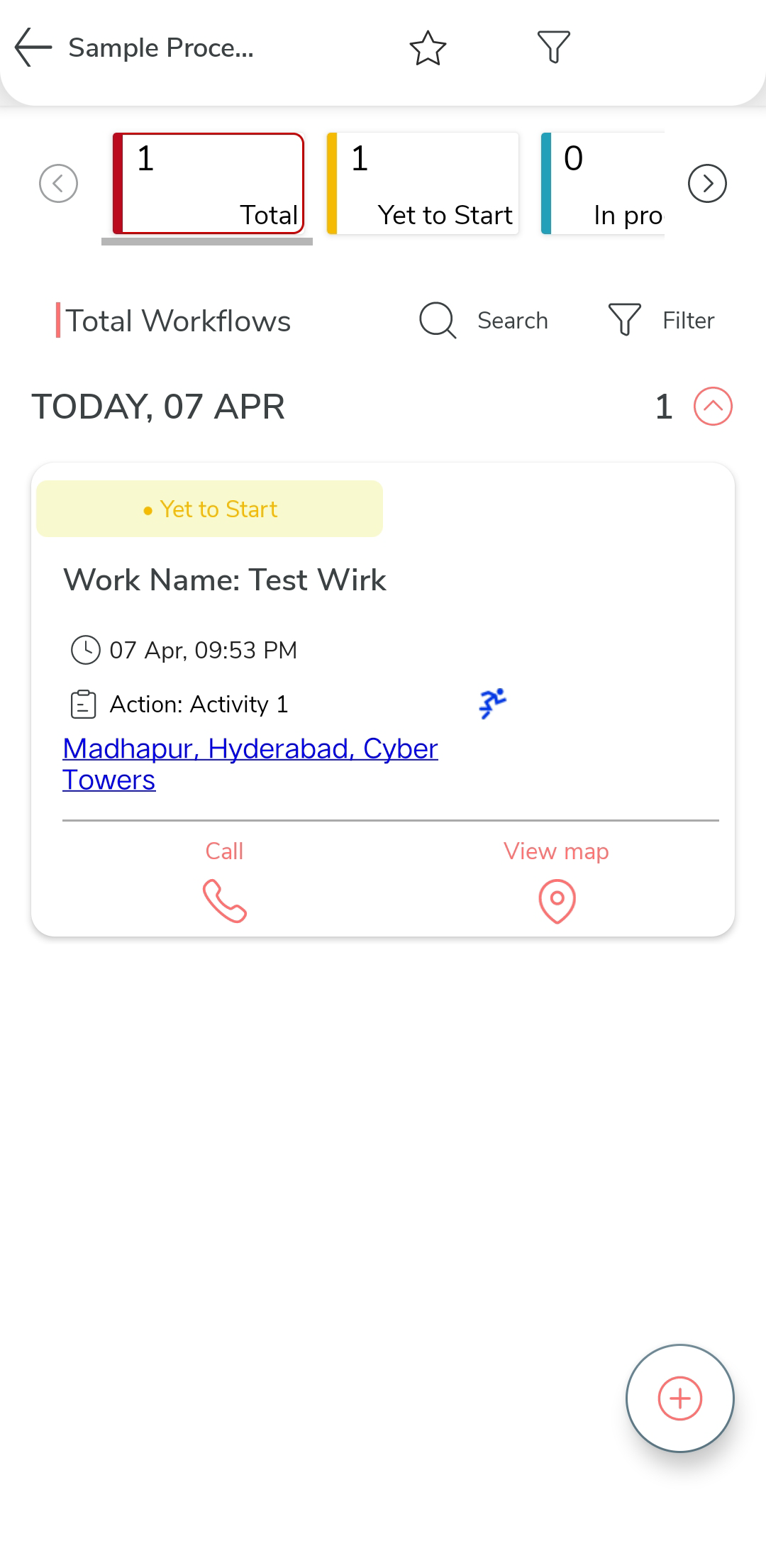
Tap on the specific work you want to complete.
-
Under the Next Action section, tap the start activity
you want to initiate.
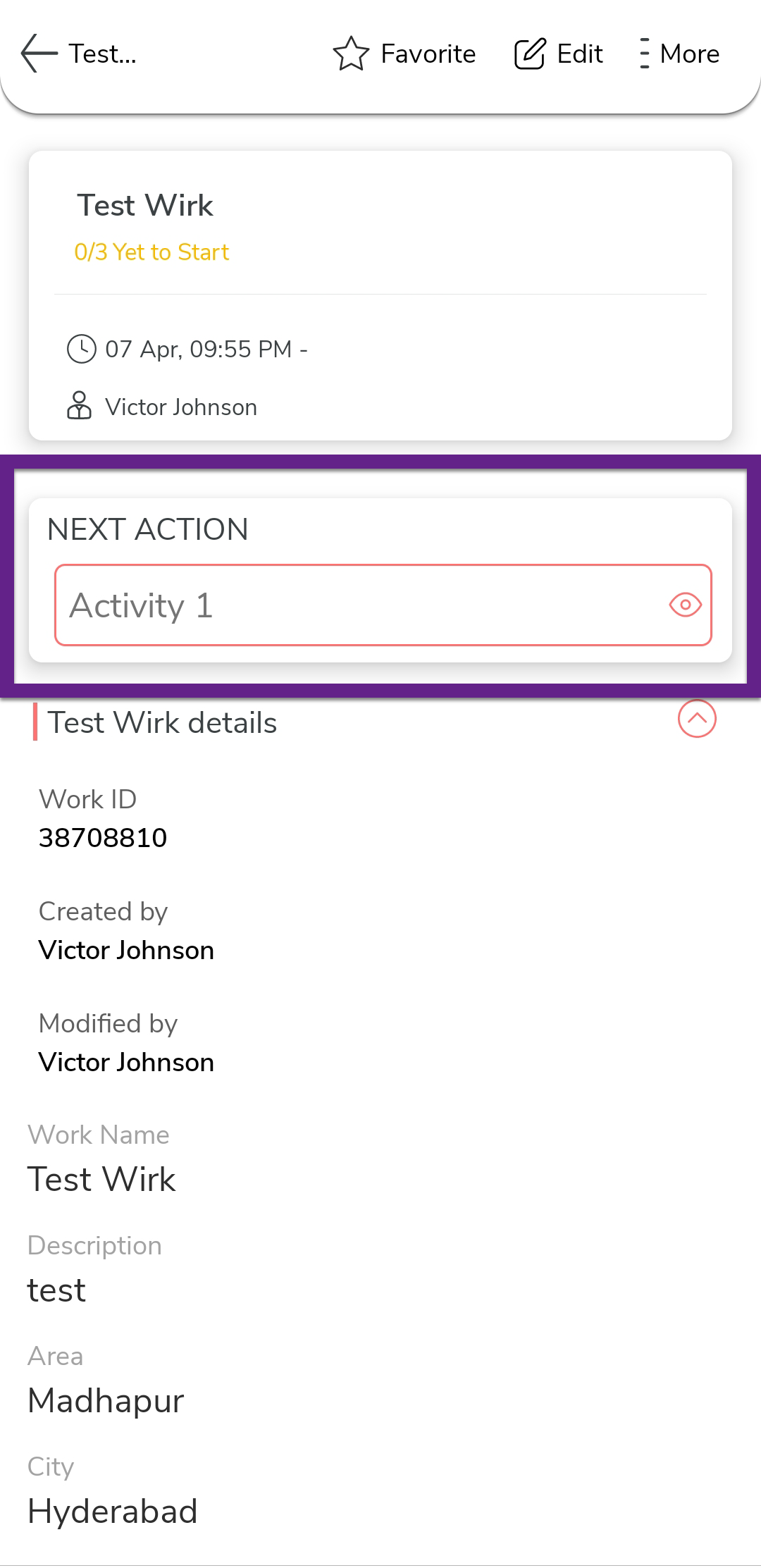
Note: A process can have multiple Start Actions based on its configuration. If multiple Start Actions are available, tap the one you want to initiate to begin the workflow. -
Fill in the activity form, and then tap Save.
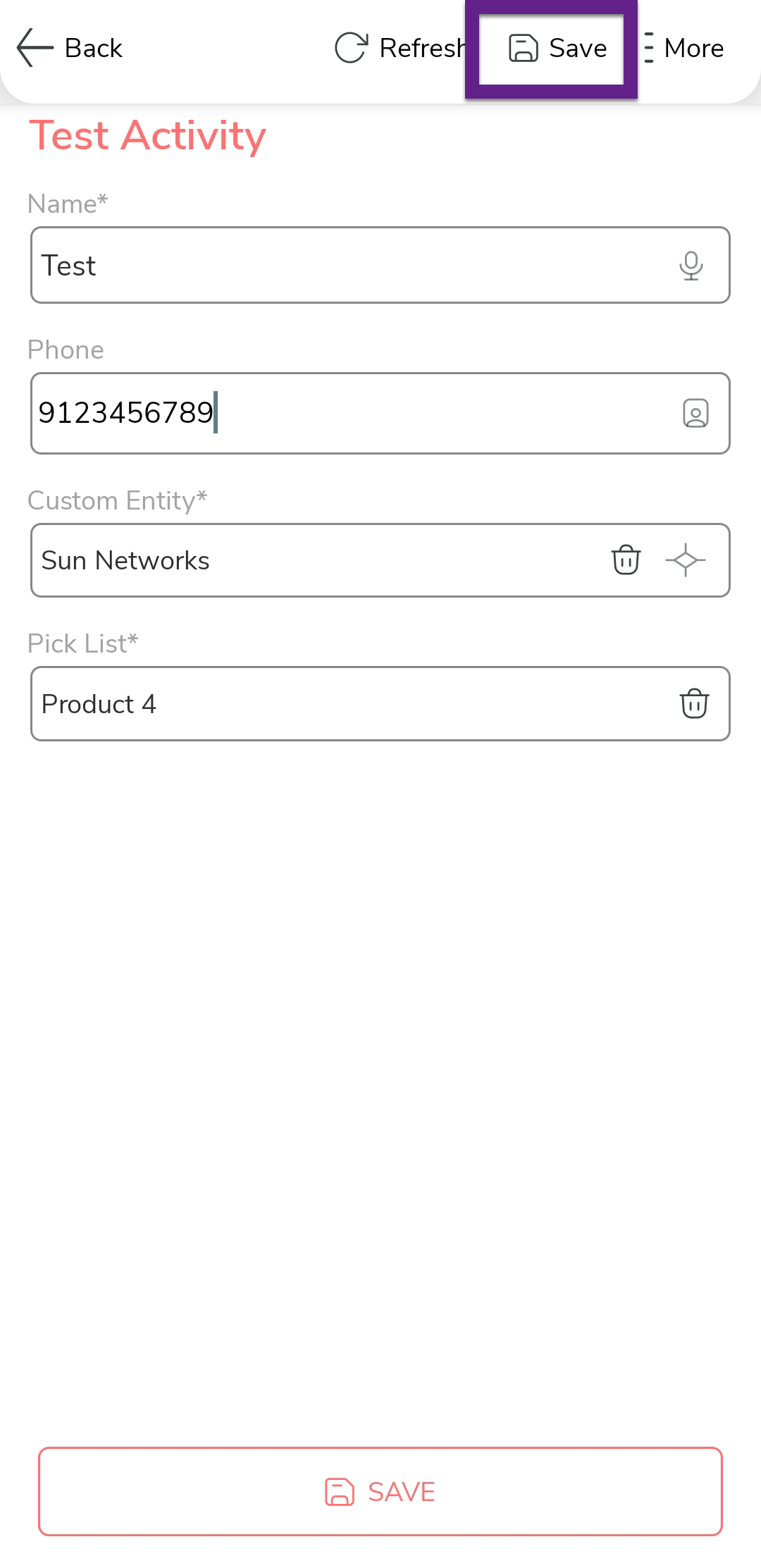
-
In the confirmation dialog, tap Save.
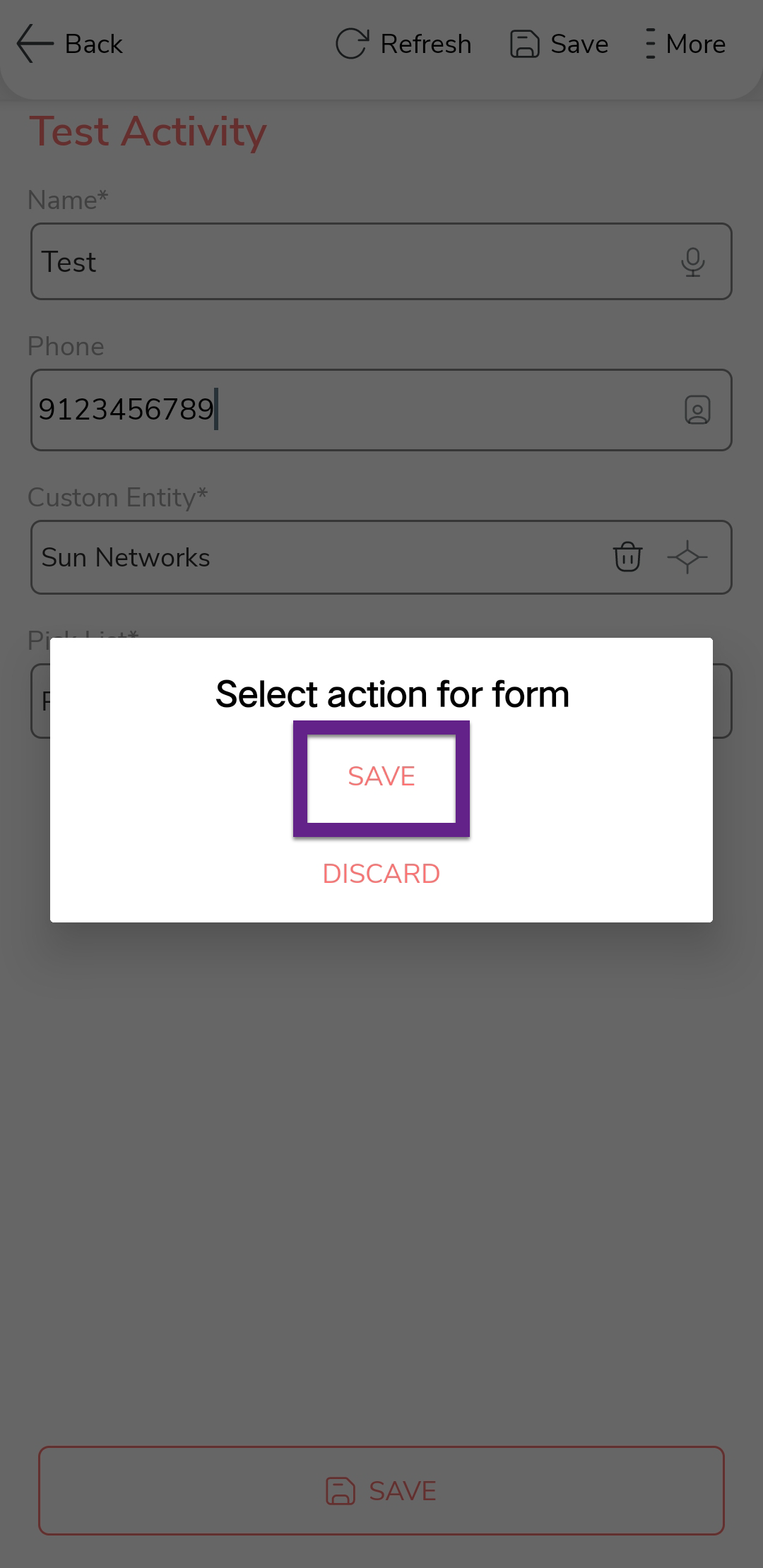
-
Tap the next activity to proceed with the following step in the workflow.
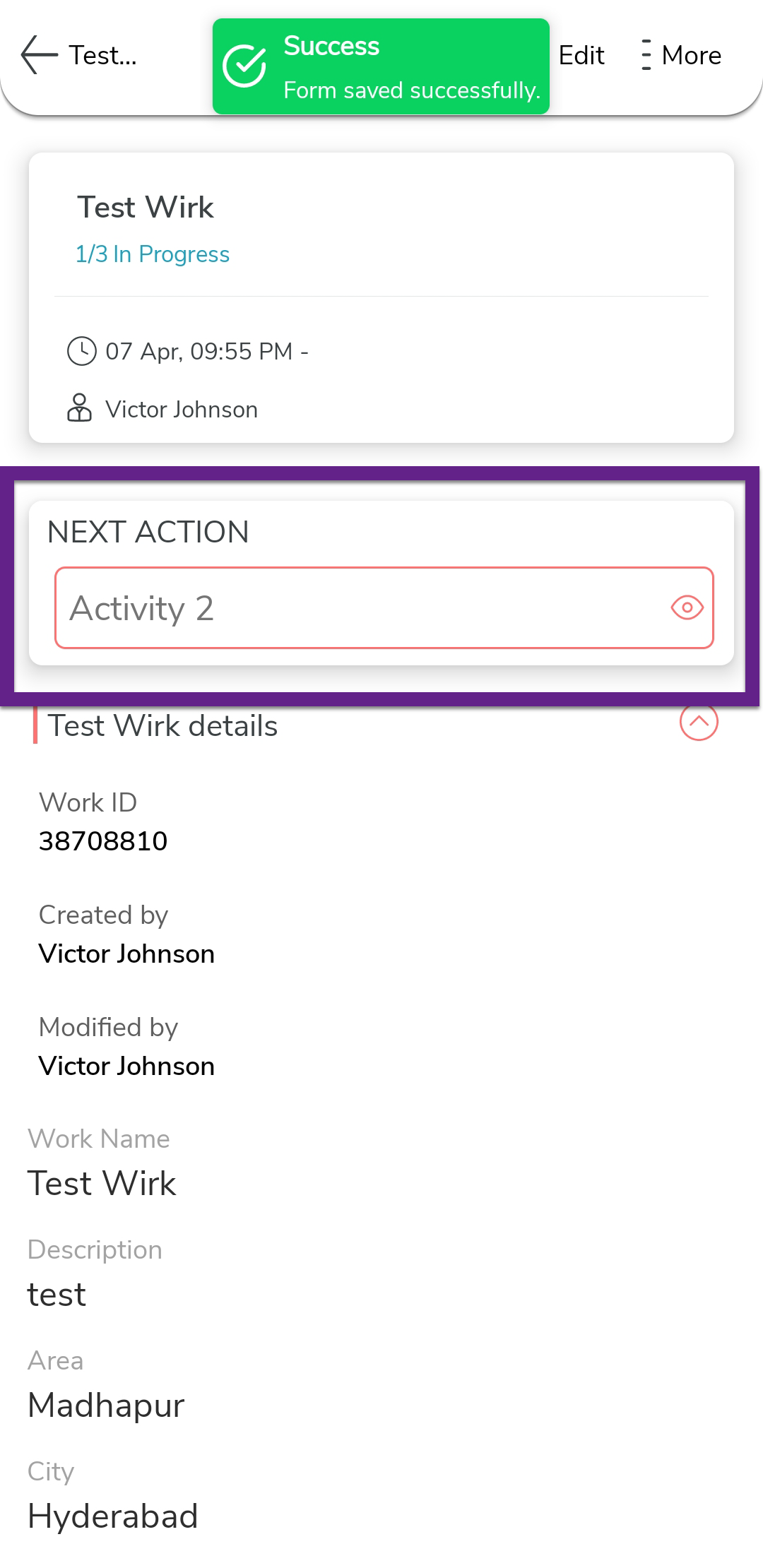
-
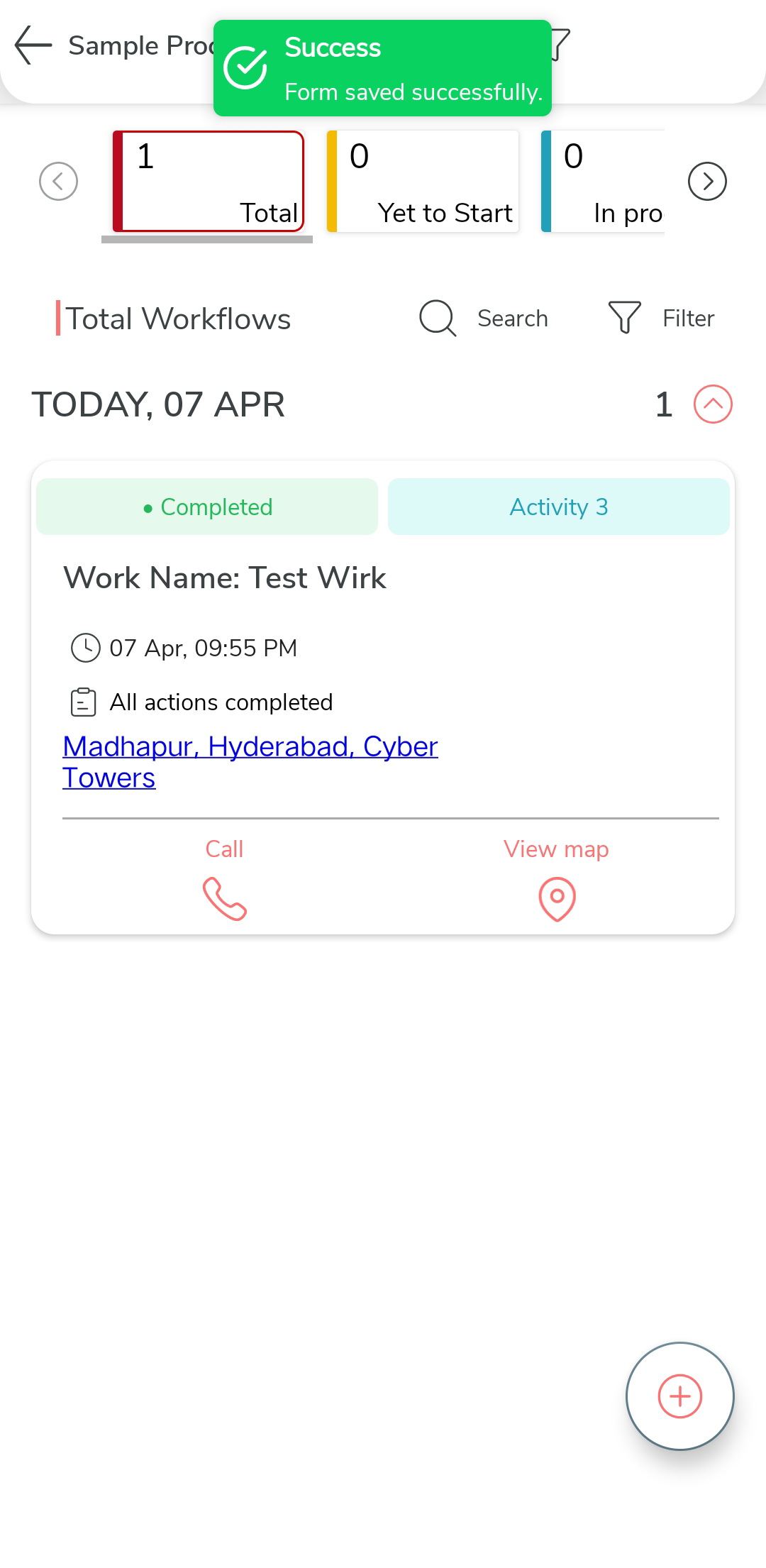
Repeat the process until all actions are completed and the work is marked as
complete.