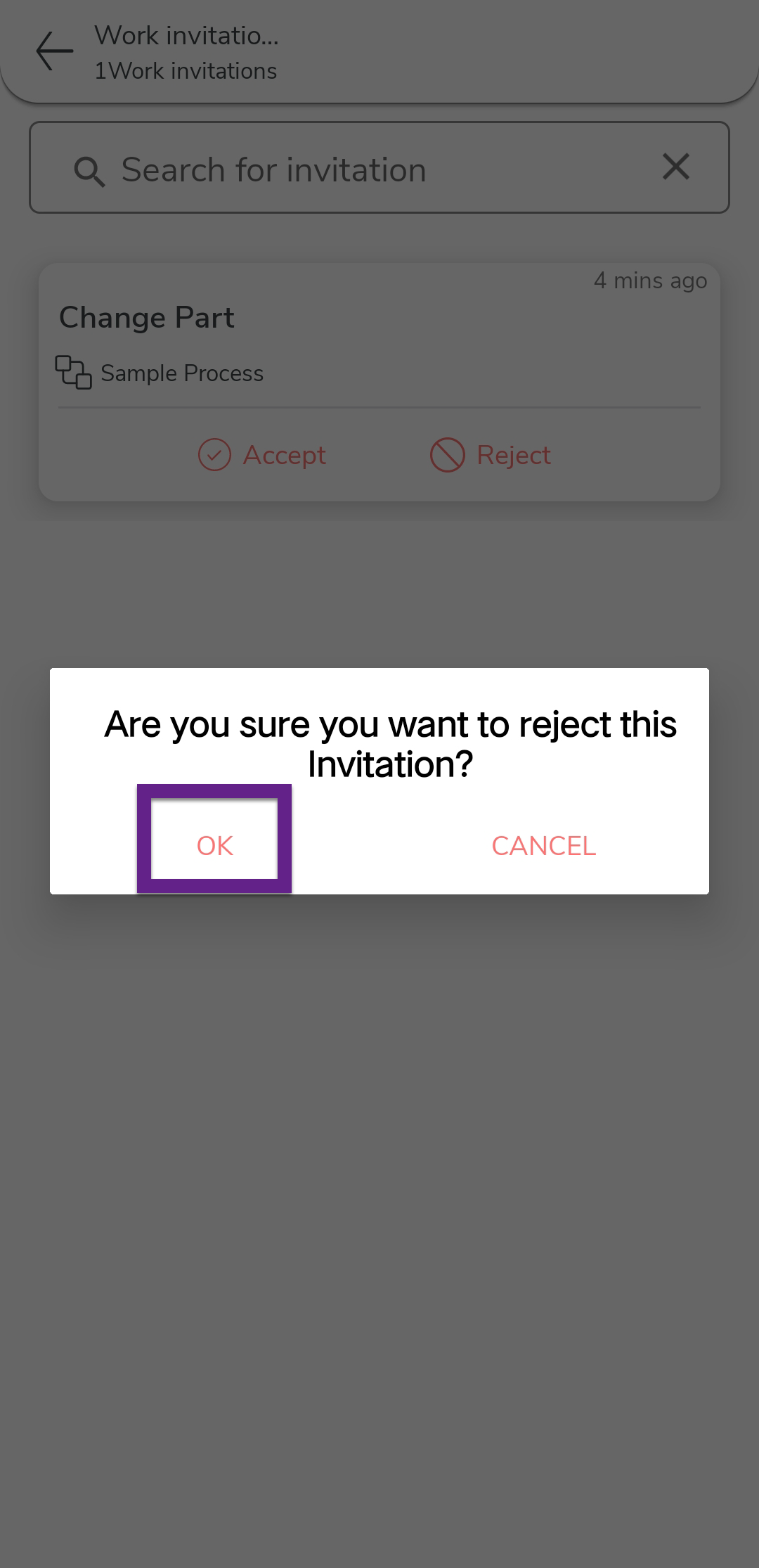
Reject a Work Invitation
This topic helps you understand how to reject a work invitation from your mobile app. If a work invitation is not relevant or was assigned to you by mistake, you can choose to reject it.
-
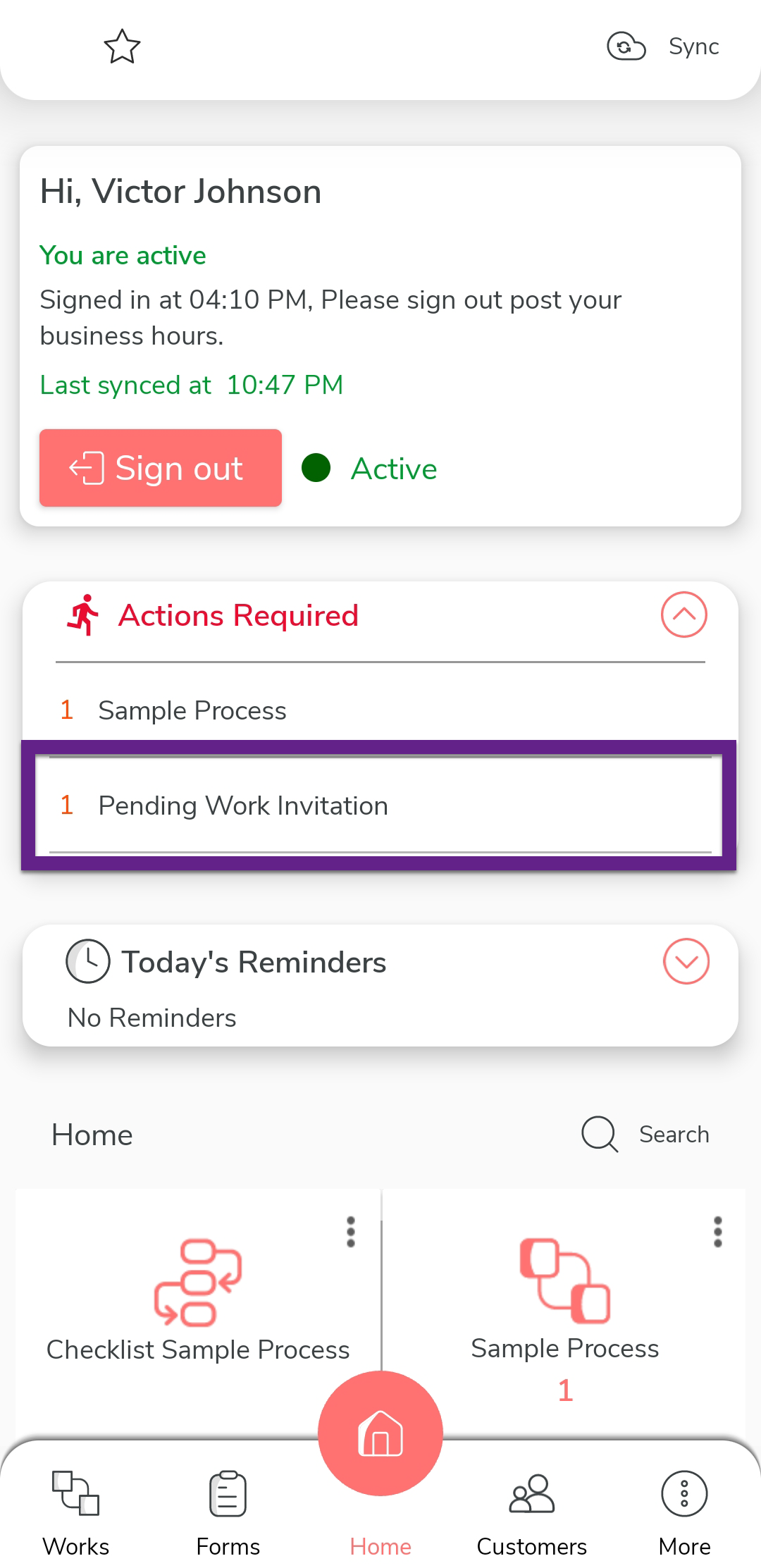
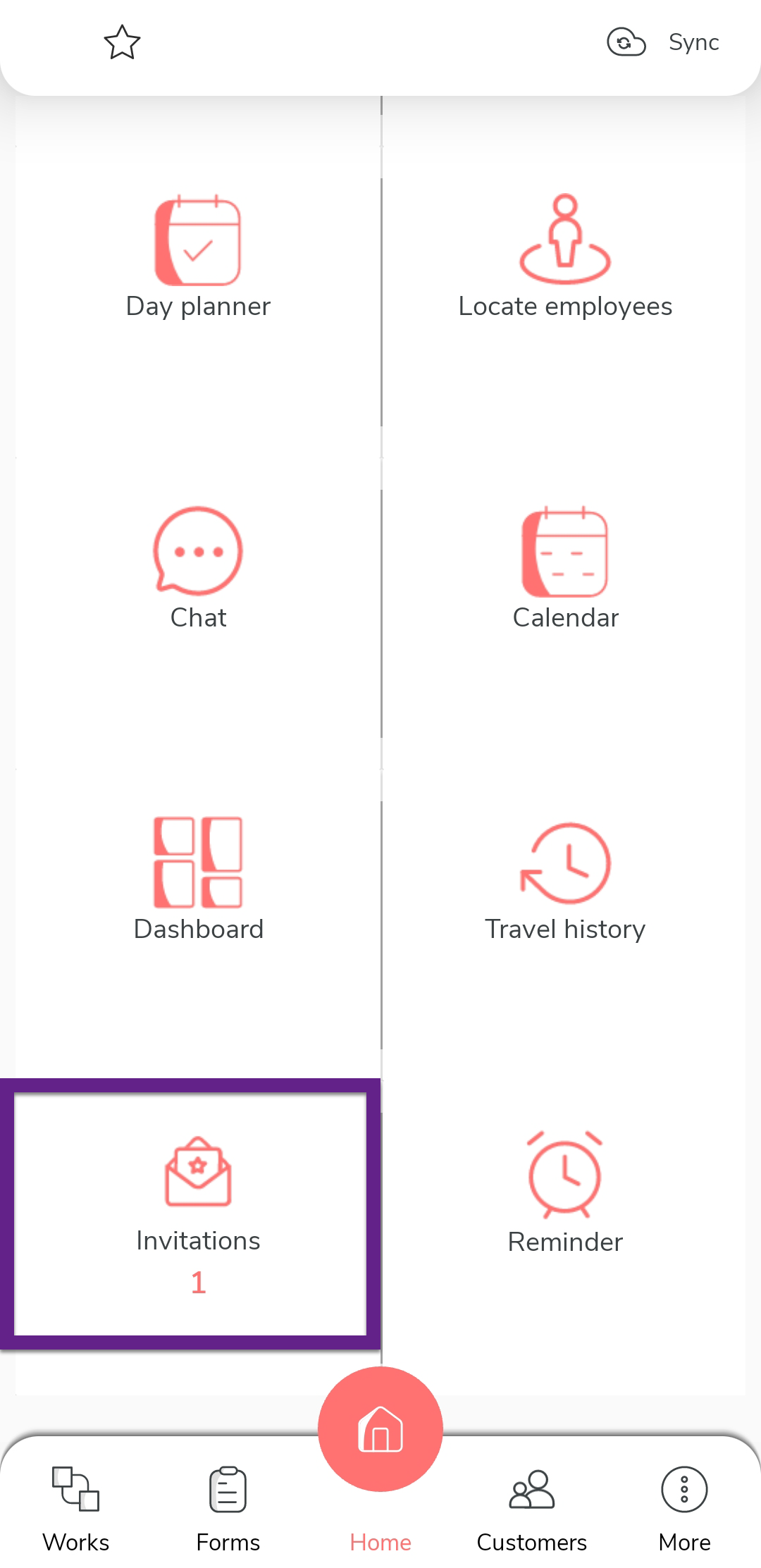
On the Home screen, do one of the following:
- Tap the 1 Pending Work Invitation banner.
(OR)
- Tap the Invitations card.
- Tap the 1 Pending Work Invitation banner.
(OR)
-
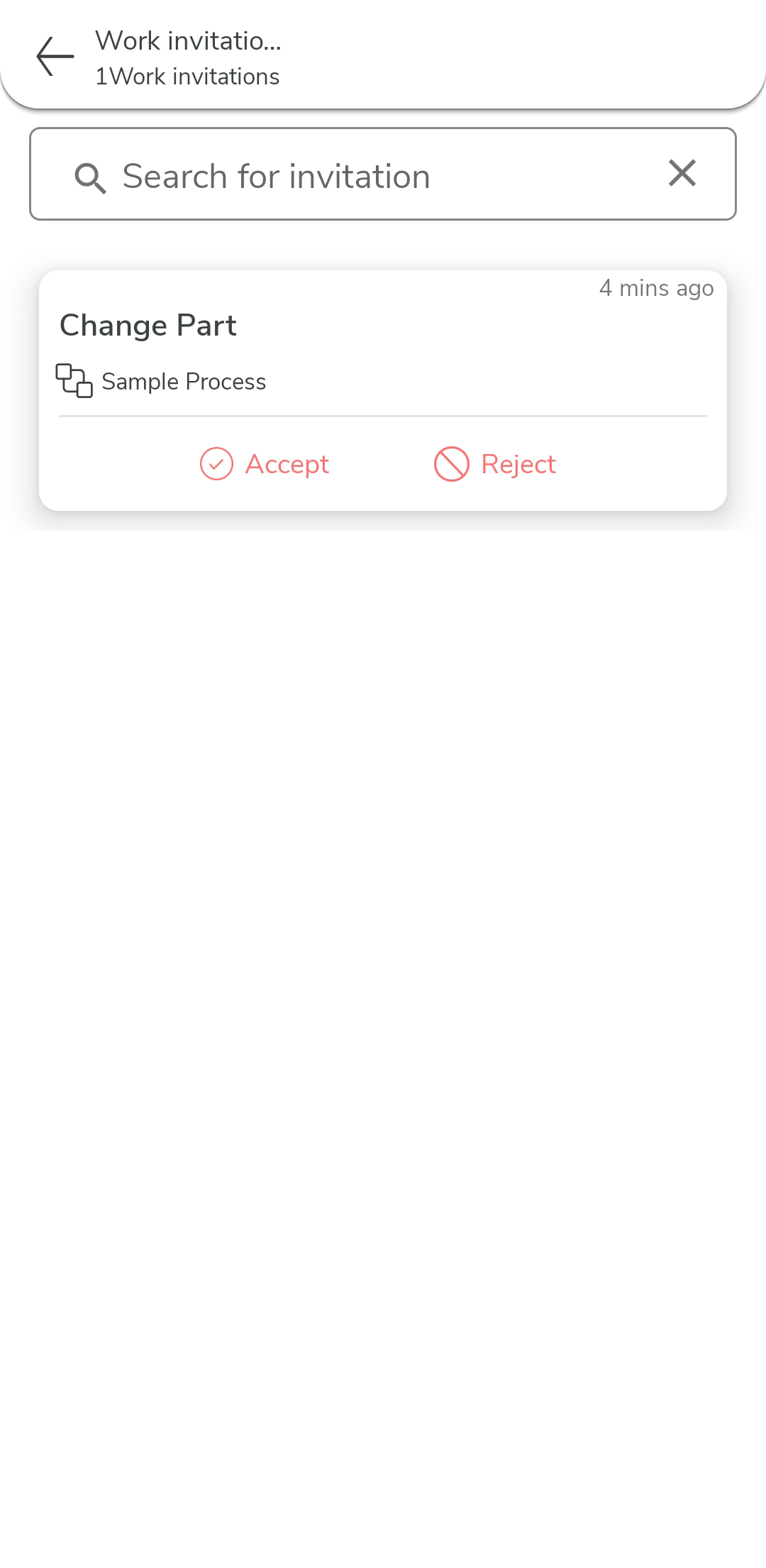
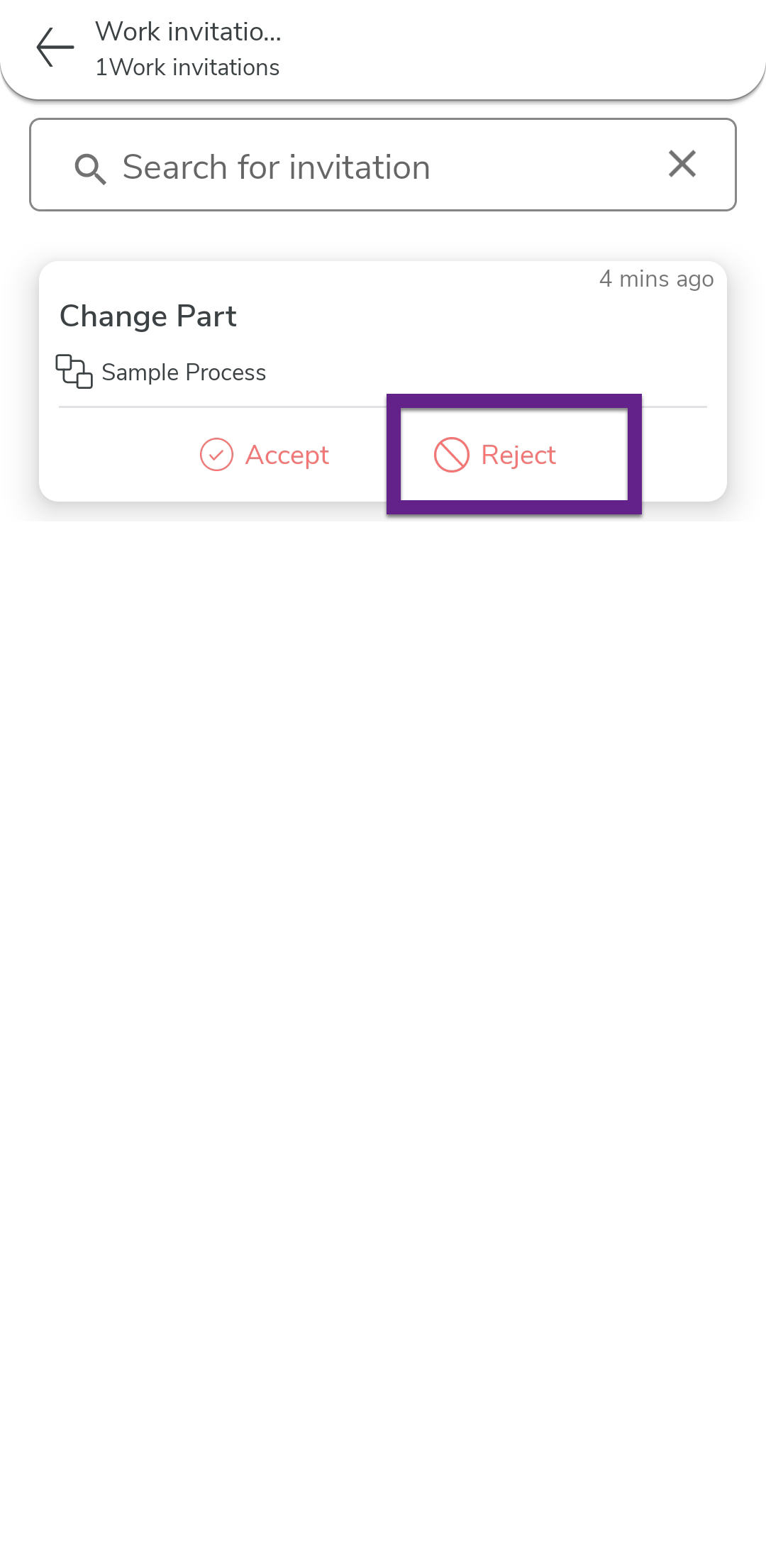
Review the list of pending invitations.
-
Tap Reject option for the work invitation you want to
reject.
Note: Once approved, the work will move to your active works list and you can proceed with the assigned actions. -
In the confirmation dialog, tap OK.