

Test Zapier Slack Trigger
To test zapier slack trigger, follow the steps below.
-
Go to .
The List of Integration Configurations page appears.
-
Click 3 vertical dots
 icon of the required integration under the Edit
column.
icon of the required integration under the Edit
column.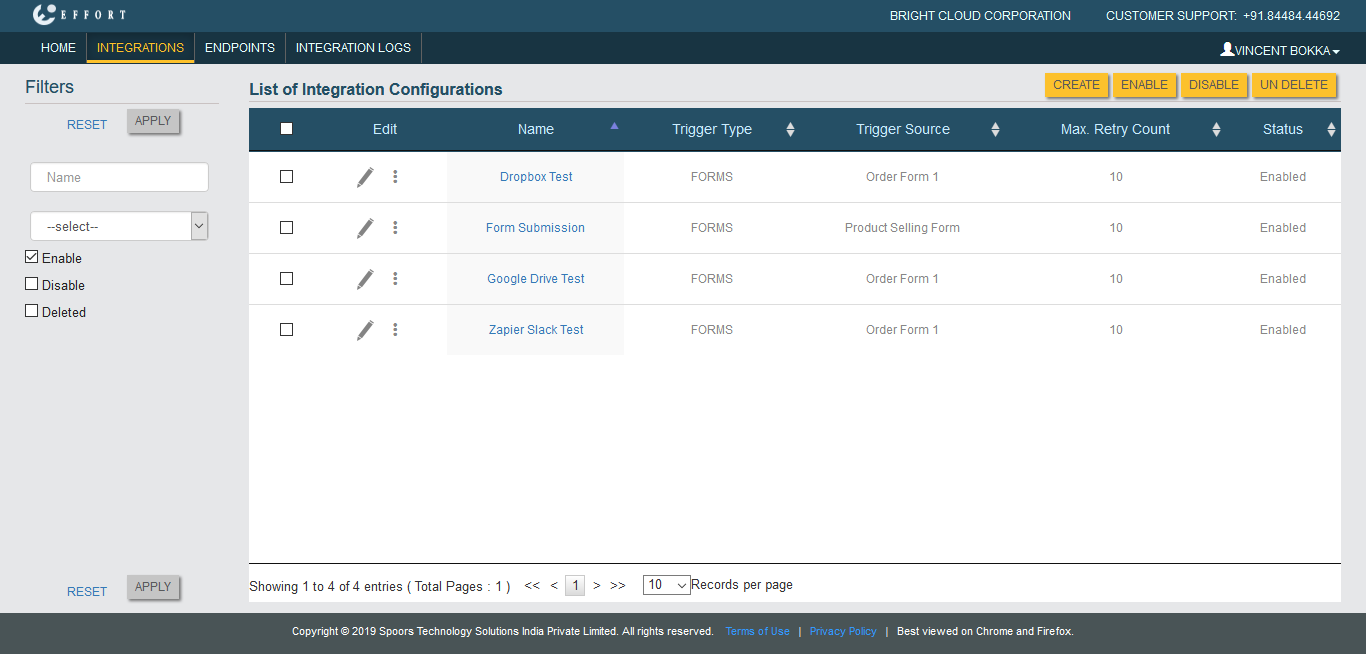
-
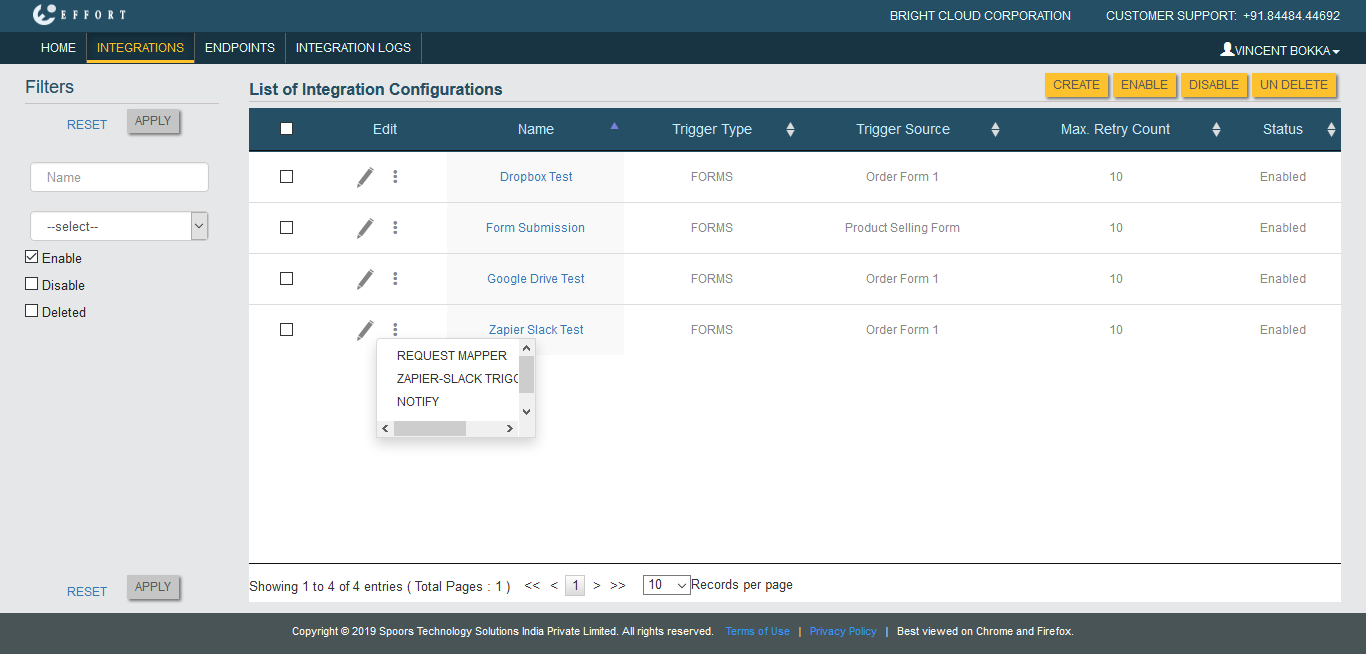
Click Zapier-Slack Trigger Test option.
-
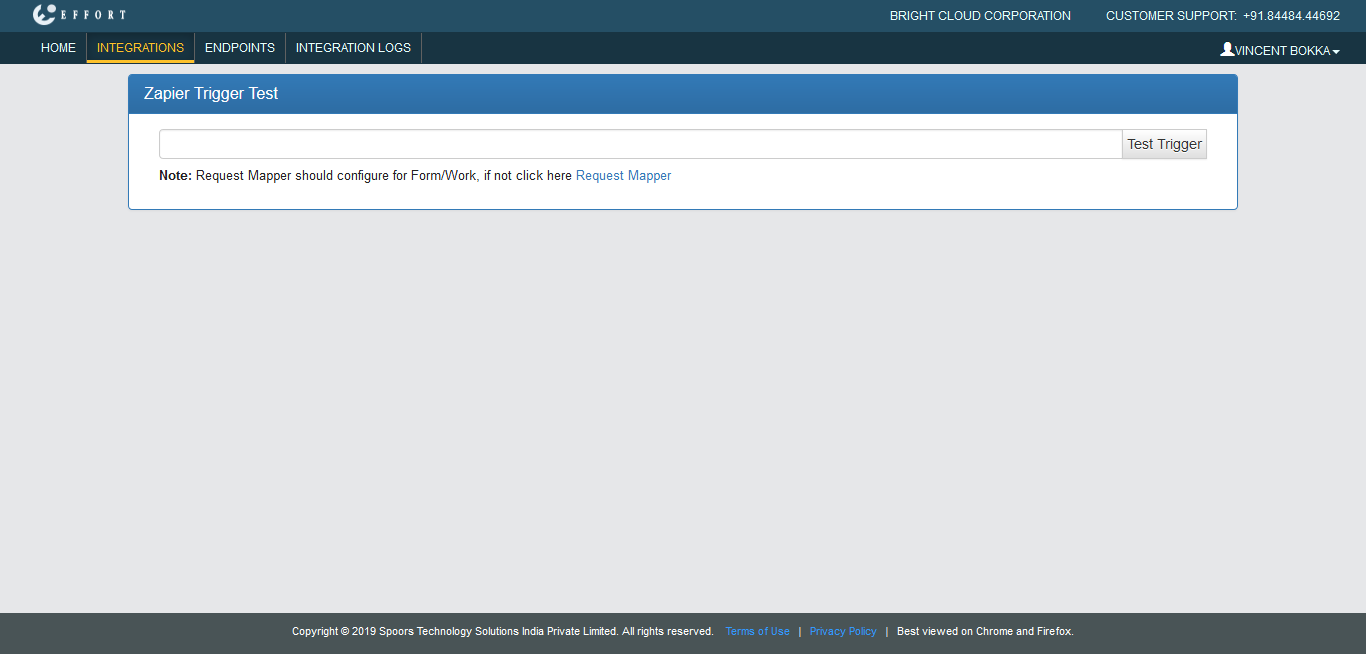
Paste the copied webhook URL in the long text box.
-
Click Test Trigger button.
The request will be sent to Zapier with dummy data.
-
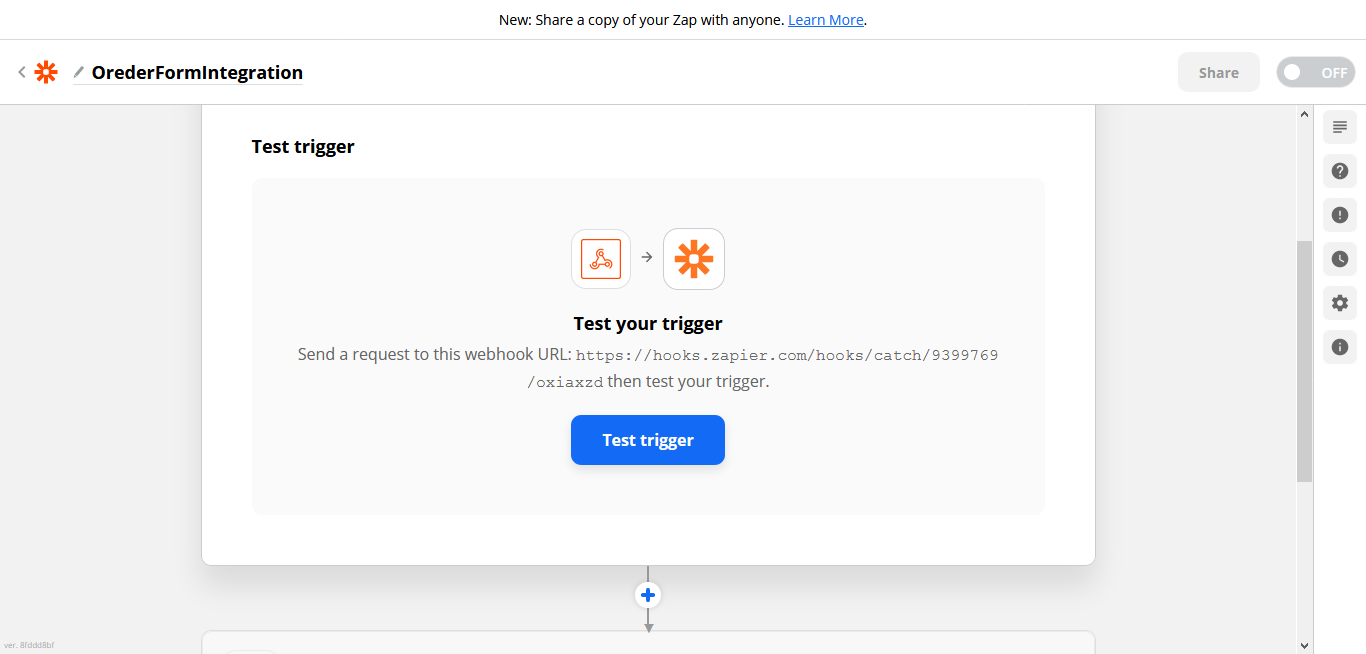
Navigate to Zapier Test trigger tab.
-
Click Test trigger button to see if it's working as
expected.
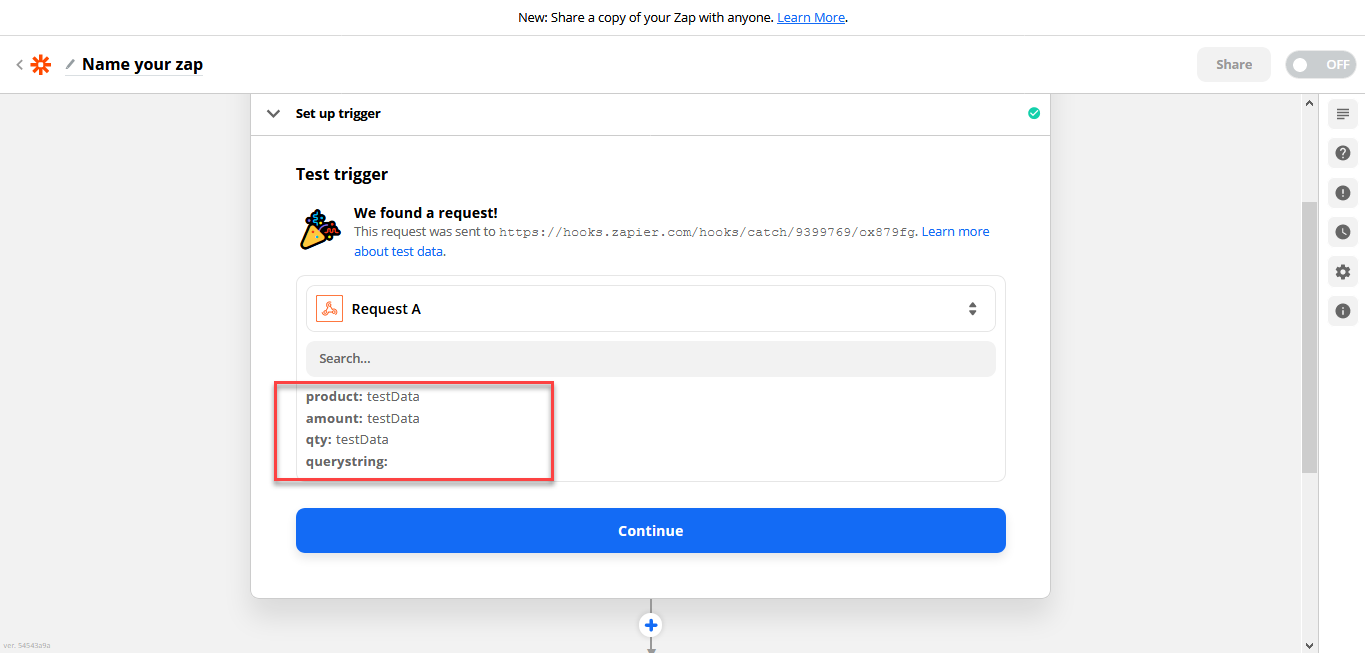
The first step in the Zapier configuration is completed.
As a next step, you need to configure an app in Zapier to which data need to be pushed. Refer below to proceed with further configurations.