

Configure the Visibility of Tools and Audits Reports
To configure the visibility of tools and audits reports, follow the steps below:
-
Go to .
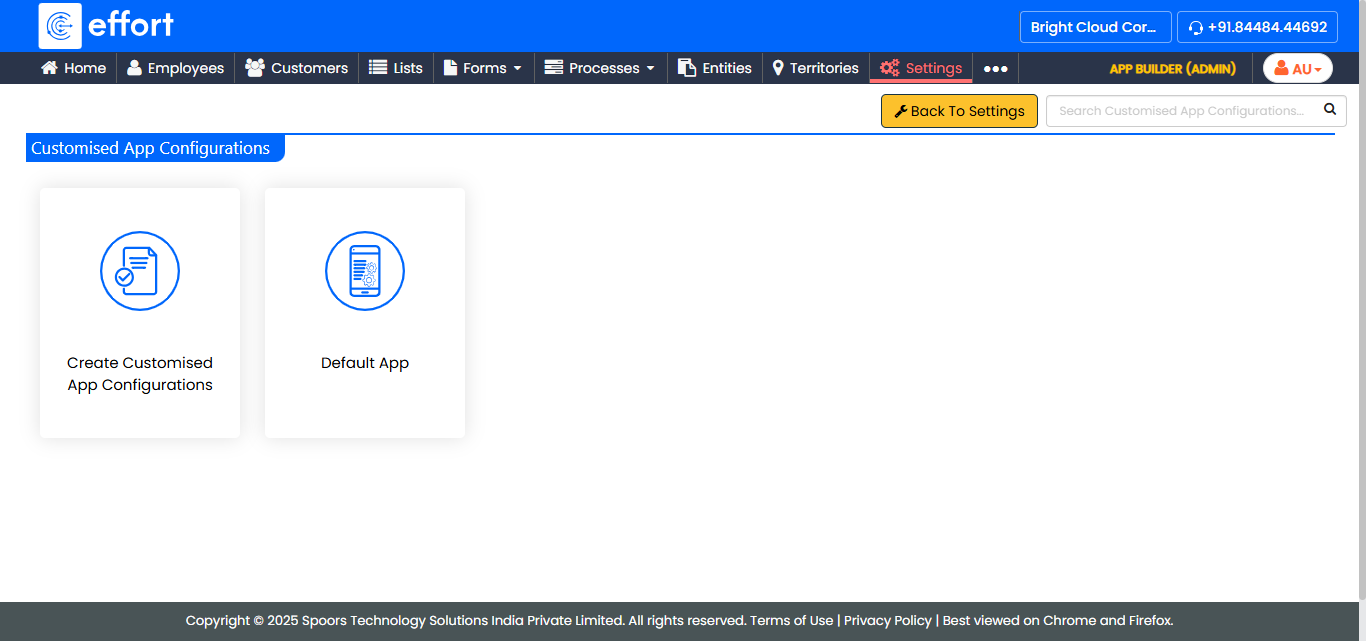
The Customised App Configurations page appears.
-
Click the app configuration for which you want to configure the visibility of
tools and audit reports.
-
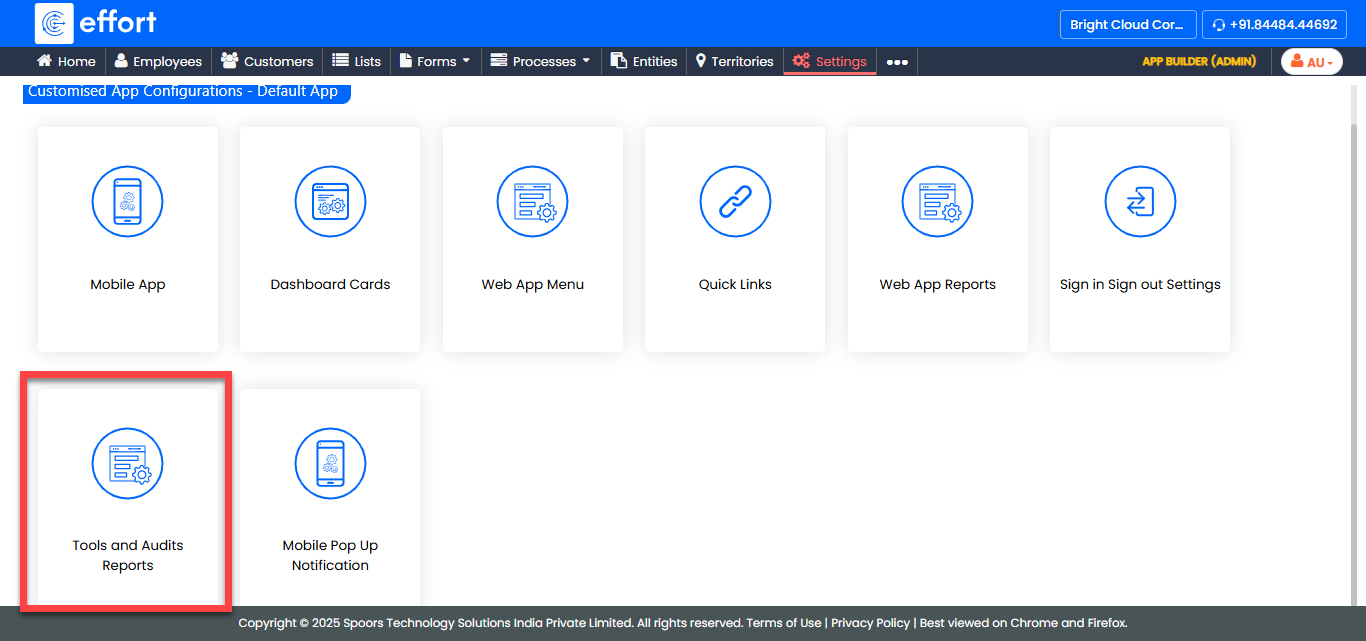
Click the Customise Tools and Audits Reports card.
-
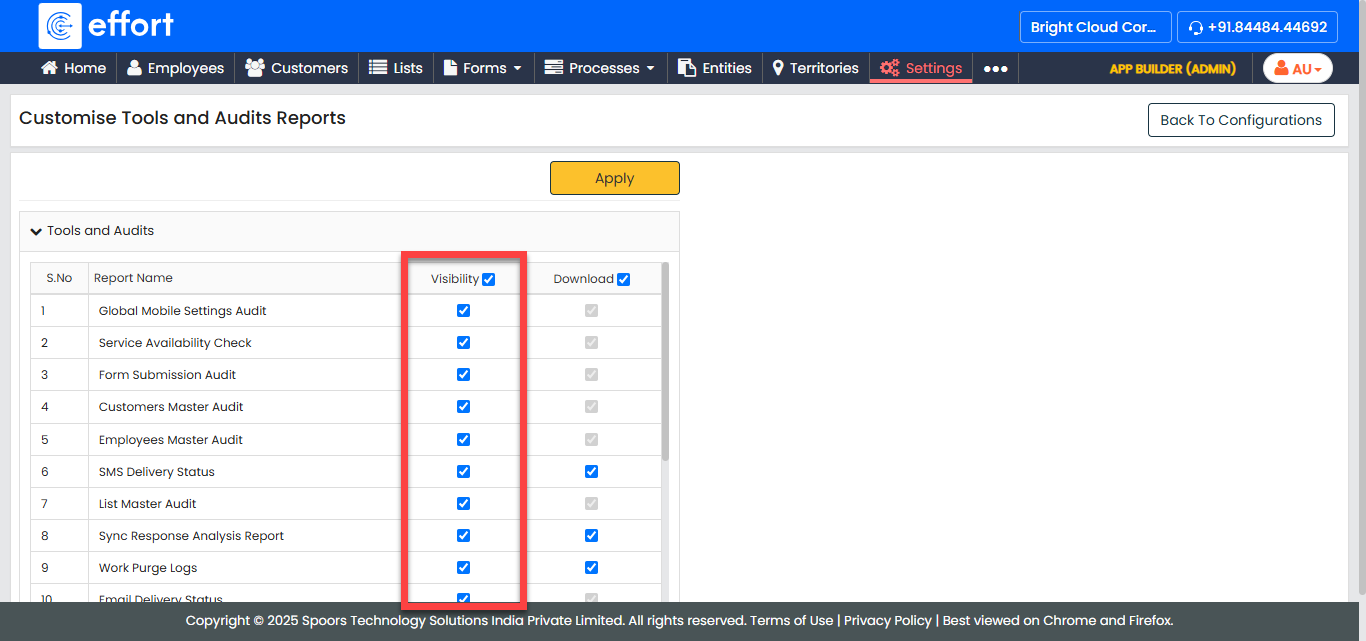
Under the Visibility column, enable or disable the
visibility of the reports as per your requirement.
-
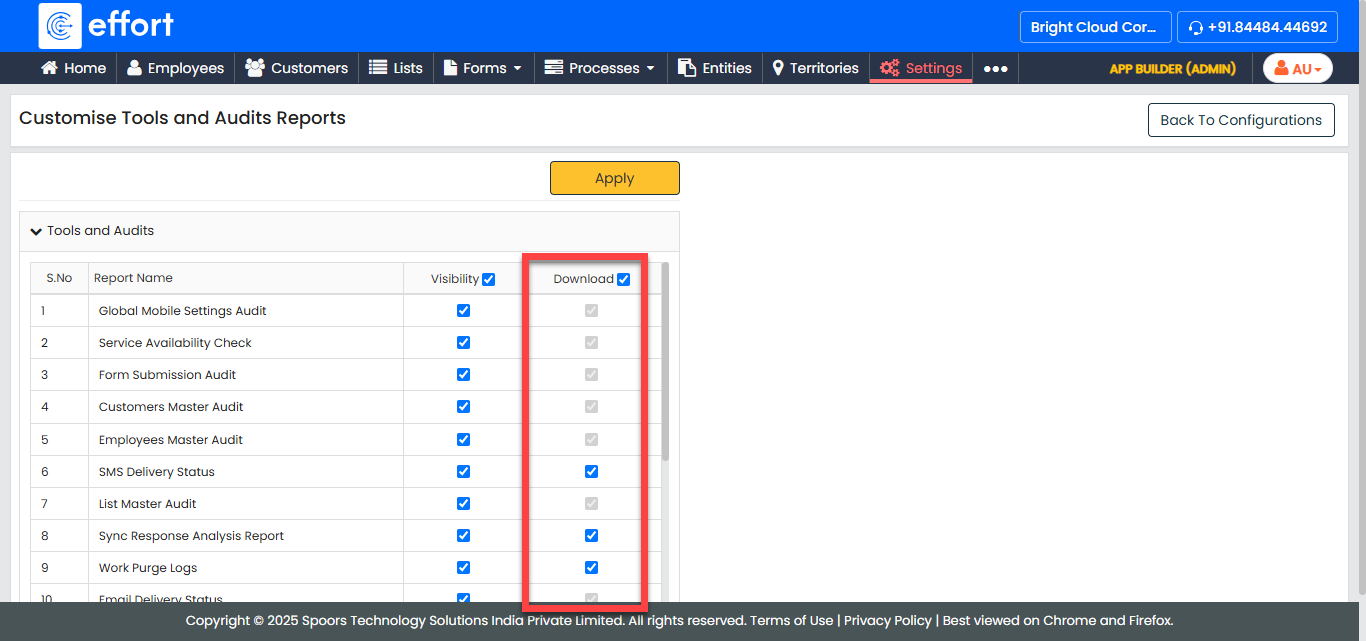
Under the Download column, enable or disable the
download option as per your requirement.
- Click Apply.