

Edit Font
To edit a font, follow the steps below:
-
Go to Company Settings.
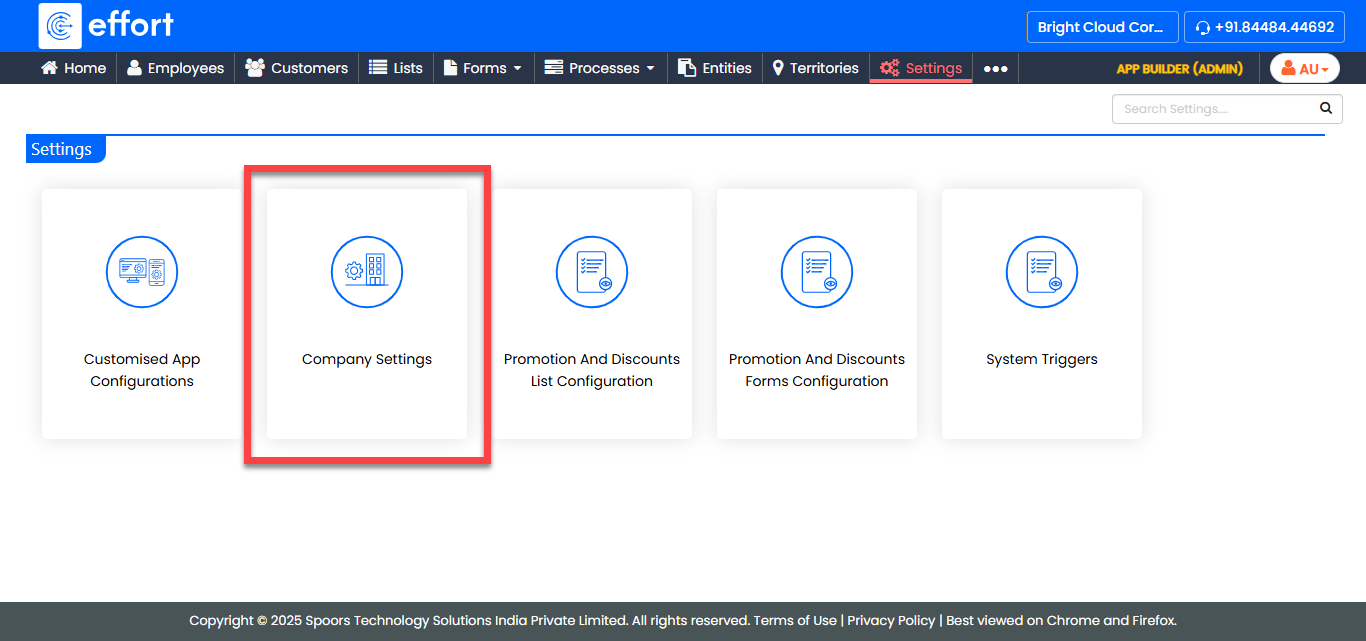
The Company Settings page appears.
-
Click the Fonts card.
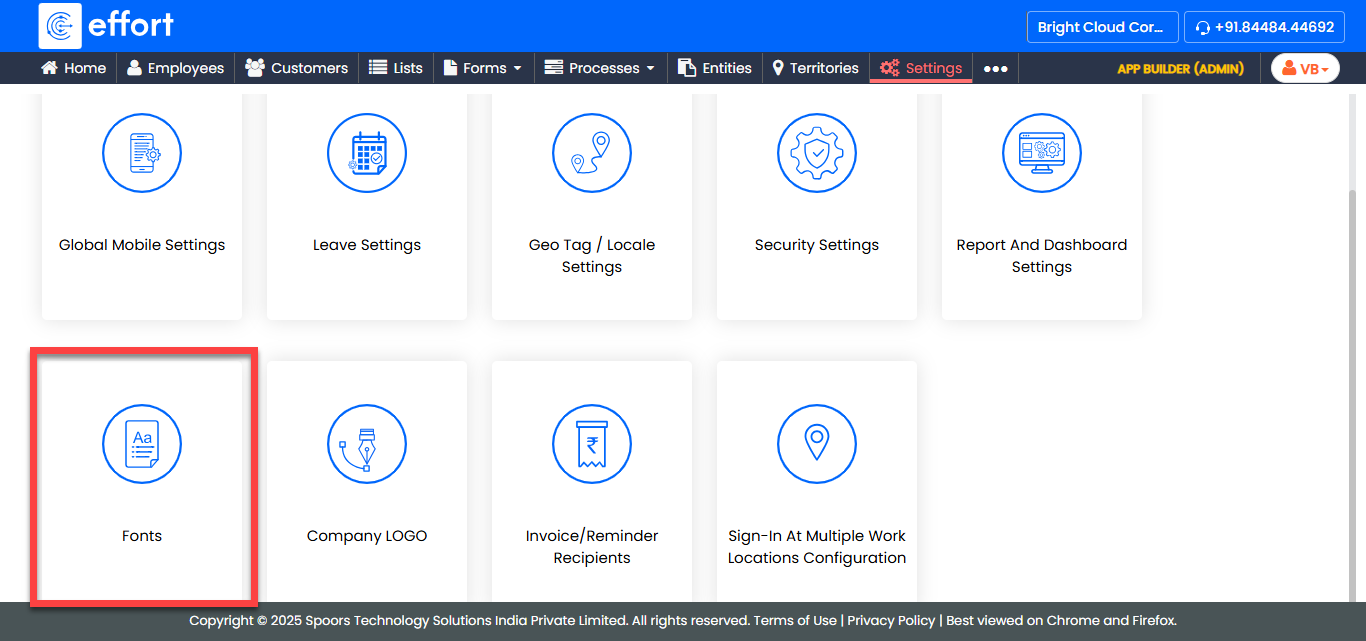
The Fonts page appears.
-
In the Fonts page, click the pencil icon under the
Action column.
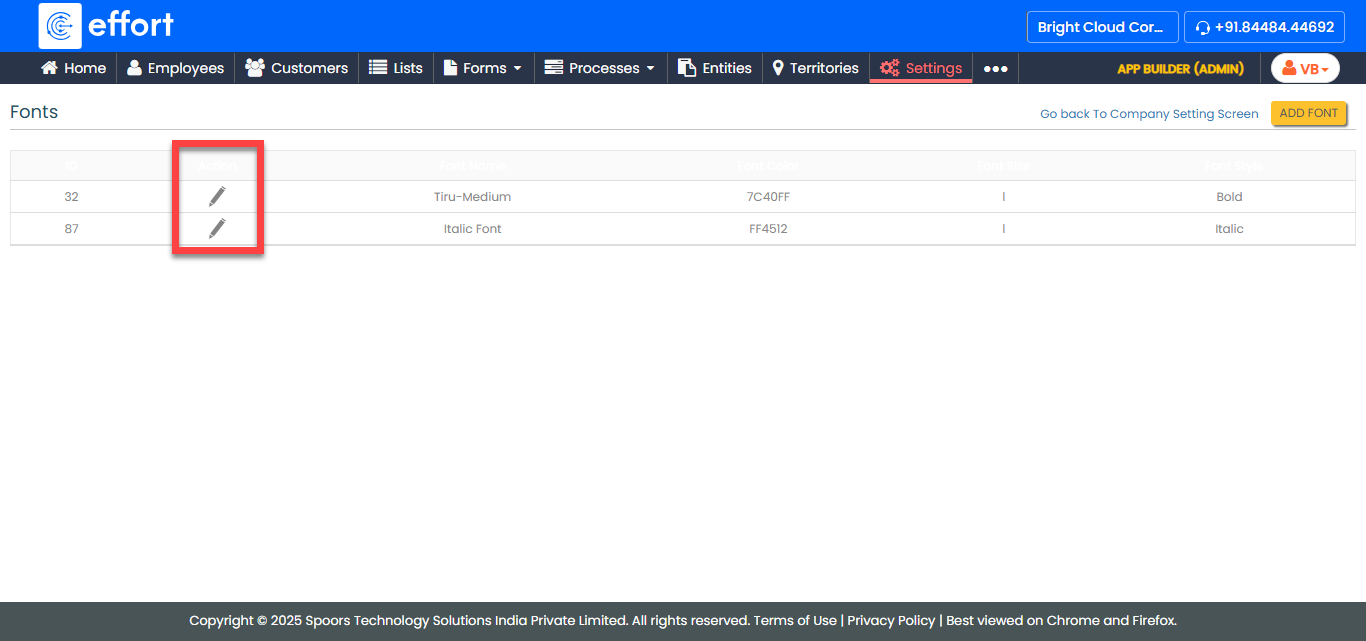
The Modify Font page appears.
-
Modify the font as per your requirement.
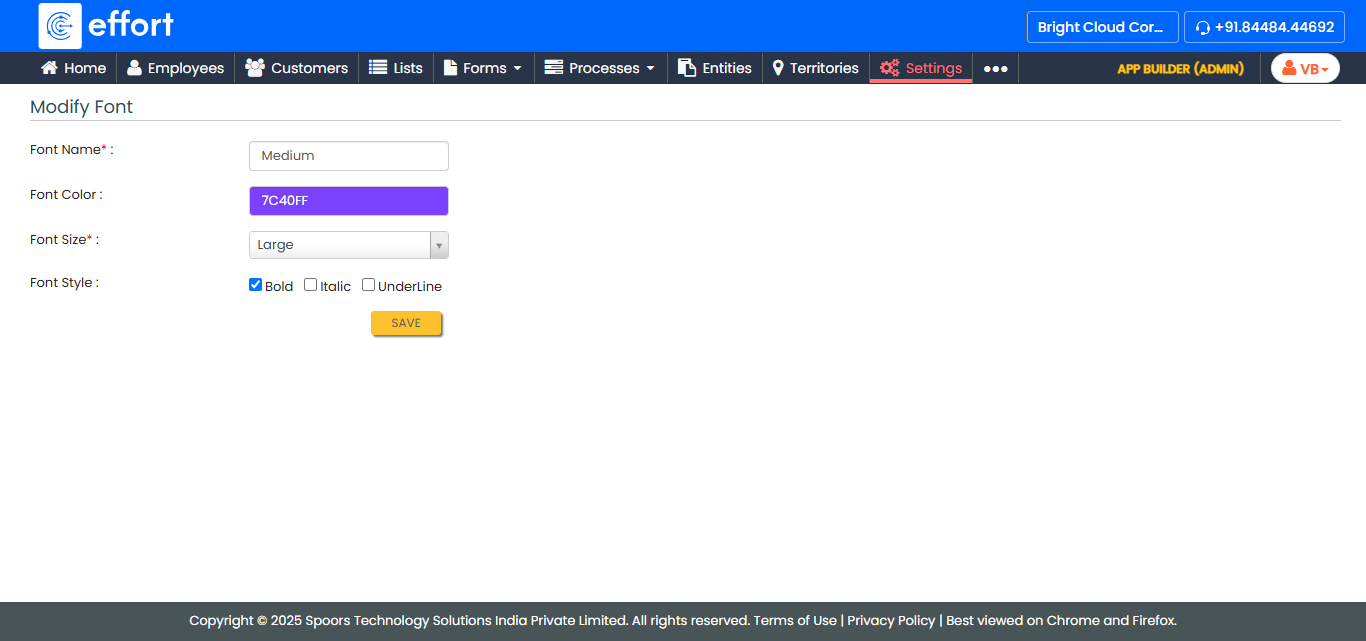
- Click Save.