Configure Notifications for New Version

To configure notifications for new version, follow the steps below:

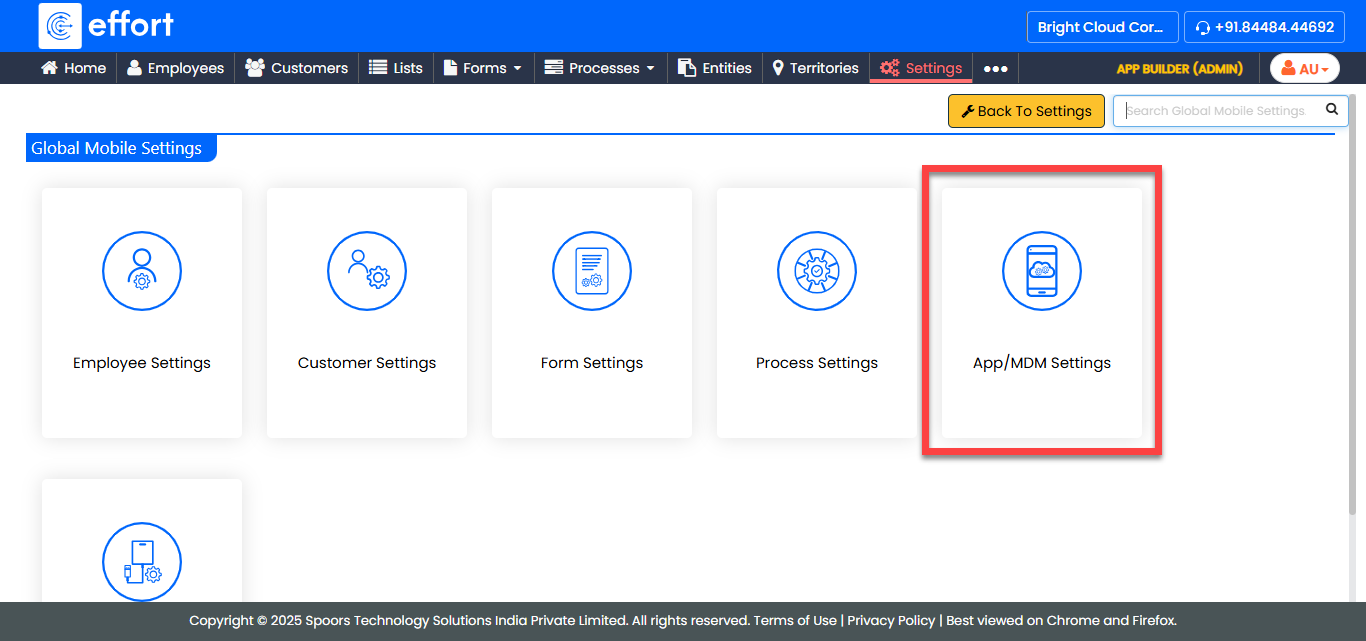
  1. Go to App Builder > Settings > Company Settings > Global Mobile Settings > App/MDM Settings.
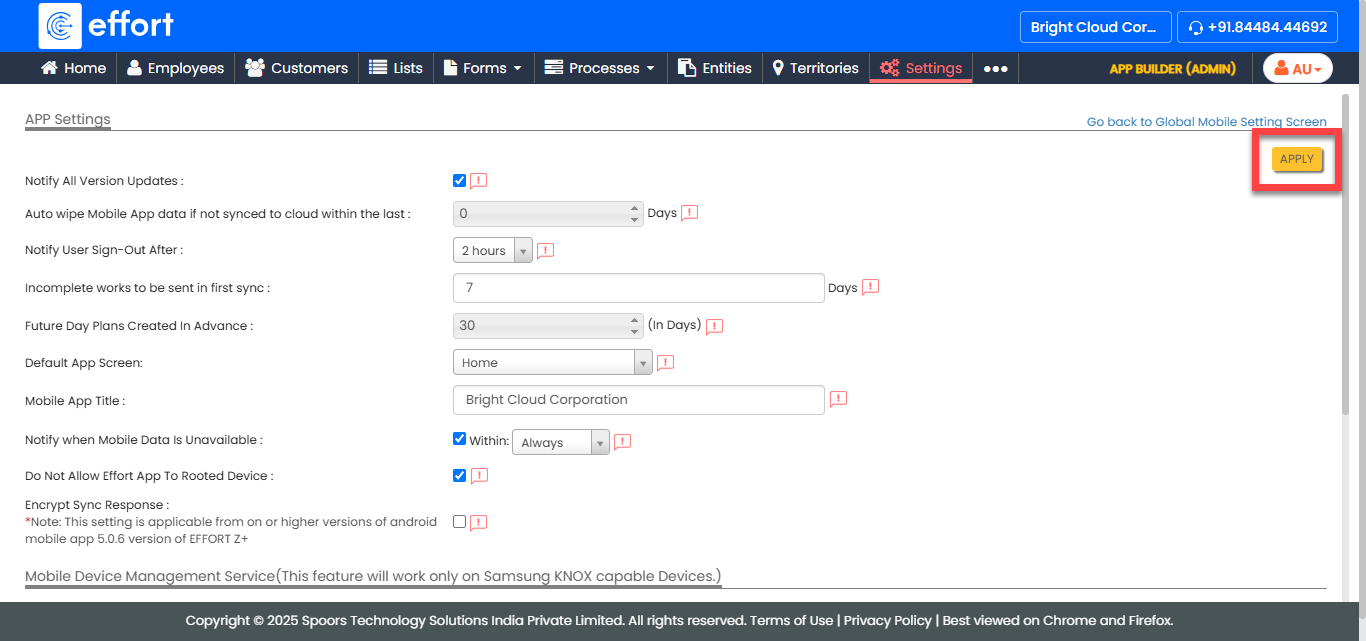
    Remotely Wipe Data 1
  2. Enable the Notify All Version Updates checkbox.
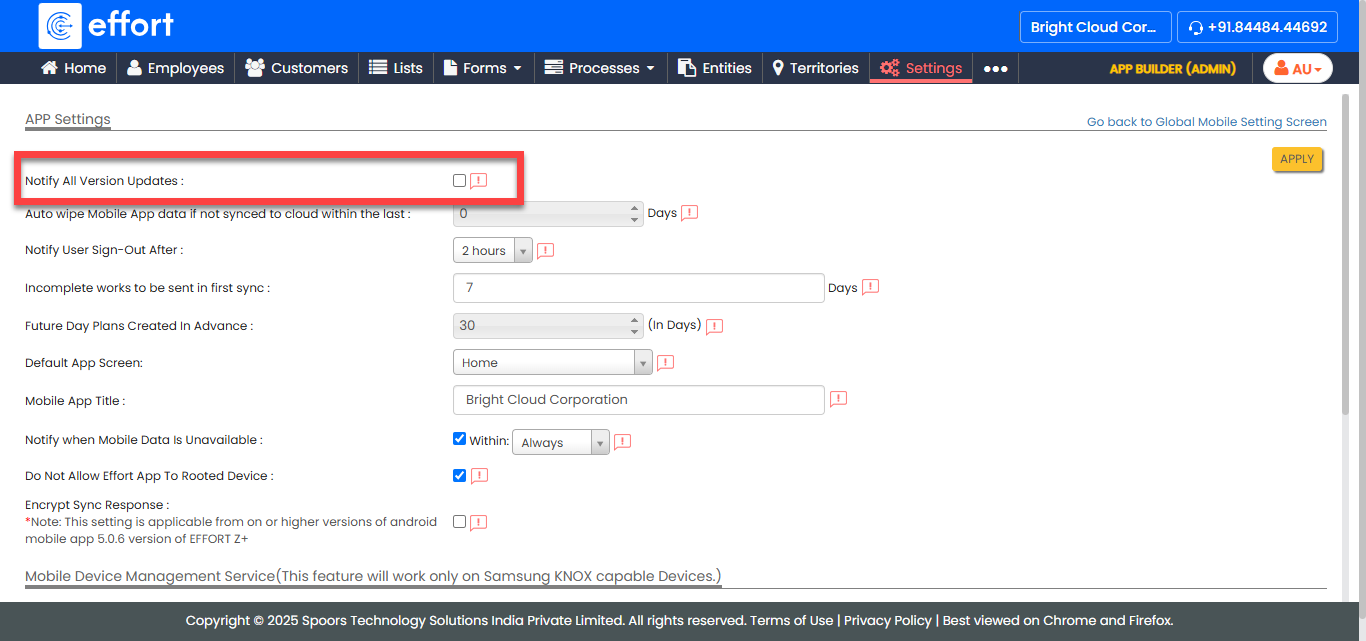
    Configure Notificationsfor New Version 1
  3. Click Apply.
    Configure Notificationsfor New Version 2
  4. In the confirmation pop-up, click Yes.
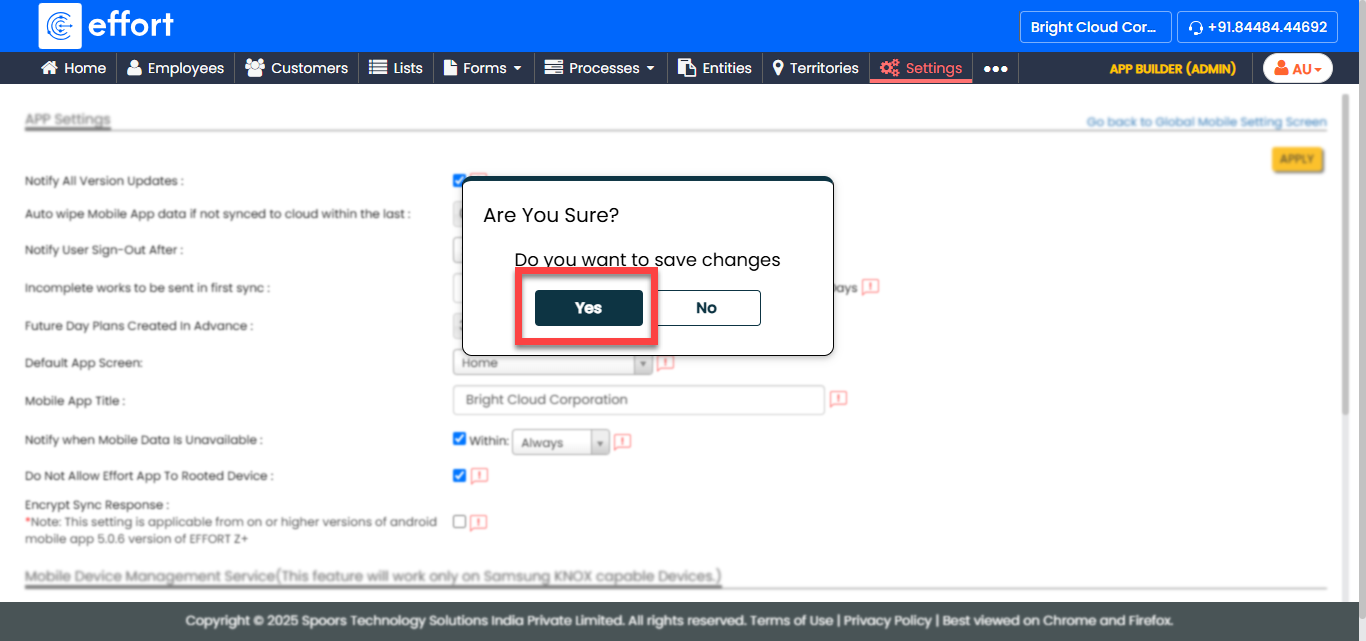
    Configure Notificationsfor New Version 3