

Configure Global Mobile Settings
To configure global mobile settings, follow the steps below:
-
Go to .
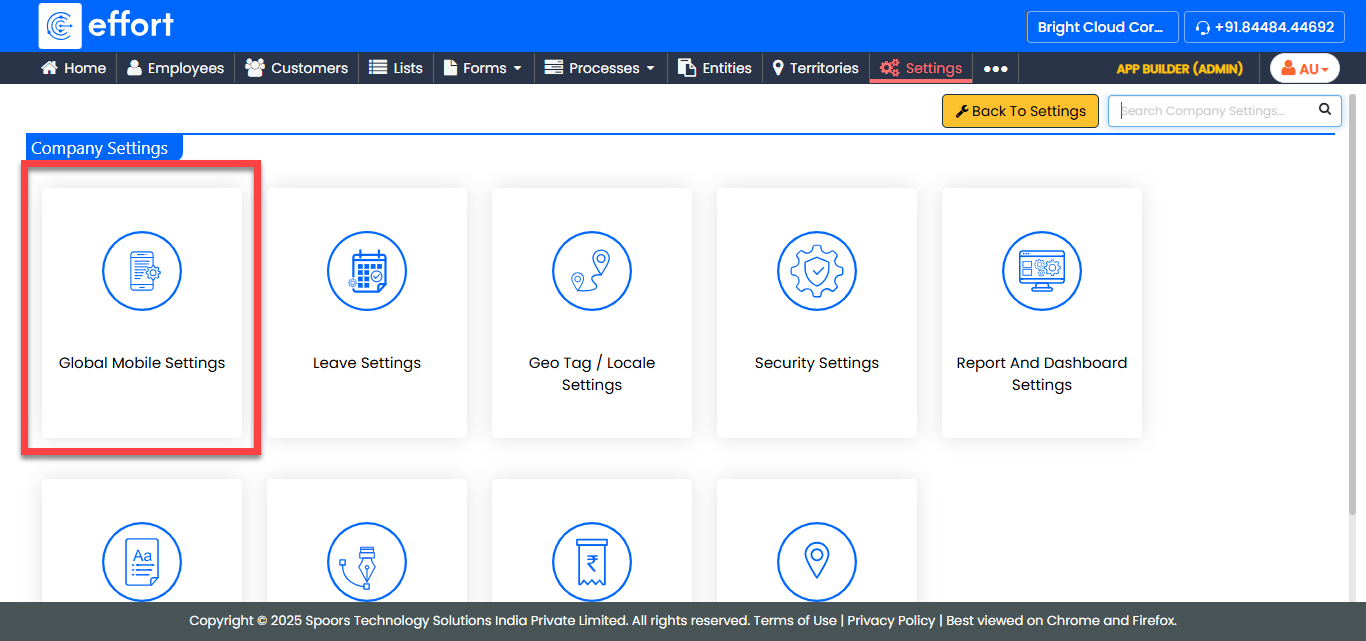
The Global Mobile Settings page appears.
-
Configure the customizations under the various cards listed in the page.
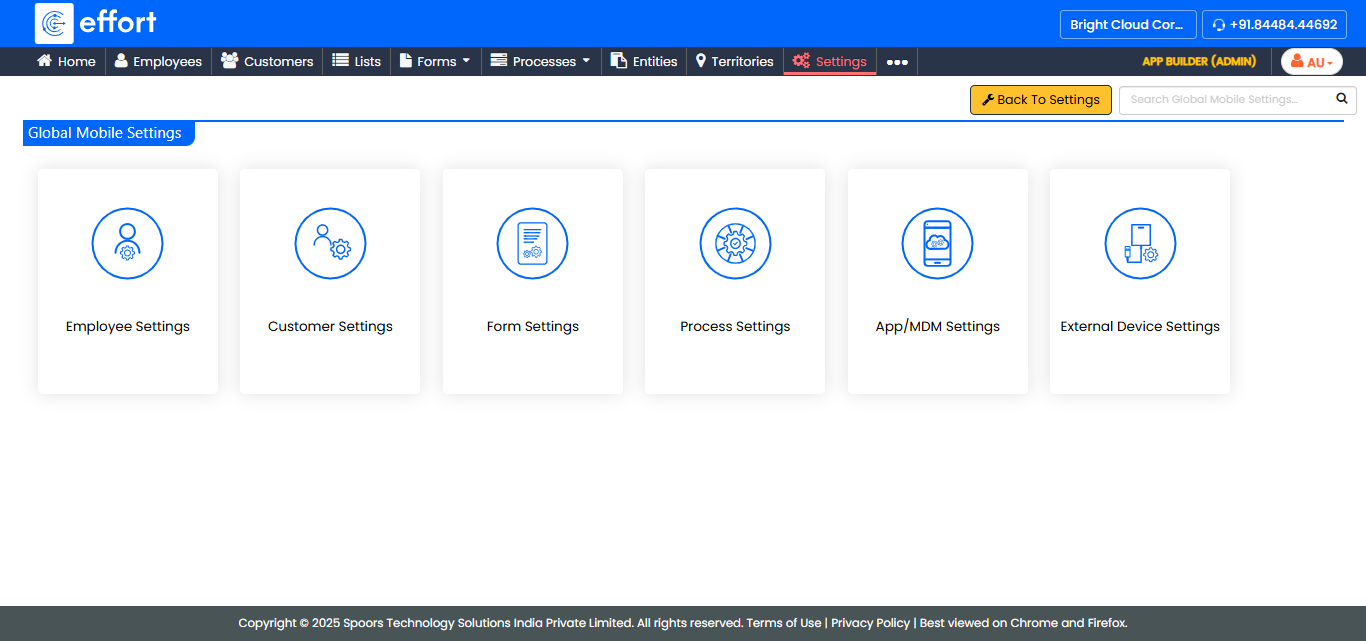
For information about the labels and their description, see Global Mobile Settings - Field Names and Description.