

Create New Font
To create a new font, follow the steps below:
-
Go to Company Settings.
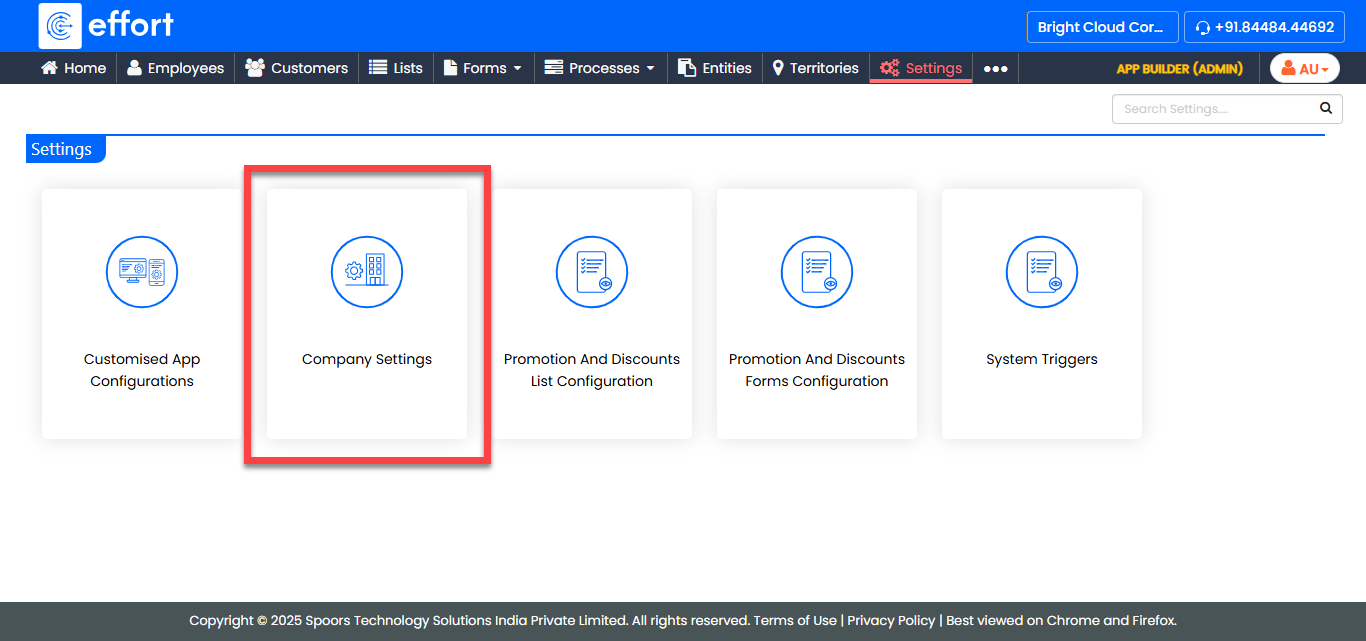
The Company Settings page appears.
-
Click the Fonts card.
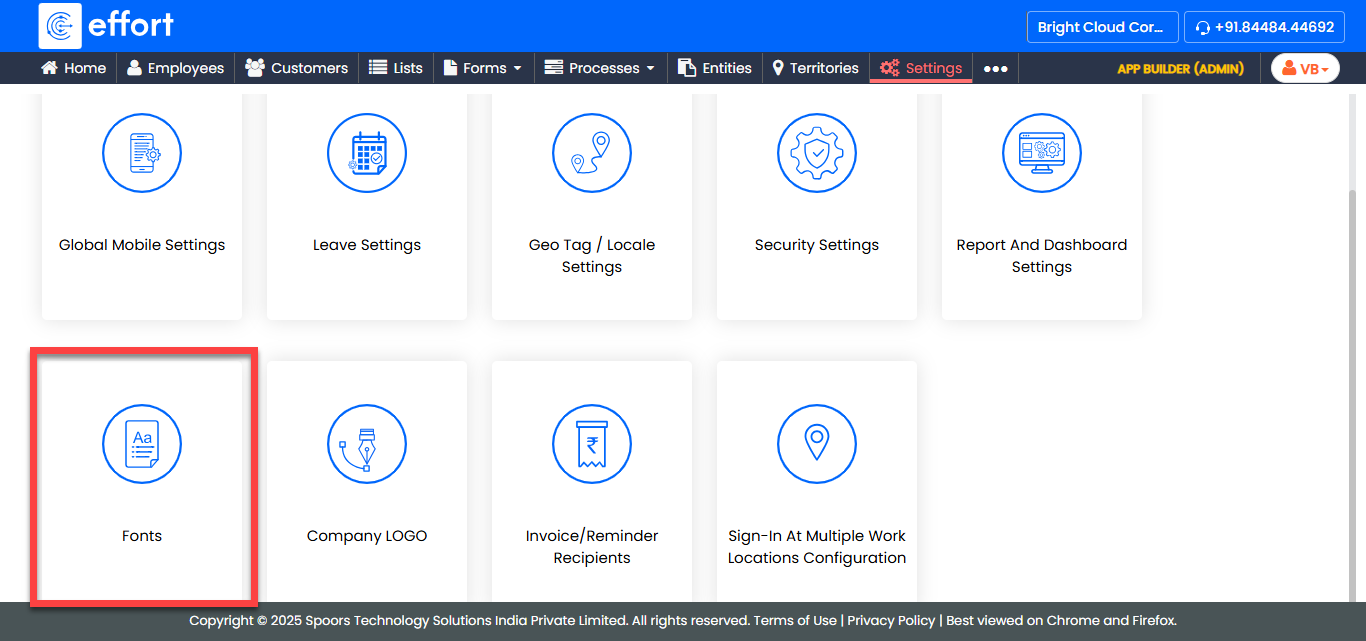
The Fonts page appears.
-
Click the Add Font button.
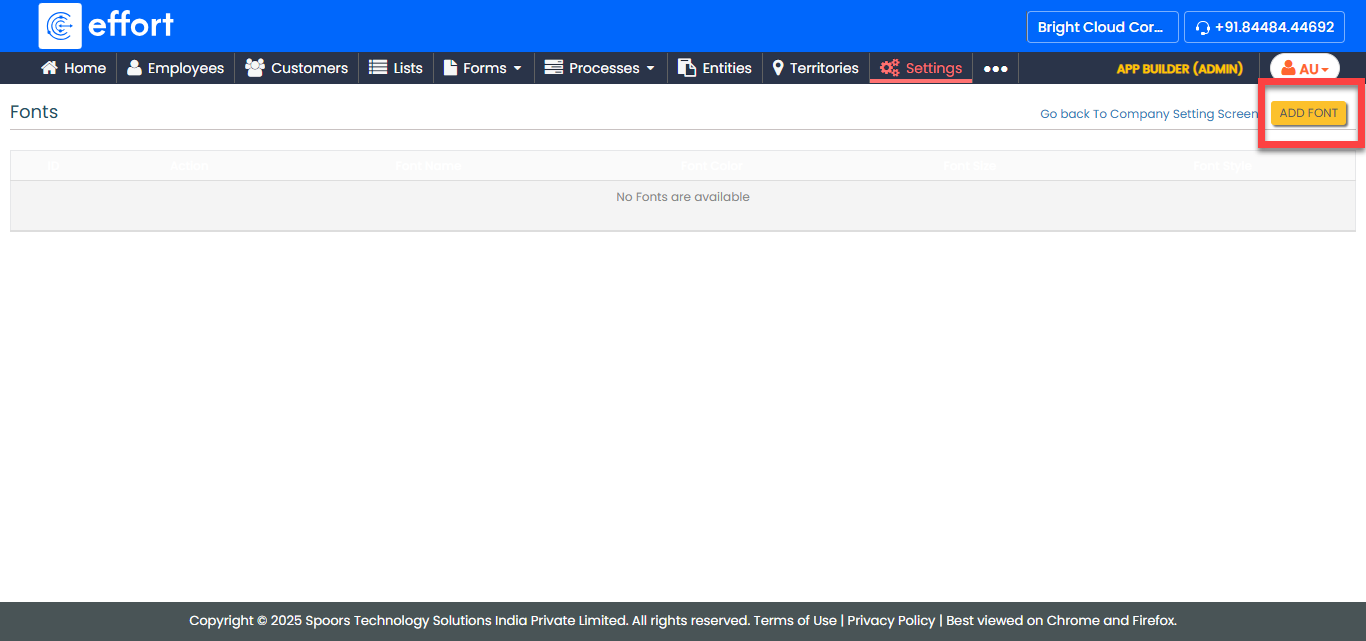
-
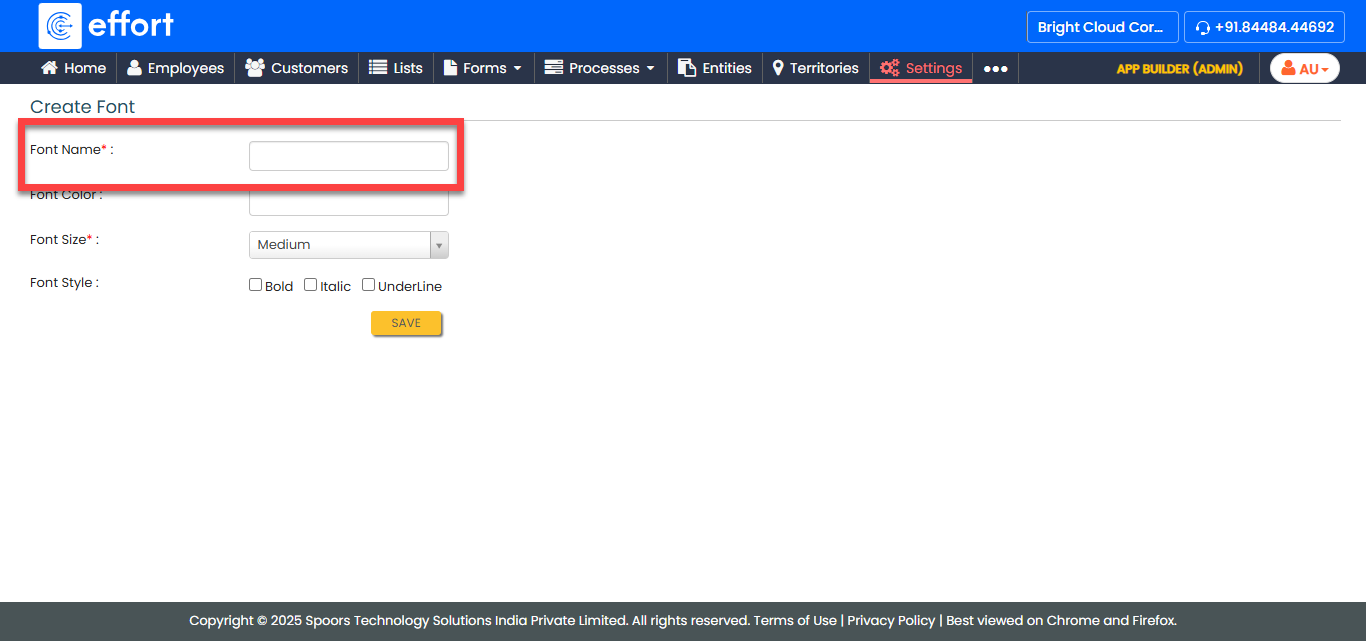
In the Font Name field, enter a name for the font.
-
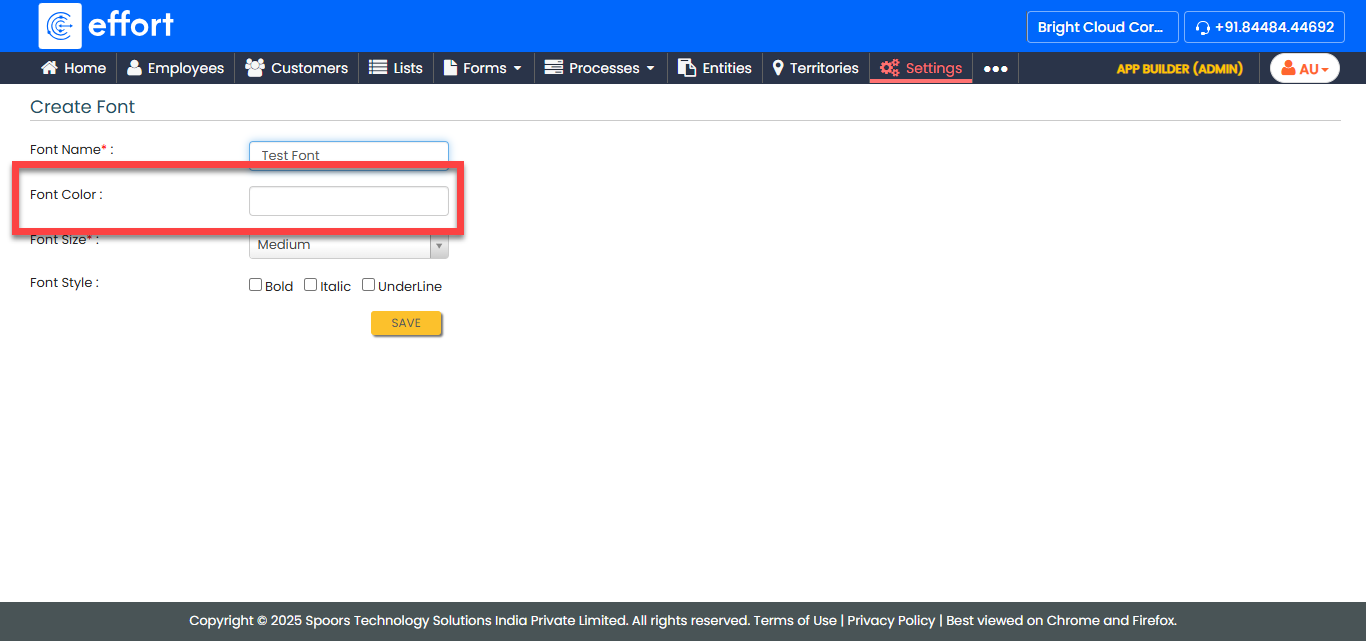
Select a Font Color.
-
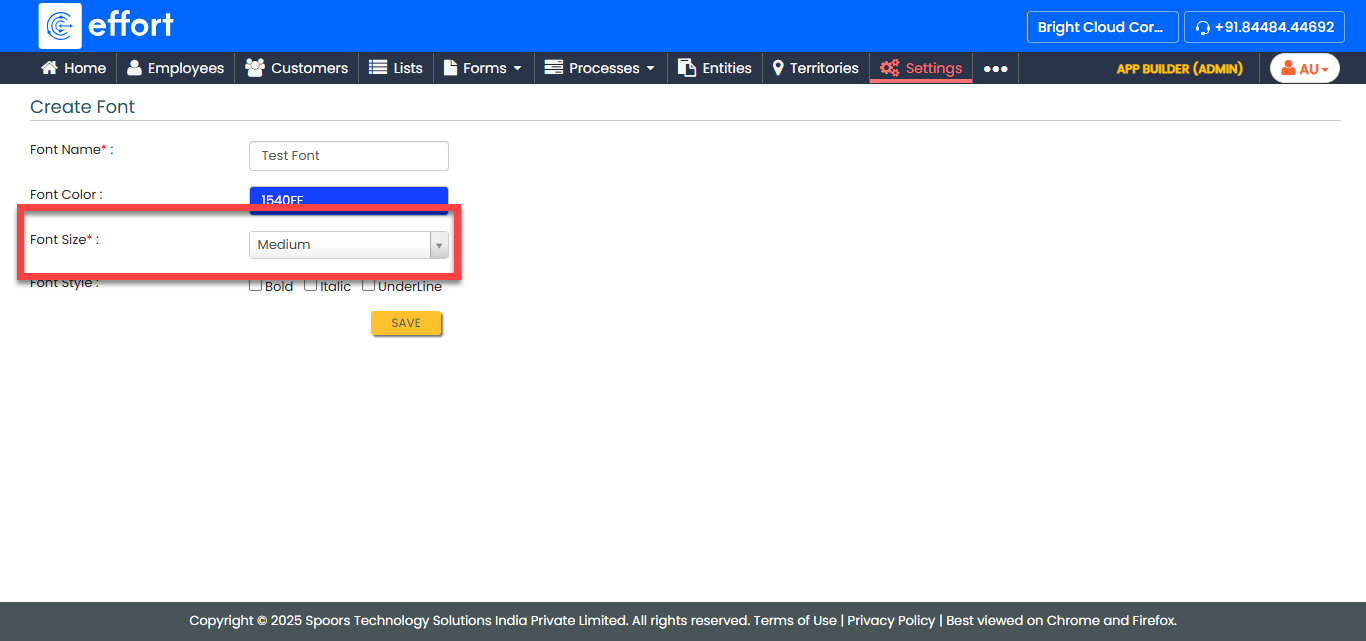
From the Font Size dropdown, select the font size as per
your requirement.
-
Select the Font Style as per your requirements.
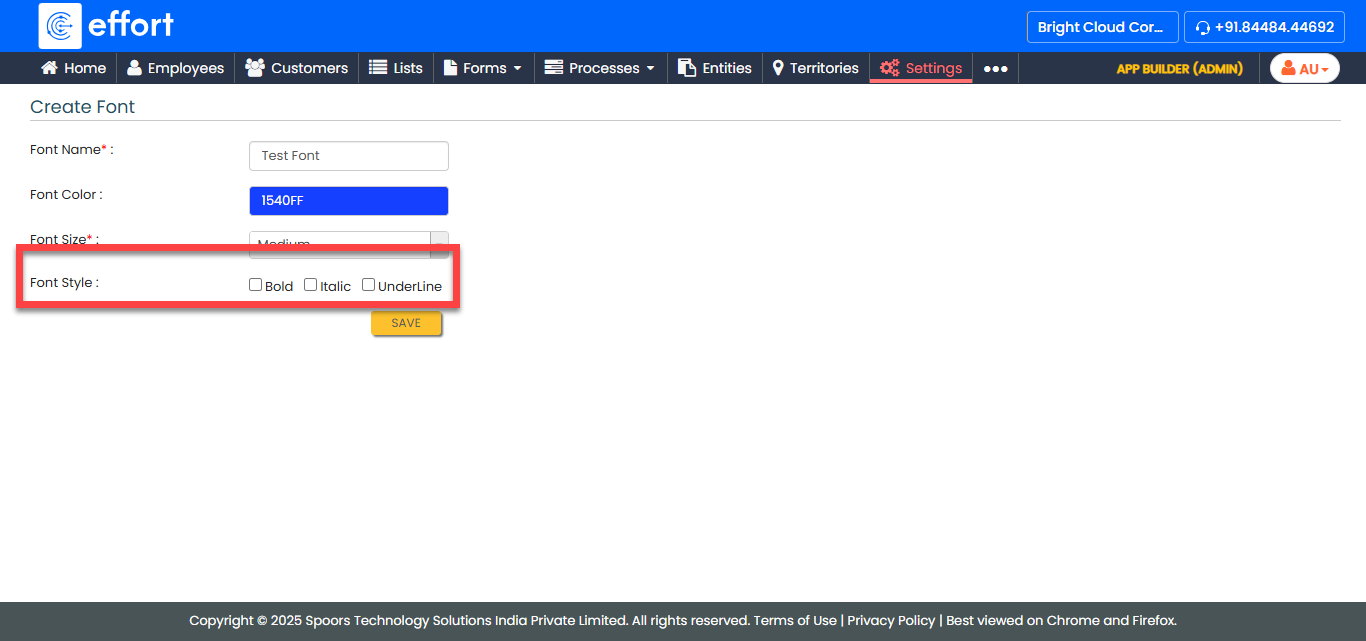
- Click Save.