

Configure Forms Visibility in Mobile App
To configure forms visibility in mobile app, follow the steps below:
-
Go to card.
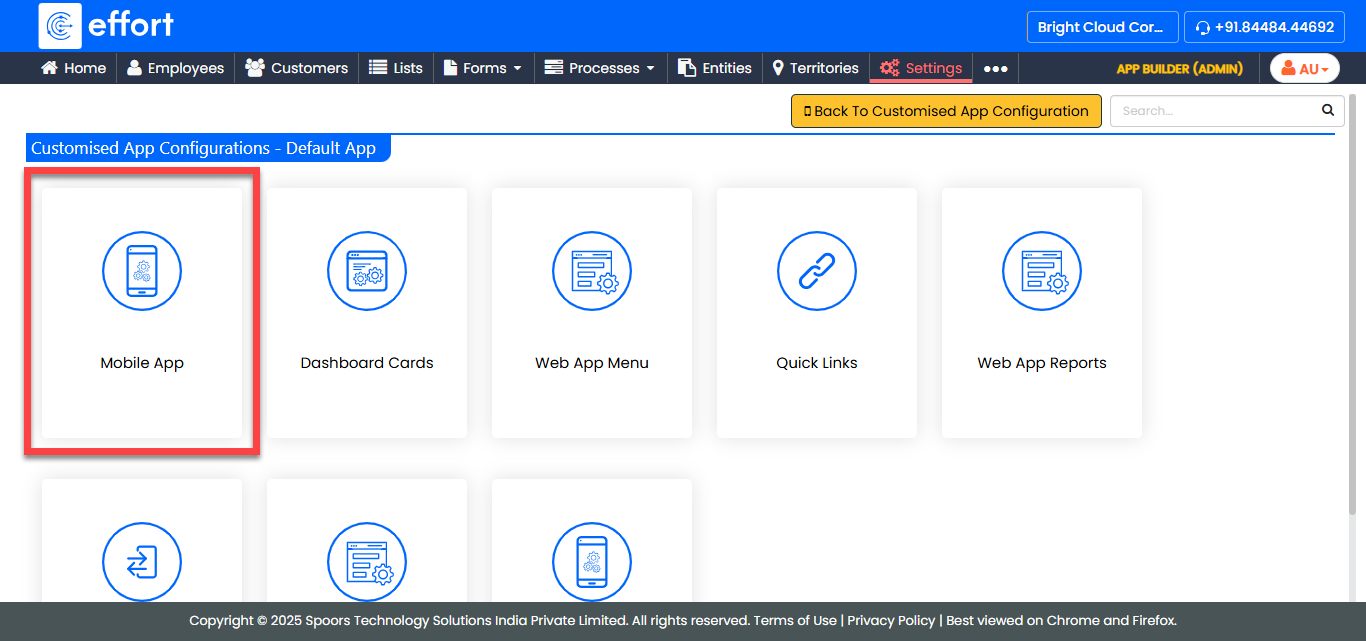
The Customised Mobile App For Default App page appears.
- Scroll down to the Forms section.
-
Click the Visibility of Forms in Mobile App link.
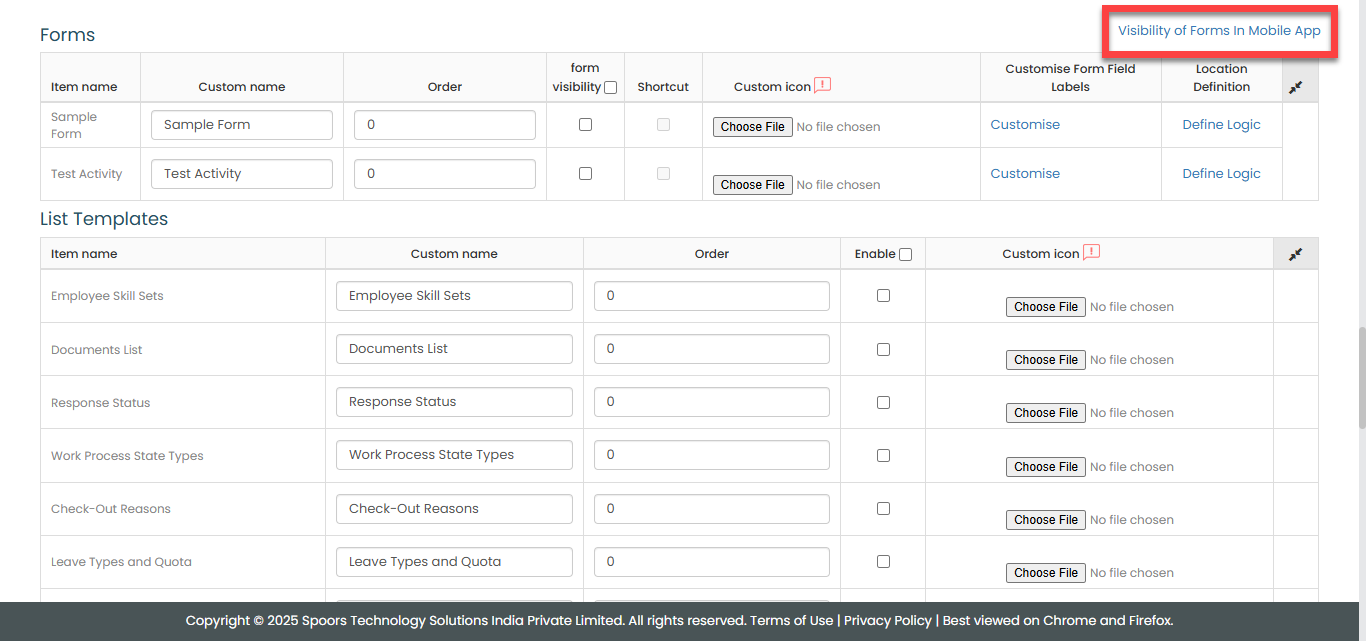
The Configuration of Forms for Visibility in App page appears.
-
Under the Enable for Visibility column, enable the
forms.
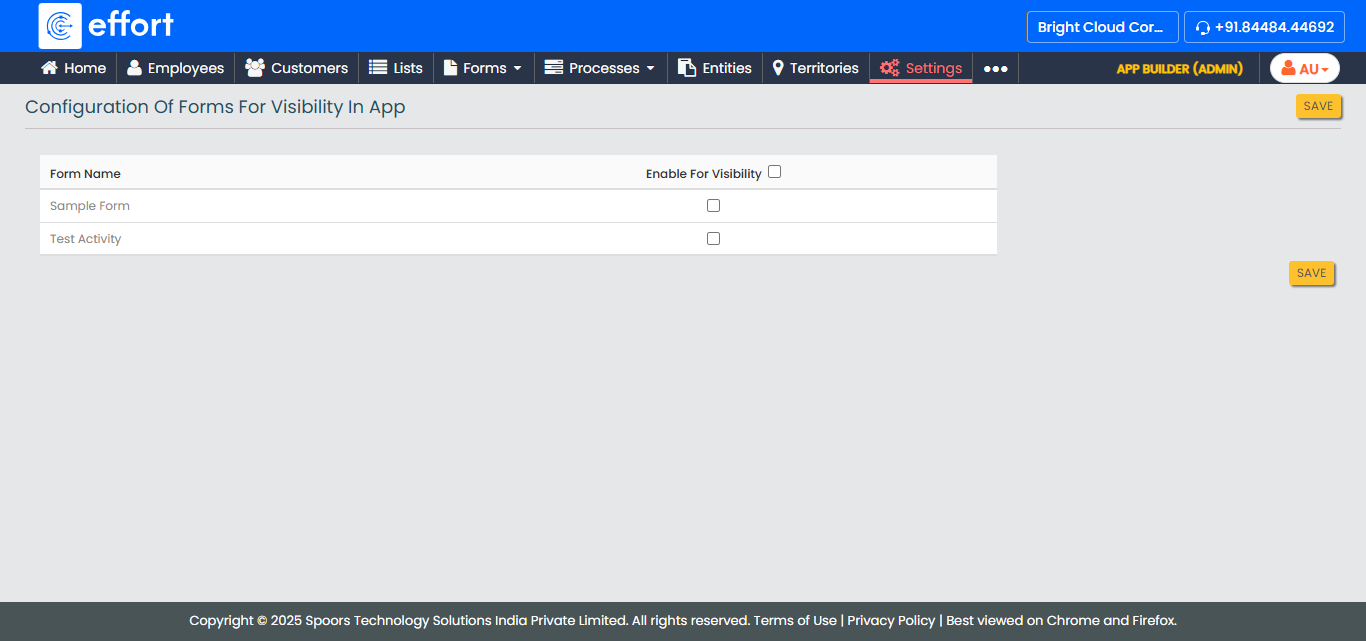
- Click Save.