

Add Quick Link
To add a quick link, follow the steps below:
-
Go to .
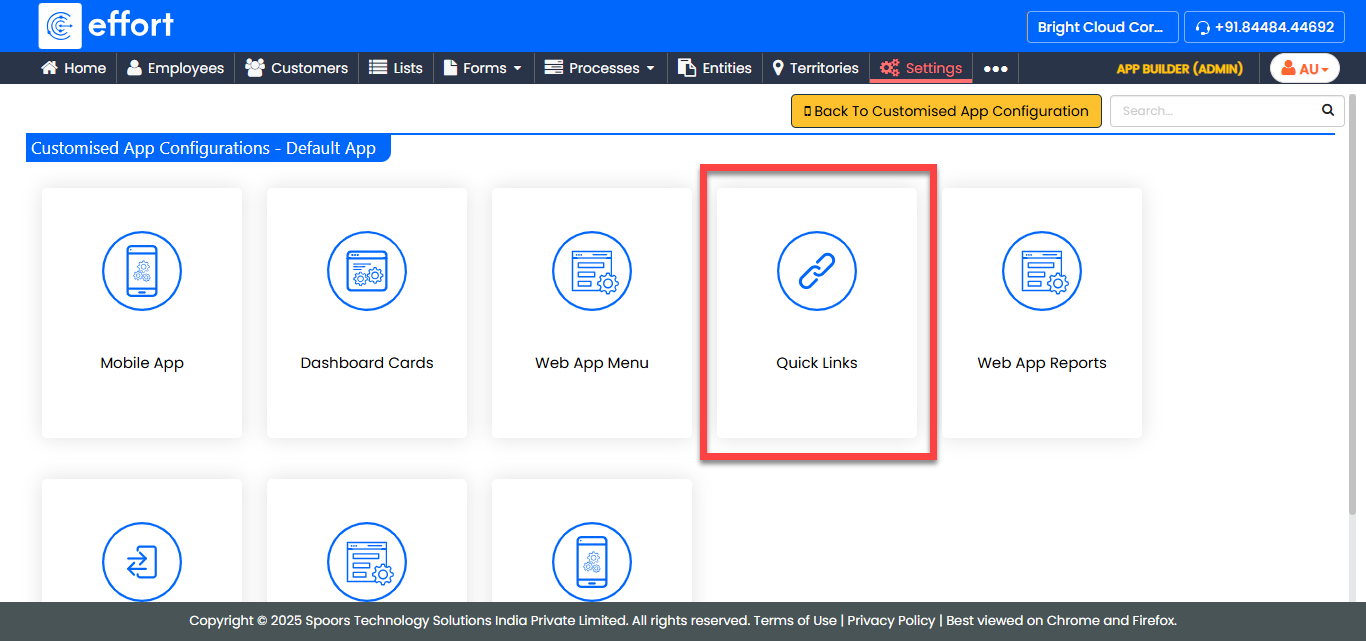
The Customise Quick Links For Default App page appears.
-
Click the Add Quick Link button.
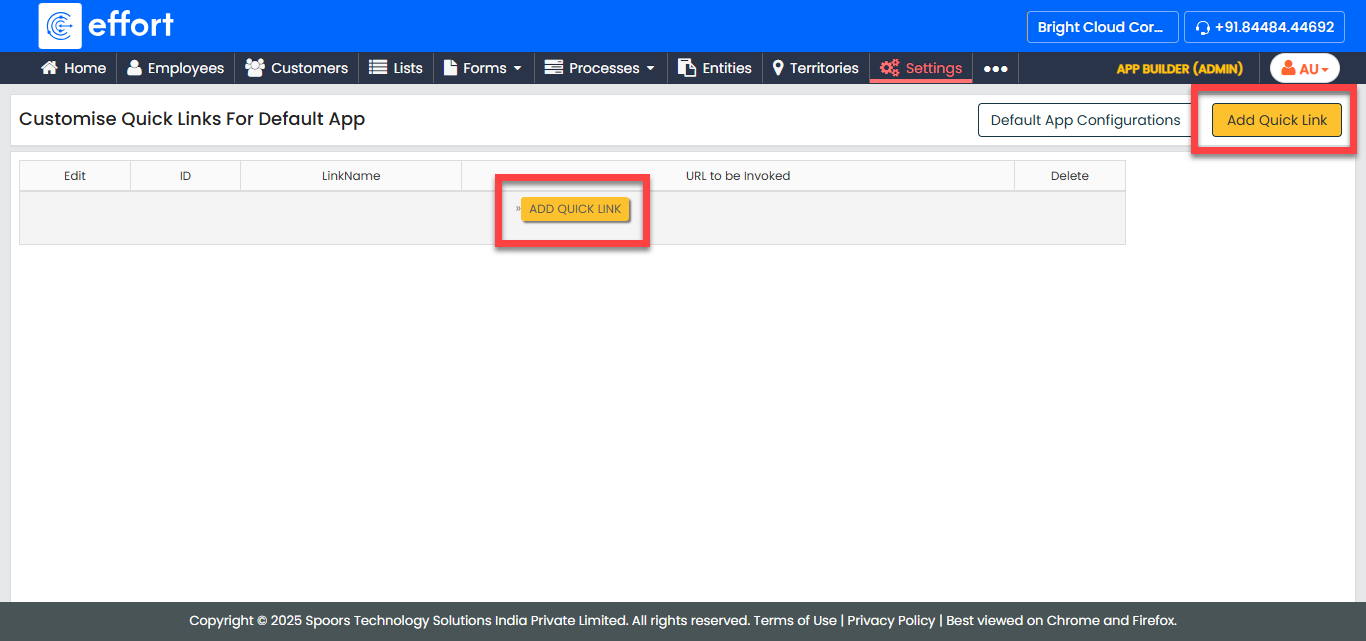
The Quick Link Configuration page appears.
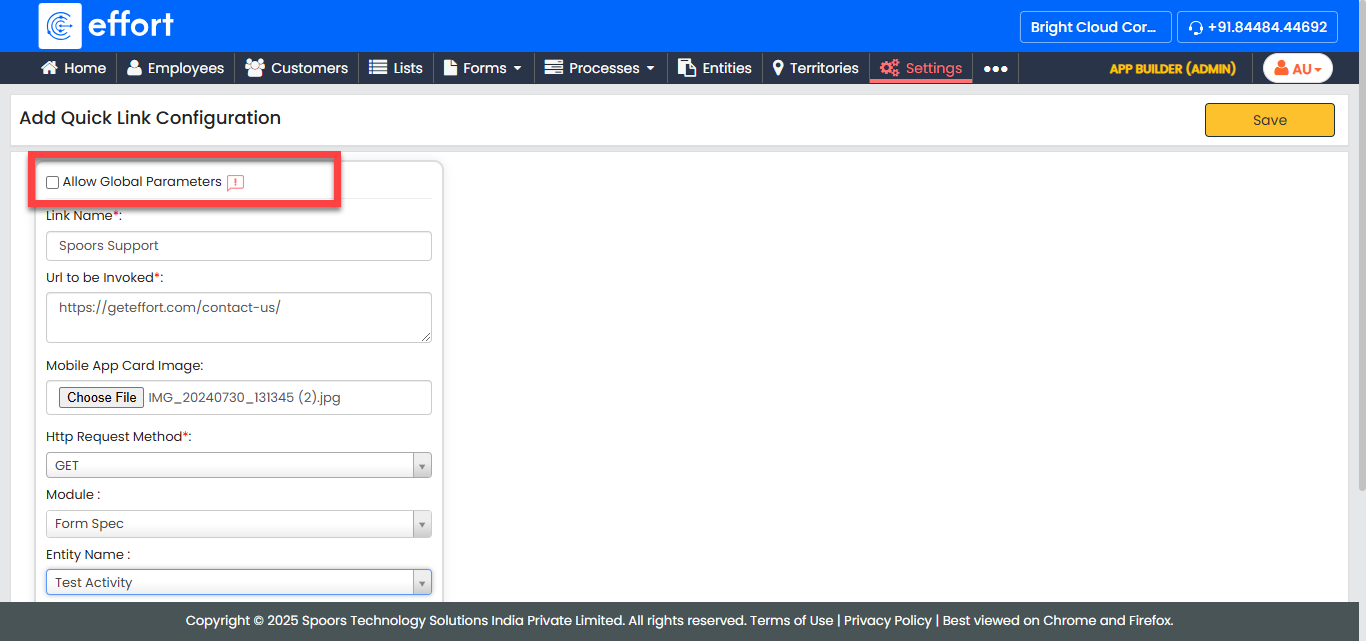
- Optional:
Select the Allow Global Parameters if you want to the URL to be provided with
Global Parameters.
-
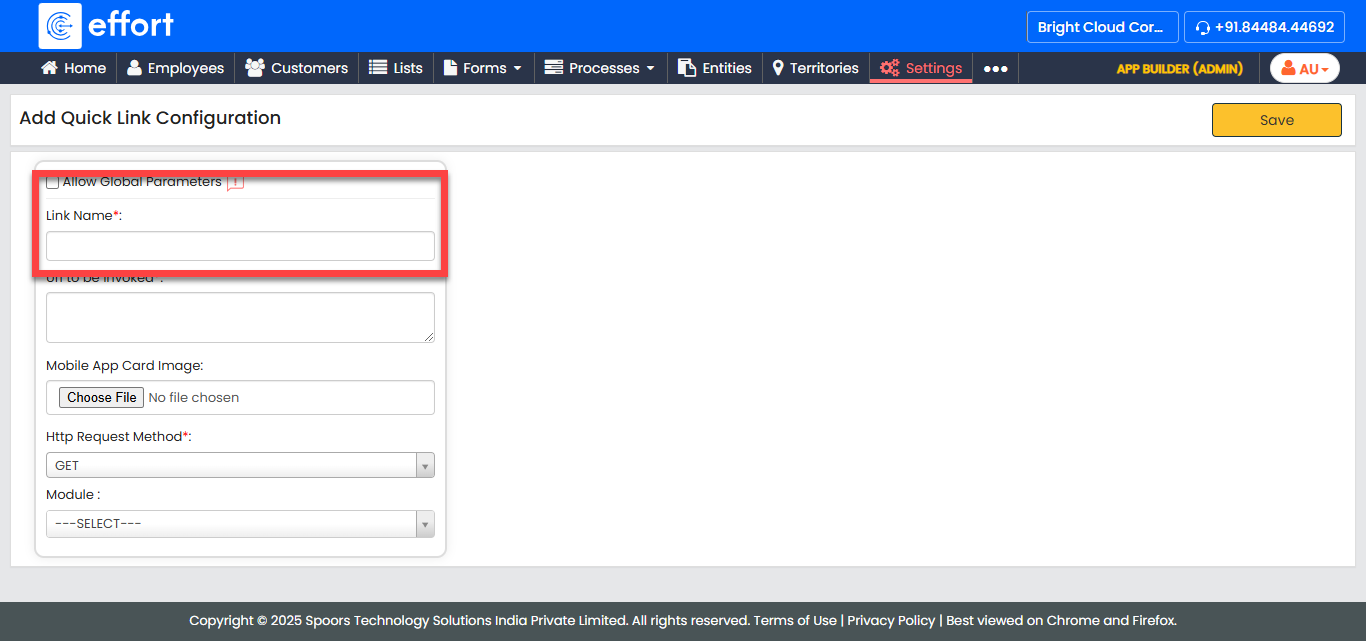
In the LinkName field, enter the name of the
website.
-
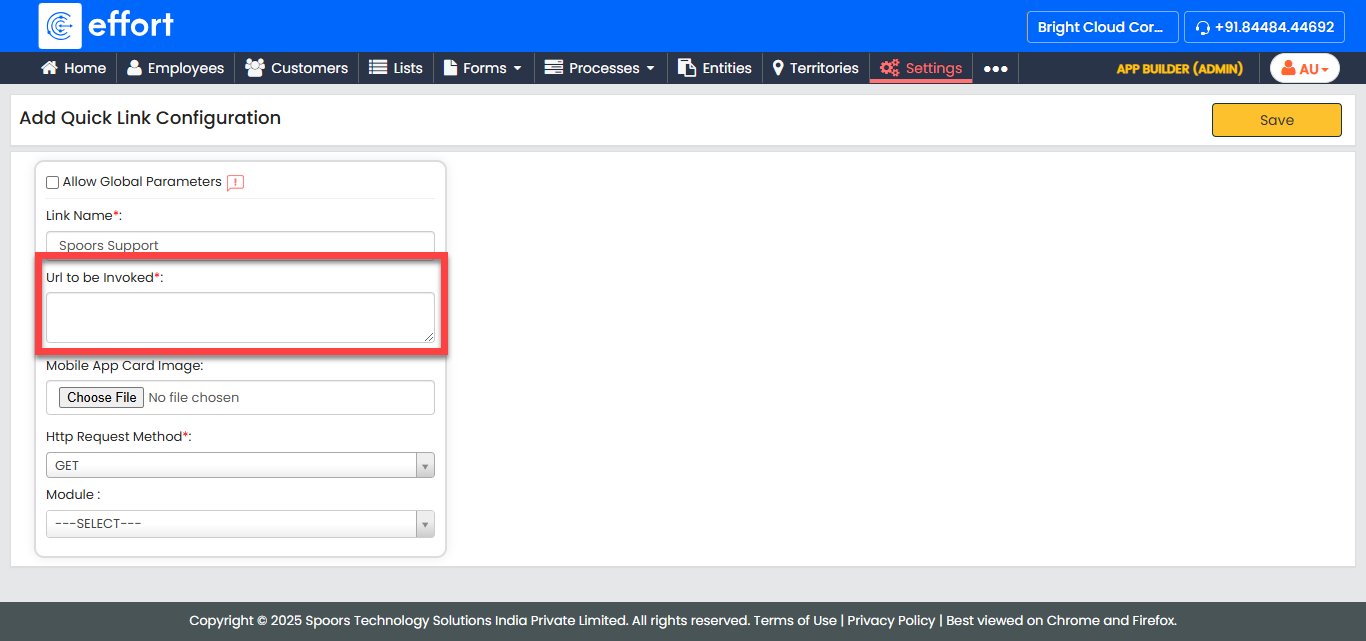
In the Url to be Invoked field, enter the website
URL.
-
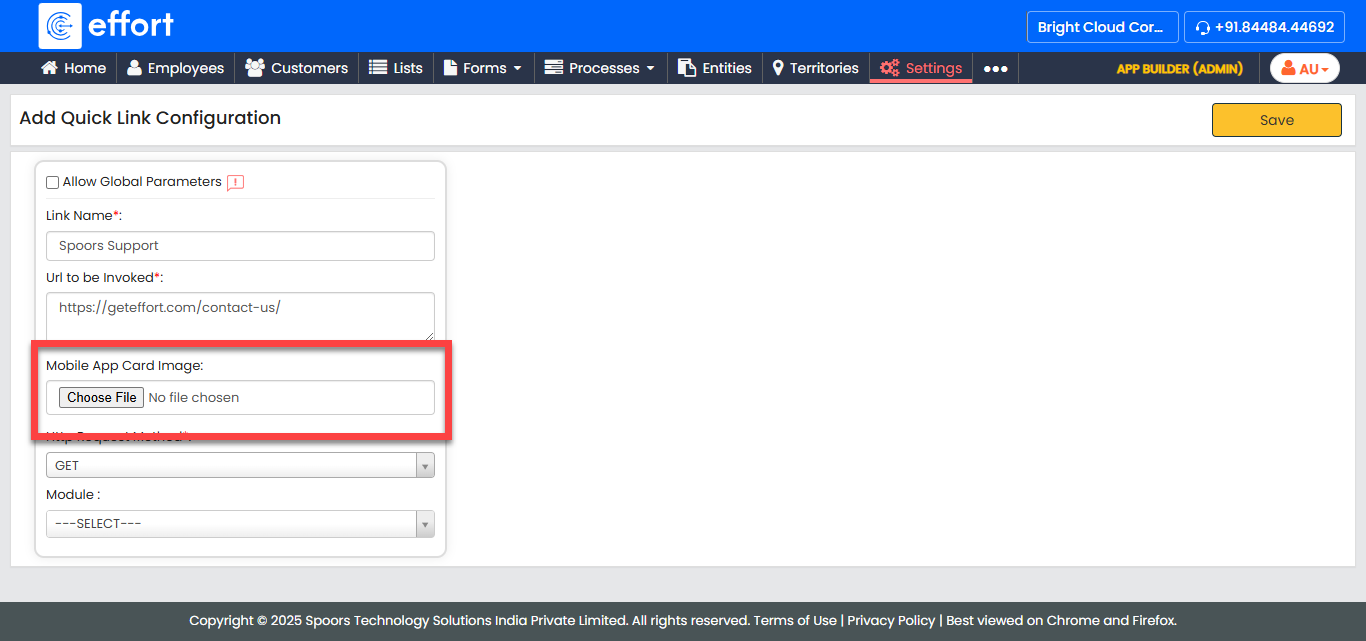
For Mobile App Card Image, upload an image for the
mobile app card.
-
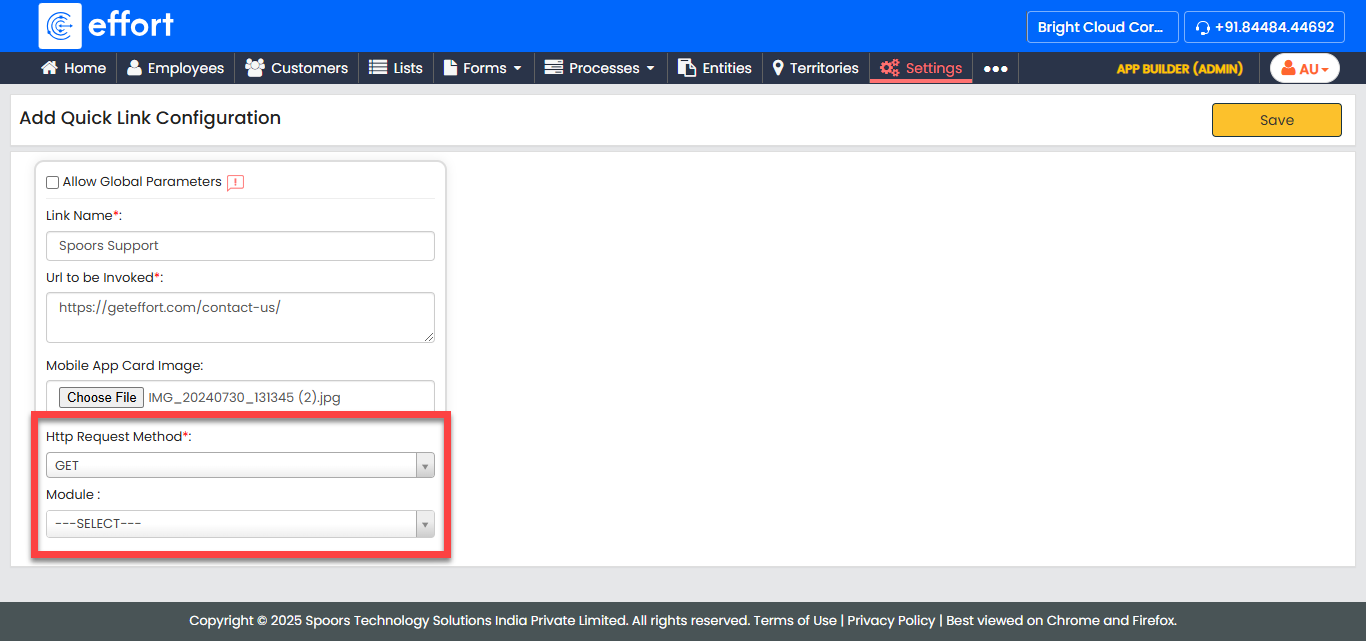
Select HTTP Request Method and
Module as per your requirement.
- Click Save.