

Edit Quick Link
To edit a quick link, follow the steps below:
-
Go to .
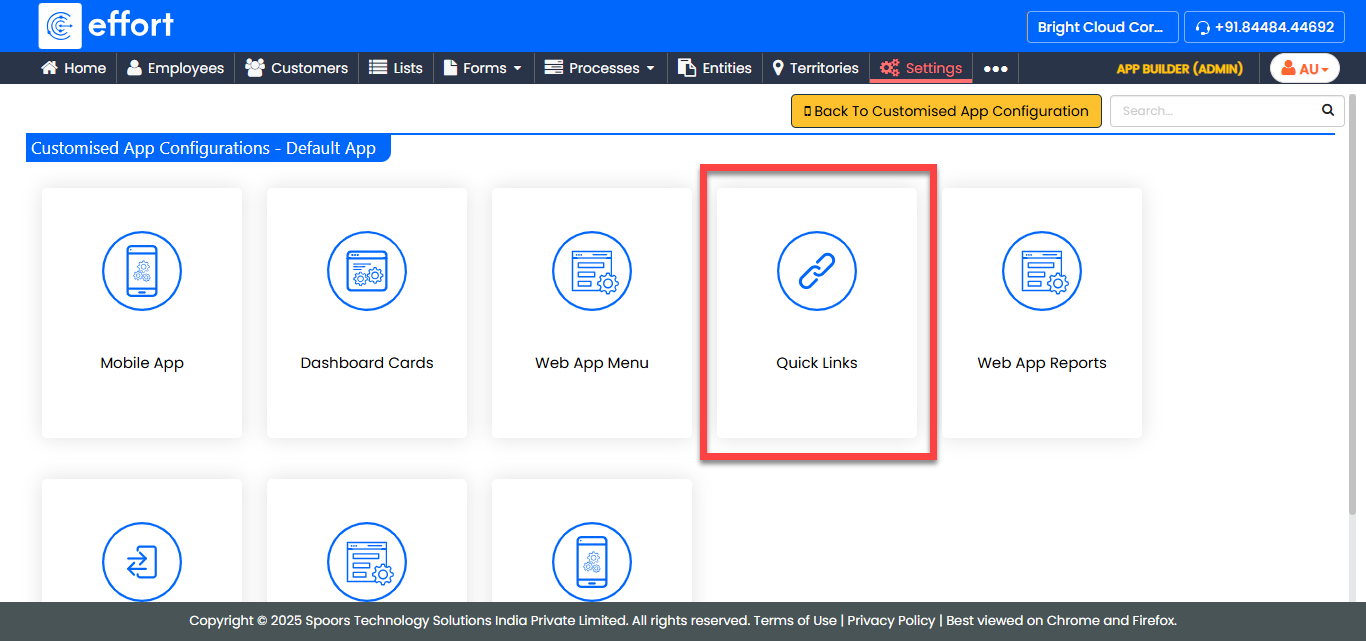
The Customise Quick Links For Default App page appears with the existing quick links.
-
Under the Edit column, click the edit icon.
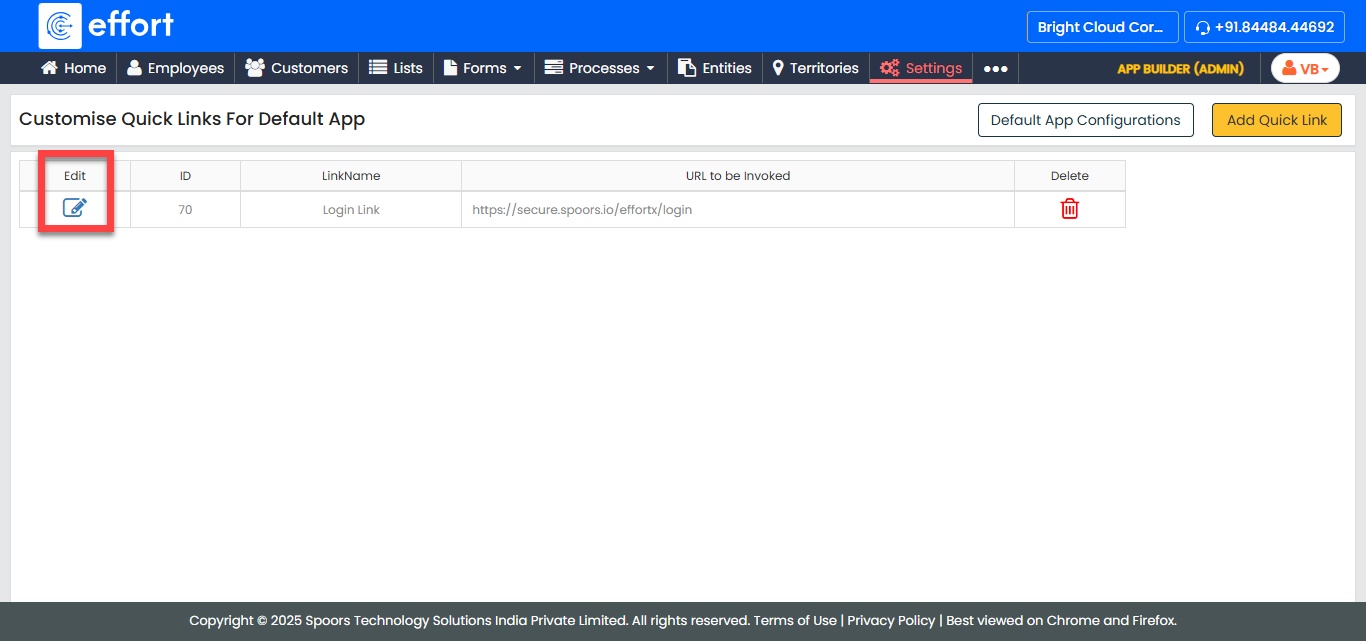
The Quick Link Configuration page appears.
-
Edit the fields as per your requirement.
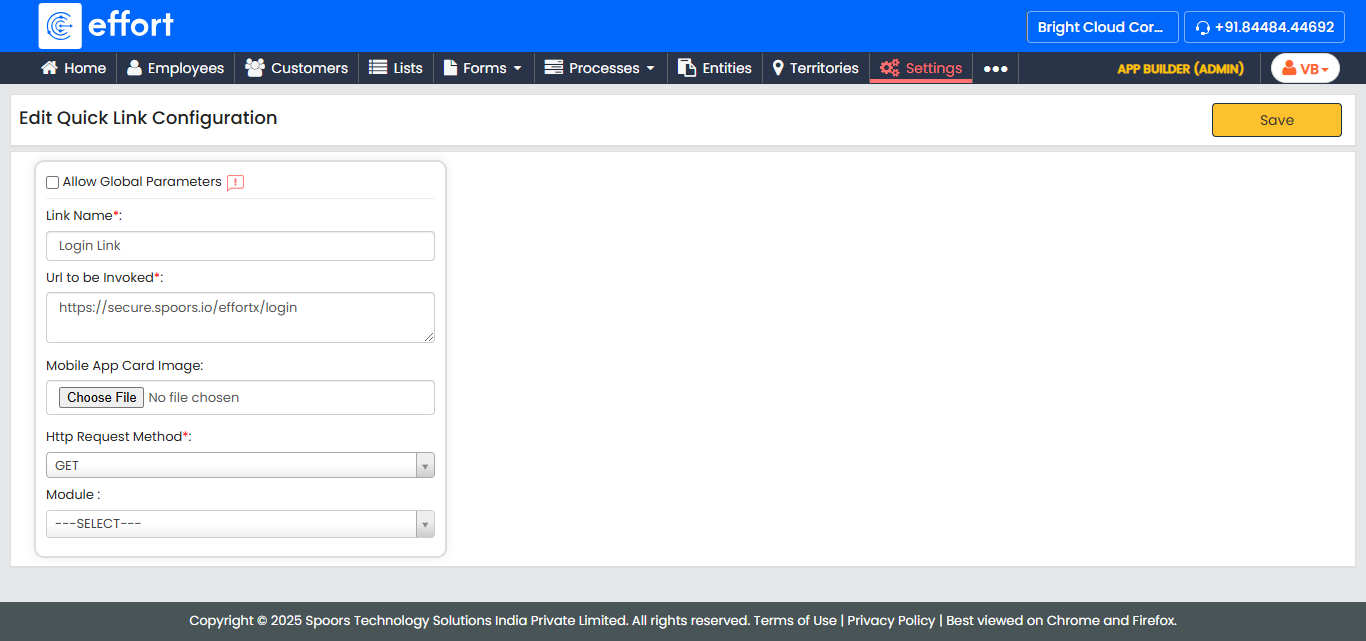
- Click Save.