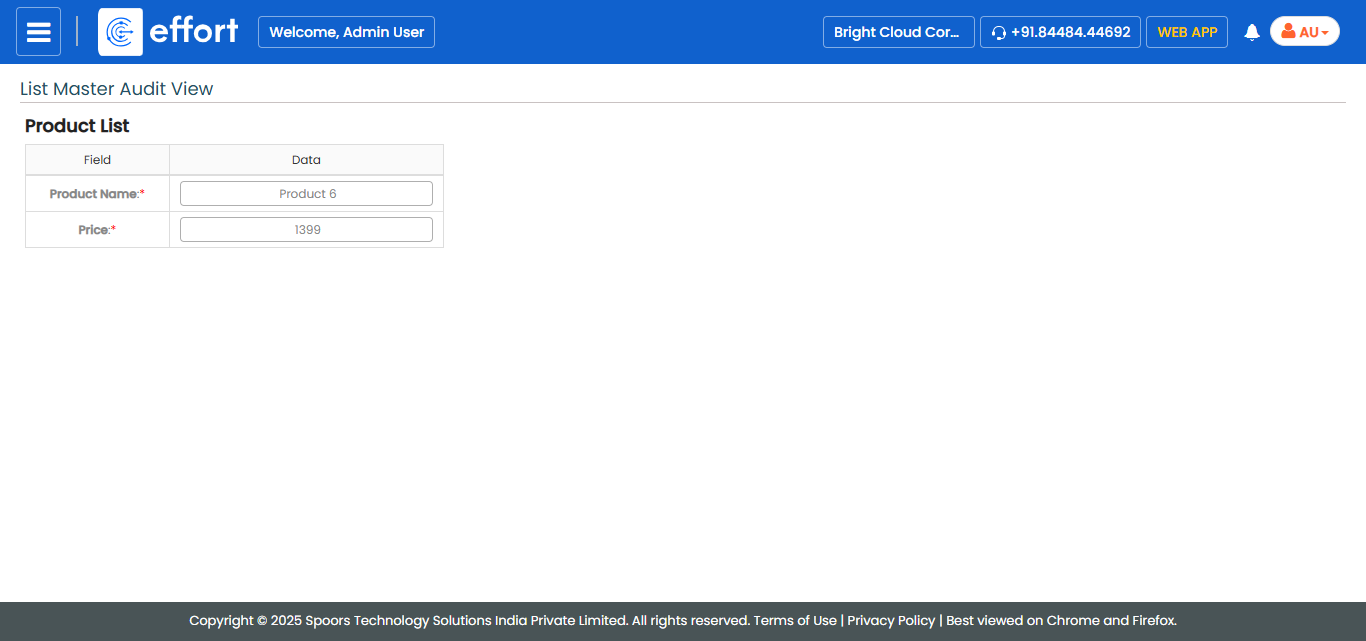
Generate a List Master Audit Report
To generate a list master audit report, follow the steps below.
- Go to .
-
Click the user menu located on the top right corner, and select the
Tools and Audit option.
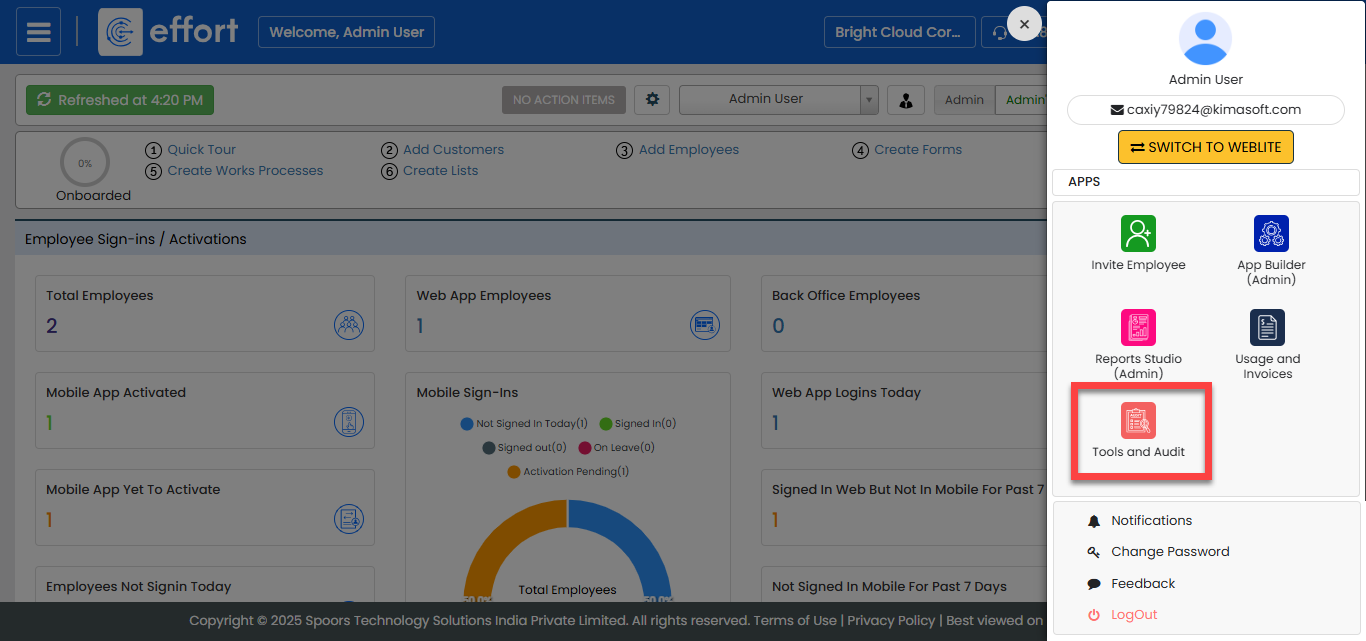
The Tools and Audit page appears.
-
Under the Tools and Audit section, click the
List Master Audit link or icon .
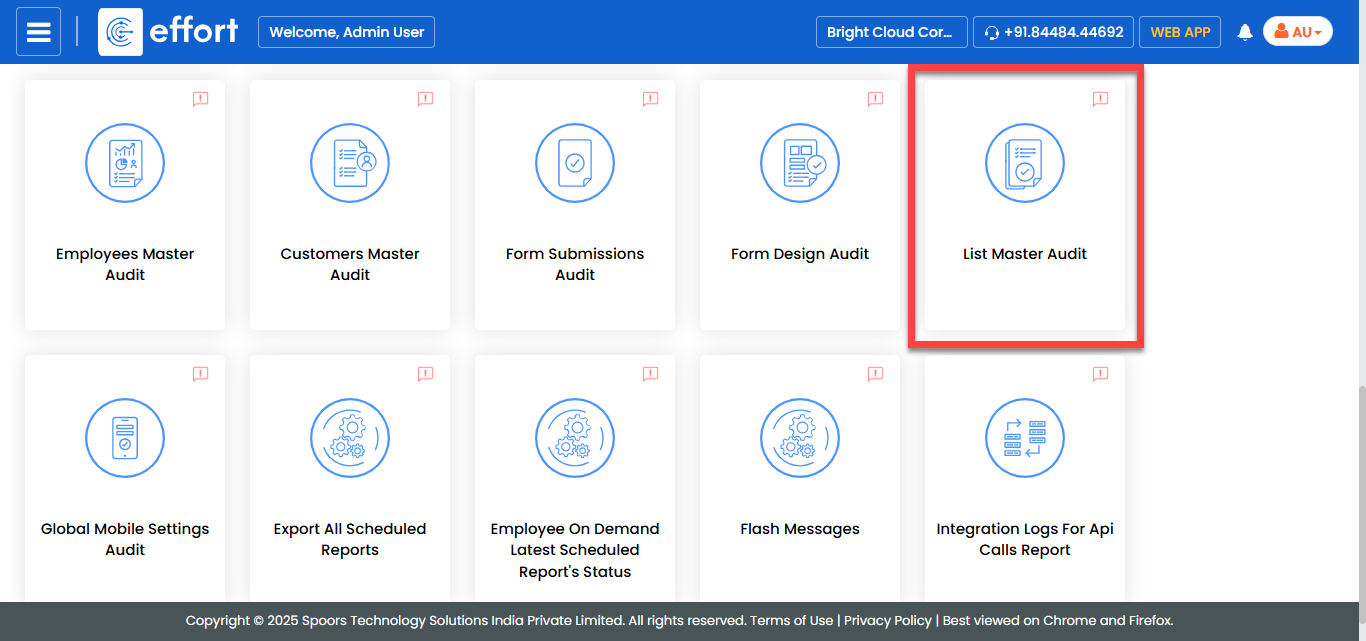
The List Master Audit page appears.
-
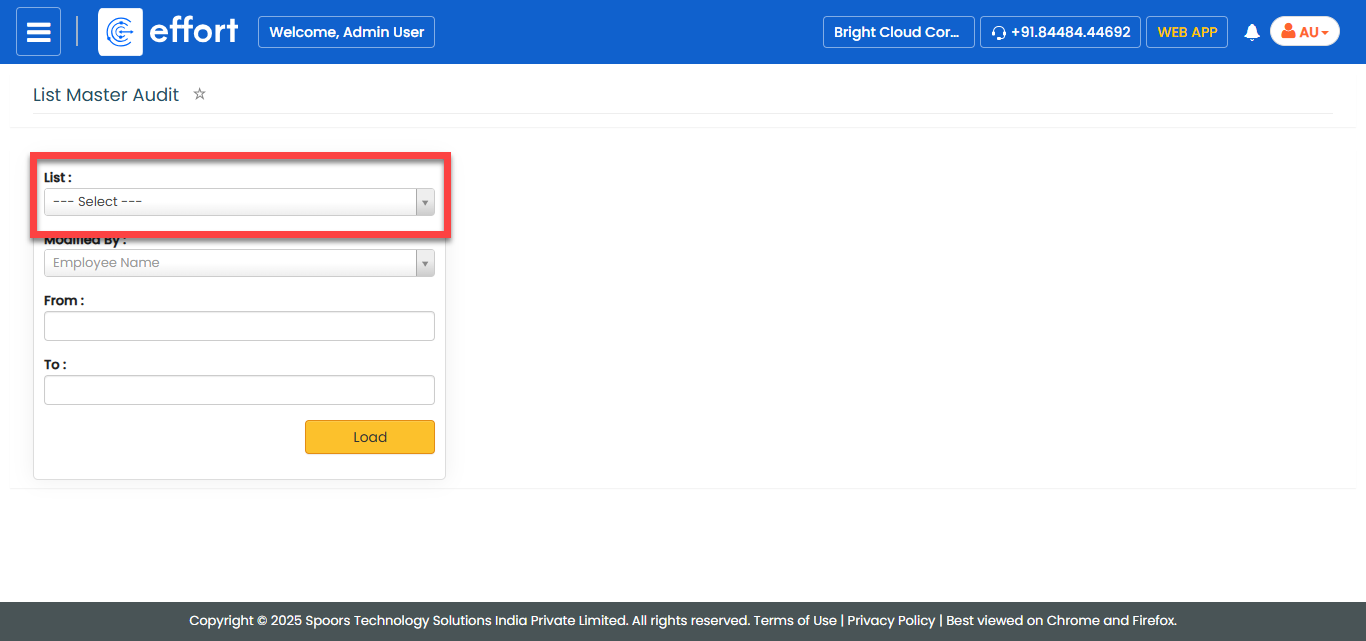
From the List dropdown, select a list spec if you want
to generate report of a specific list spec.
- Optional:
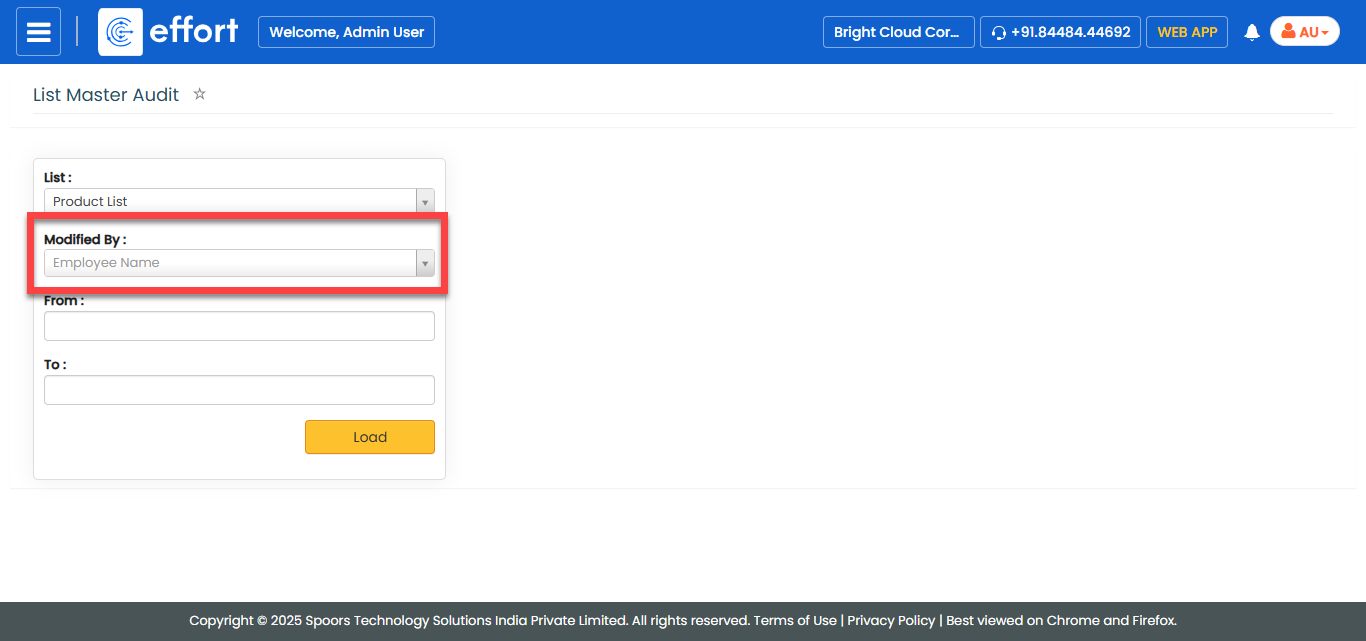
Select an employee from the Modified By dropdown if you
want to generate report of modifications done by a specific employee.
- Optional:
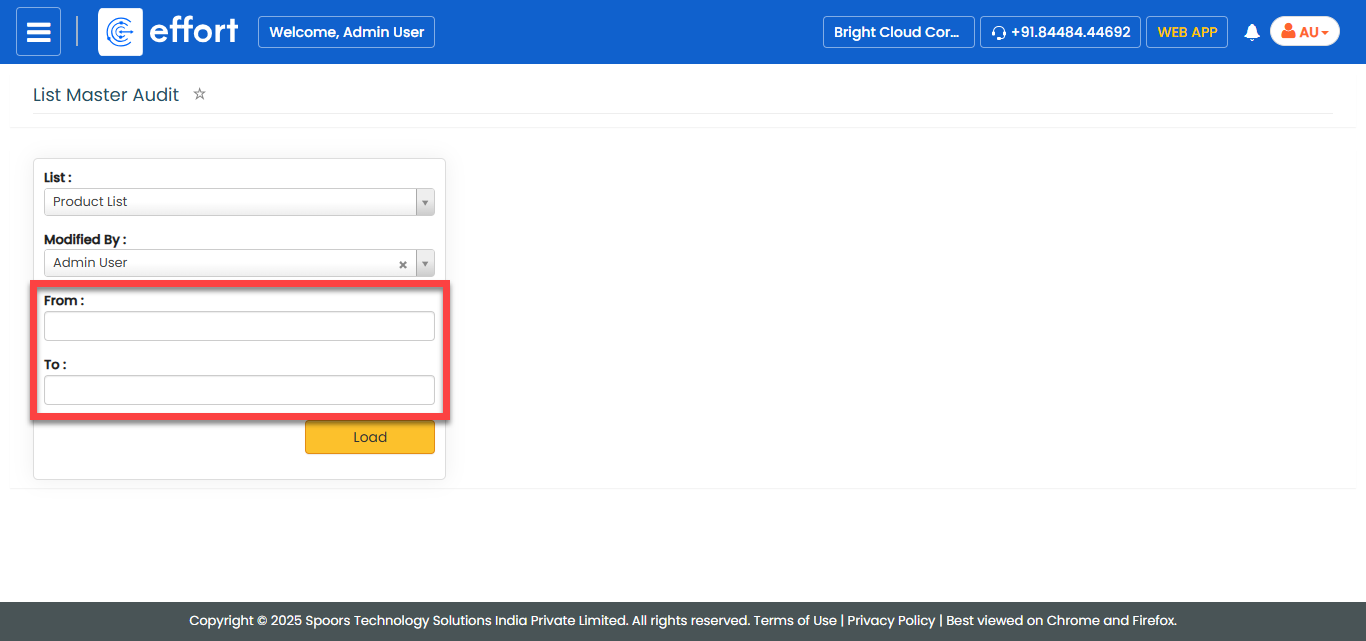
Select From and To dates if you
want to generate report of modifications done within the defined duration.
-
Click Load.
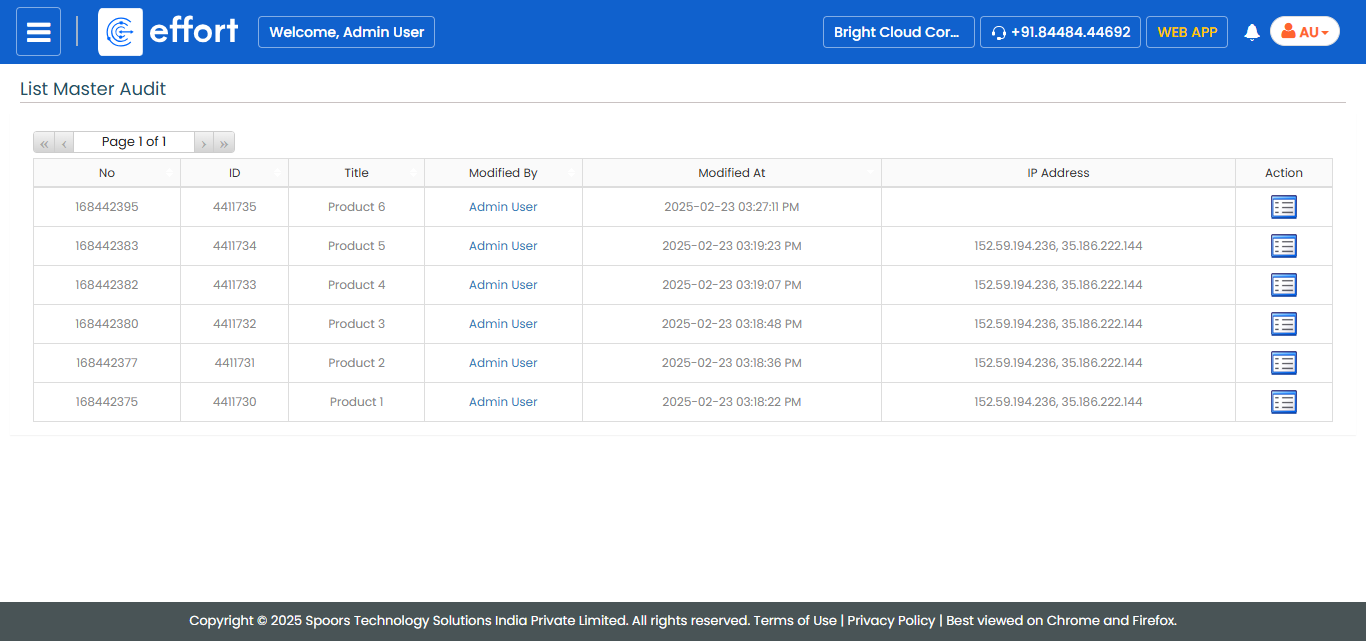
The List Master Audit report is displayed in a new tab.
-
Click view
 icon under
the Action column.
The List Master Audit View page appears.
icon under
the Action column.
The List Master Audit View page appears.