Modify a Published List
EFFORT does not support versioning of list templates. Thus, a list once it is published cannot be modified. Given below is a strategy for achieving it, when needed.
-
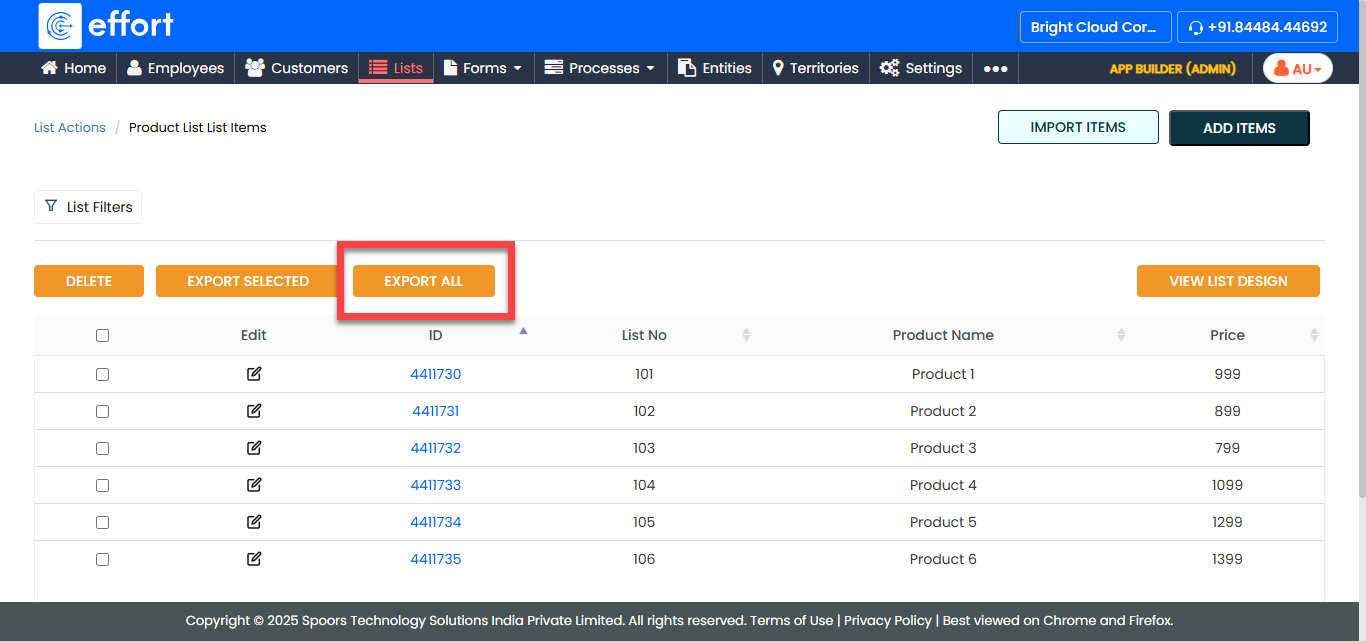
Export list items from the existing list.
-
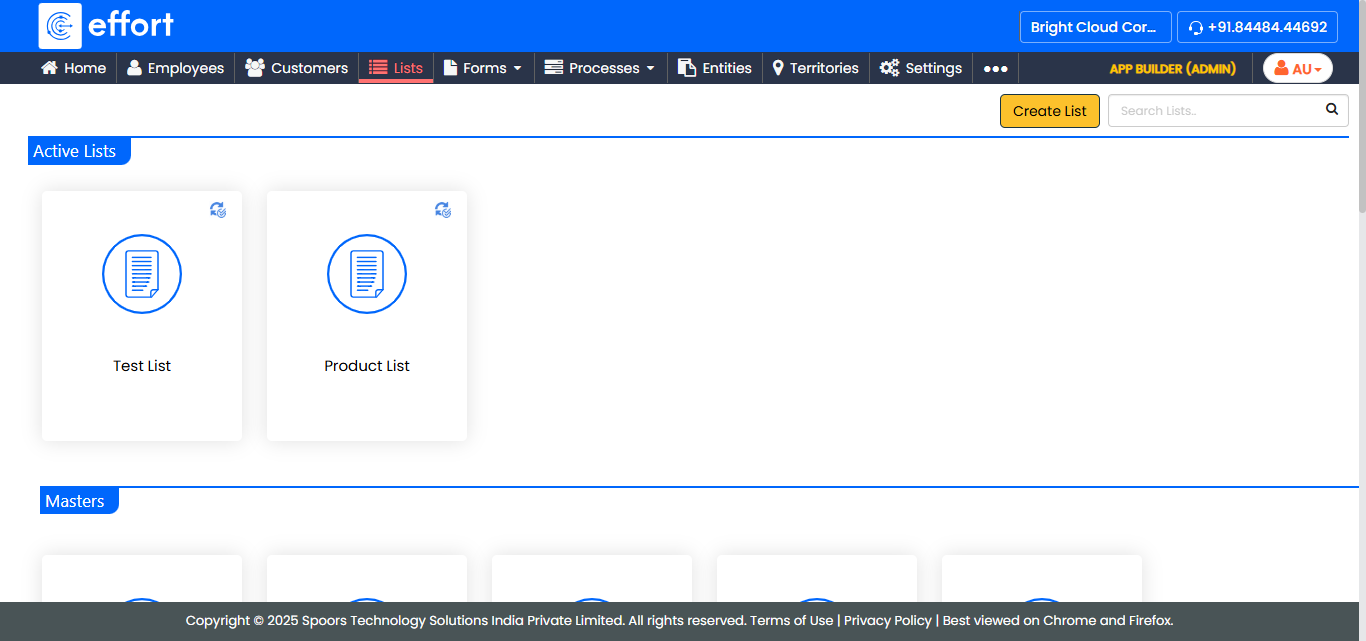
Create a new list as per your requirement.
-
Download the import template (Excel sheet) for the new list.
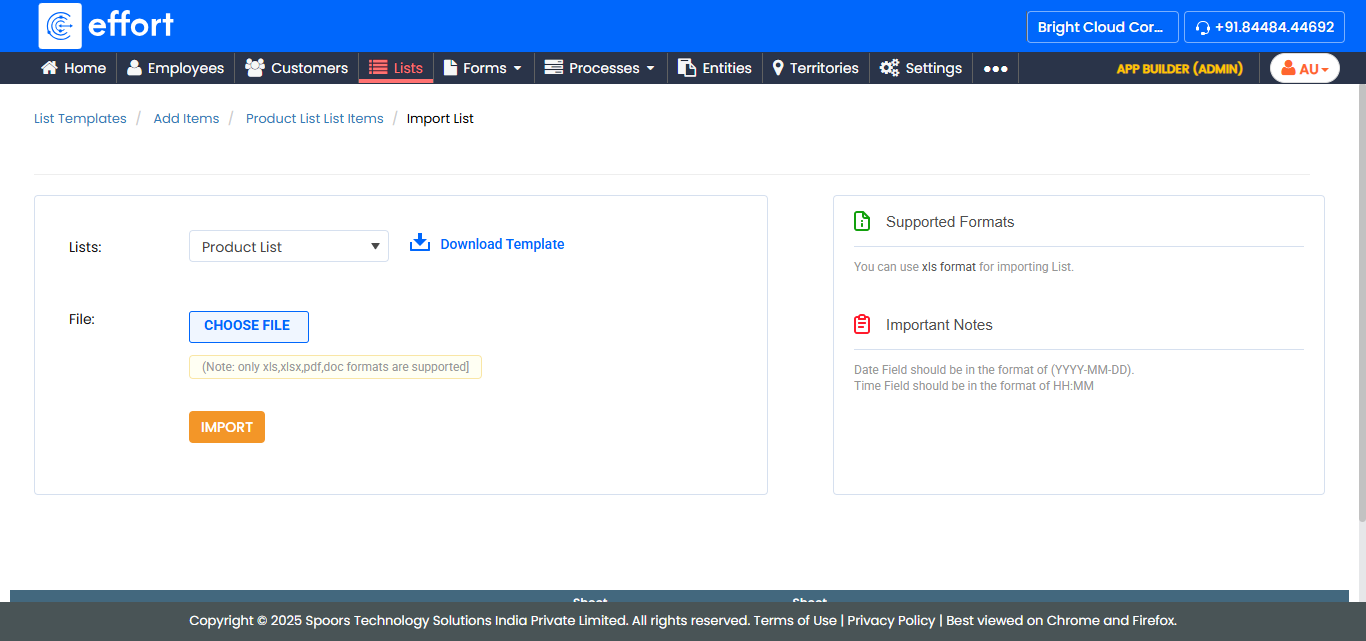
- Copy the required data from the old Excel sheet to the new Excel sheet, and supply additional information for the new columns.
- Import the list items into the new list.
-
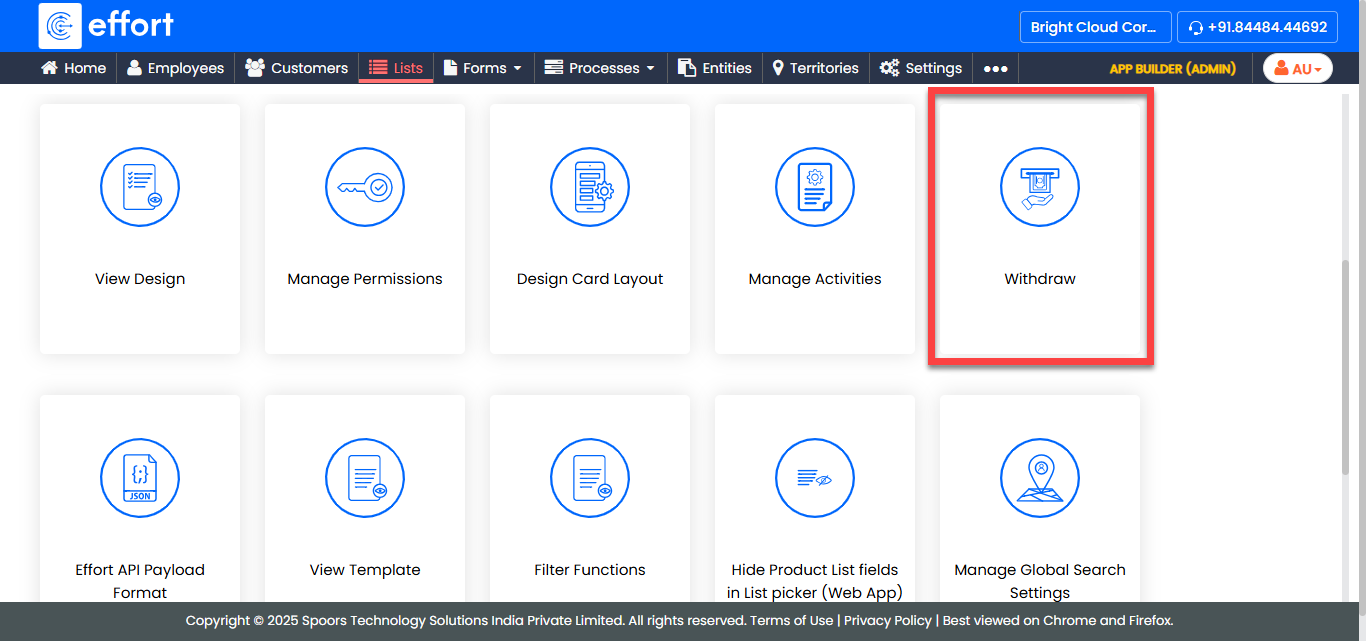
Withdraw the old list.