

View List Items
To view list items, follow the steps below.
-
Go to .
The Lists page appears.
-
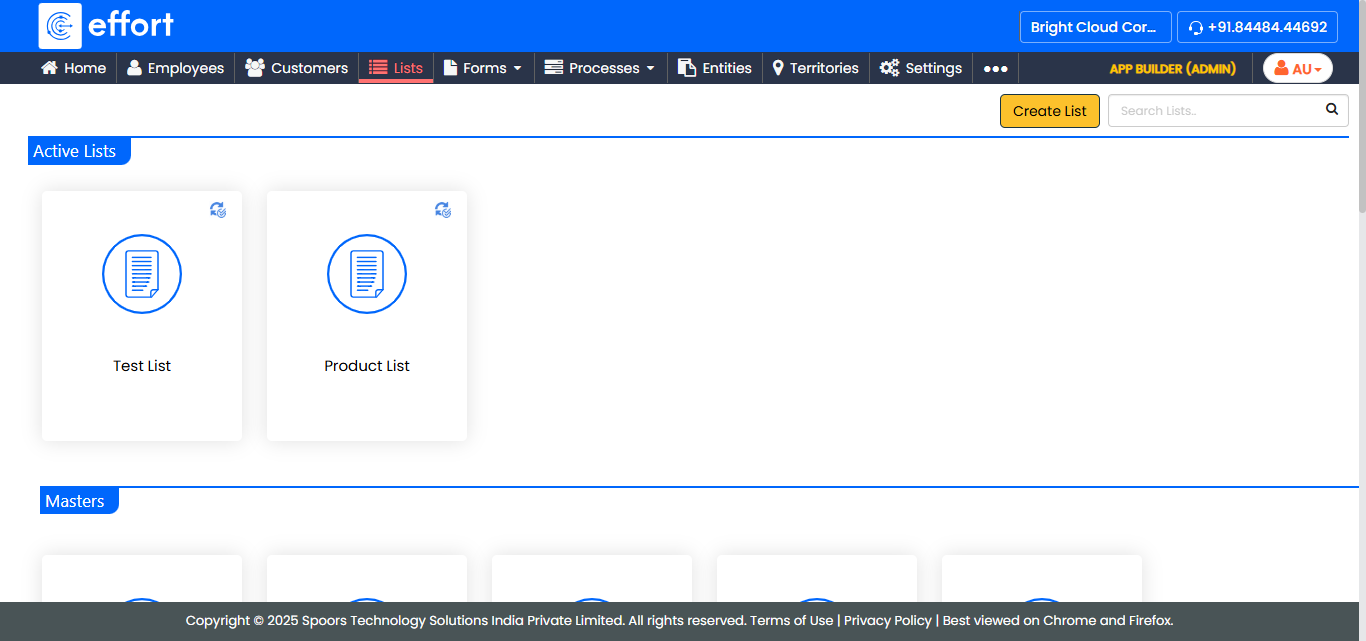
Under the Active Lists section, click the
List card you want to view.
-
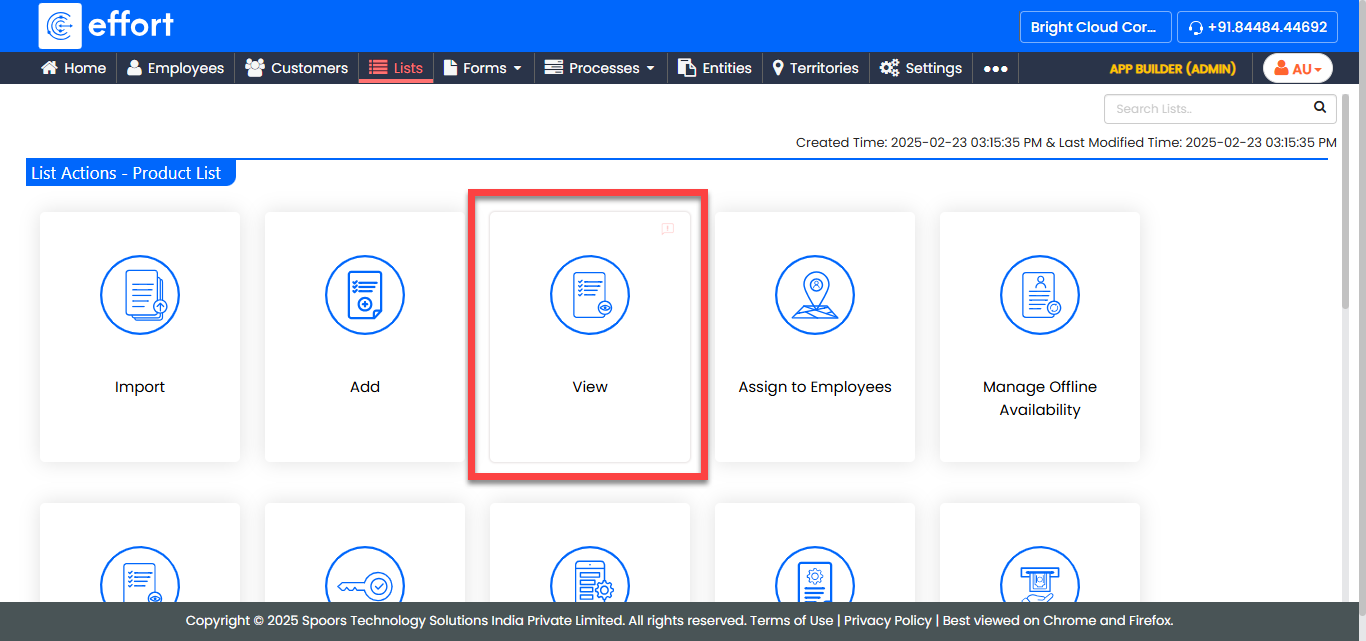
Click the View card to view the items in the list.
- Optional:
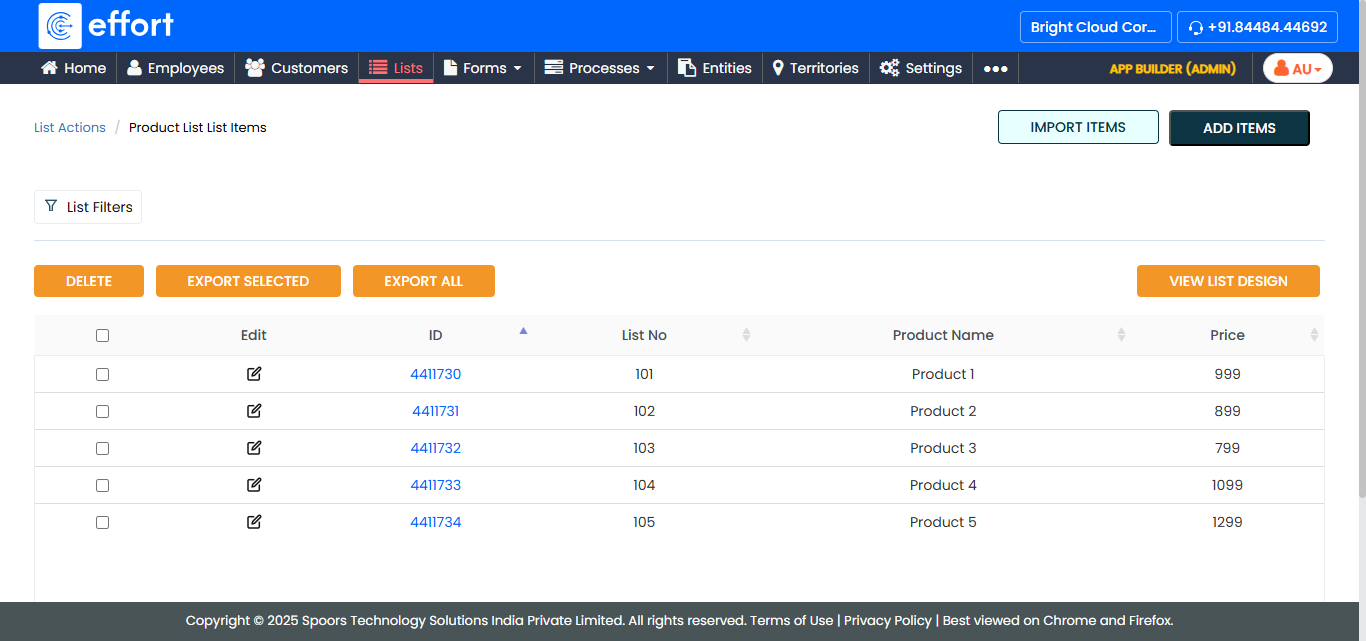
Specify any filtering criteria in the filtering panel and click
Apply to show only the relevant items.
- Optional:
Adjust the number of items shown by selecting one of the values from the
Records per page drop down.
- 10
- 25
- 50
- 100
- Optional:
You can perform below operations from this page:
- Add an item
- Import items
- View an item
- Edit an item
- Export selected items
- Export all items
- Delete the selected items