

Export All List Items
To export all list items, follow the steps below.
-
Go to .
The Lists page appears.
-
Click the List card in which you want to export selected
list items.
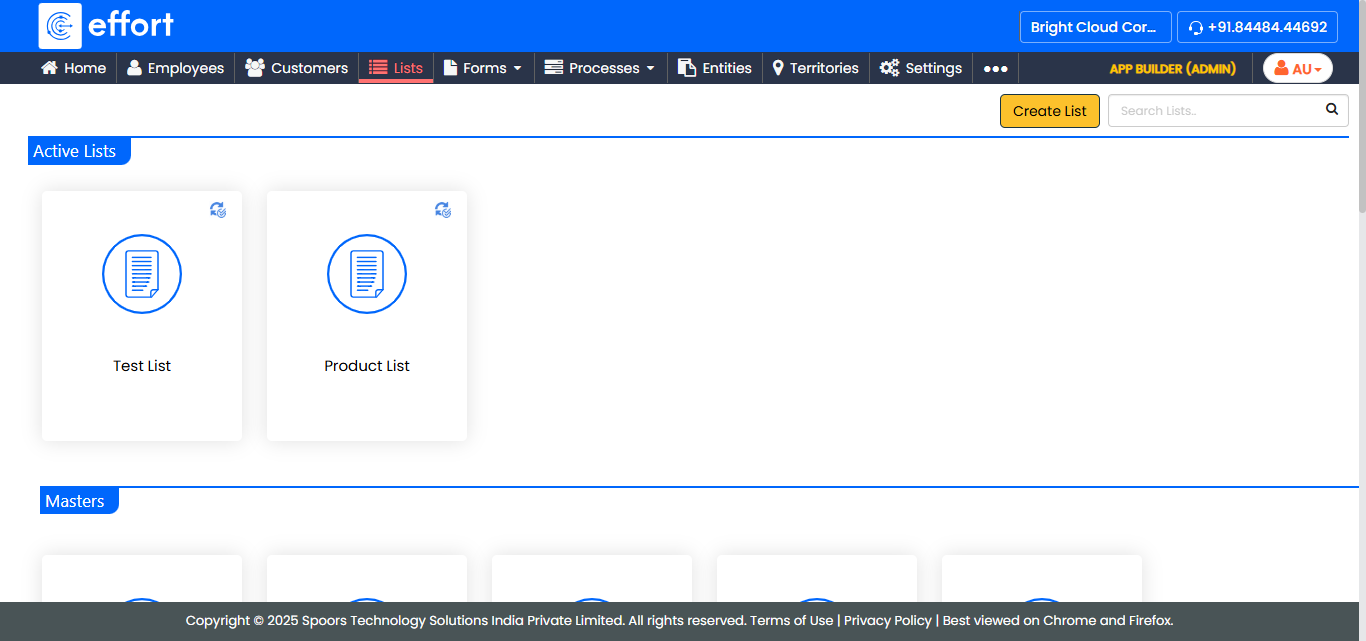
The List Actions page appears.
-
Click the View Items card.
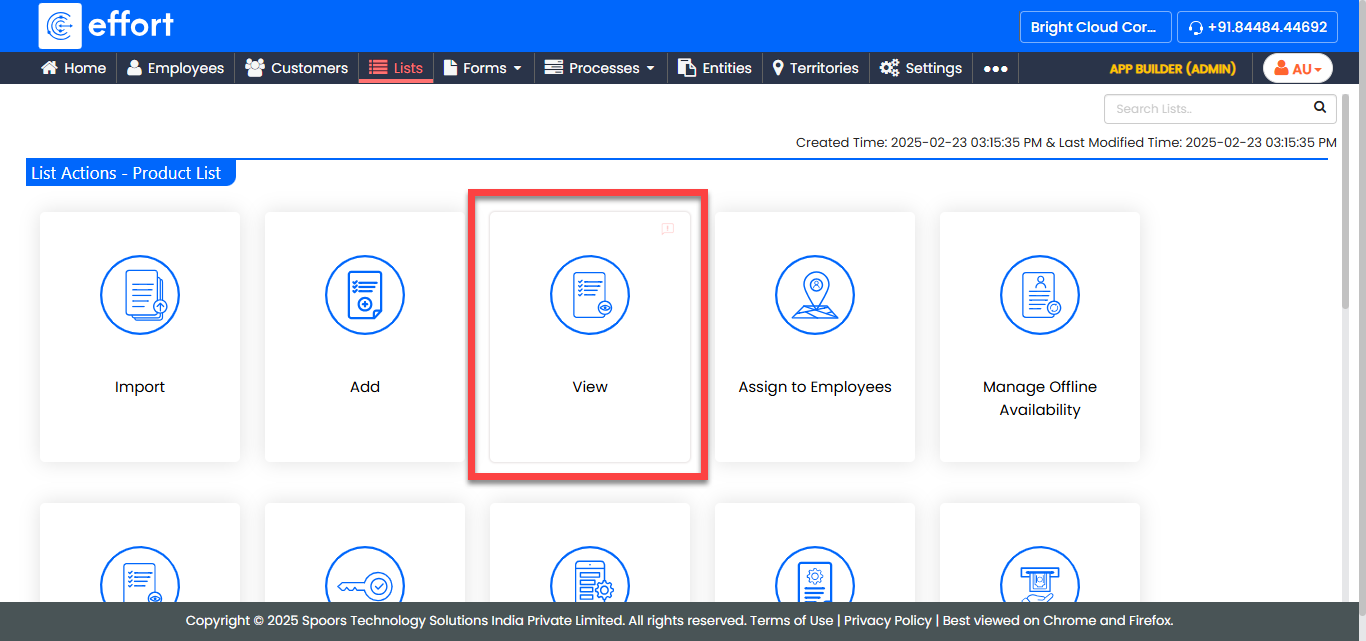
The <List Name> Items page appears.
-
Note: You don't have to select any check boxes for performing this operation.Click the Export All button.
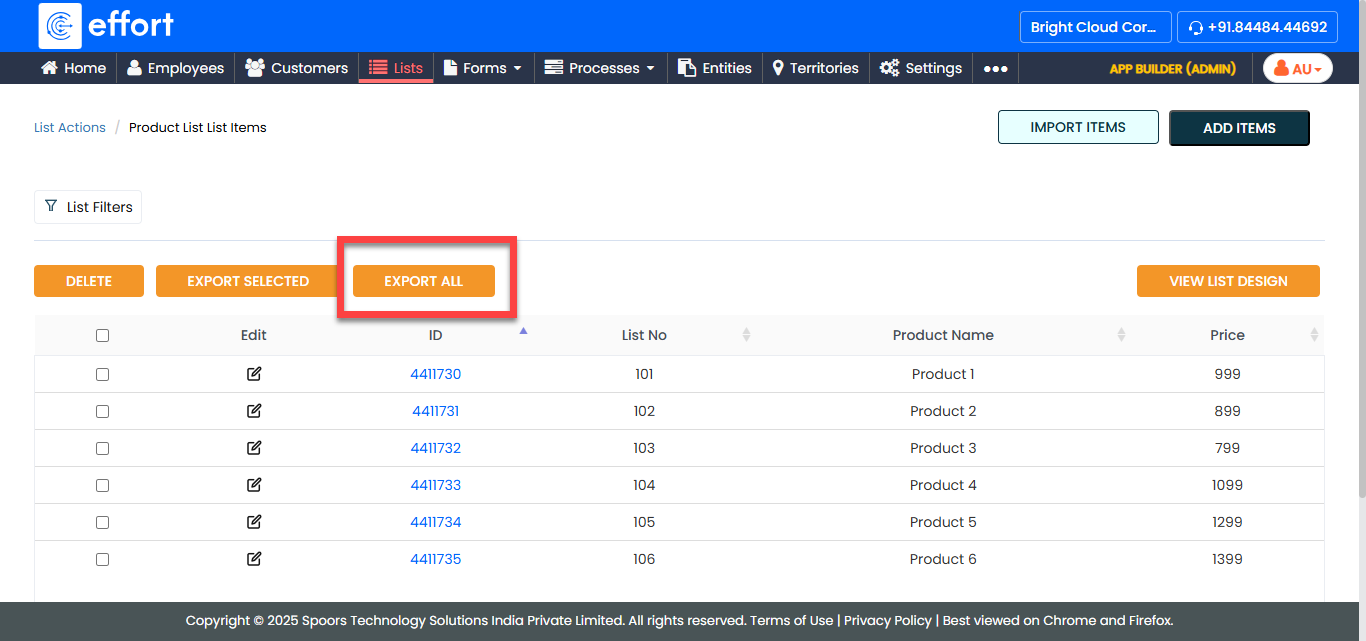
An Excel sheet with the all the list items is generated and downloaded to your system.