

Configure Activities
To configure activities, follow the steps below.
-
Go to .
The Lists page appears.
-
Click the List card in which you want to configure
activities.
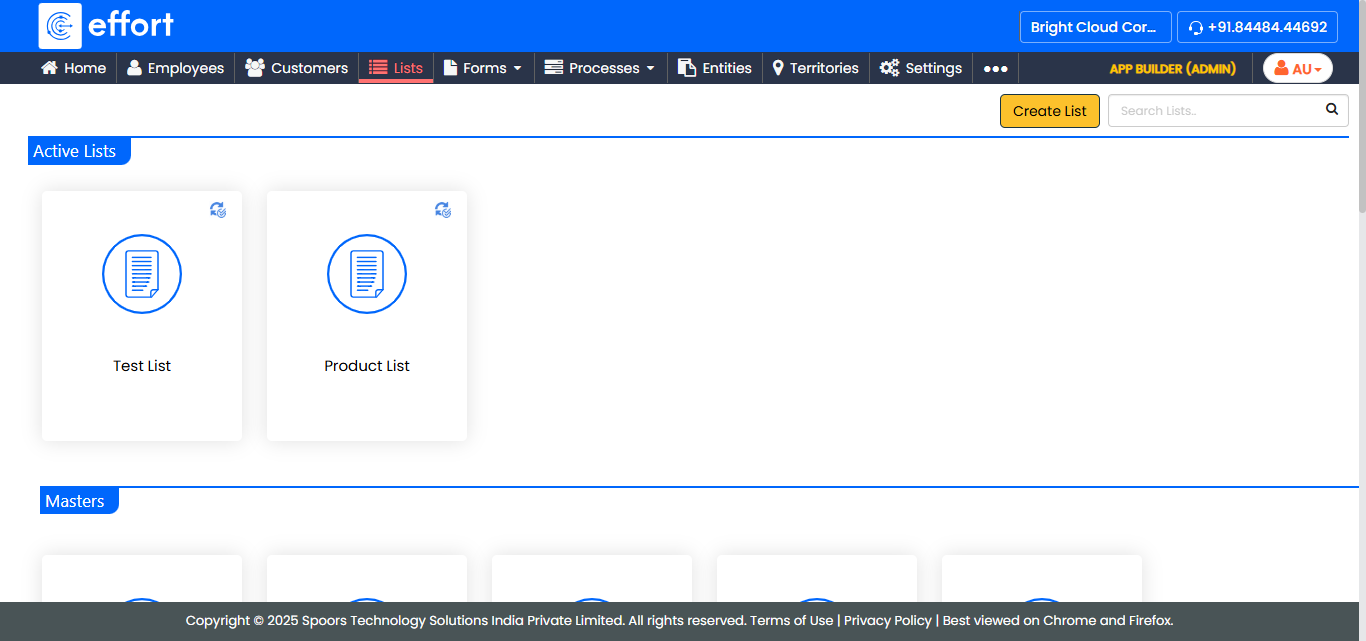
The List Actions page appears.
-
Click the Manage Activities card.
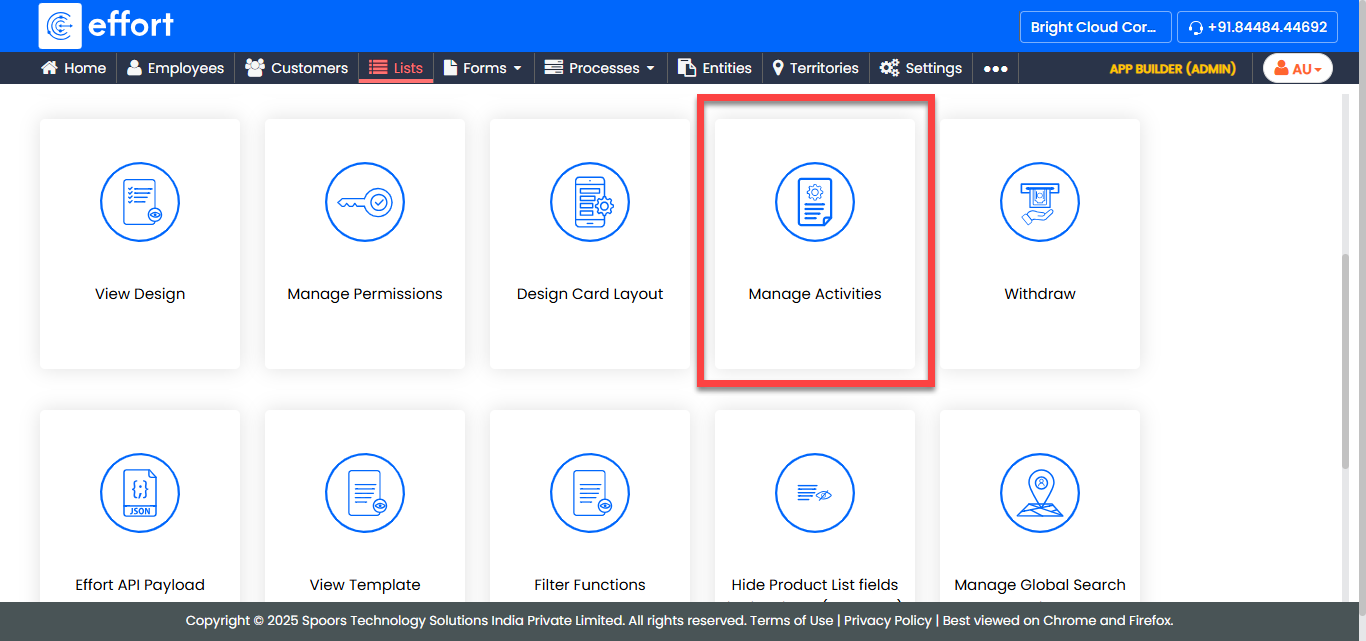
The Manage Activities for <List Name> page appears.
-
Use the arrow buttons to move the data from the Forms
section to the Mapped Forms section.
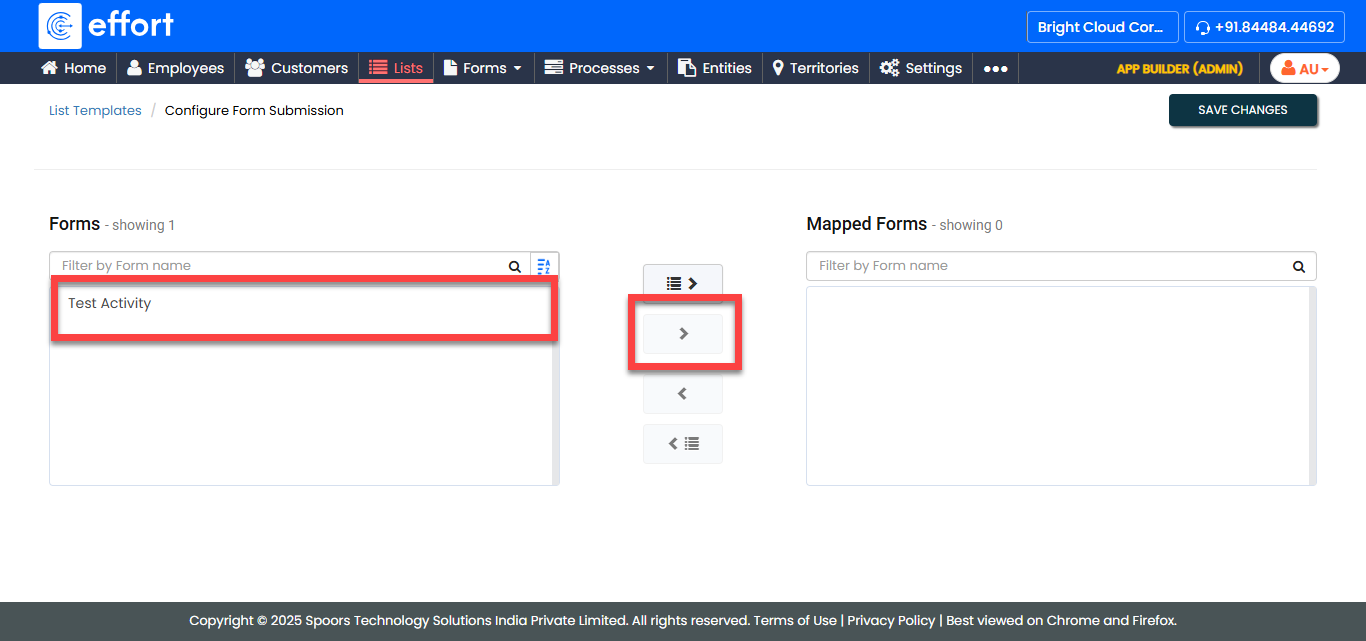
- Click Save.