

Manage Mobile Fields Layout
To manage mobile fields layout, follow the steps below.
-
Go to
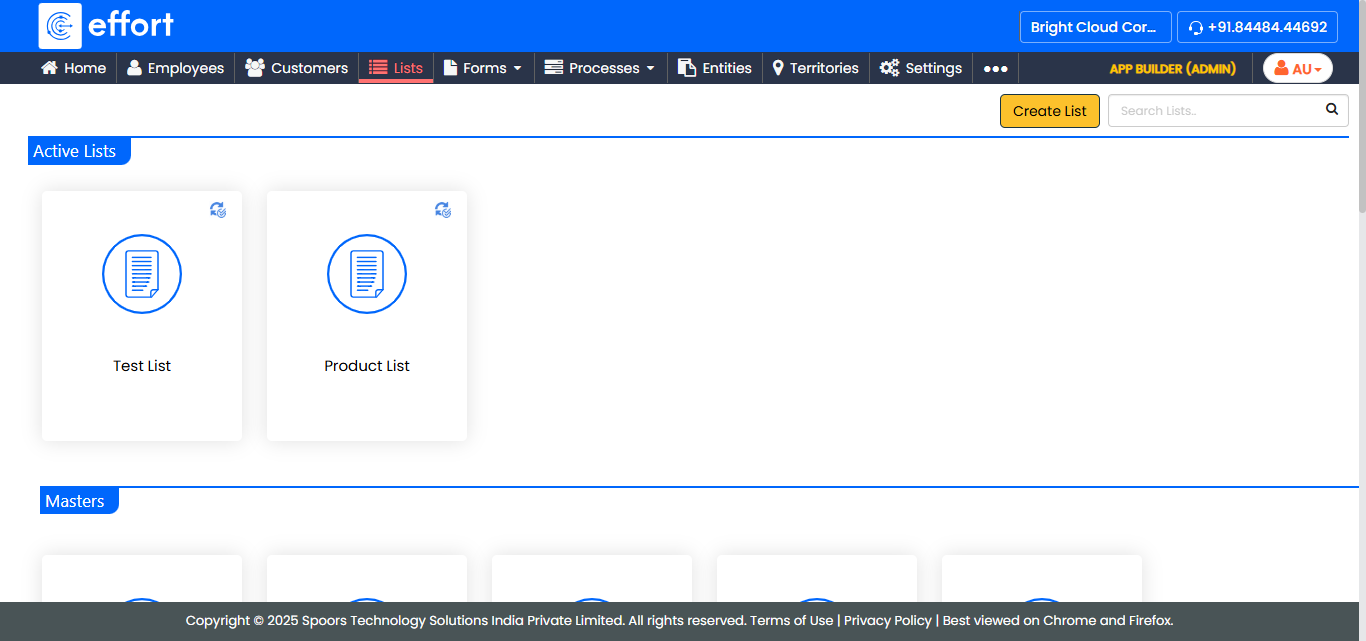
The Lists page appears.
-
Click the List card in which you want to manage mobile
fields layout.
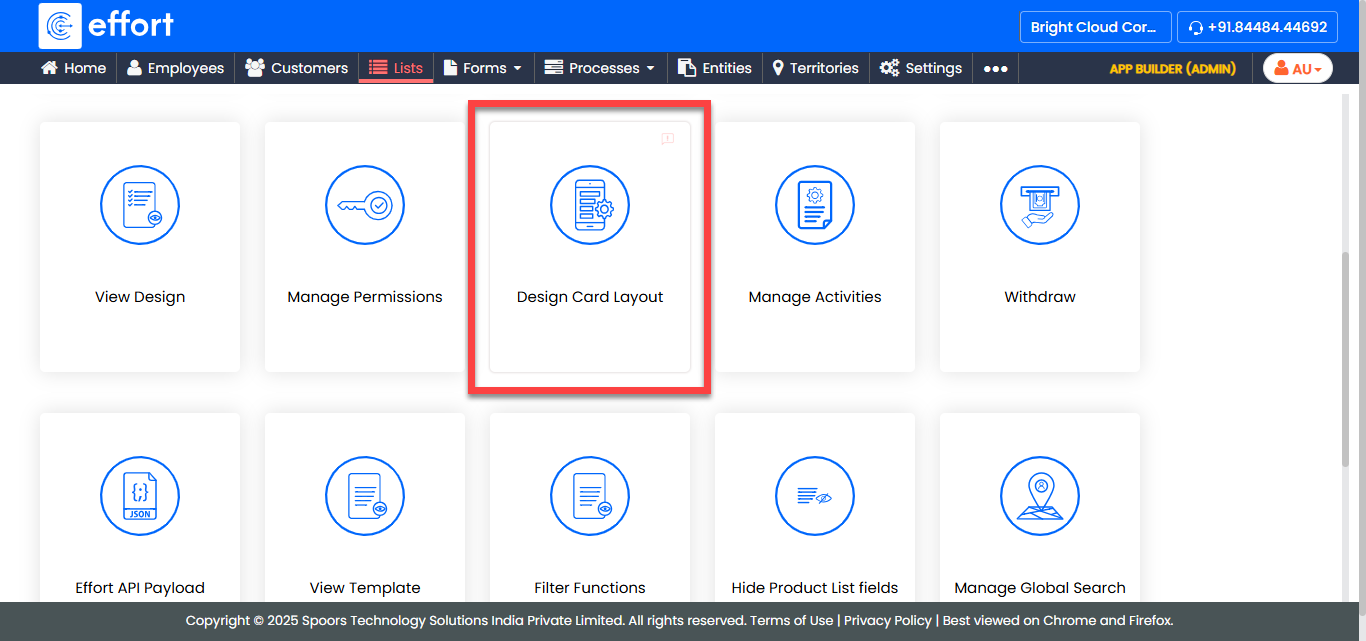
The List Actions page appears.
-
Click the Design Card Layout card.
The Design Cards Layout - <List name> page appears.
-
In the left panel, select the options to populate it in the right panel.
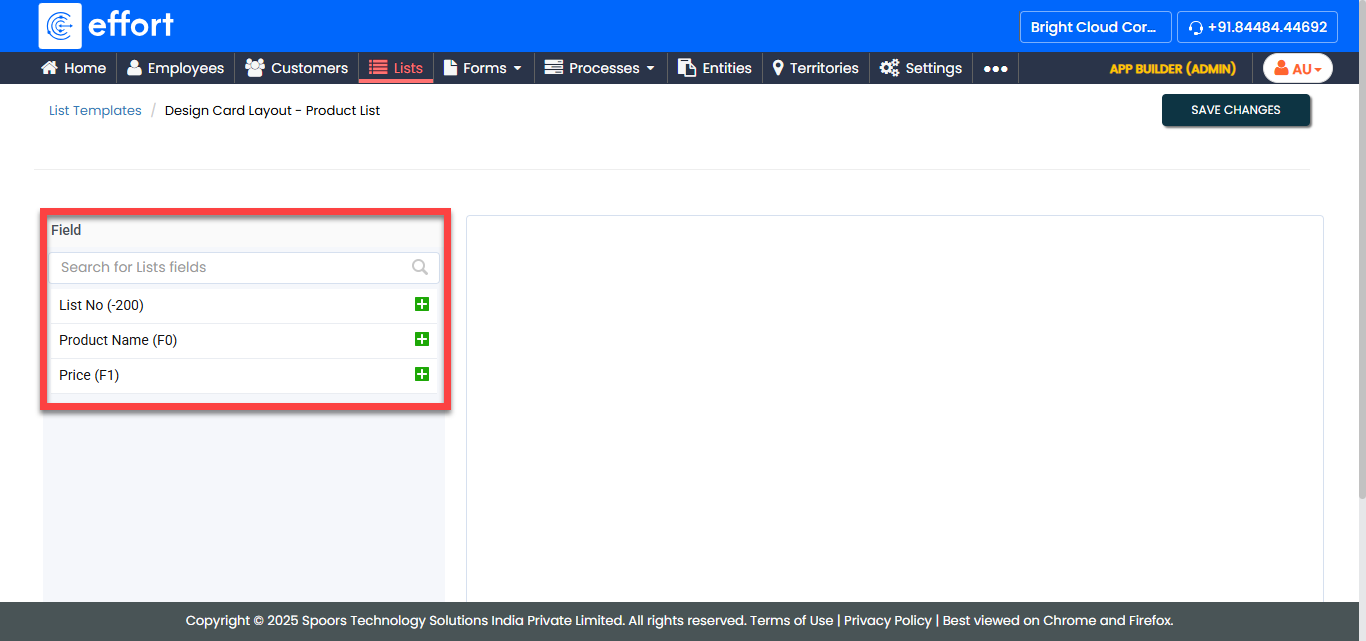
- Click Save Changes.