

Export Selected List Items
To export selected list items, follow the steps below.
-
Go to .
The Lists page appears.
-
Click the List card in which you want to export selected
list items.
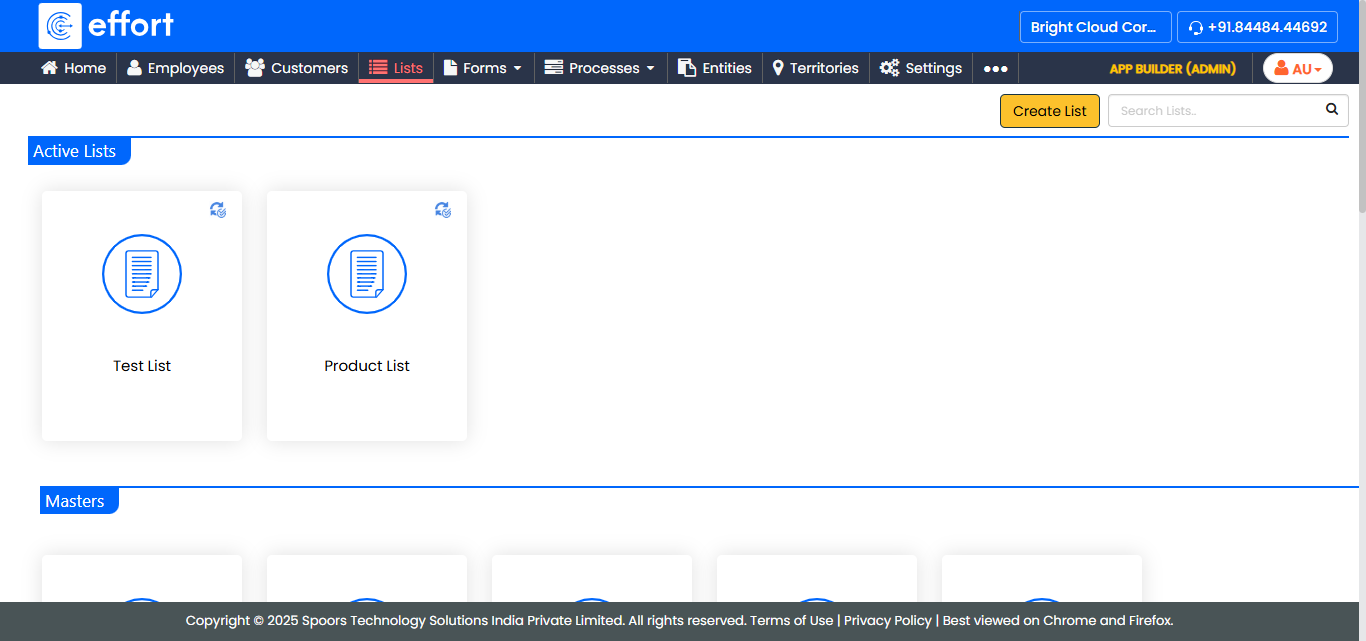
The List Actions page appears.
-
Click the View Items card.
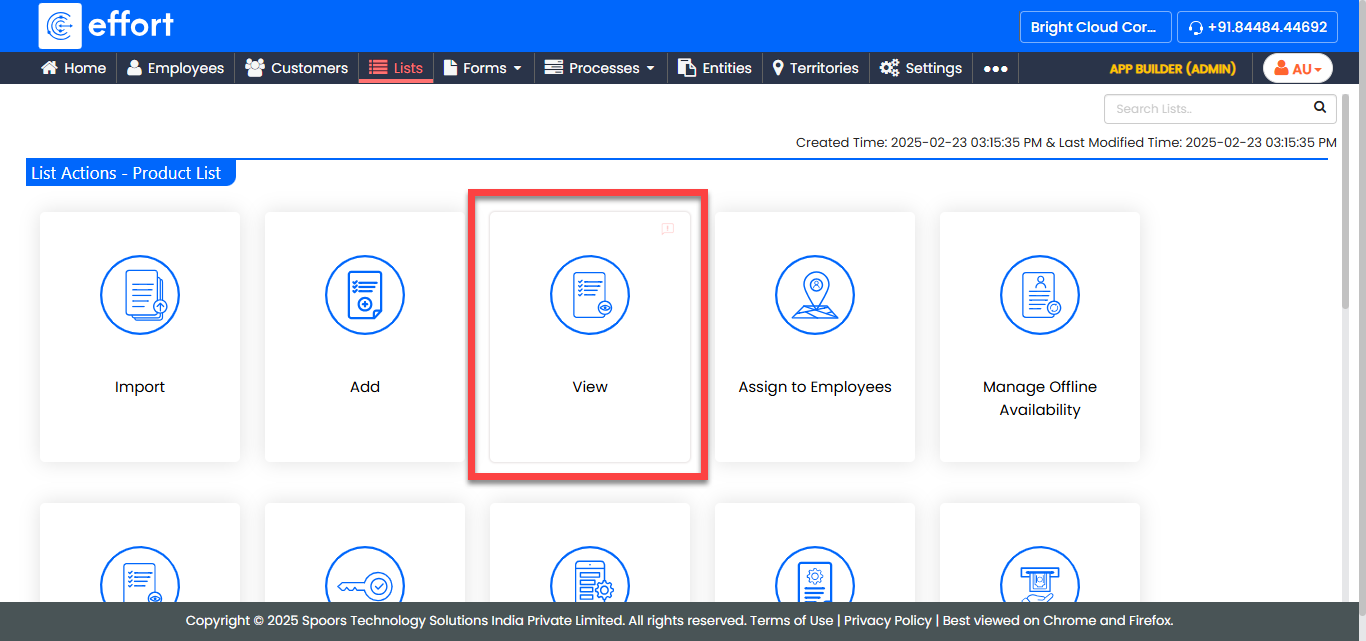
The <List Name> Items page appears.
-
Select the checkboxes shown against the items you want to export.
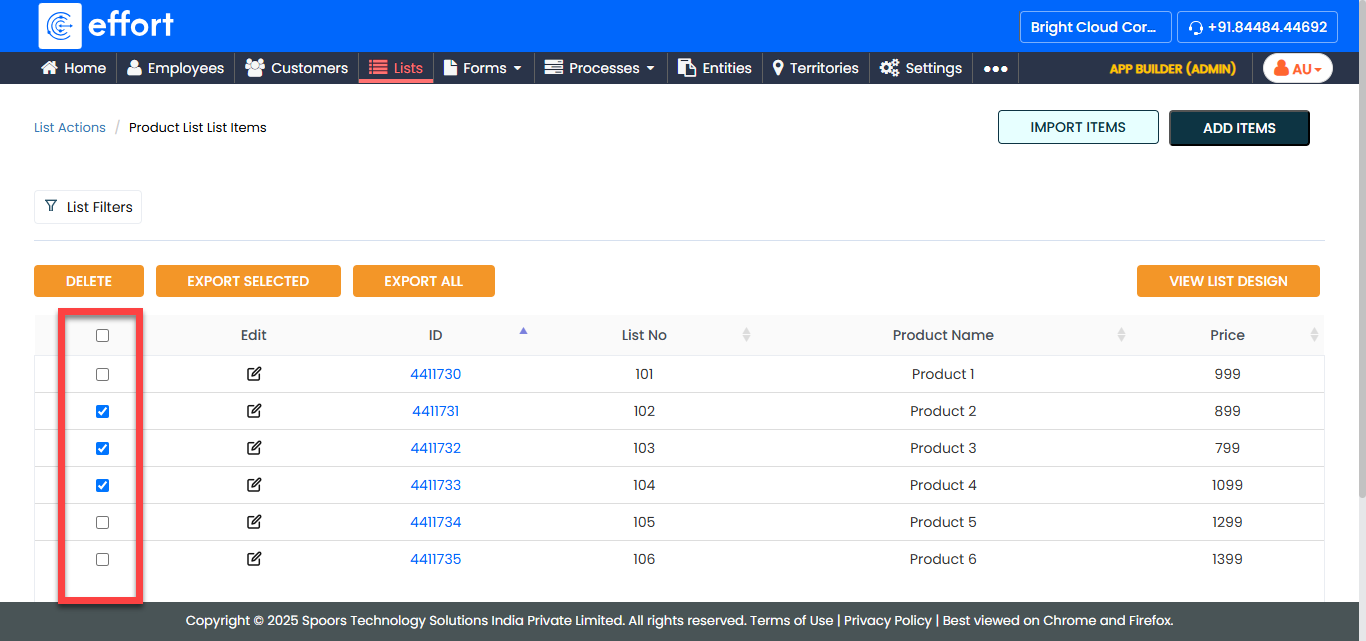
-
Click Export Selected.
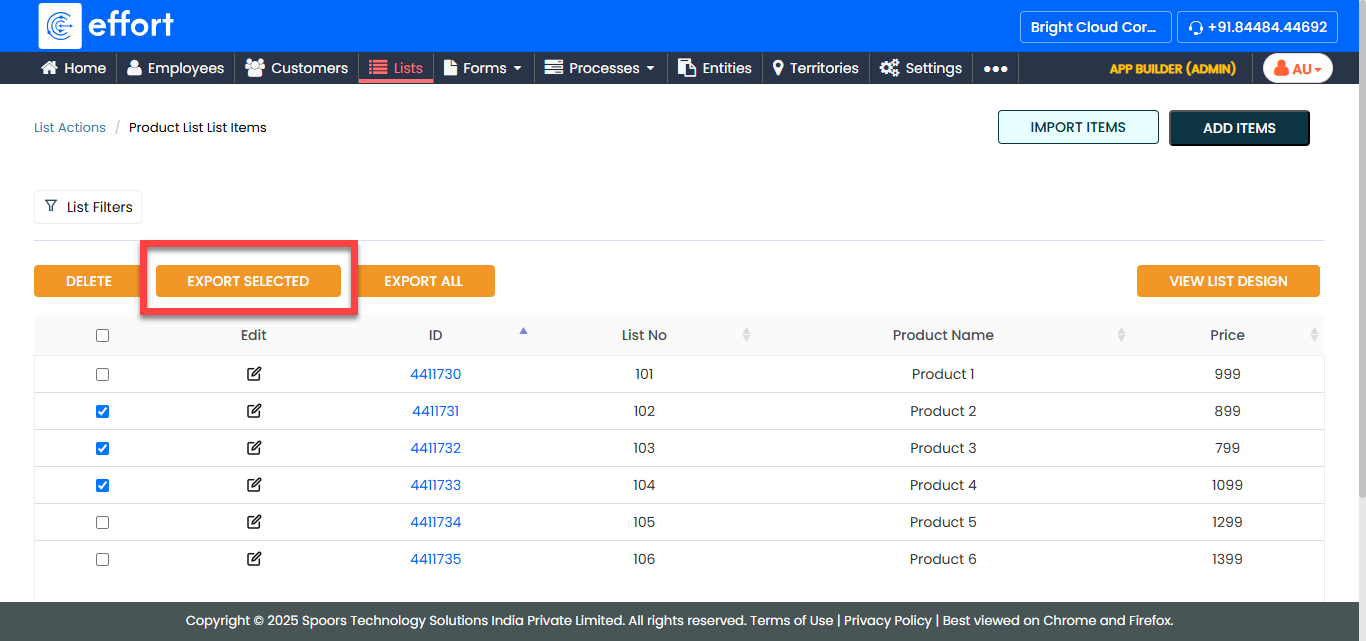
An Excel sheet with the selected items is generated and downloaded to your system.