

Design Form Reports
To design form reports, follow the steps below.
-
Go to .
The Manage Form Reports page appears.
-
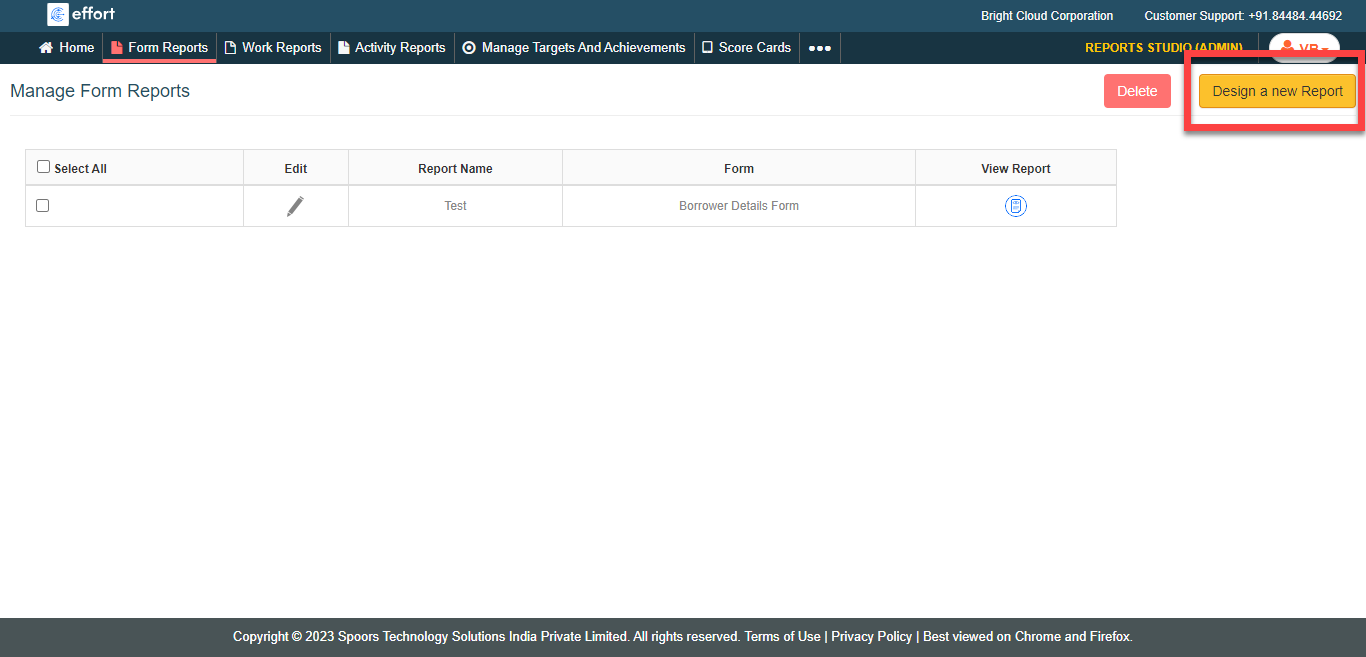
Click the Design A New Report button located on the top
right corner.
-
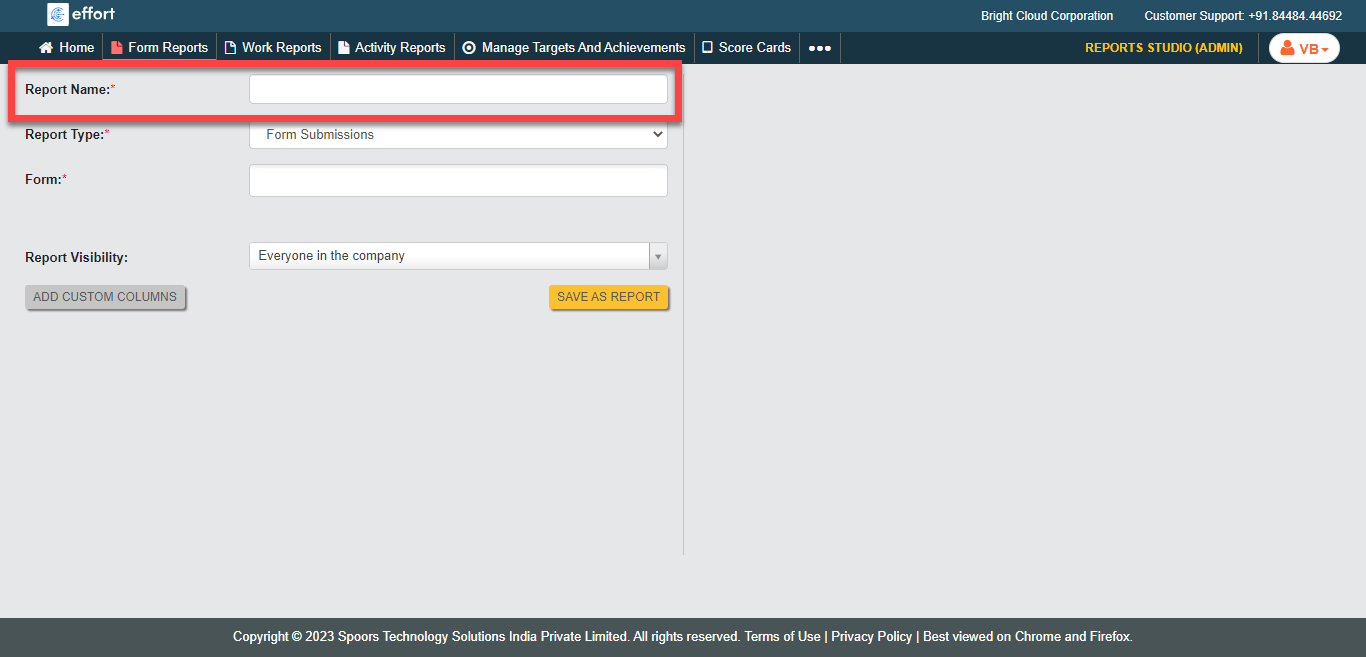
Enter a title for the report in the Report Name
field.
-
Select a form from the Form field.
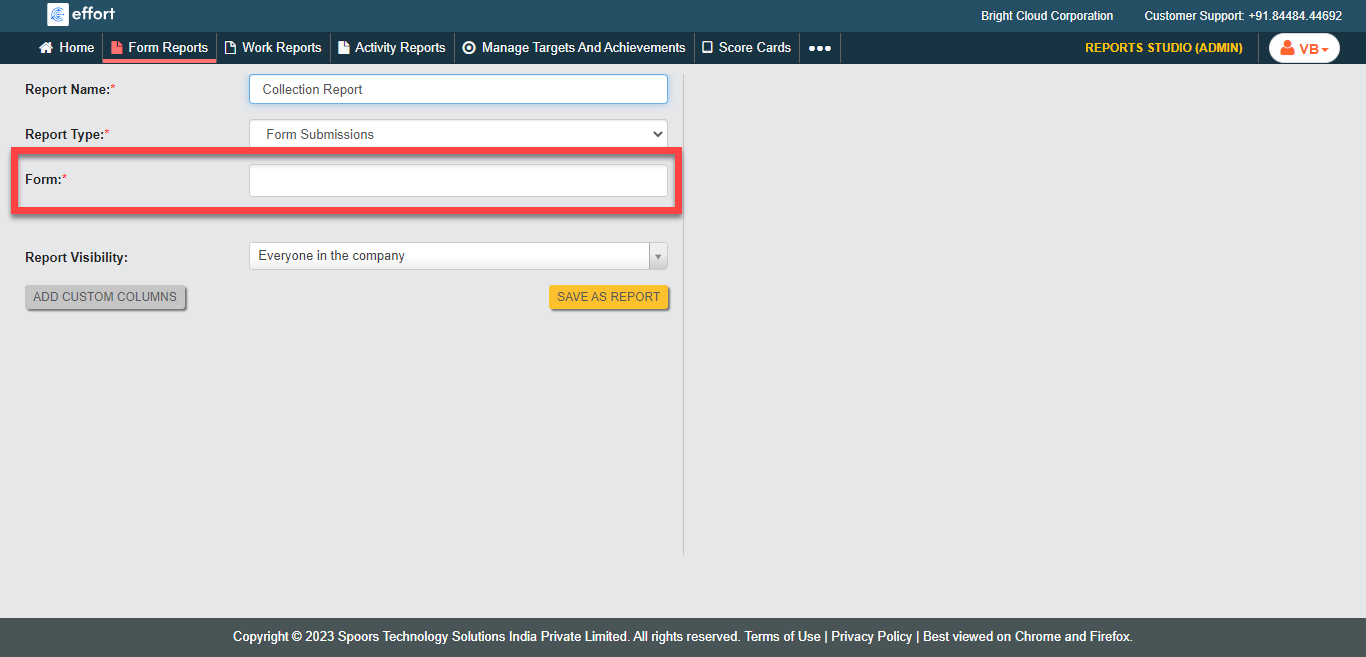
You can select more than one form as per your requirement. -
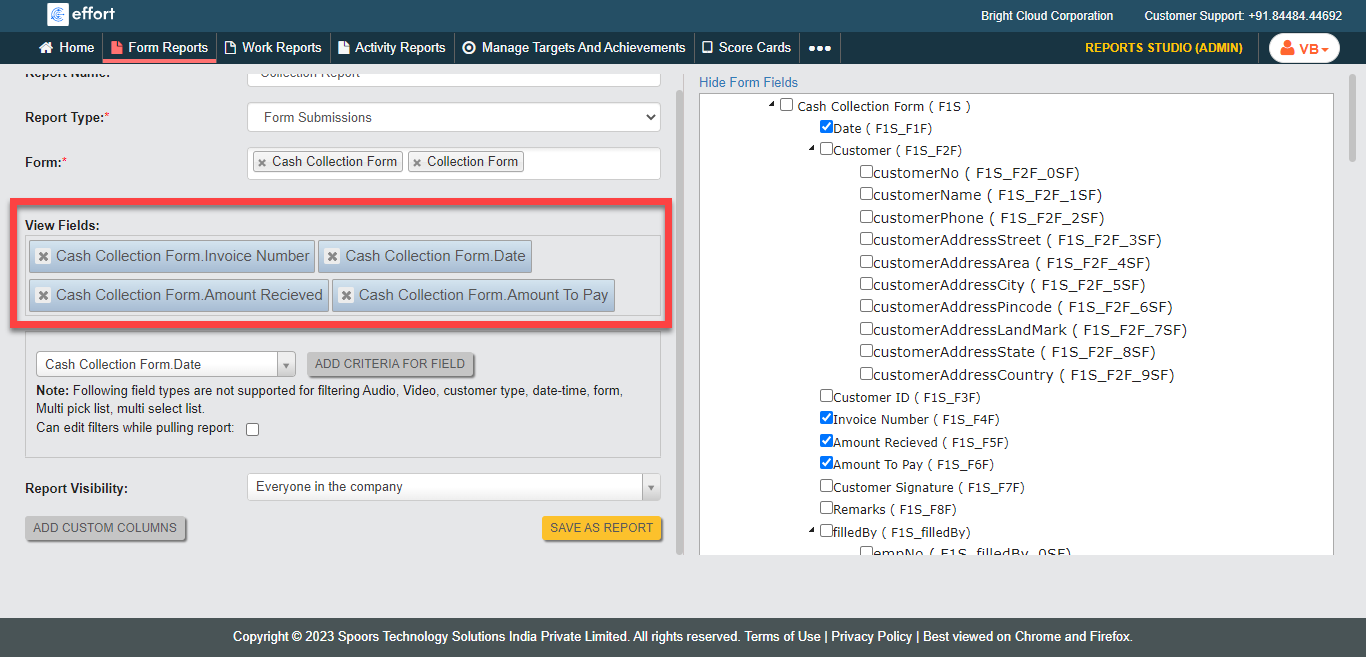
Select the required fields from the Form Fields section
on the right side.
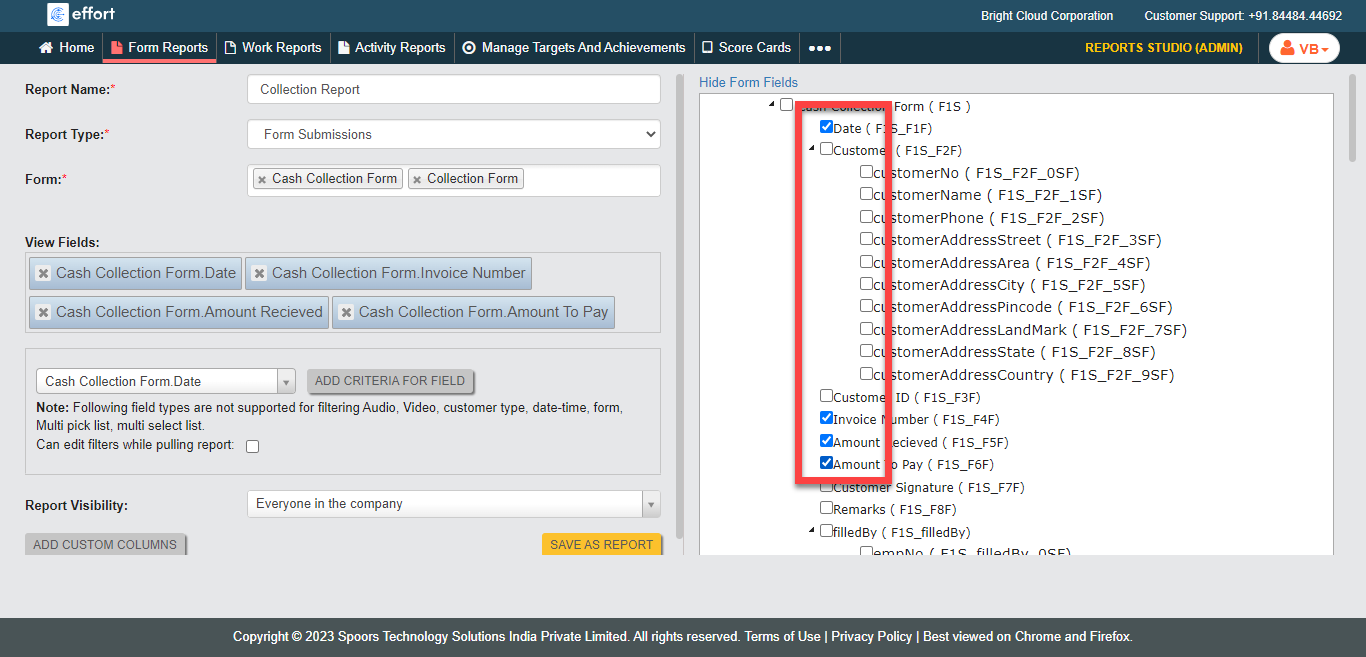
You can customize the order of the selected fields in the View Fields section. - Optional:
Under the View Fields section, rearrange the order of
the fields as per your requirement.
- Optional:
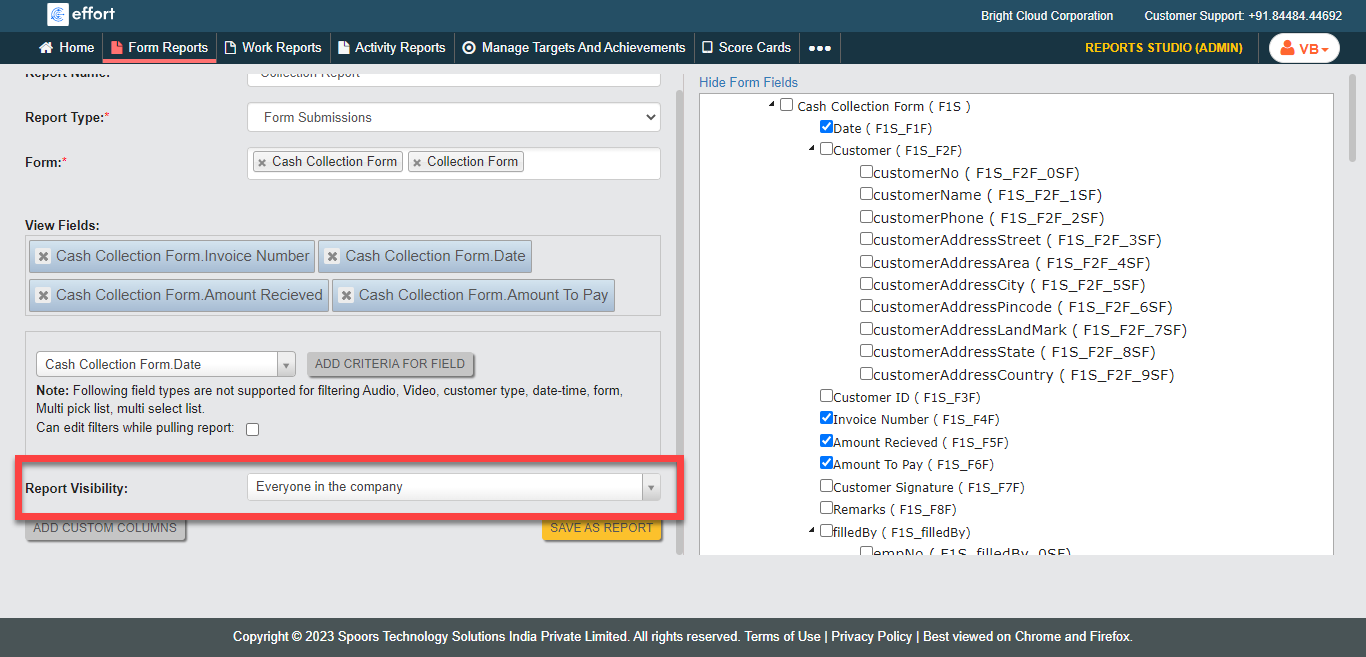
Select employee groups in the Employee Groups field if
you choose Employees in the Selected Group for
Report Visibility.
- Optional:
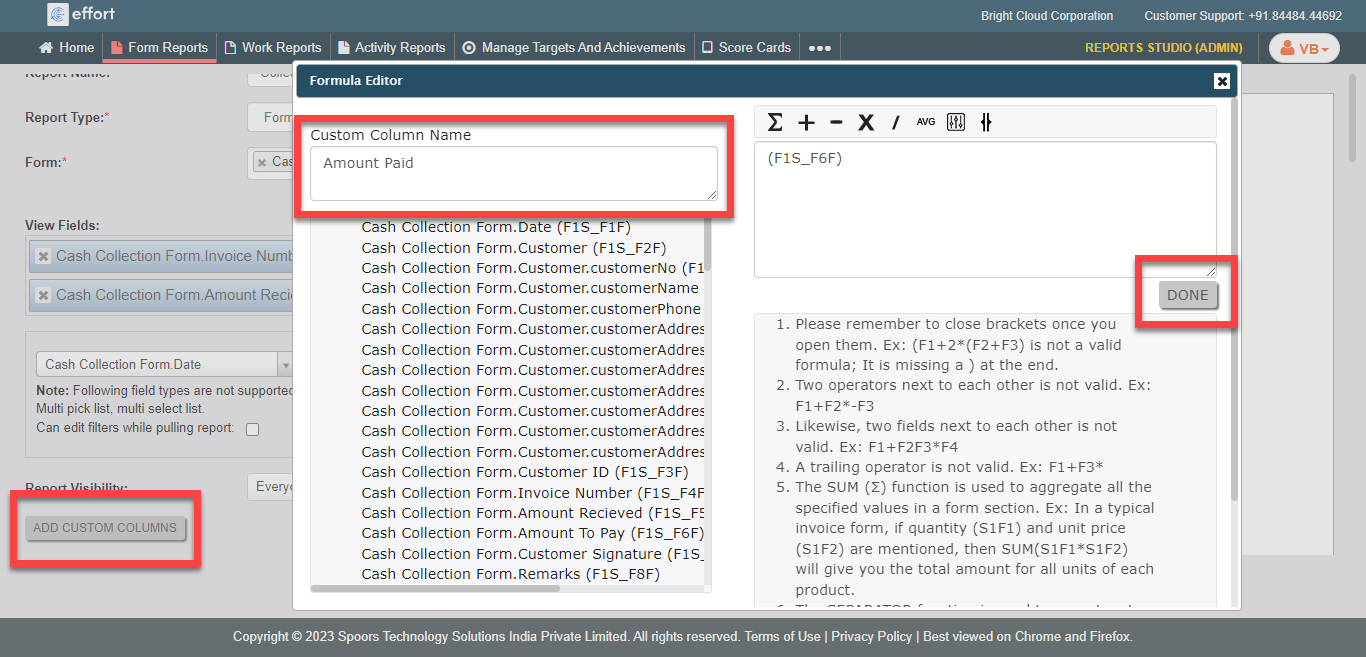
Click the Add Custom Columns button to add additional
custom columns in the report.
- Click Save as Report.