

Configure Score Based Attendance
To configure score based attendance, follow the steps below.
-
Go to .
The Home page appears.
-
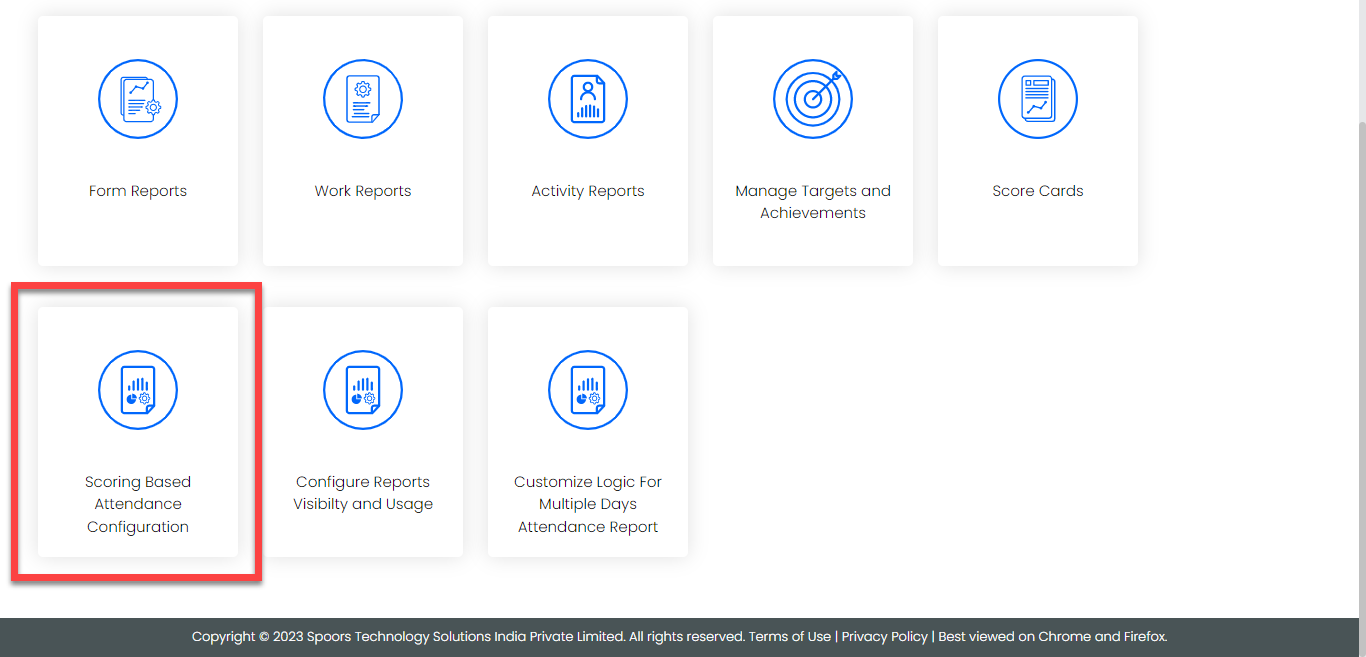
On the Home page, click the Scoring Based
Attendance Configuration card.
-
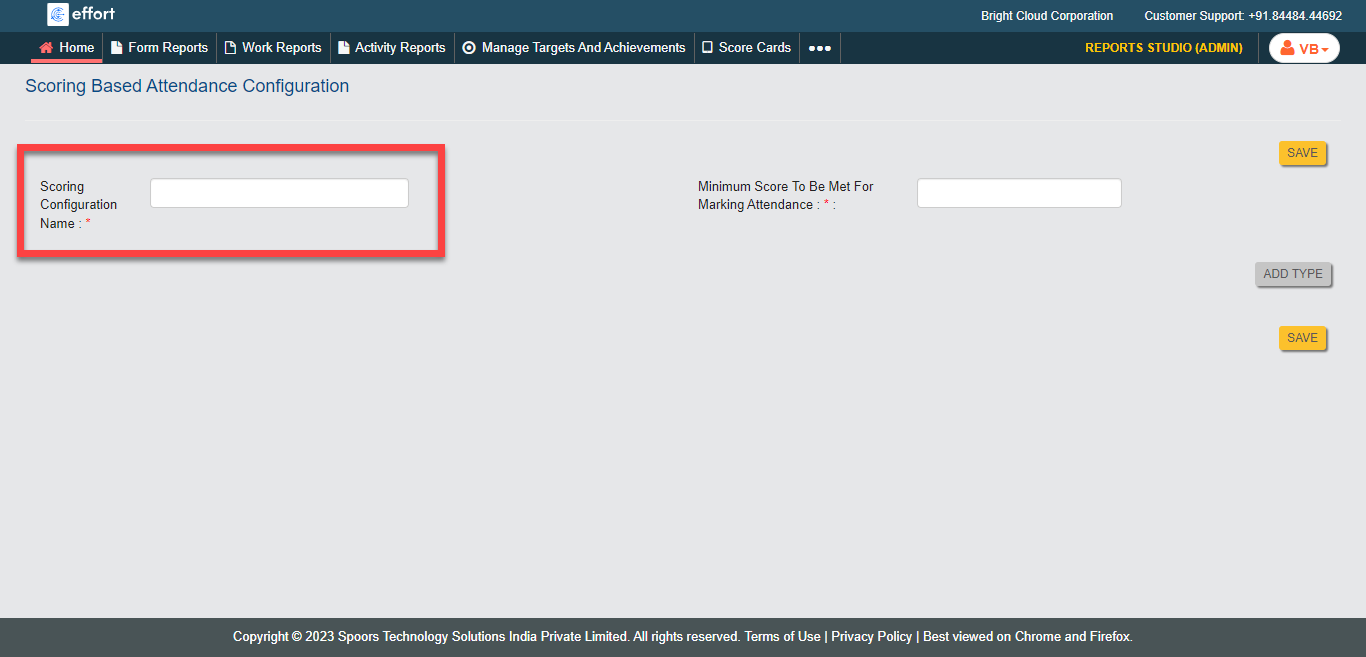
Enter a title in the Scoring Configuration Name
textbox.
-
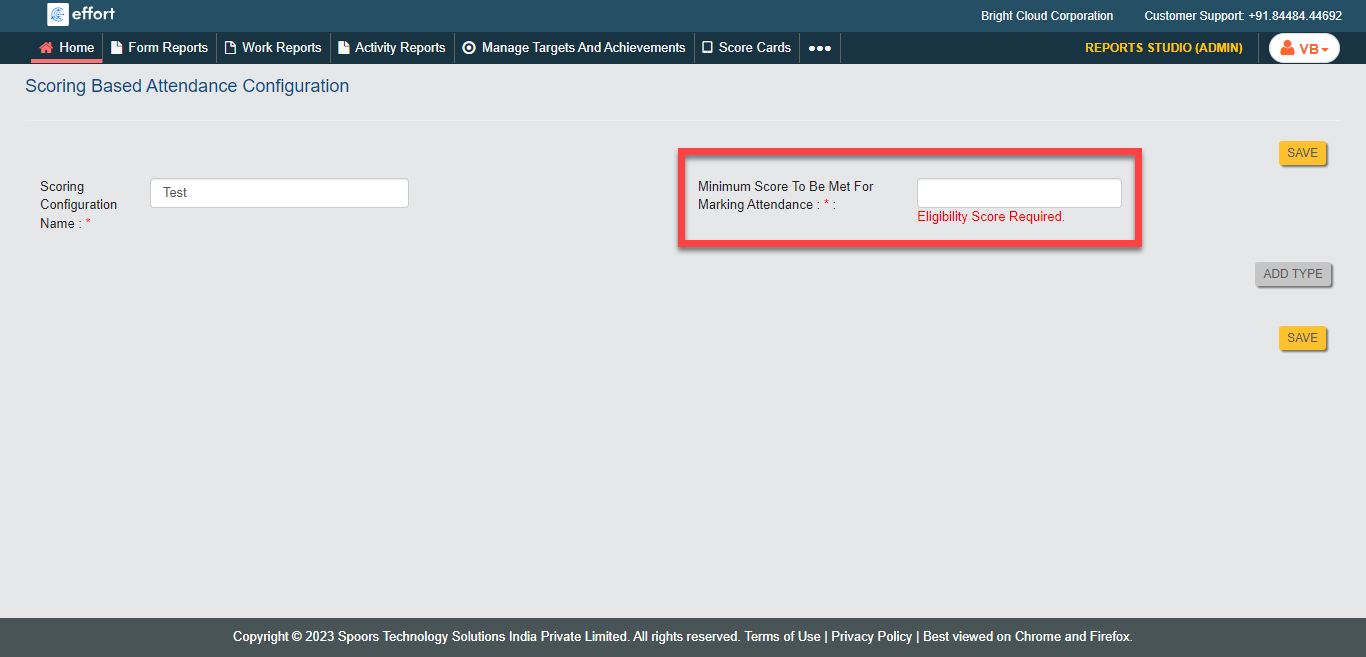
Enter eligibility score in the Minimum Score To Be Met For Marking
Attendance field.
-
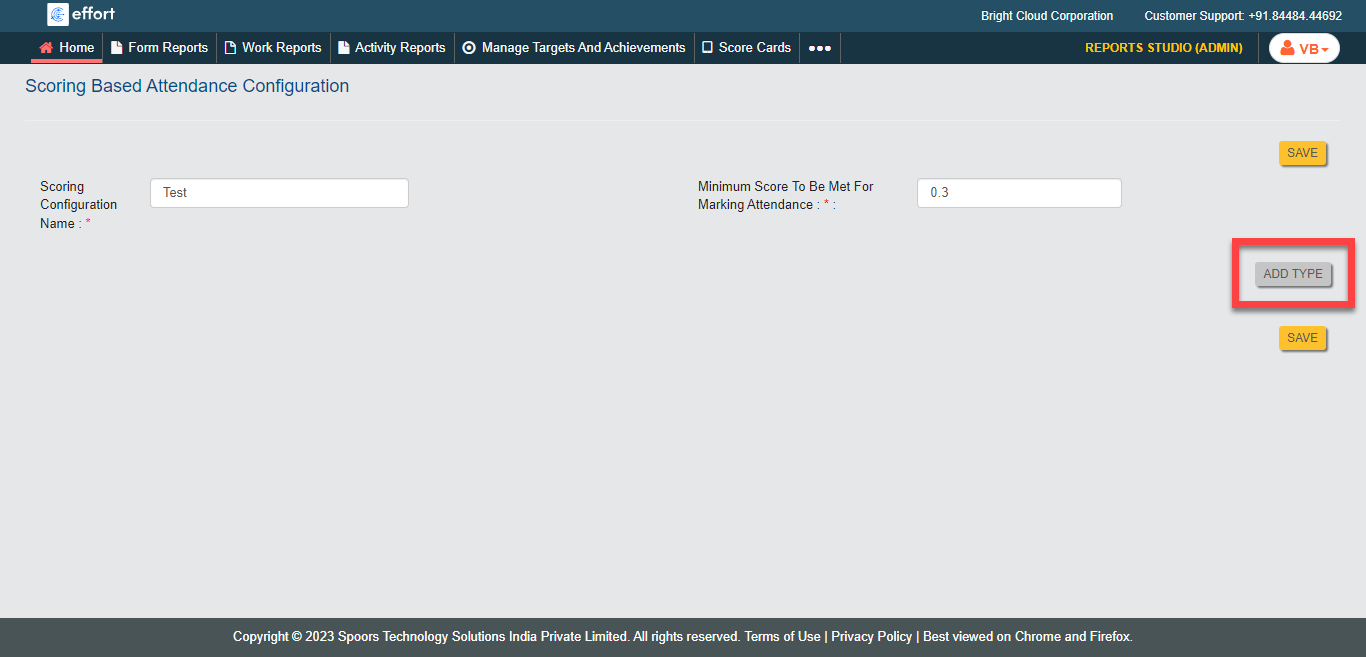
Click the Add Type button to define the score per
activity.
-
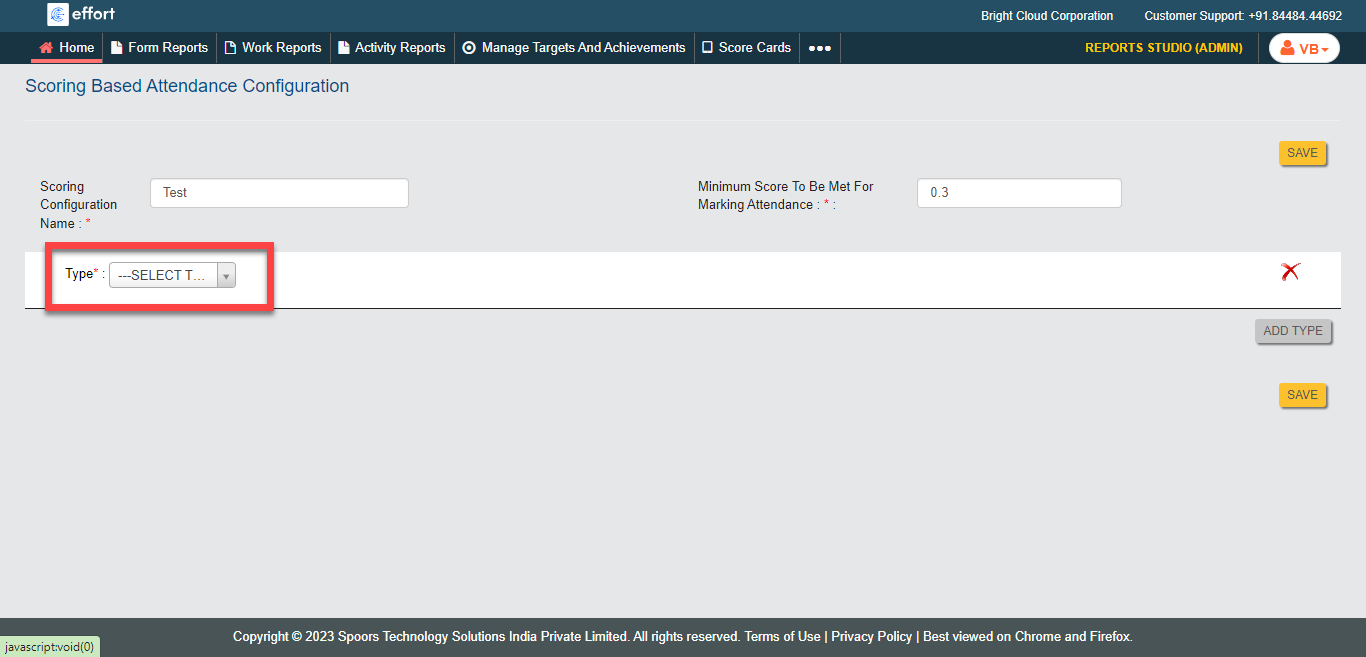
Select anyone from the below options for Type
dropdown.
- Form
- Check-in
- Sign-in
-
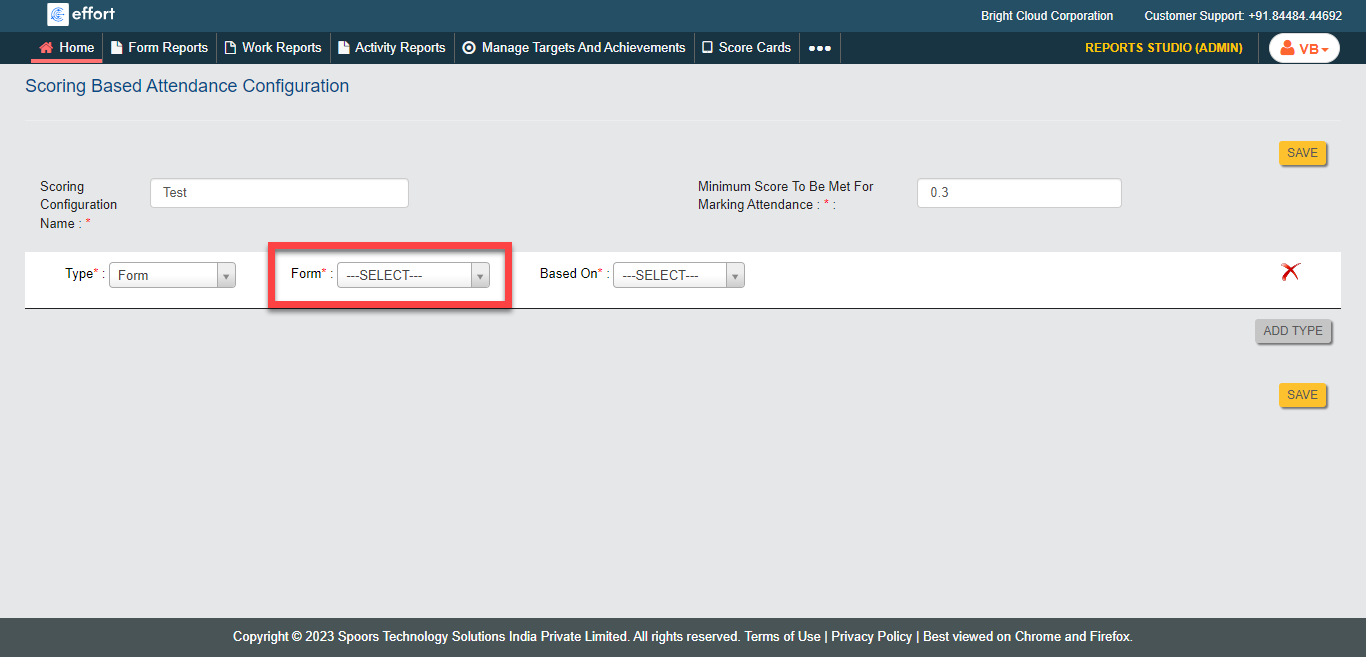
Click the Form dropdown to select a form spec.
-
Click Based On dropdown to select the below
options.
- Submission: Calculates score based on form submission.
- Form Field: Calculates score based on form field value.
-
Enter the score for the activity in the Per Activity
Score field.
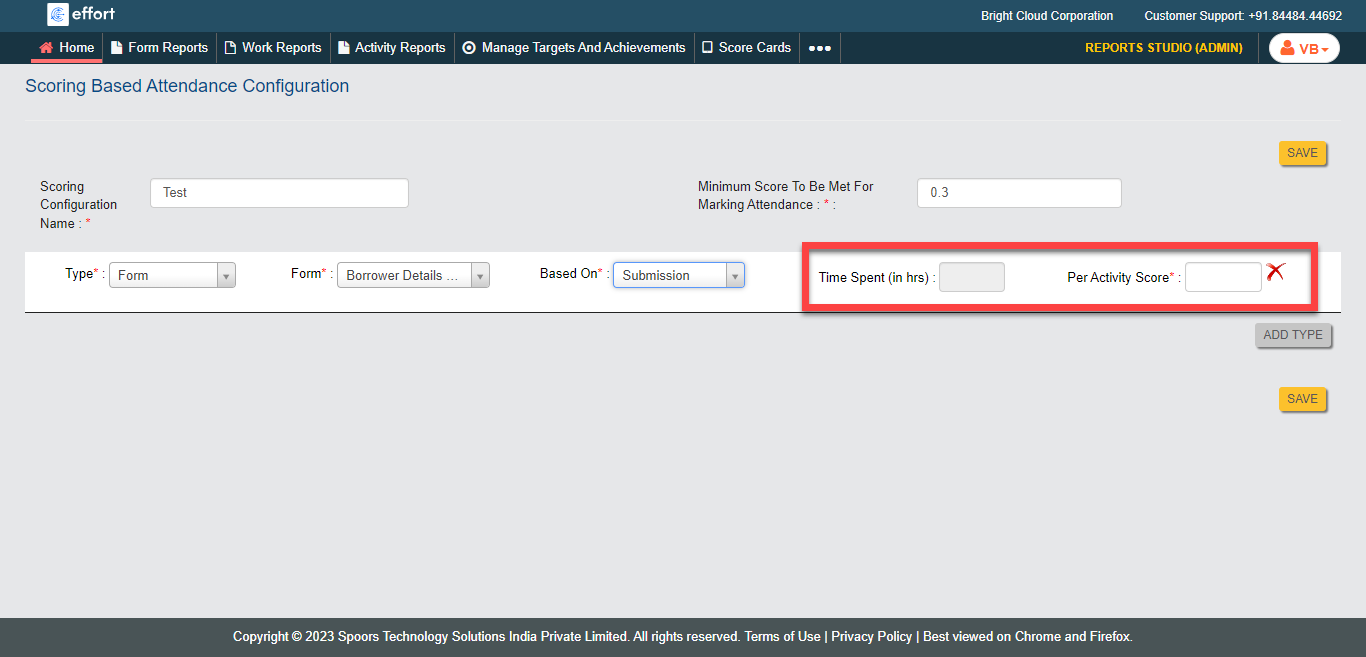
- Click Save.