

Create Activity Report
To create activity report, follow the steps below.
-
Go to .
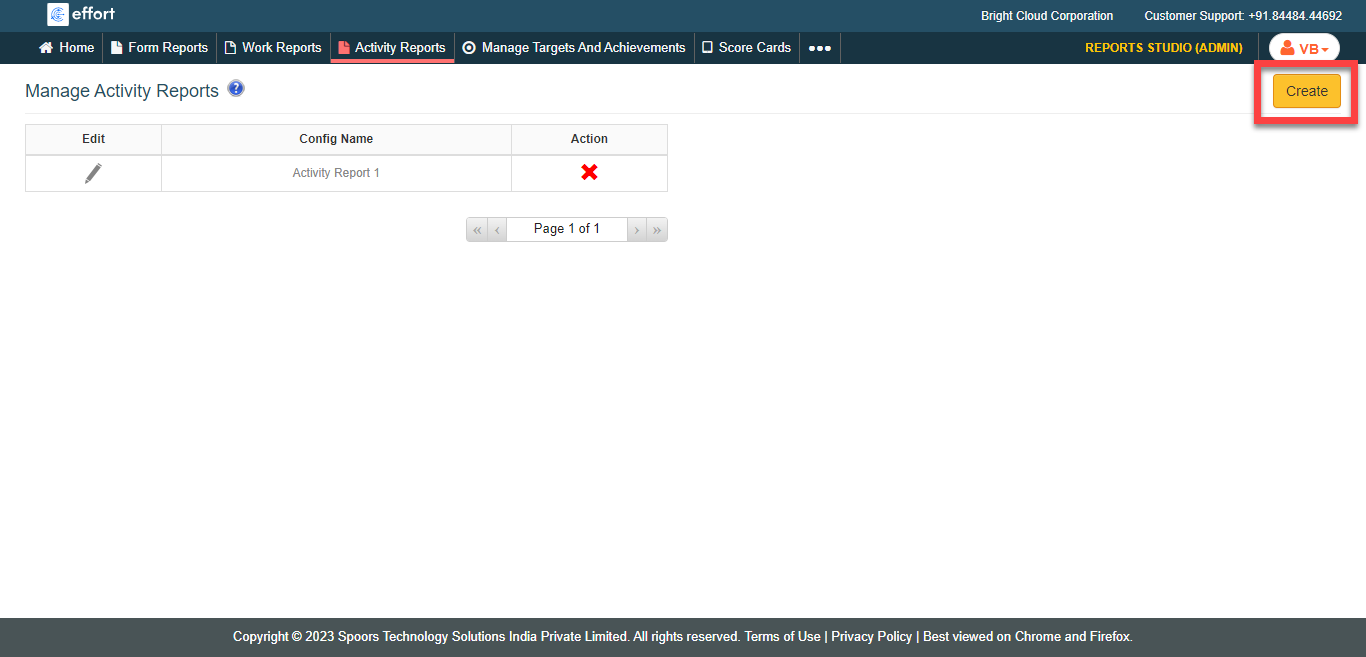
The Manage Activity Reports page appears.
-
Click the Create button located on the top right
corner.
-
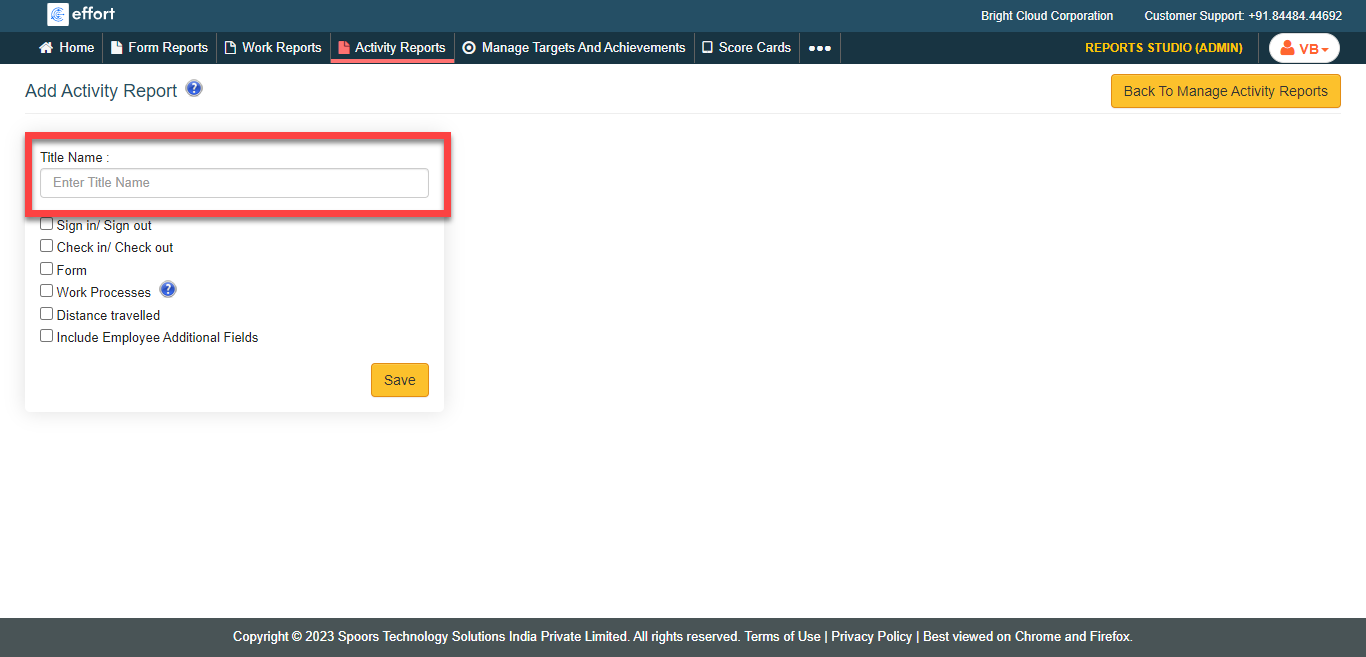
Enter a title for the report in the Title Name
field.
-
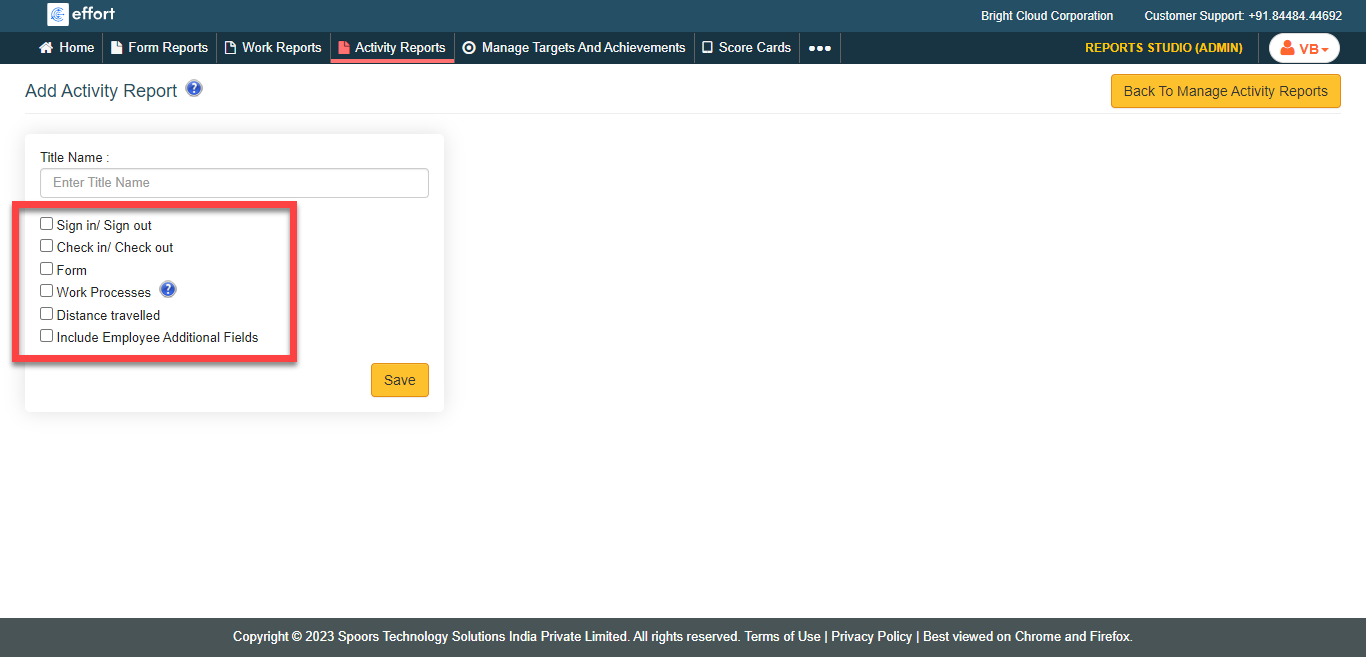
Select the listed activities as per your requirement.
- Click Save.