

Undelete Score Card
To undelete a score card, follow the steps below.
-
Go to .
The Score Cards page appears.
-
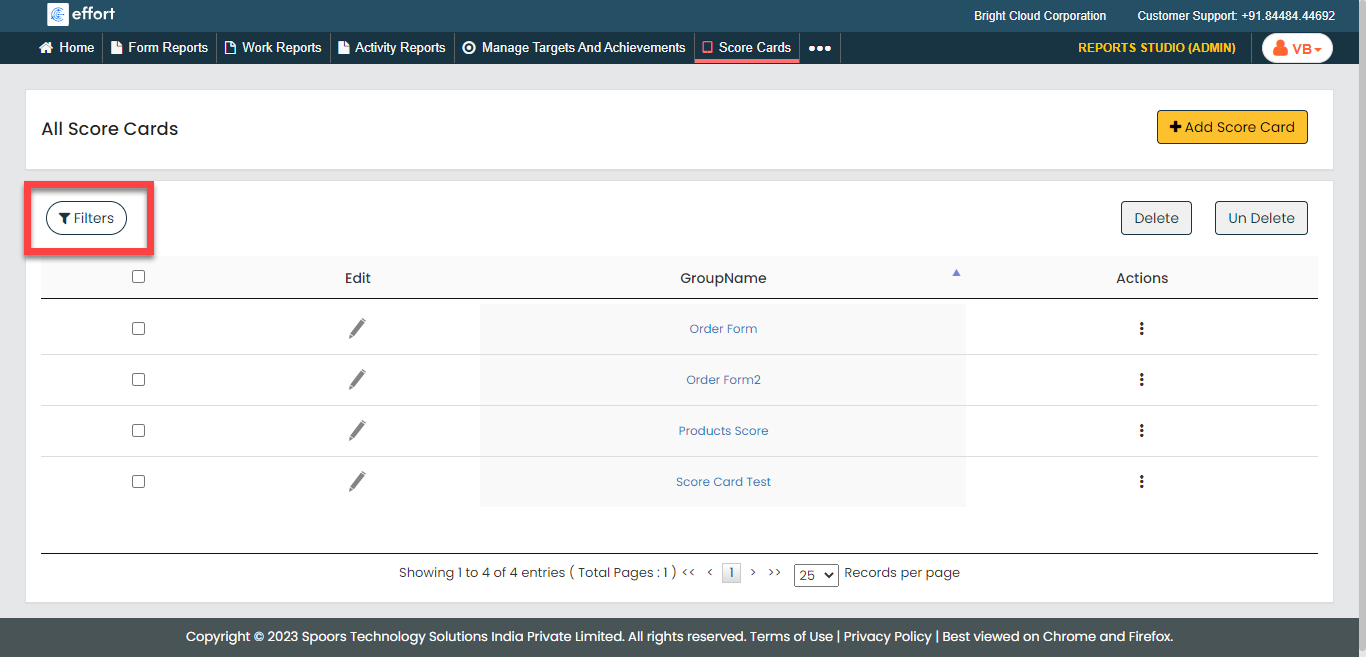
Click the Filters button.
-
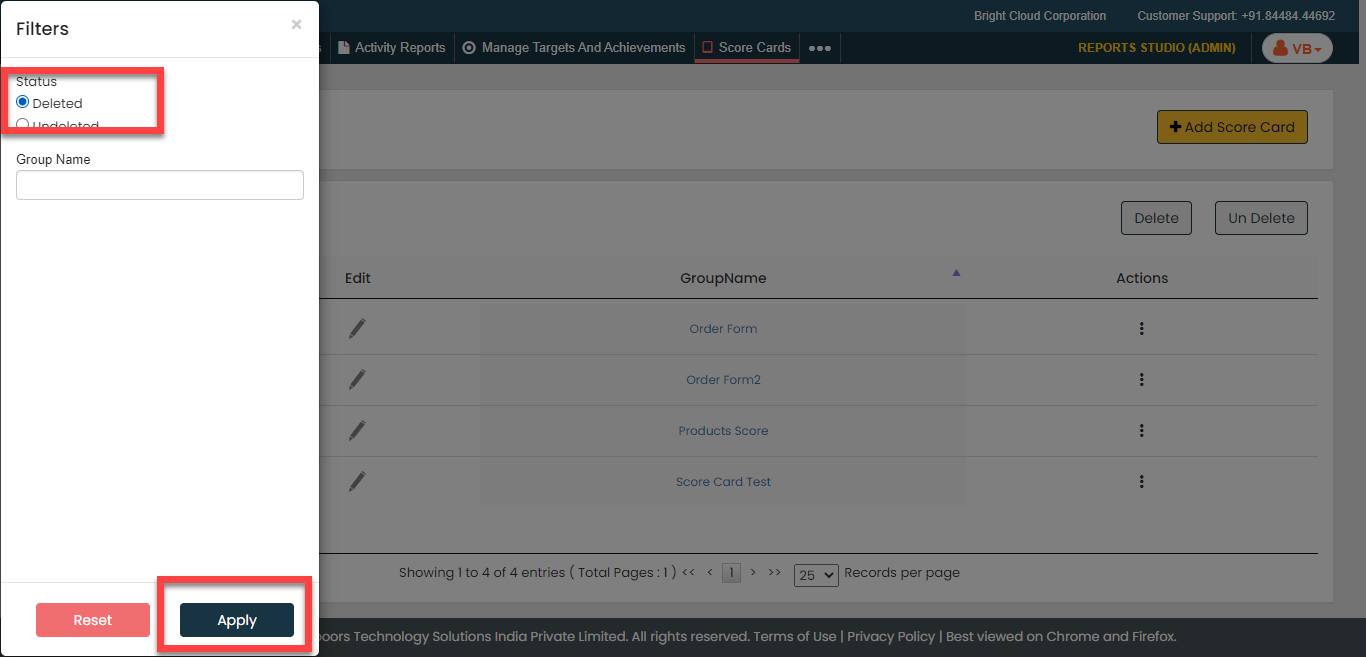
Select the Deleted option and click
Apply.
-
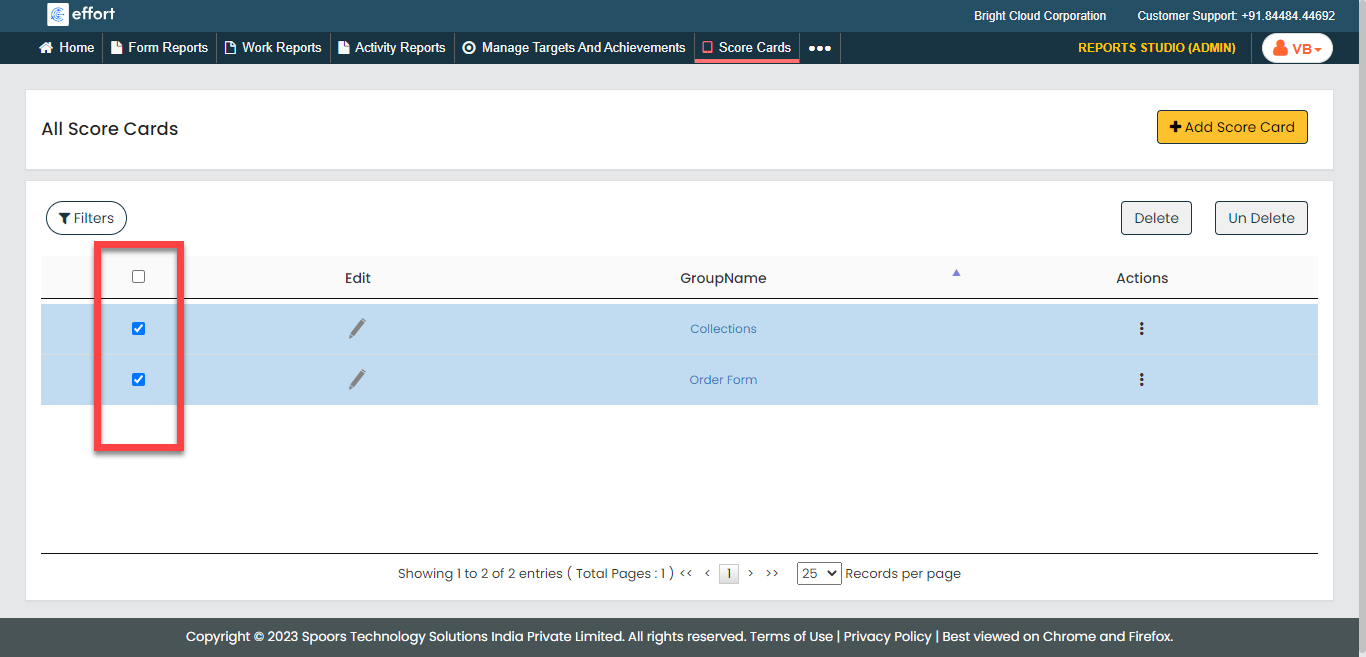
Click the checkboxes to select the deleted score cards.
-
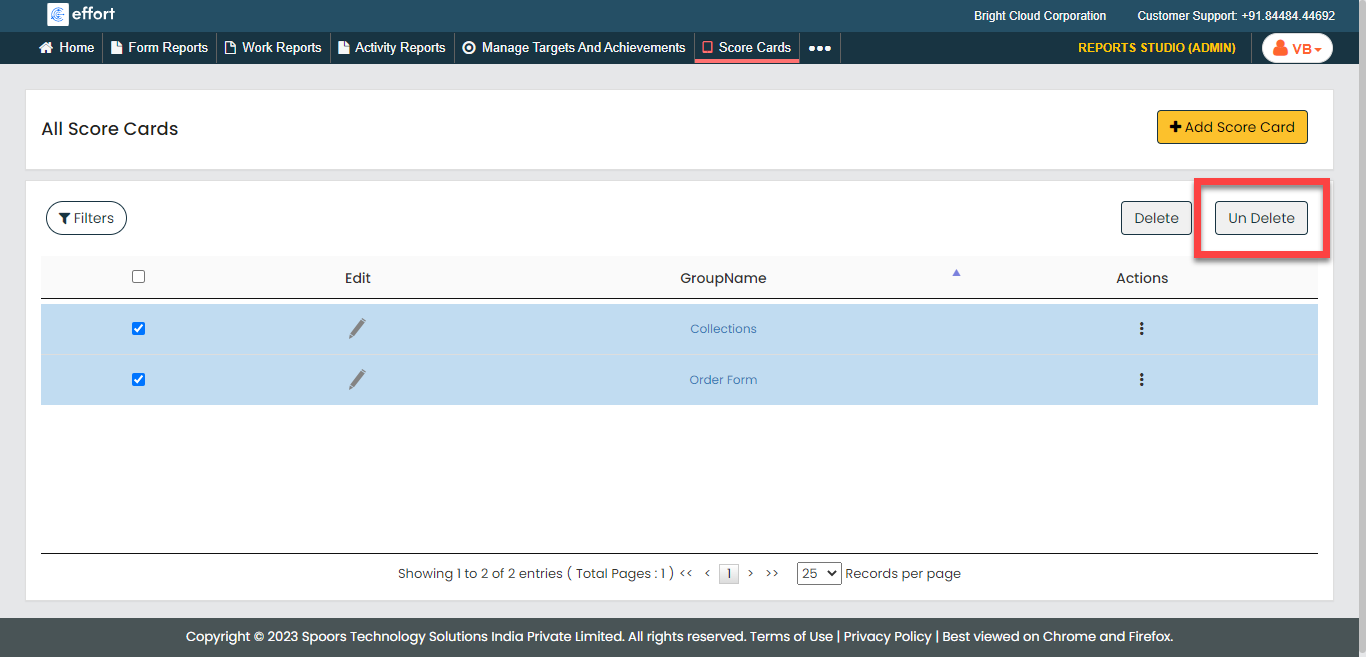
Click the Un Delete button.
- Click OK in the confirmation pop-up.