

Import Targets to Score Card
To import targets to score card, follow the steps below.
-
Go to .
The Score Cards page appears.
-
Click the menu
 icon of a required score card under the
Actions column.
icon of a required score card under the
Actions column.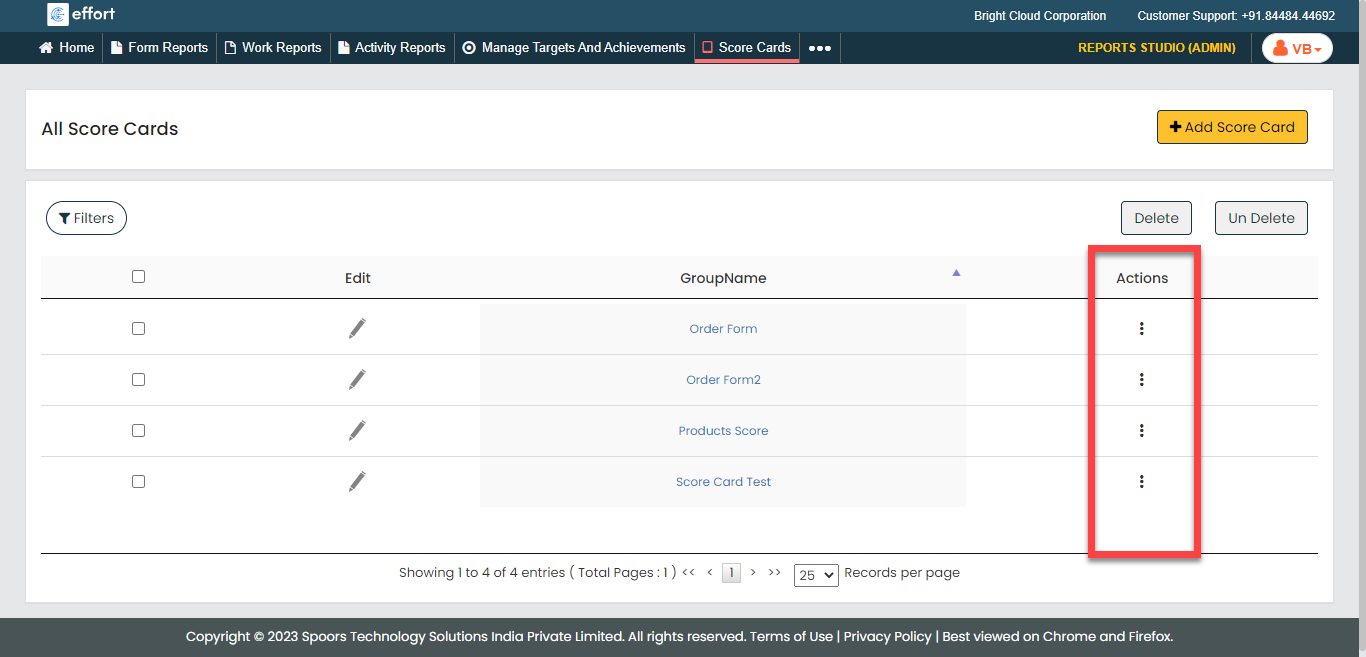
-
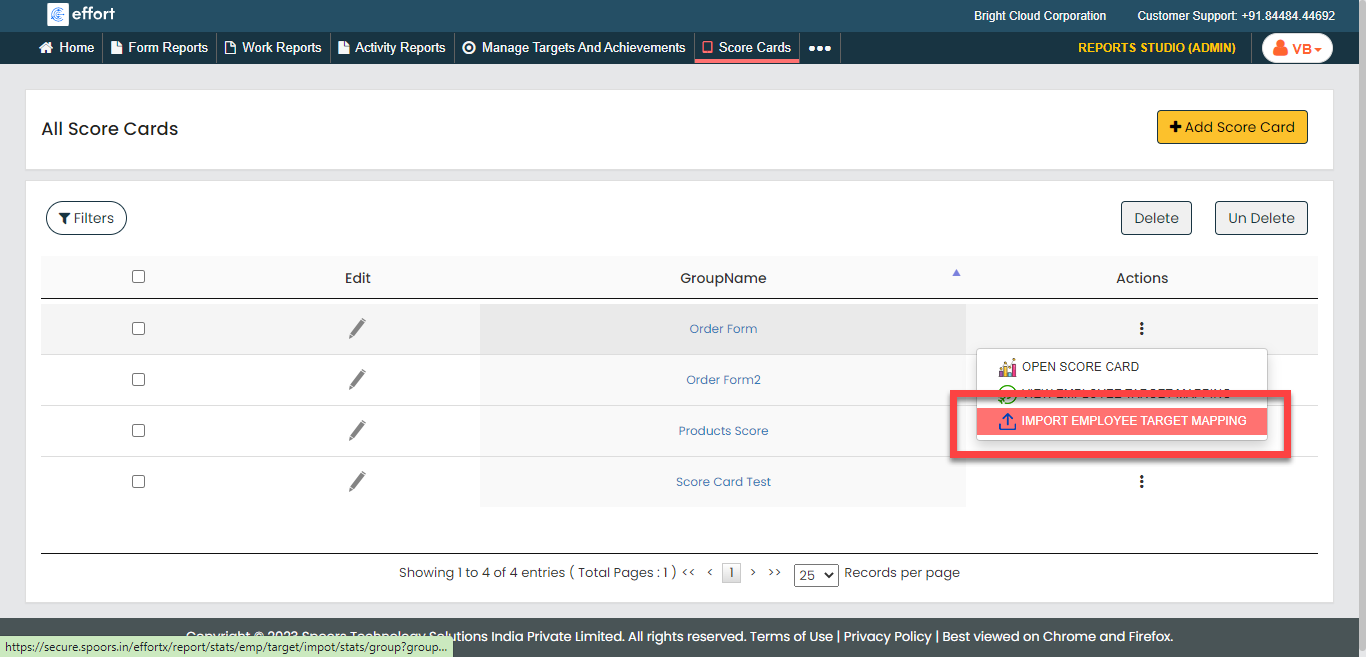
Click the Import Employee Target Mapping option.
-
Click the Download link to download the template.
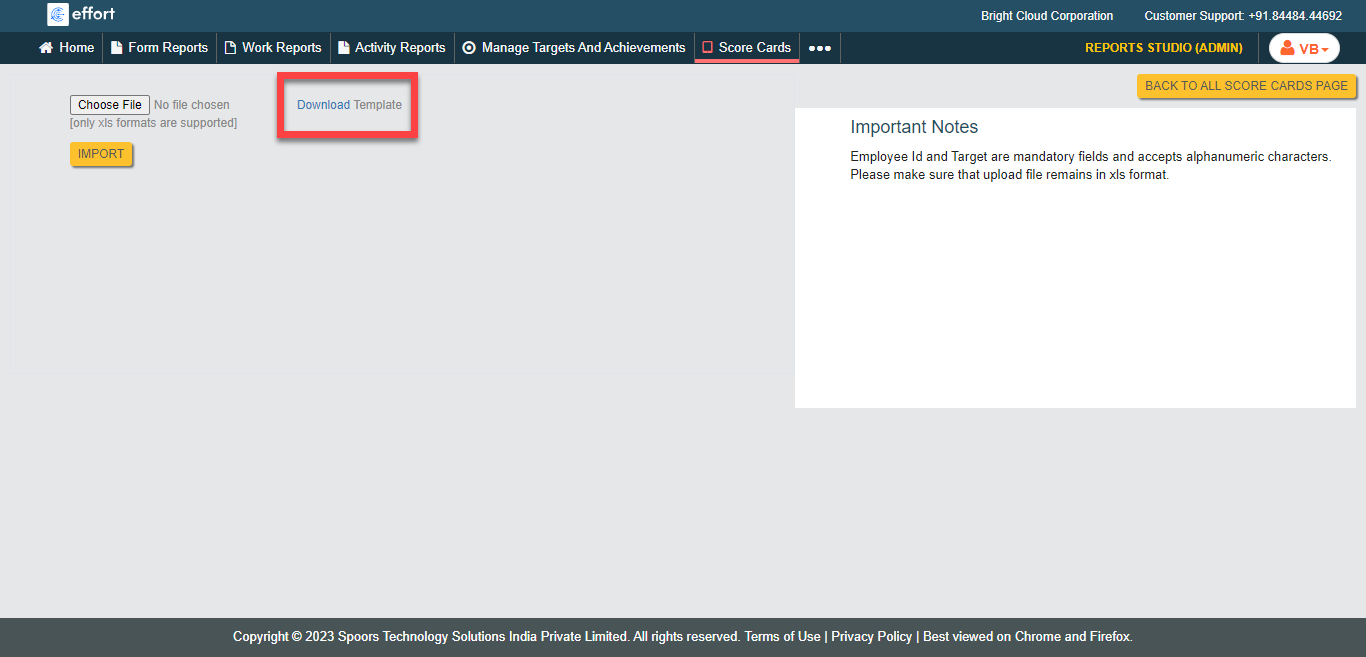
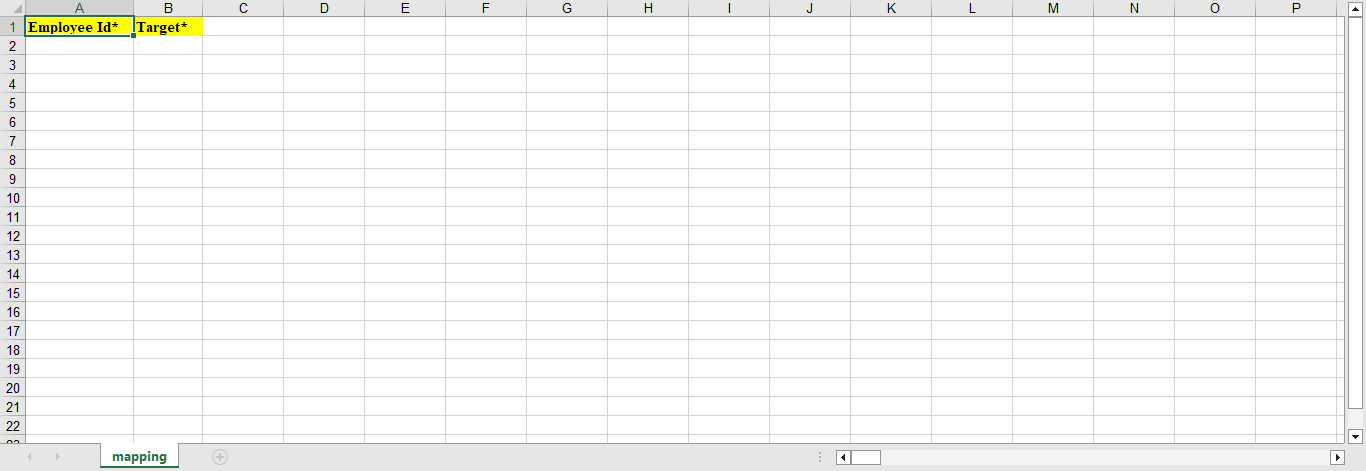
A blank Excel sheet is downloaded.
-
Fill the excel sheet as per the instructions listed in the Important
Notes to upload the data.
-
Click Choose File and select the filled excel
sheet.
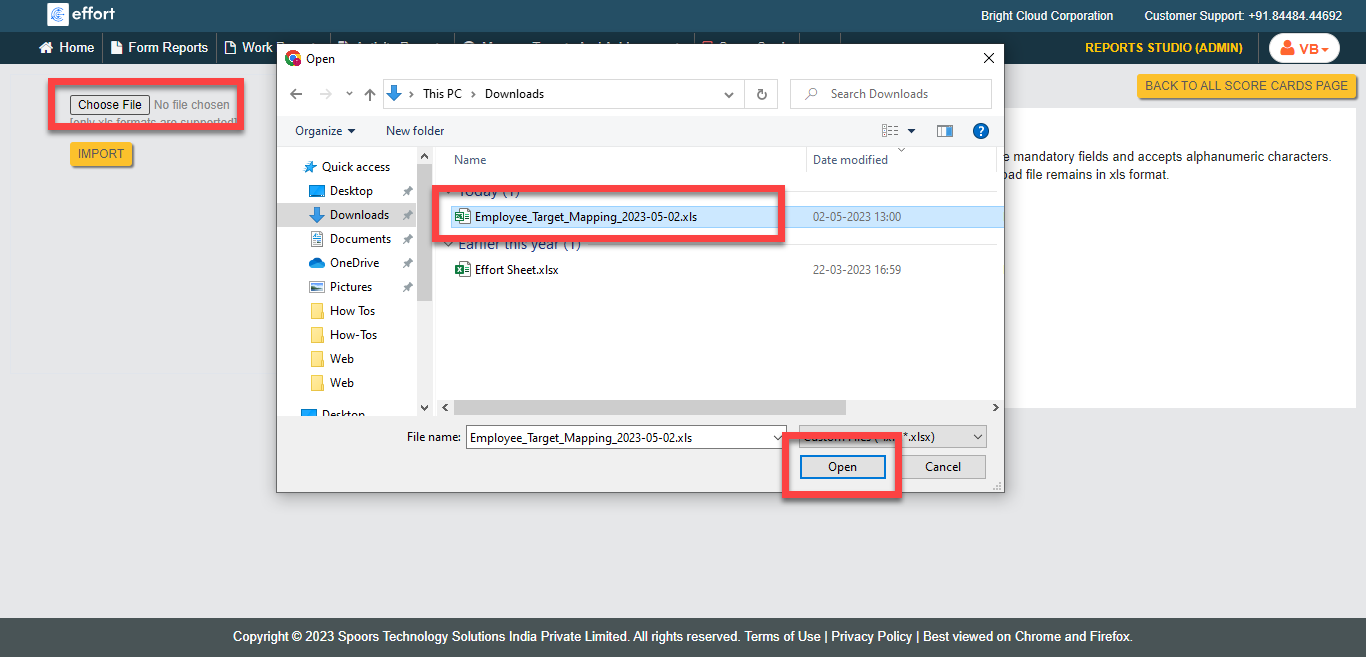
- Click Import.