

Delete Score Card
To delete a score card, follow the steps below.
-
Go to .
The Score Cards page appears.
-
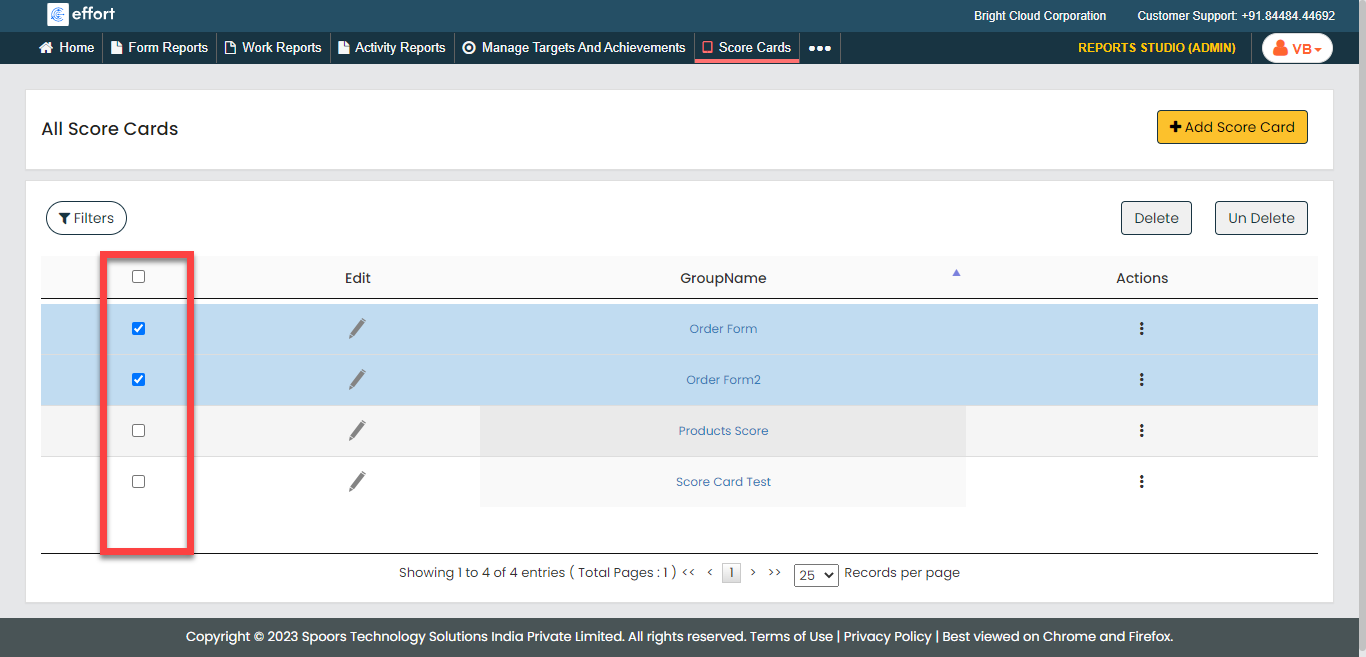
Click the checkboxes to select the score cards.
-
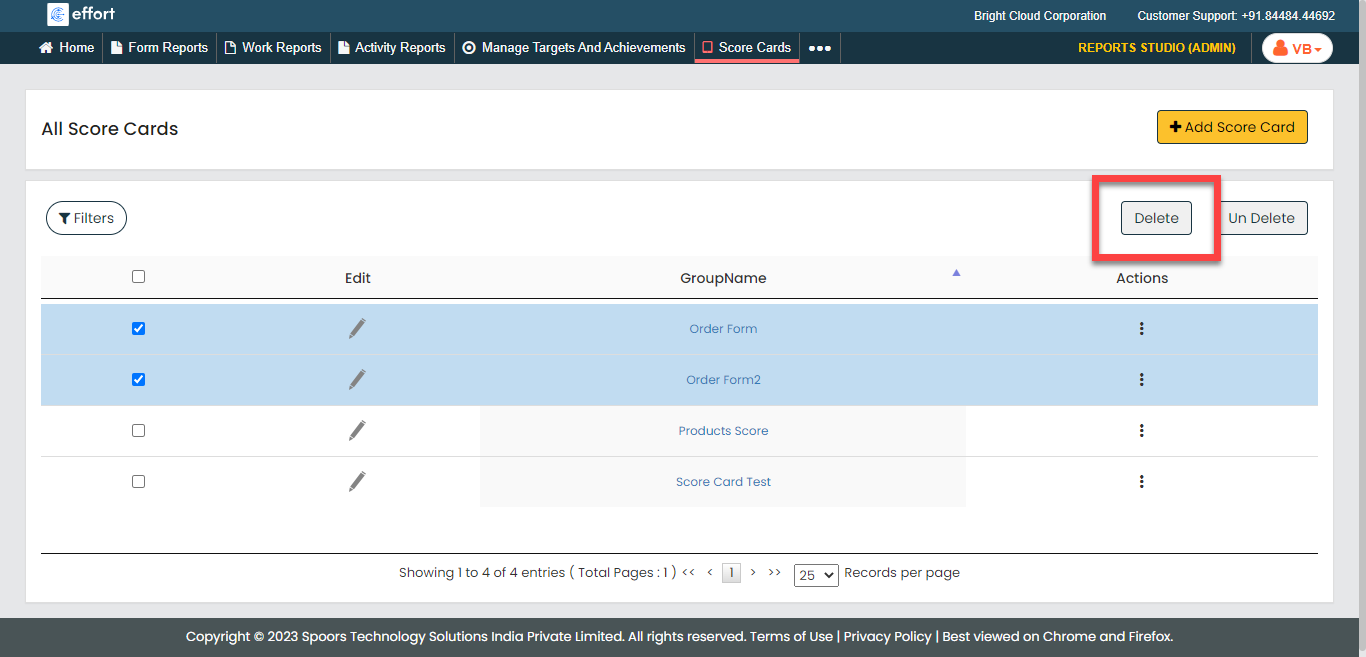
Click Delete button to delete the selected score
cards.
- Click OK in the confirmation pop-up.