

Delete a Trigger Event
To delete an existing trigger event, follow the steps below:
-
Go to .
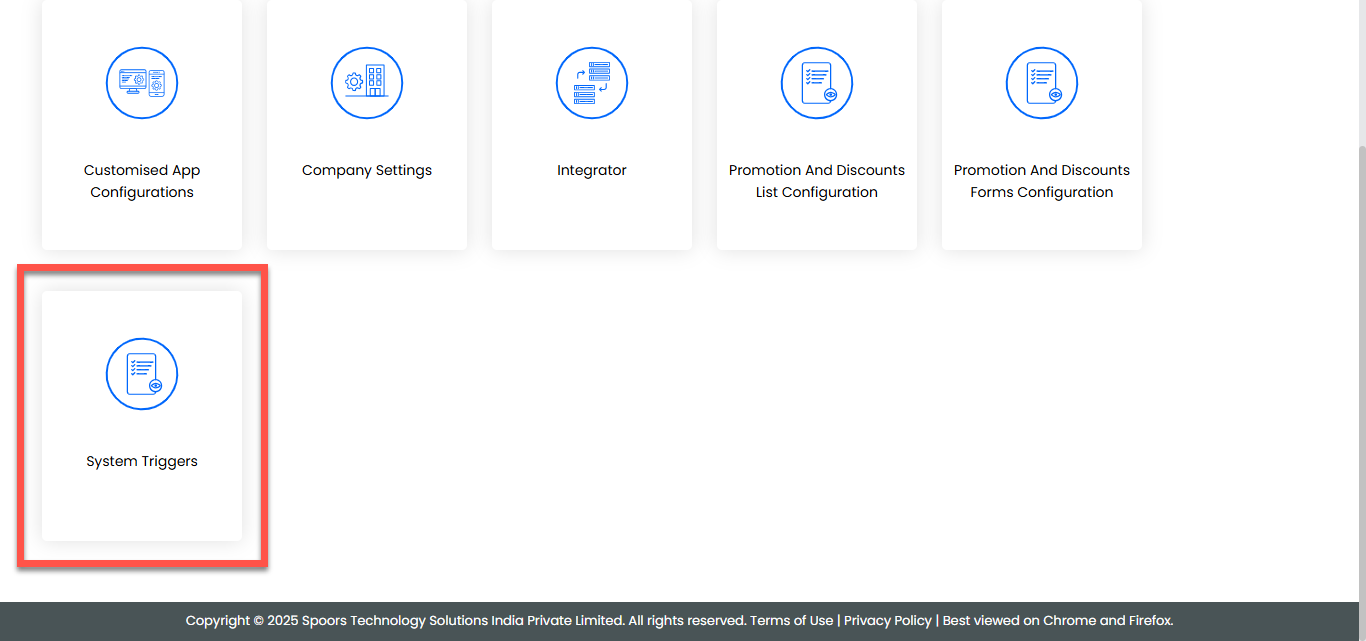
-
On the System Template Configurations page, click the
Trigger/Notification button for the template in which
you want to delete, located under the Events column.
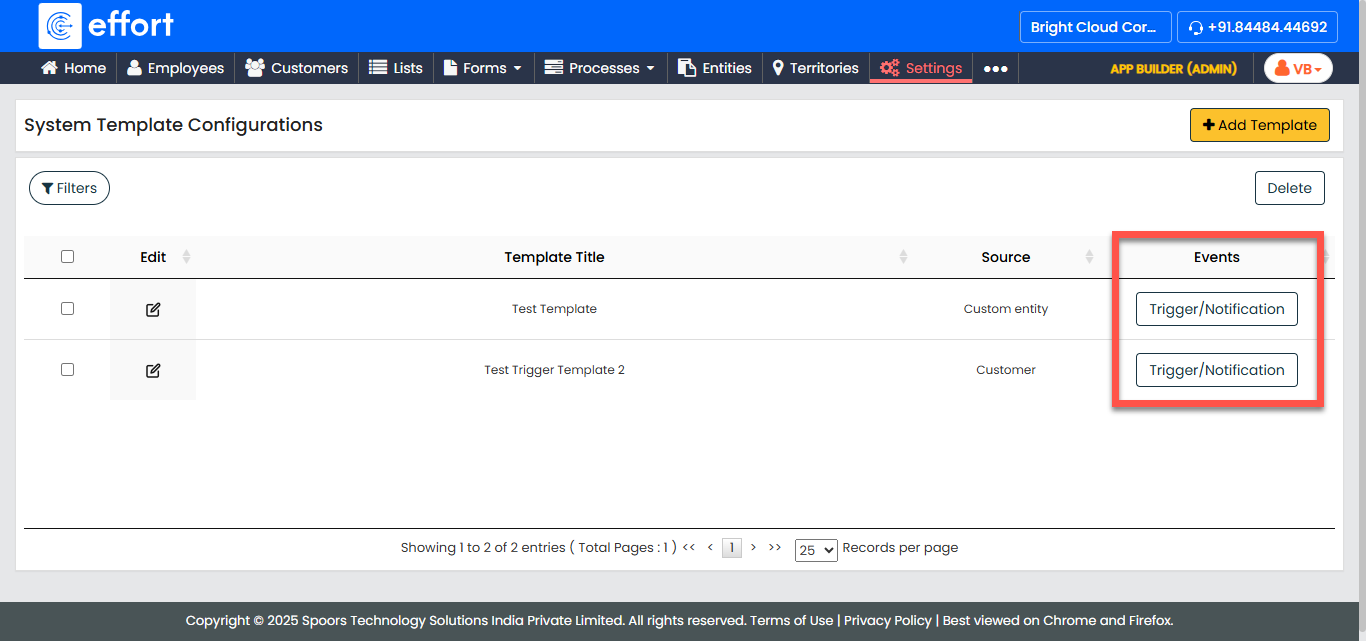
-
Select the checkbox of the event you want to delete.
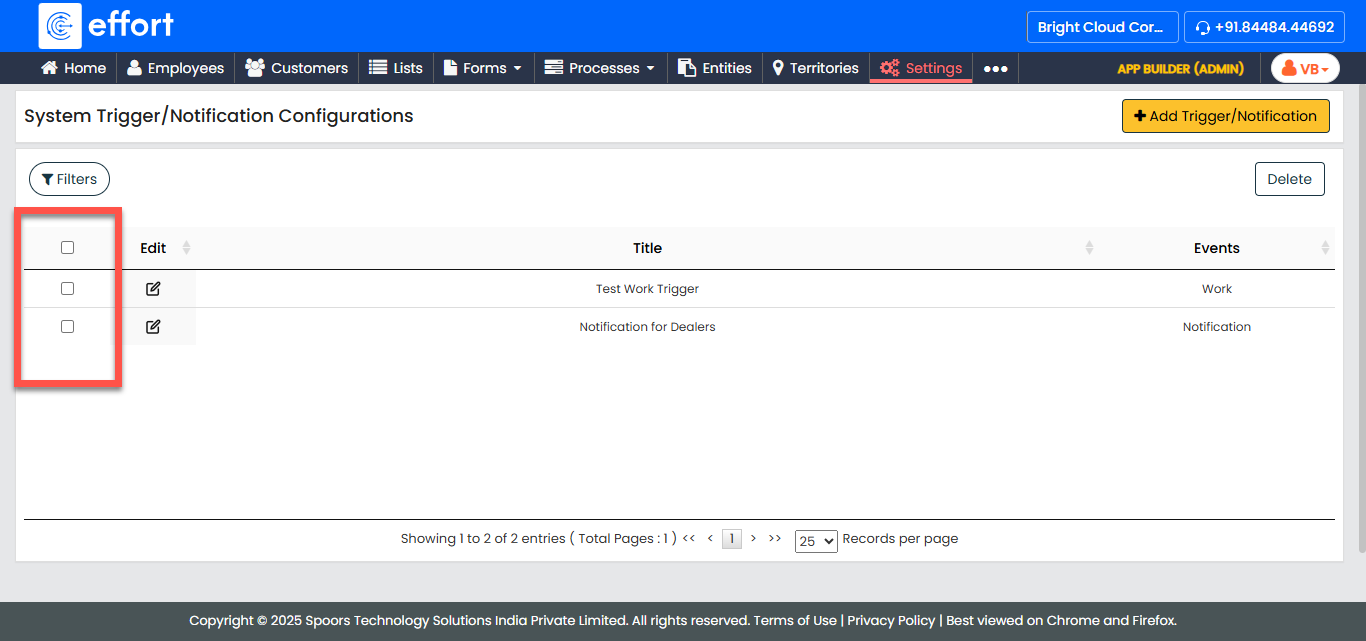
-
Click the Delete button.
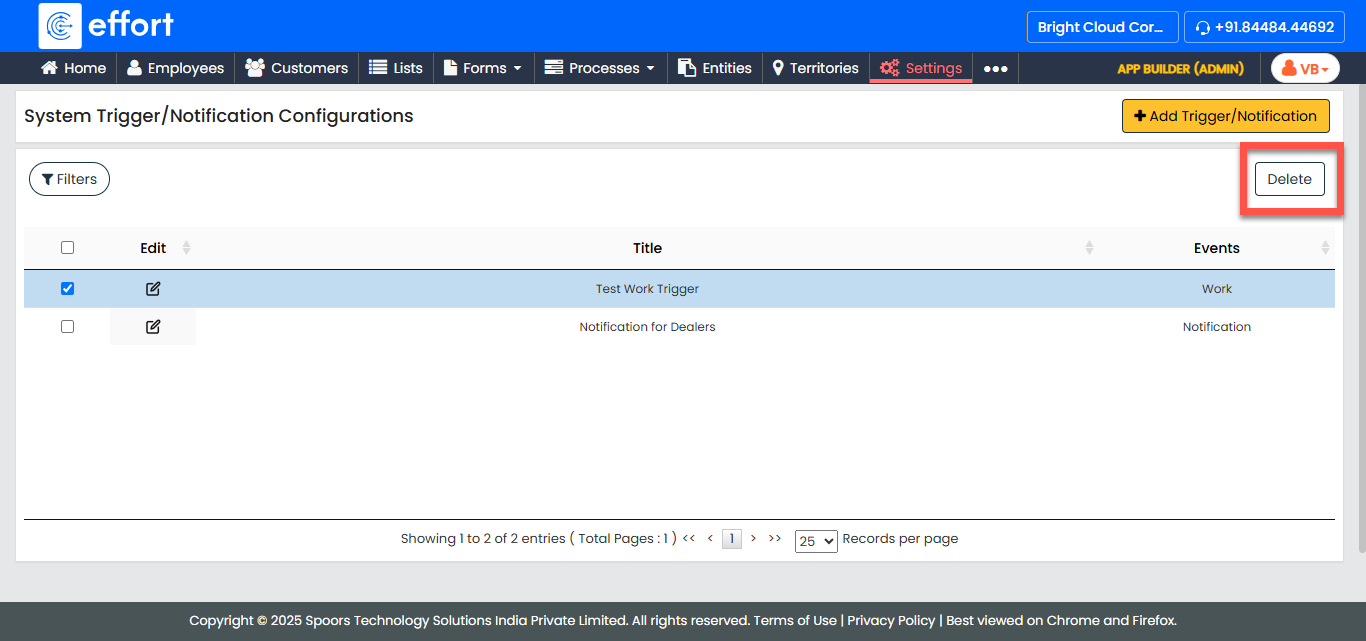
- Click OK to confirm the deletion of the trigger event.