

Edit a Trigger Template
To edit an existing trigger template, follow the steps below:
-
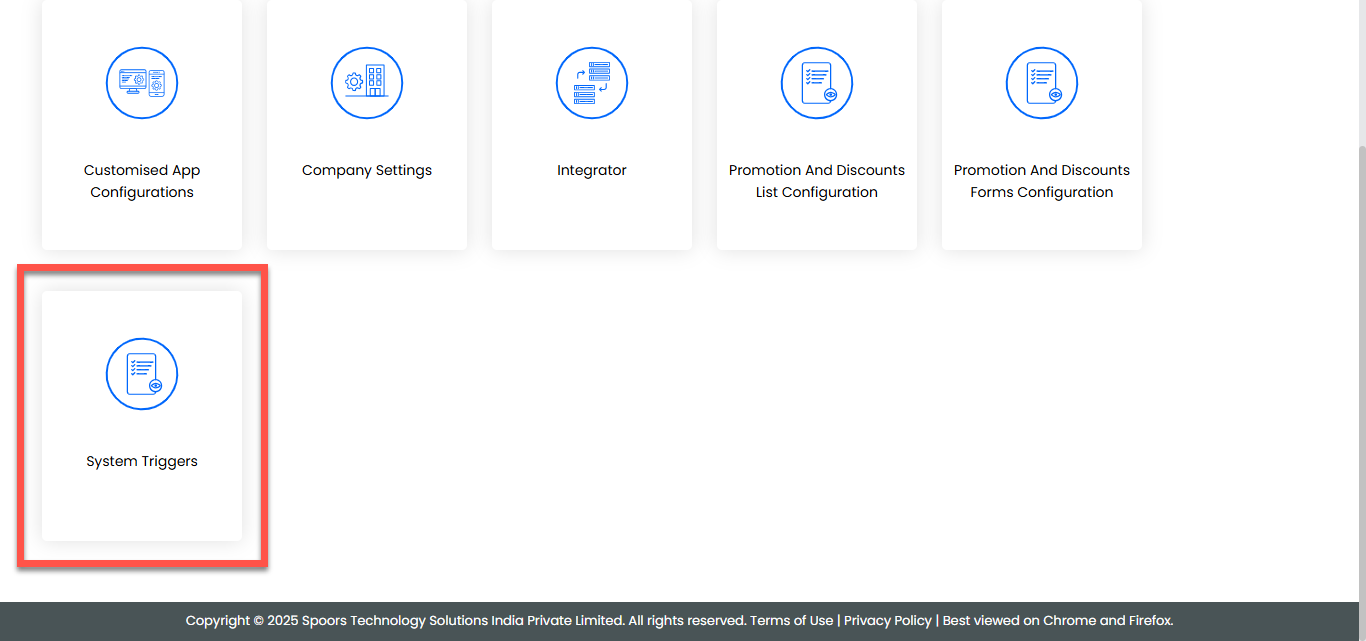
Go to .
-
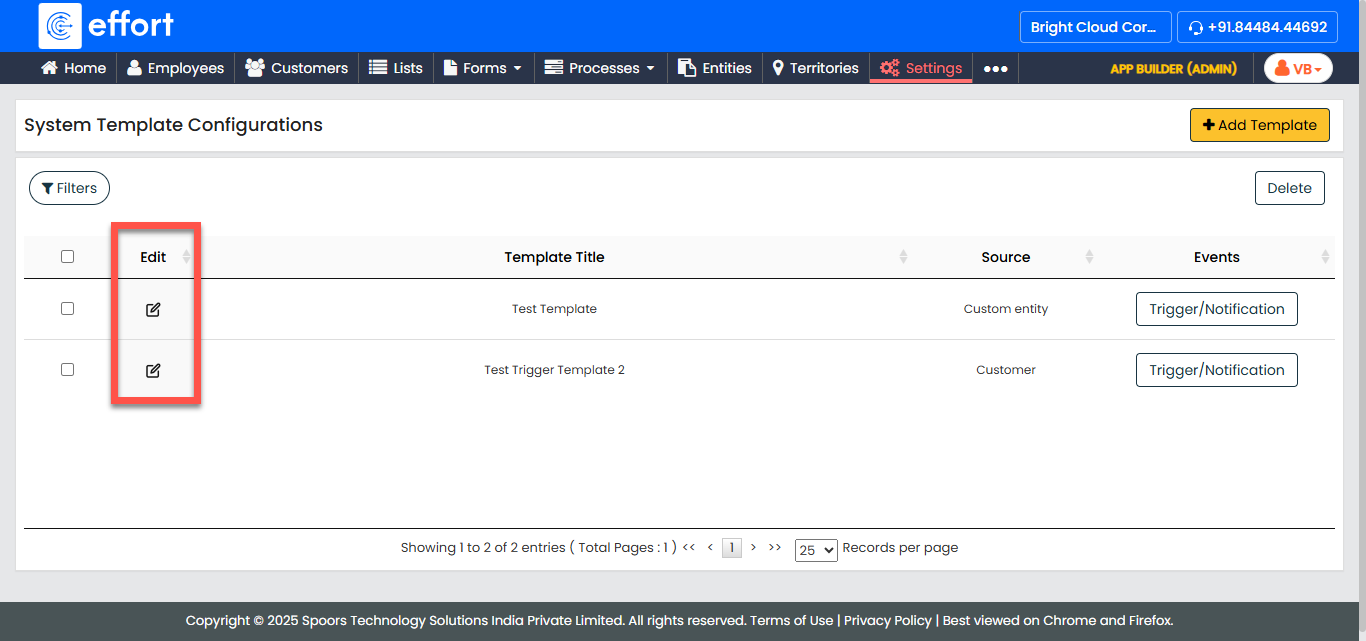
Click the Edit icon in the Actions column of the
template.
-
In the Add Template page, make the necessary changes to the trigger
template fields such as the title, trigger soucre, etc.
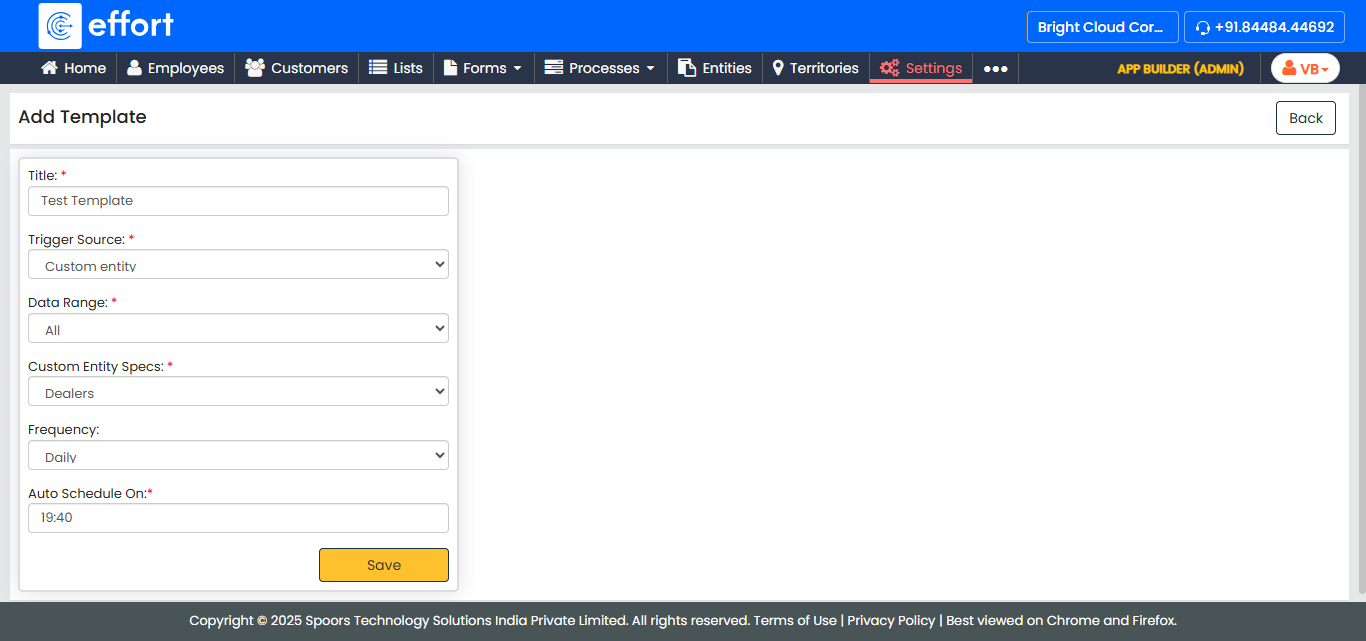
- Click Save to save the changes made to the trigger template.