

Configure Metrics on the Dashboard
To configure metrics on the dashboard, follow the steps below.
-
Go to .
The Process page appears.
-
Click the Activity Process card.
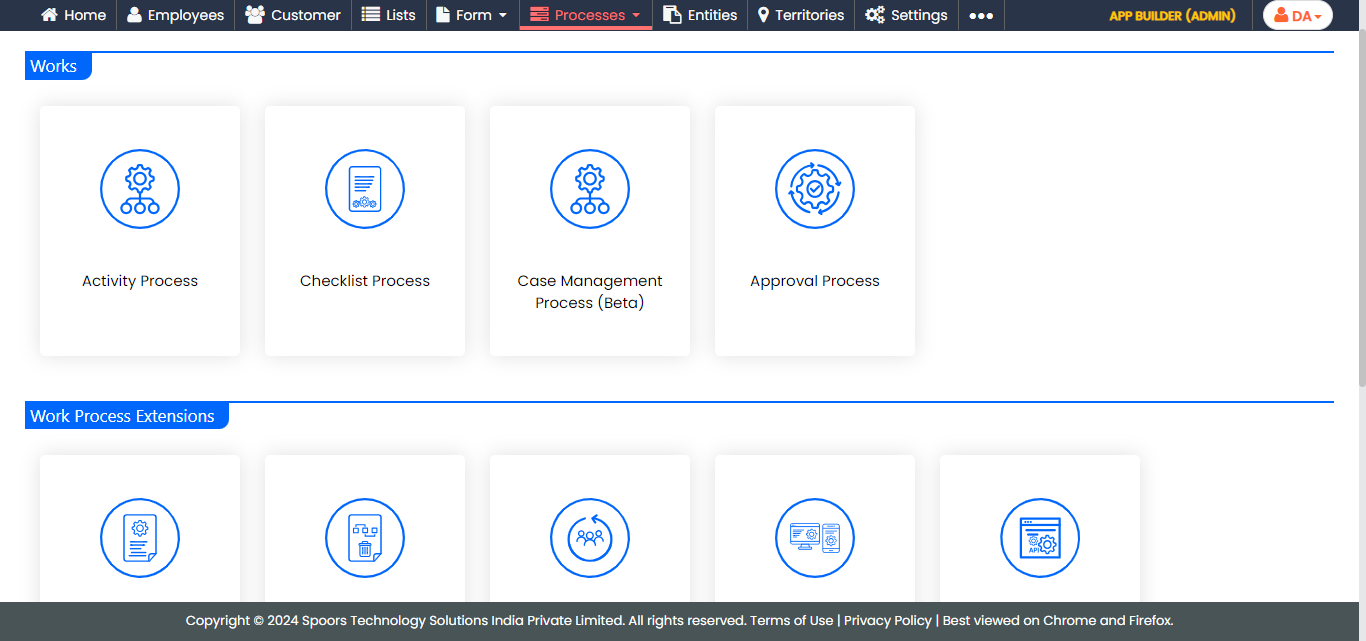
The Activity Process page appears.
-
Click the required process card.
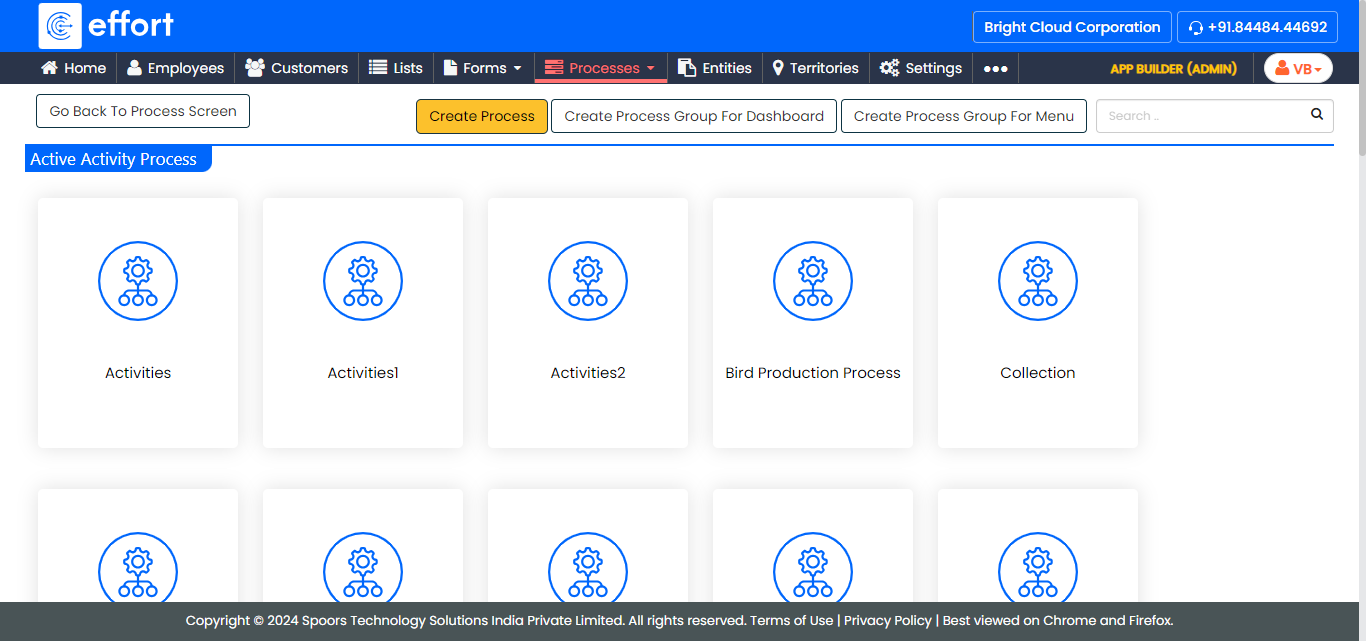
The selected <work process name> Activities page appears.
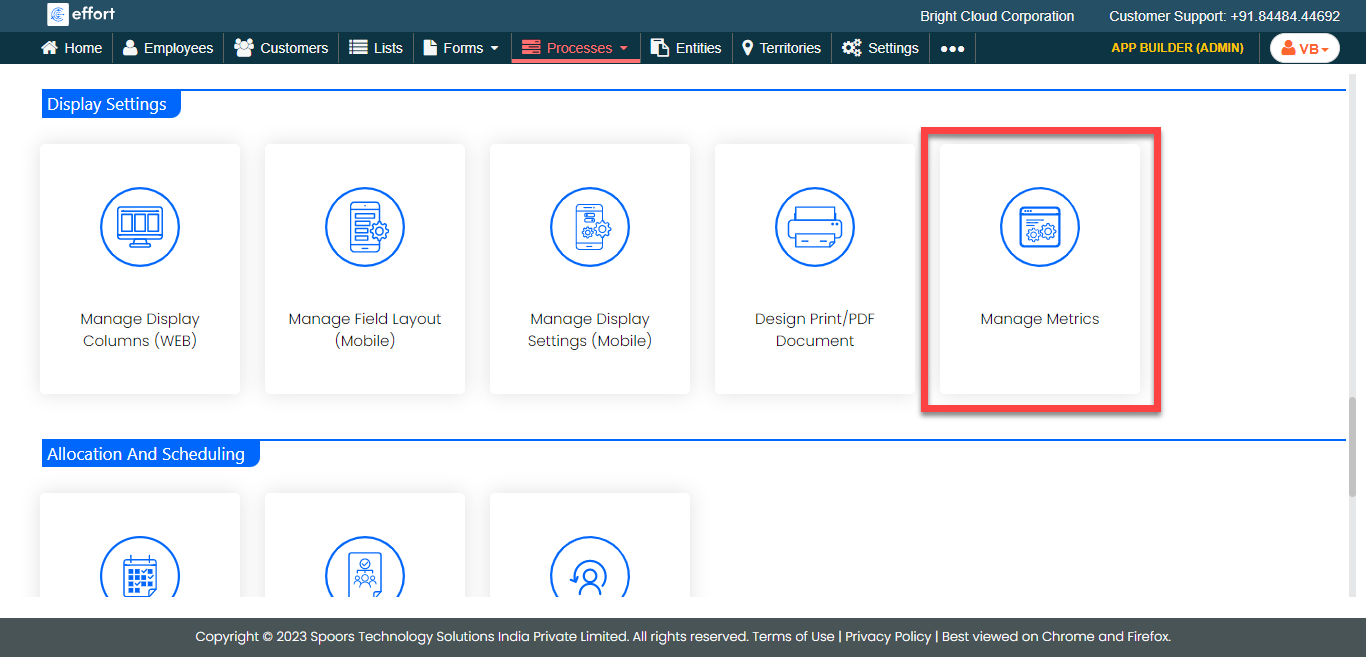
- Scroll down to the Display Settings section.
-
Click the Manage Metrics card.
- Optional:
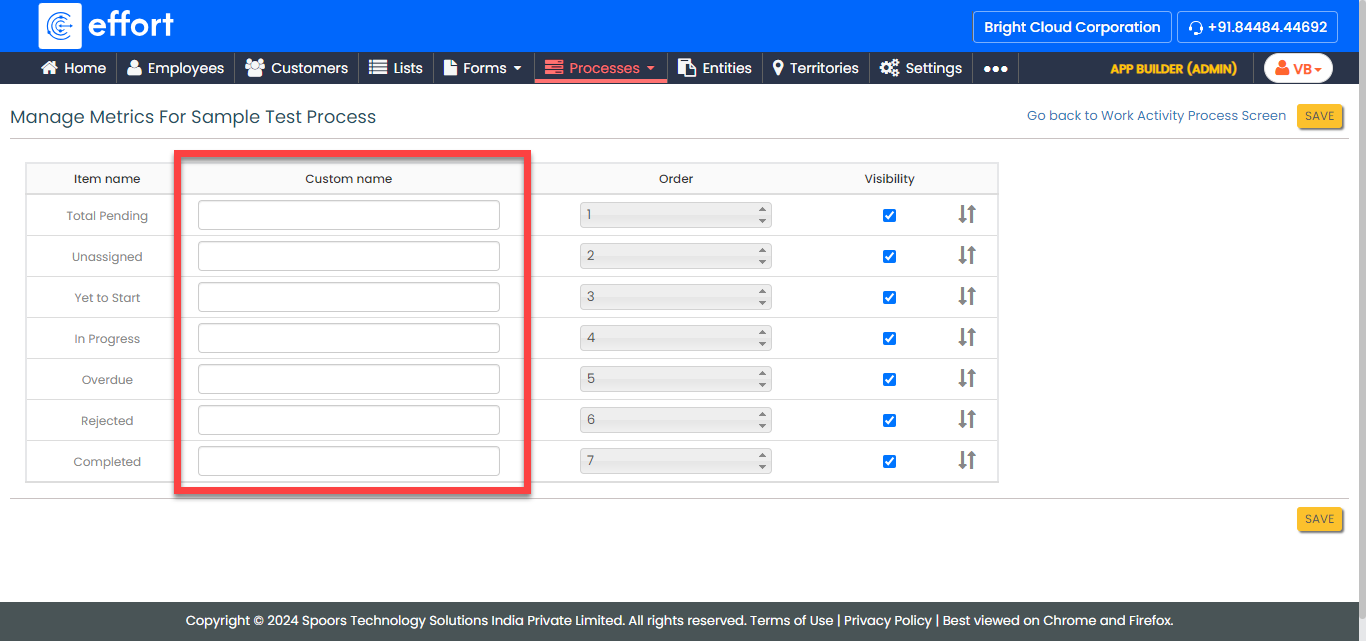
In the Custom name column, enter the custom names for
the items you want.
-
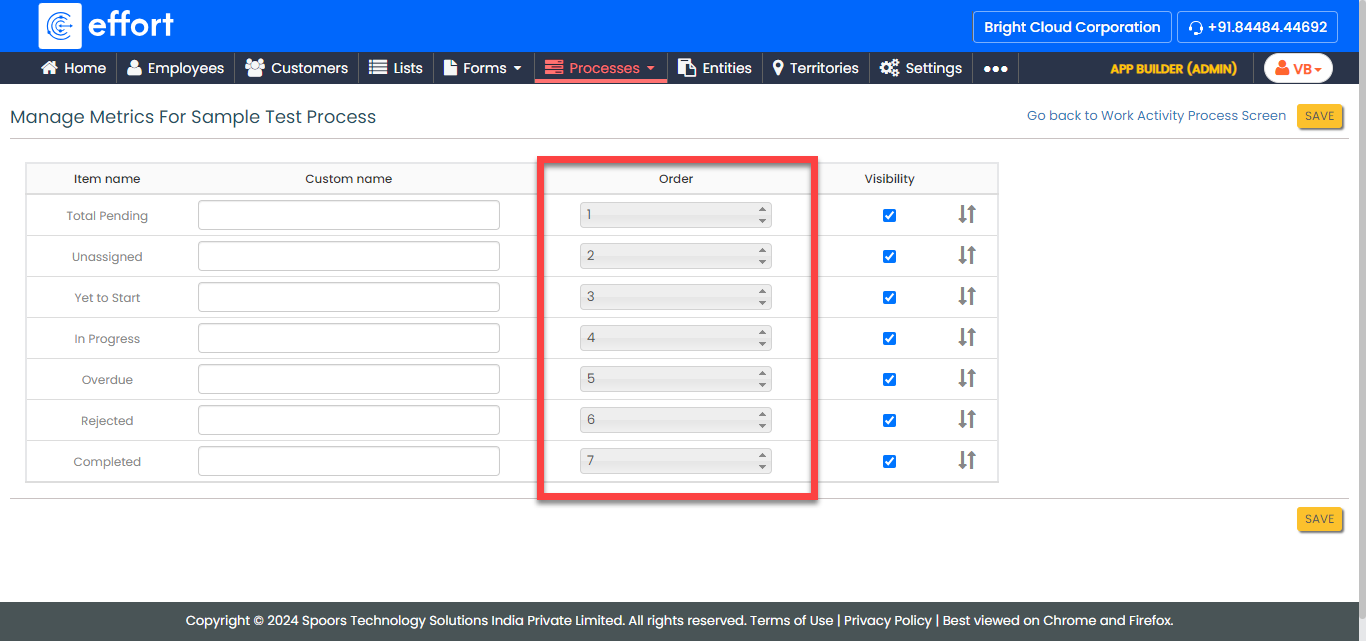
Define the order in the order column, or drag and drop the fields to define the
order.
- Optional:
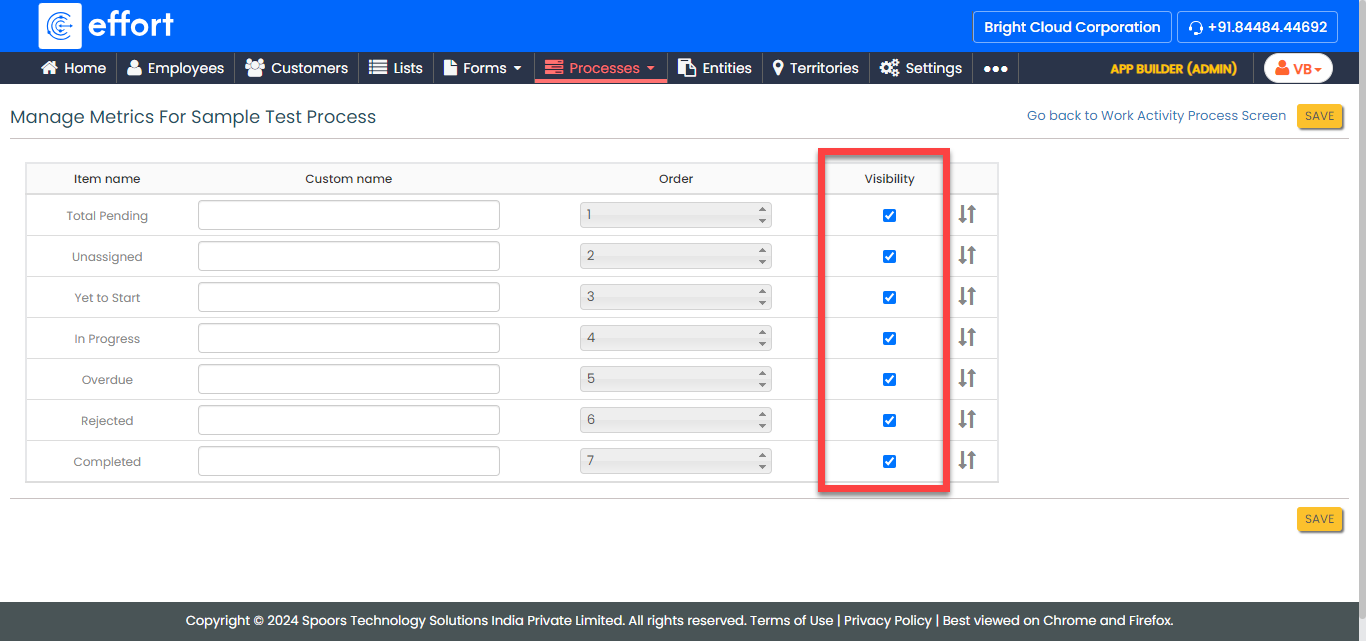
Disable the checkboxes under the Visibility column to
disable the items in the dashboard.
- Click Save.