

Configure Auto Allocate Work Assignment
The work fields such as Start Time, End Time, Pincode, and Location are mandatory to use this feature.
-
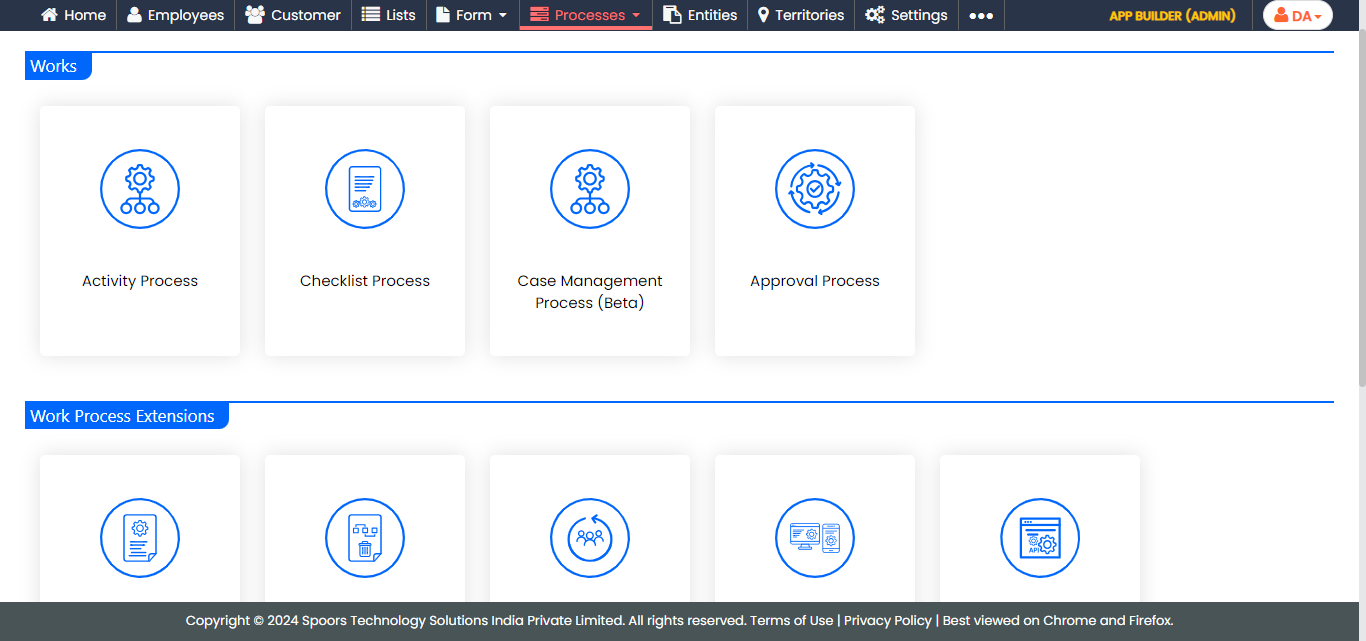
Go to .
The Processes page appears.
-
Click the Activity Process card.
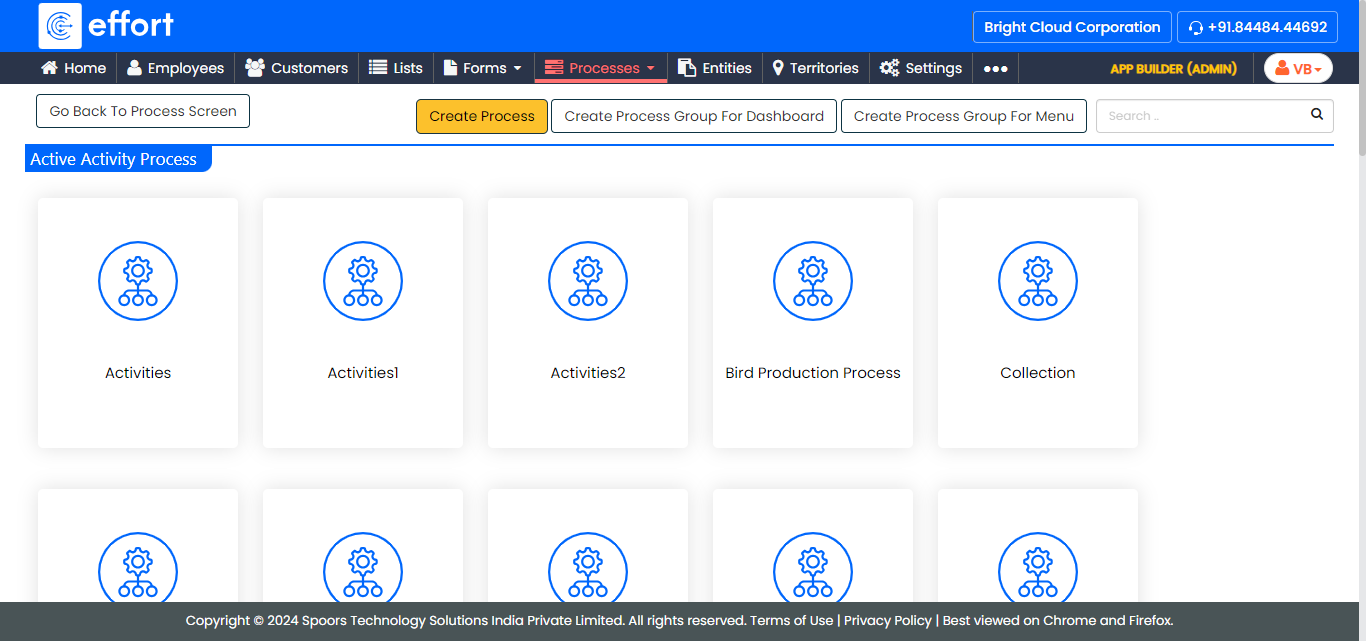
The Activity Process page appears.
-
Click on the required process card.
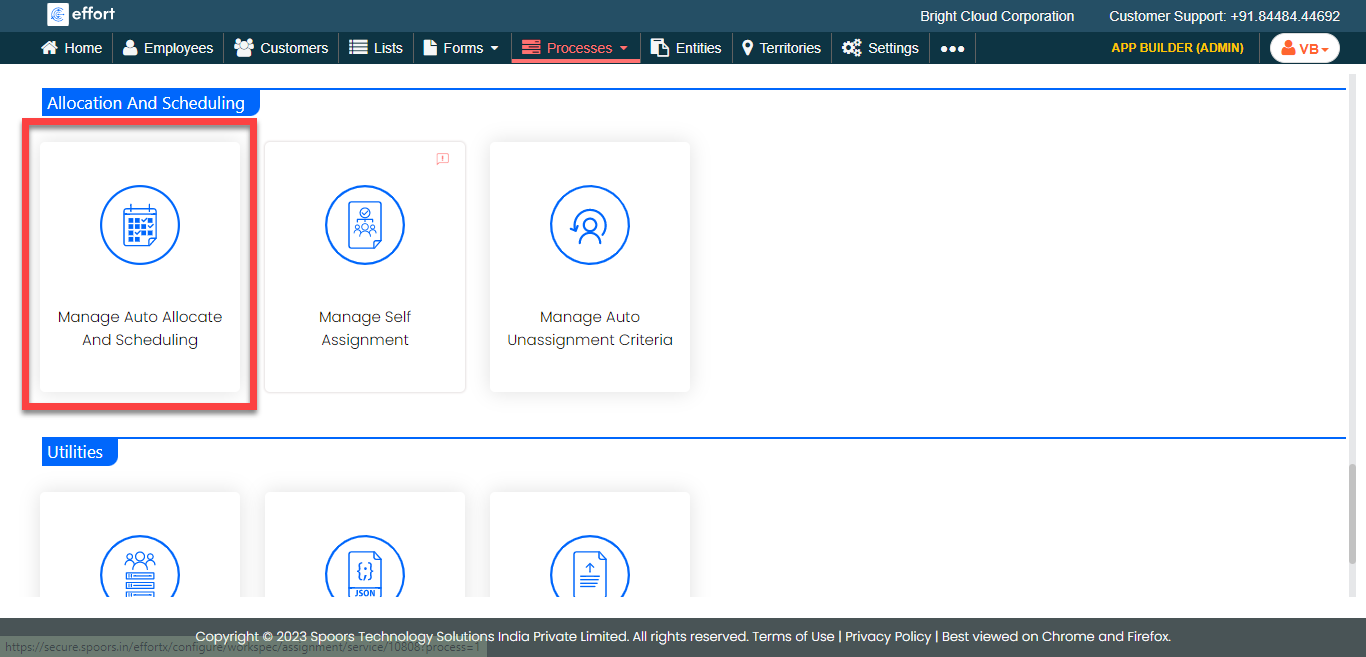
- Scroll down to the Allocation And Scheduling section.
-
Click the Manage Auto Allocate And Scheduling
card.
-
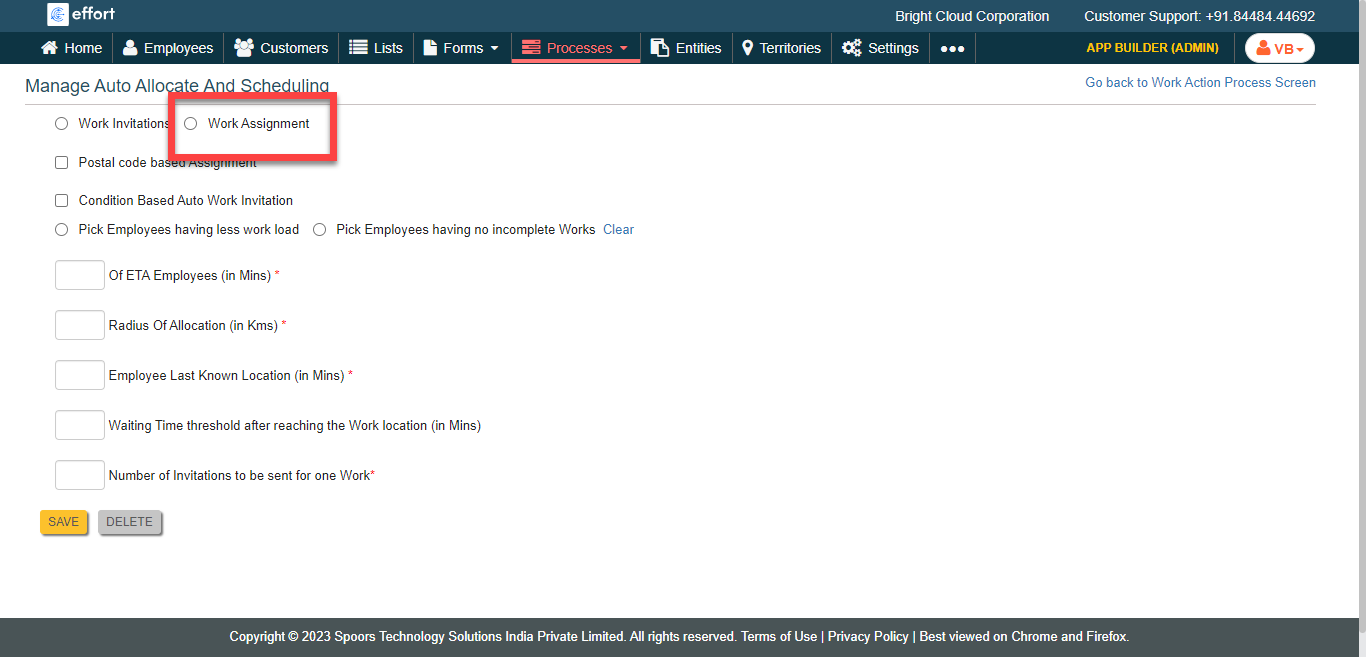
Click the Work Assignments option.
-
Select the auto allocation options as per your requirement.
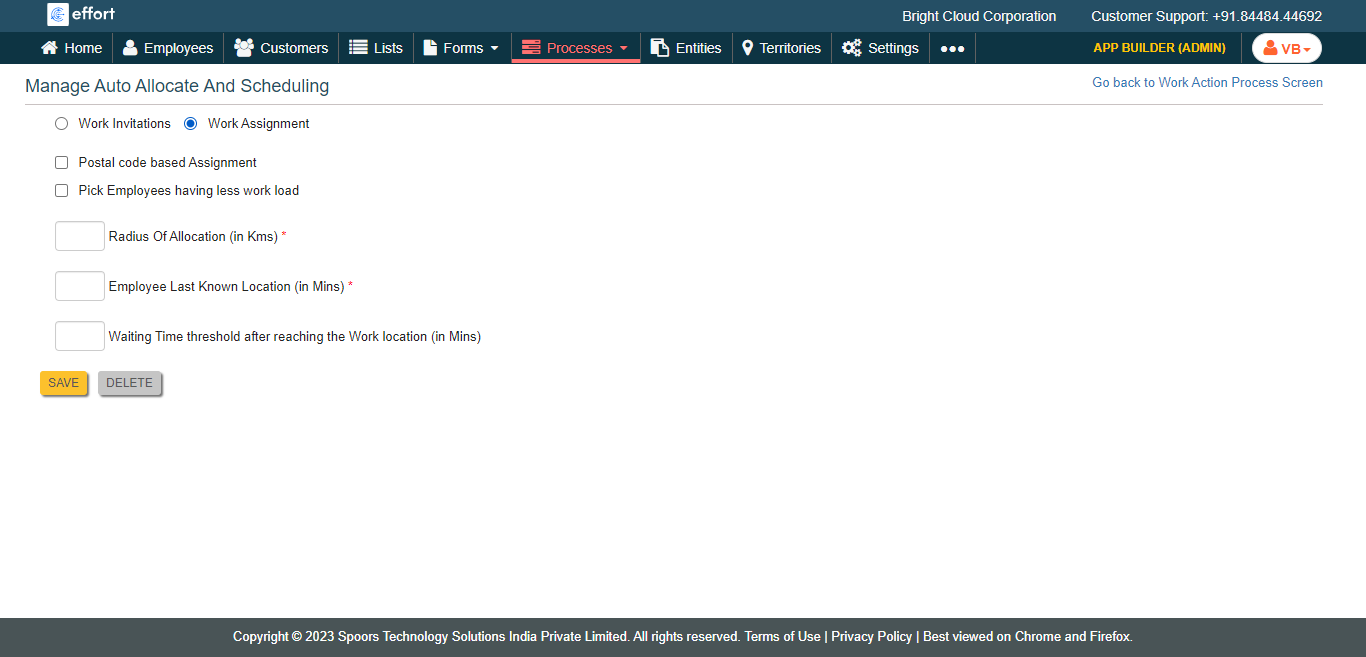
- Click Save.