

Configure Data Push
To configure data push, follow the steps below.
-
Go to .
The Processes page appears.
-
Click the Activity Process card.
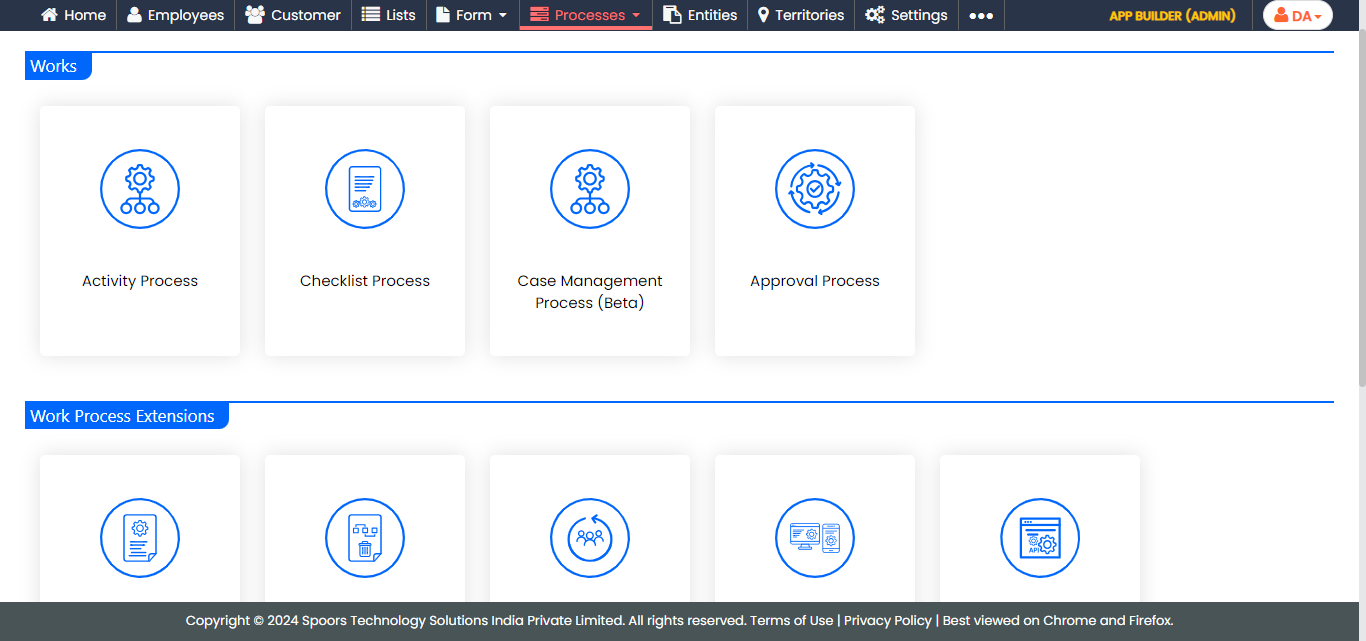
The Activity Process page appears.
-
Click the required process card.
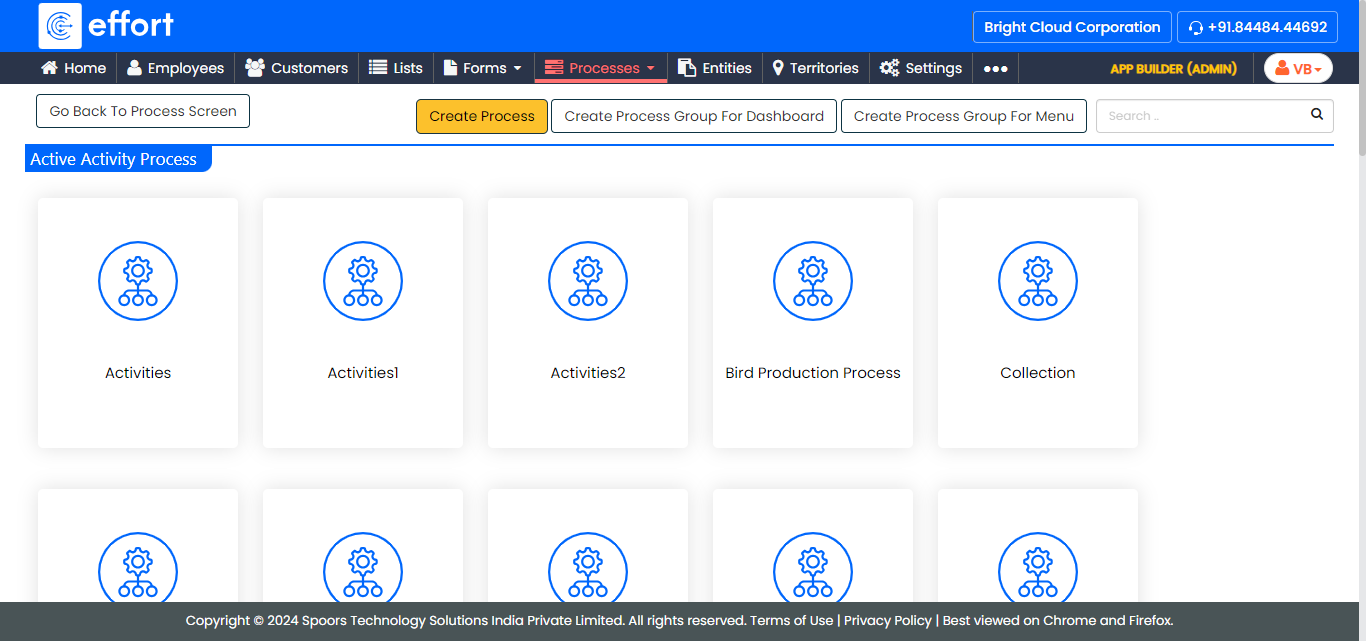
The <Work Process Name> Activities page appears.
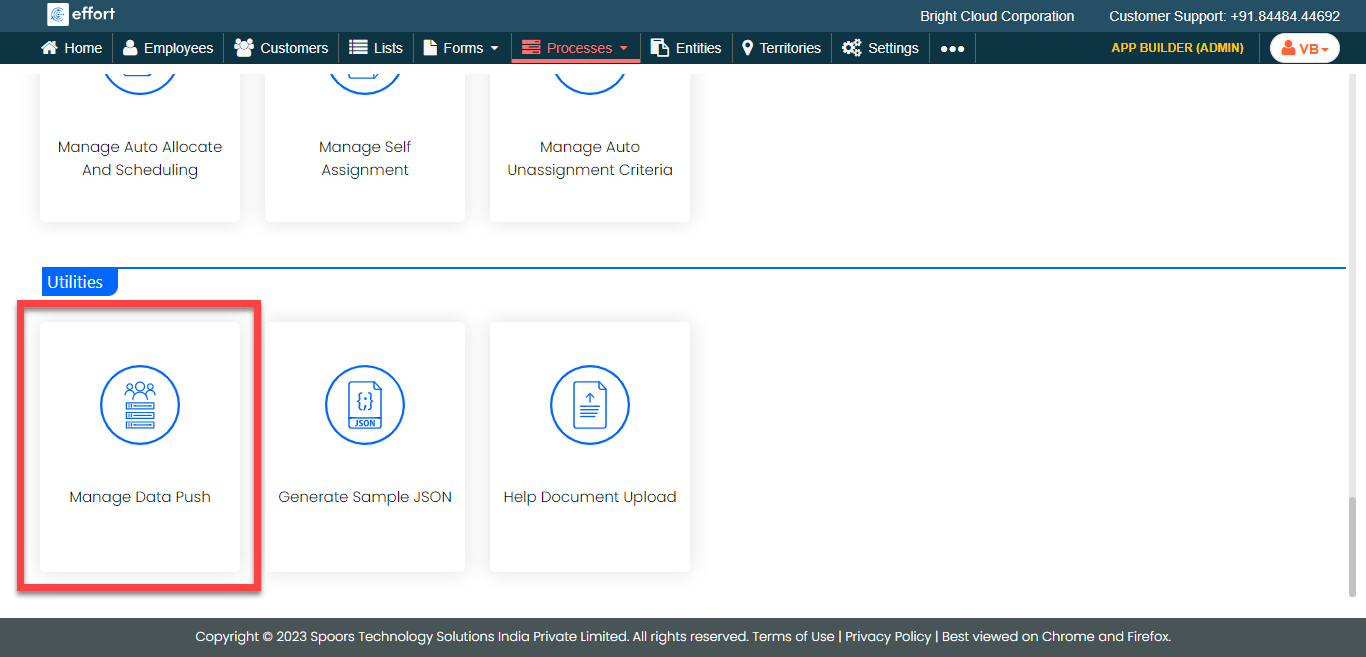
- Scroll down to the Utilities section.
-
Click the Manage Data Push card.
-
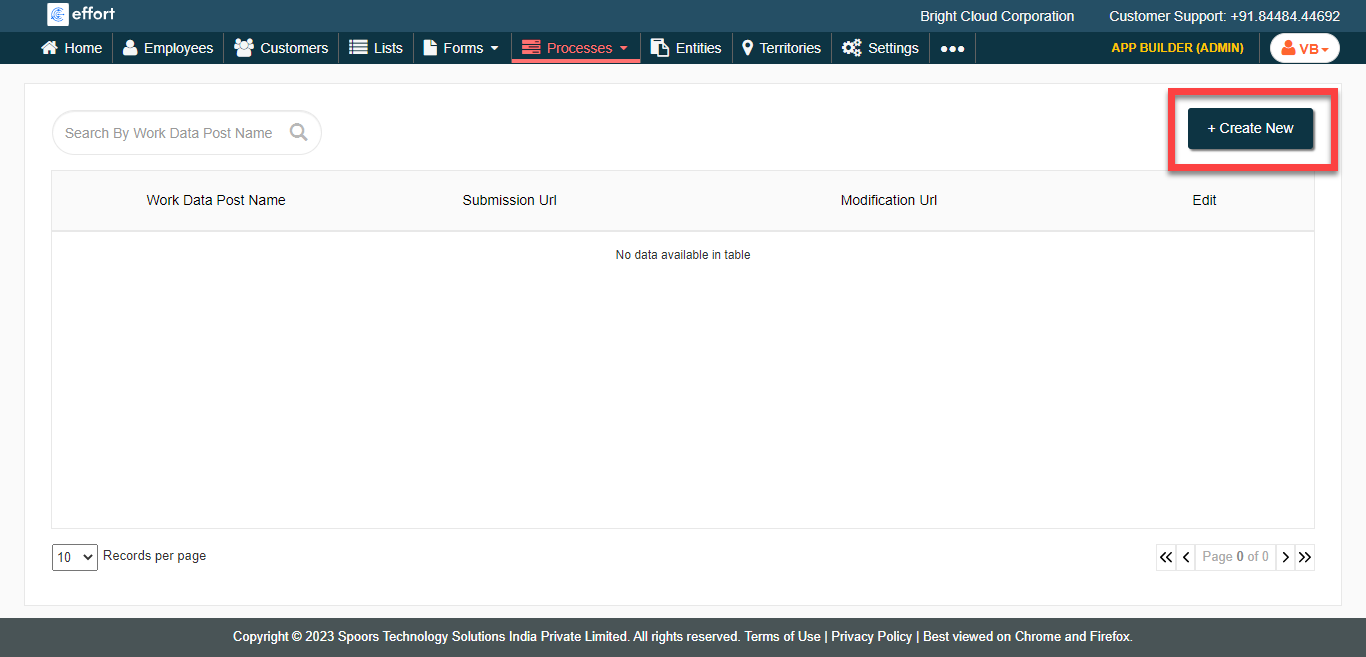
Click the Create New button.
-
Enter the data in the mandatory fields.
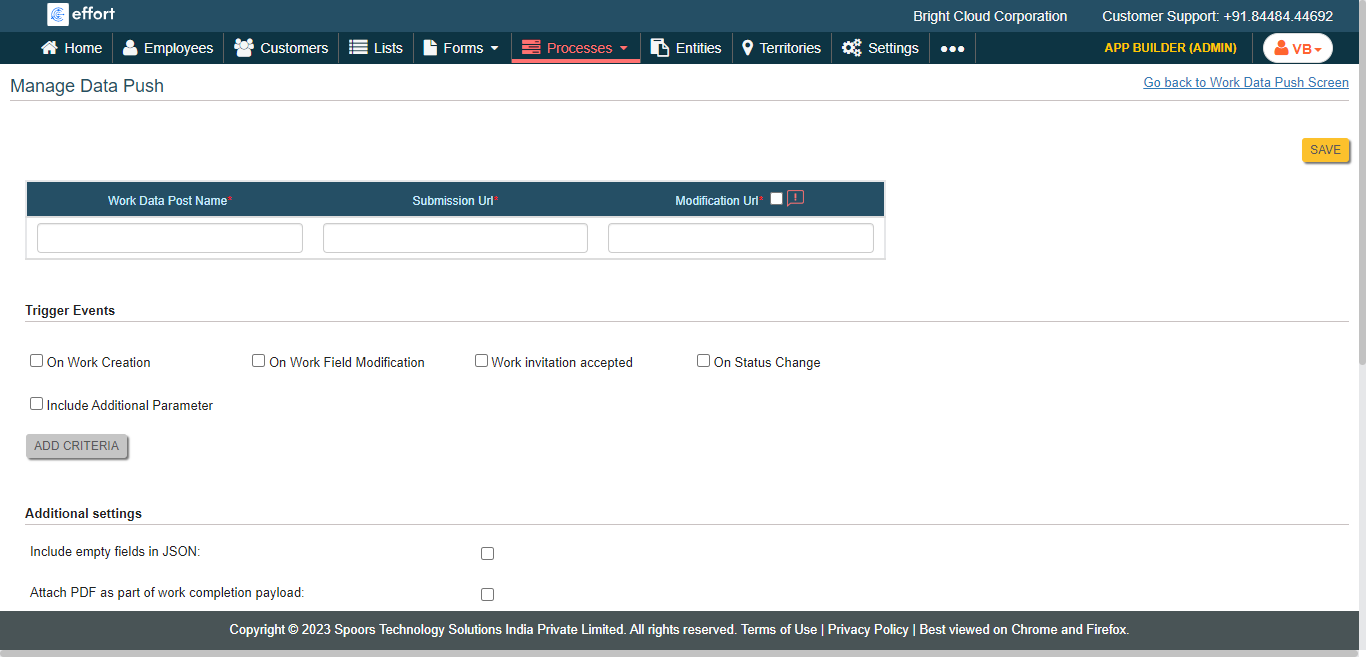
- Click Save.