

Edit Process Flow
To edit a process flow, follow the steps below.
-
Go to .
The Processes page appears.
-
Click either Activity Process or Checklist
Process as per your requirement.
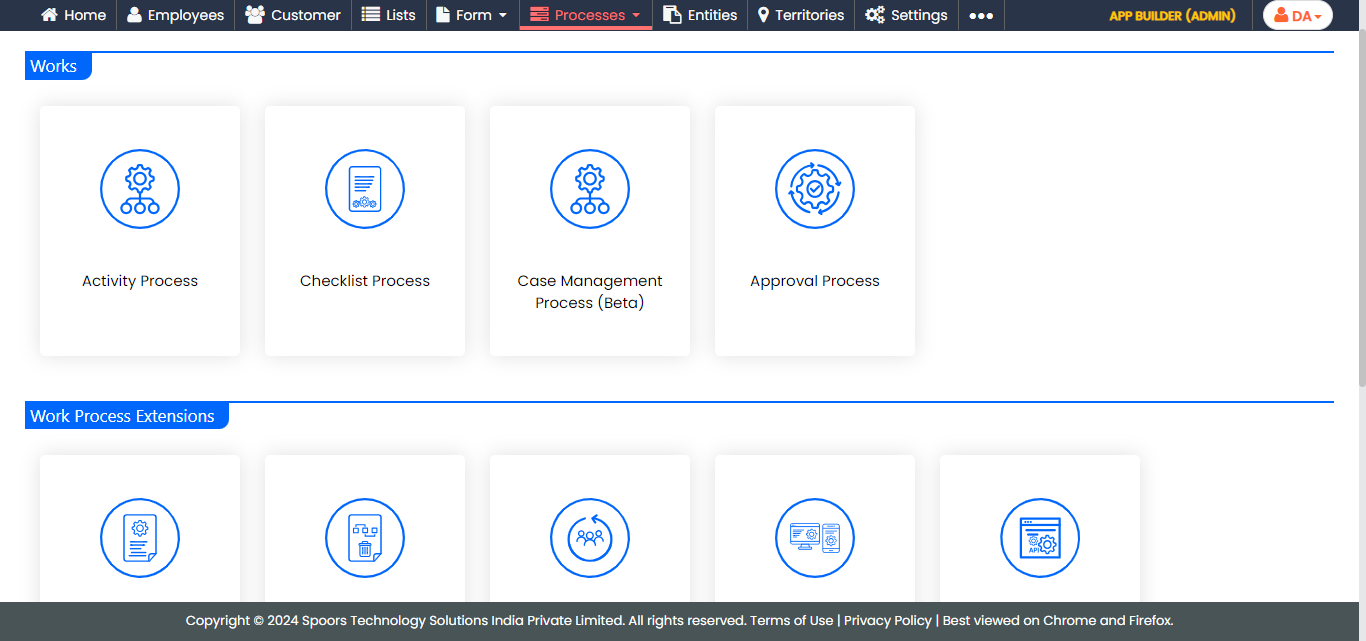
The Activity Process or Checklist Process page appears.
-
Click the required process card.
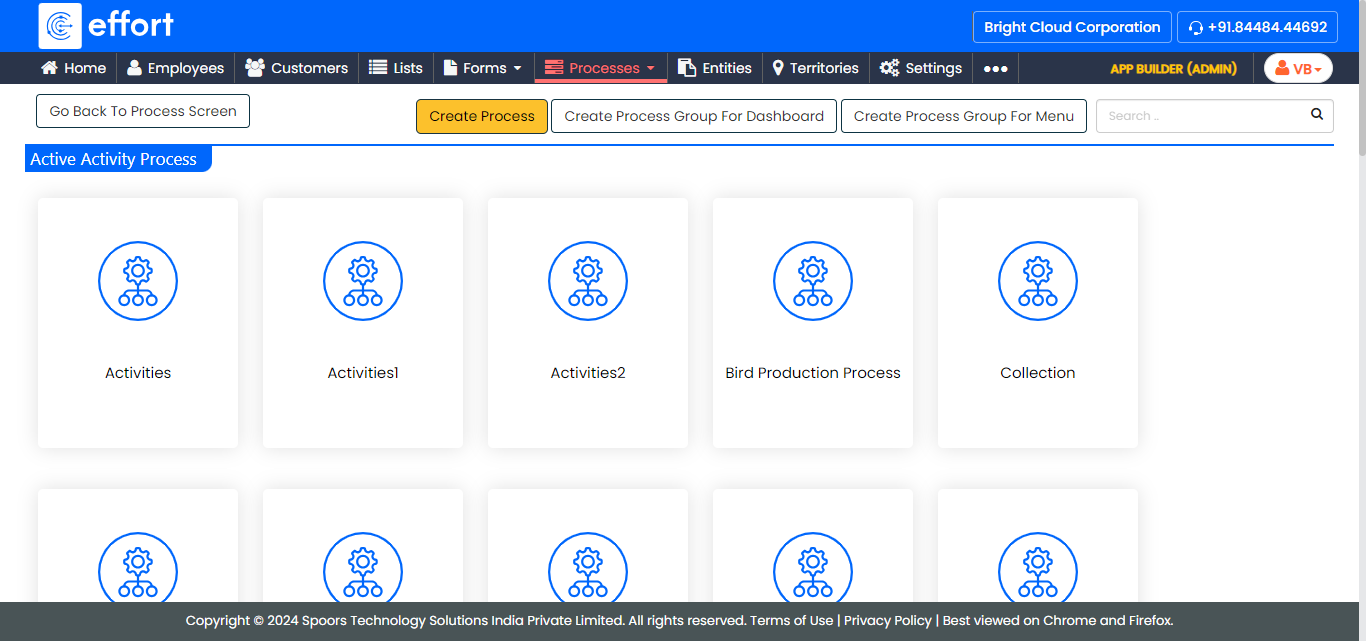
The work processes in the Activity Process are shown in the above screenshot. If you click on the Checklist Process, the work processes in it will appear. -
Click the Manage Flow card under the Work
Process Essentials section.
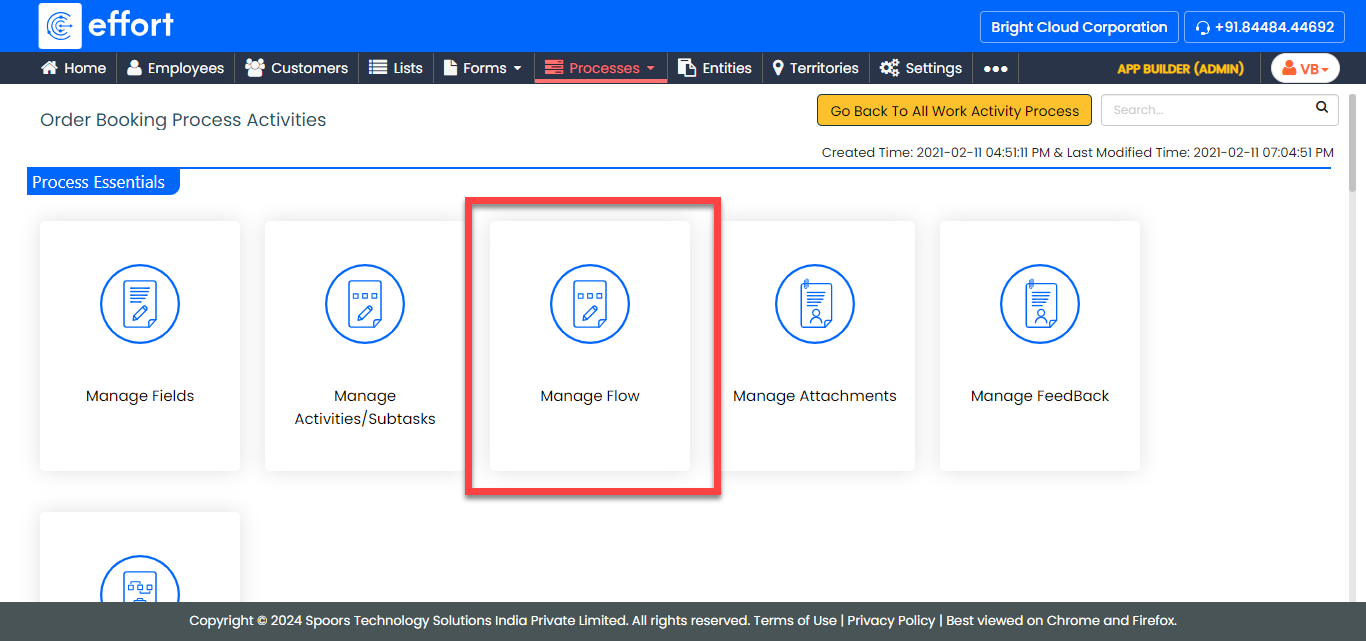
The Manage Work flow for <Work Process> page appears.
-
Modify the workflow as per your requirement. Refer to the Work
Flow: Fields and Description topic to know more about all the
configuration fields.
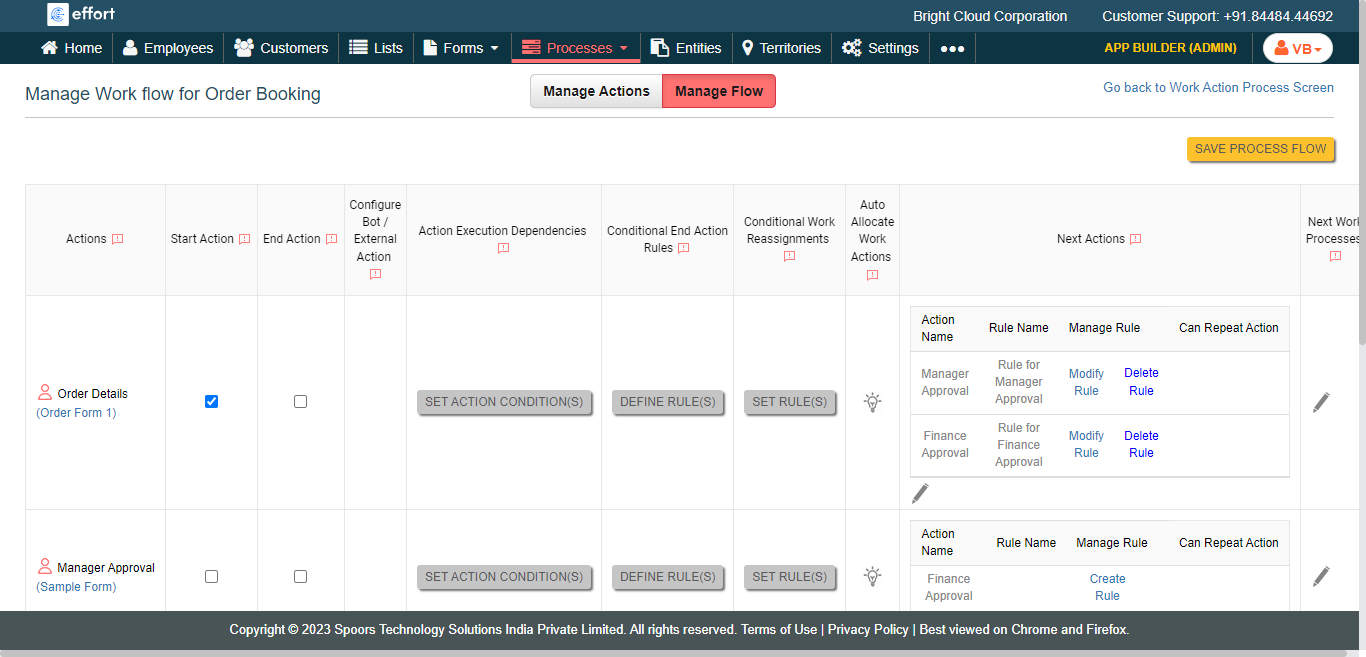
- Click Save Process Flow.