

Configure Auto Unassignment Criteria
To configure auto unassignment criteria, follow the steps below.
-
Go to .
The Processes page appears.
-
Click the Activity Process card.
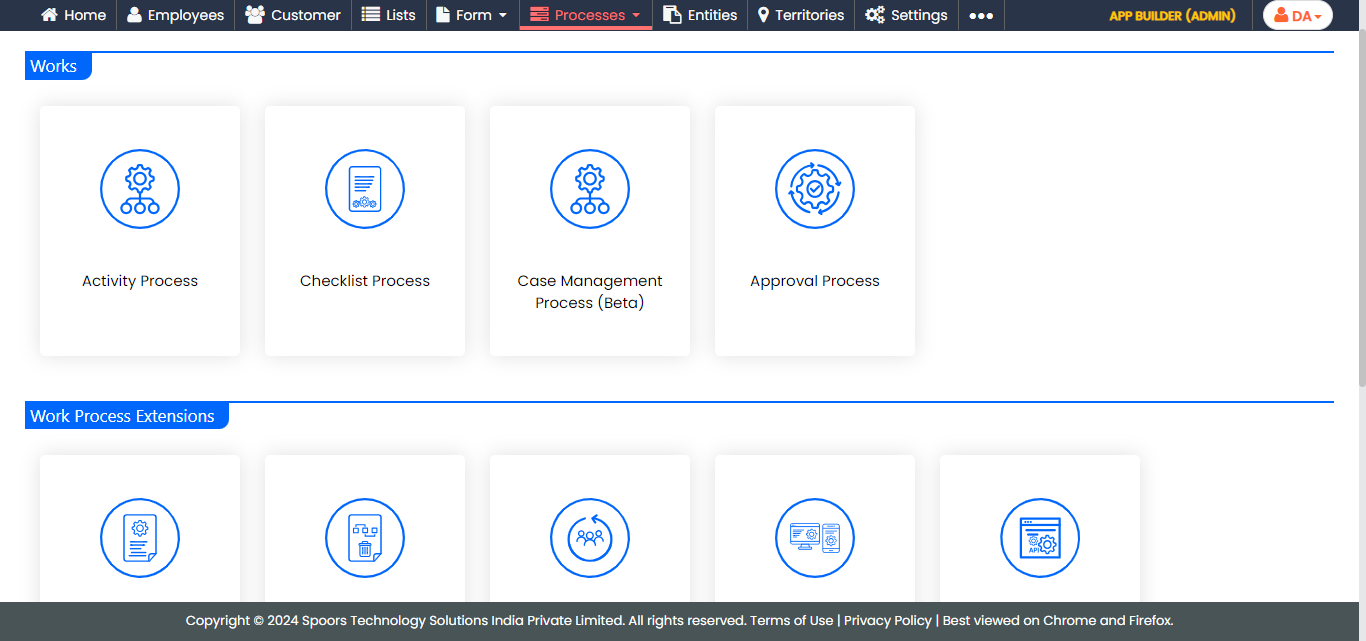
The Activity Process page appears.
-
Click the required process card.
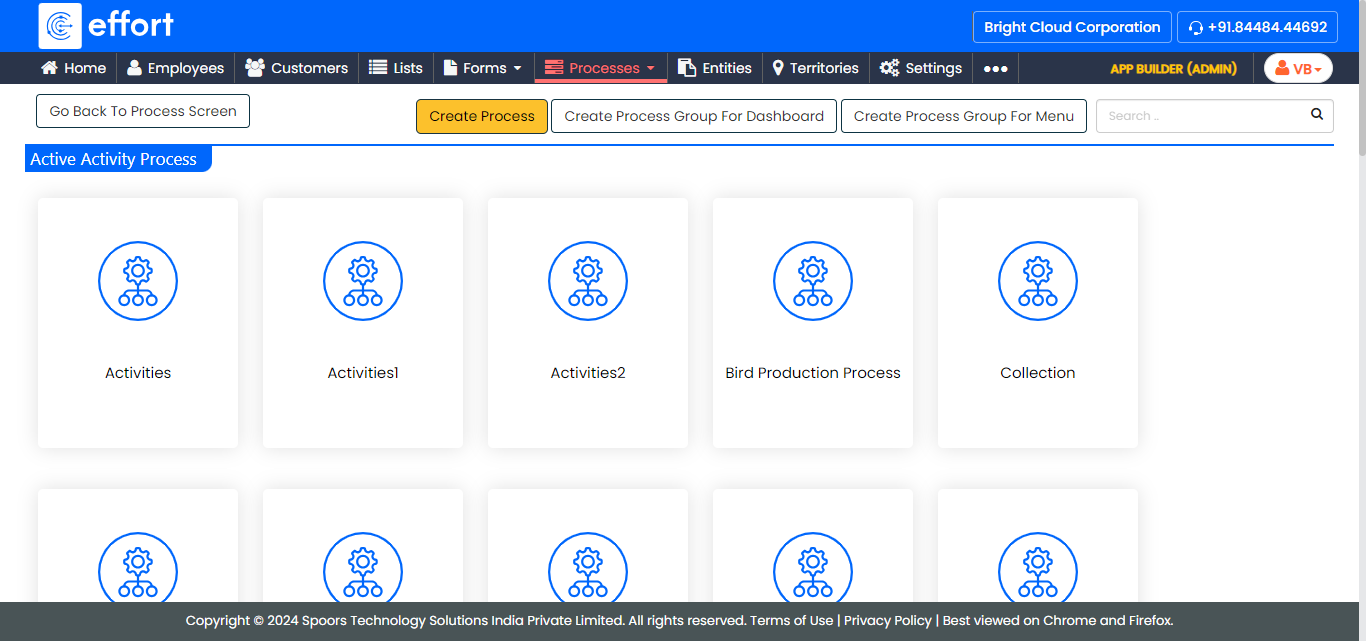
The selected <Work Process Name> Activities page appears.
- Scroll down to the Allocation And Scheduling section.
-
Click the Manage Auto Unassignment Criteria card.
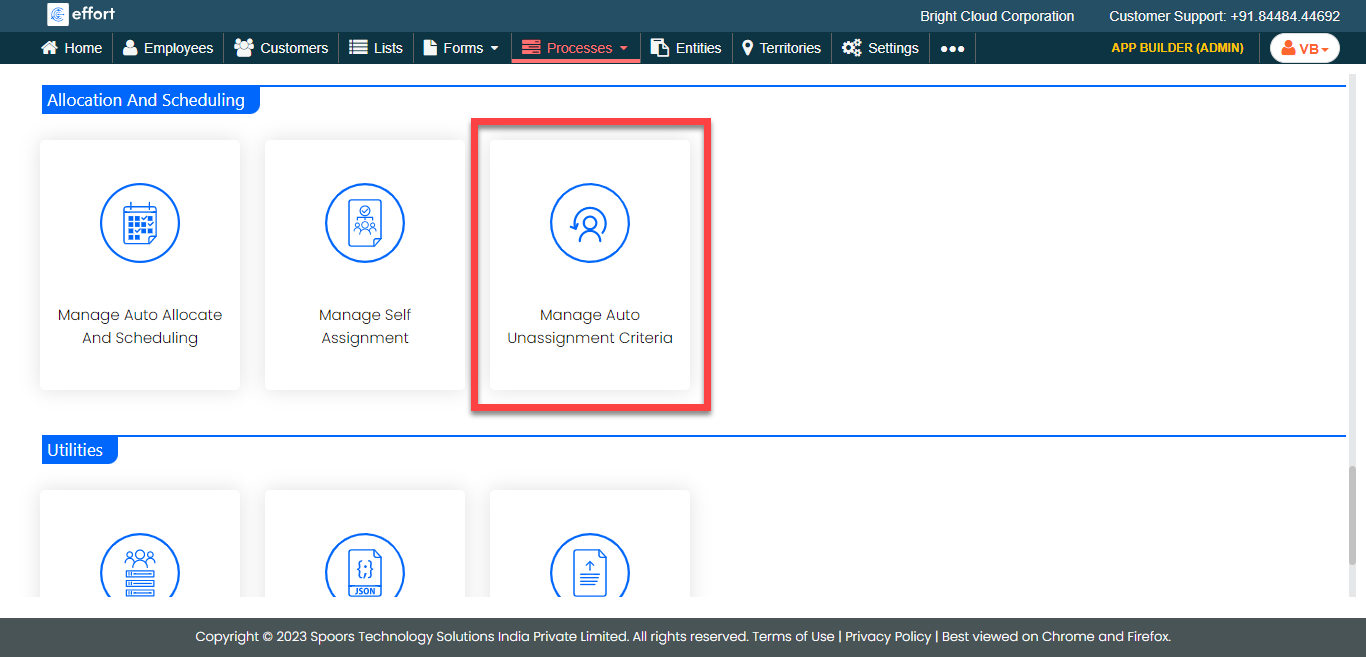
-
Click the Auto Form Fill icon under the
Activities to define the criteria.
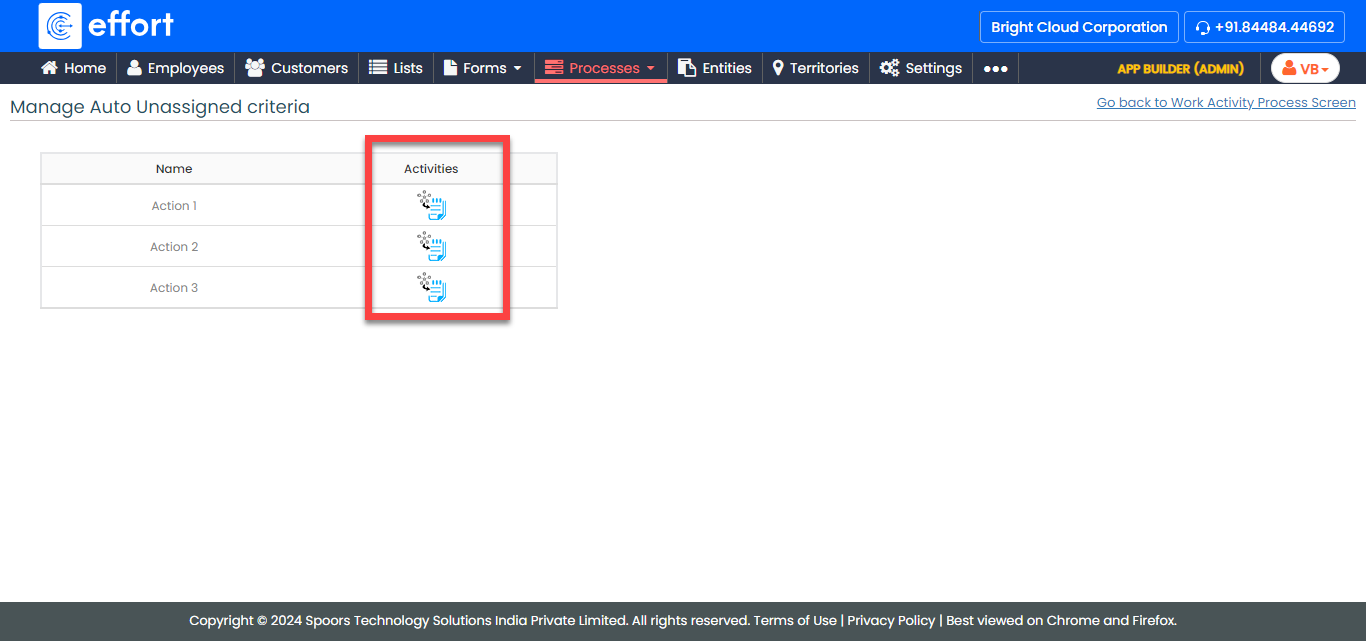
-
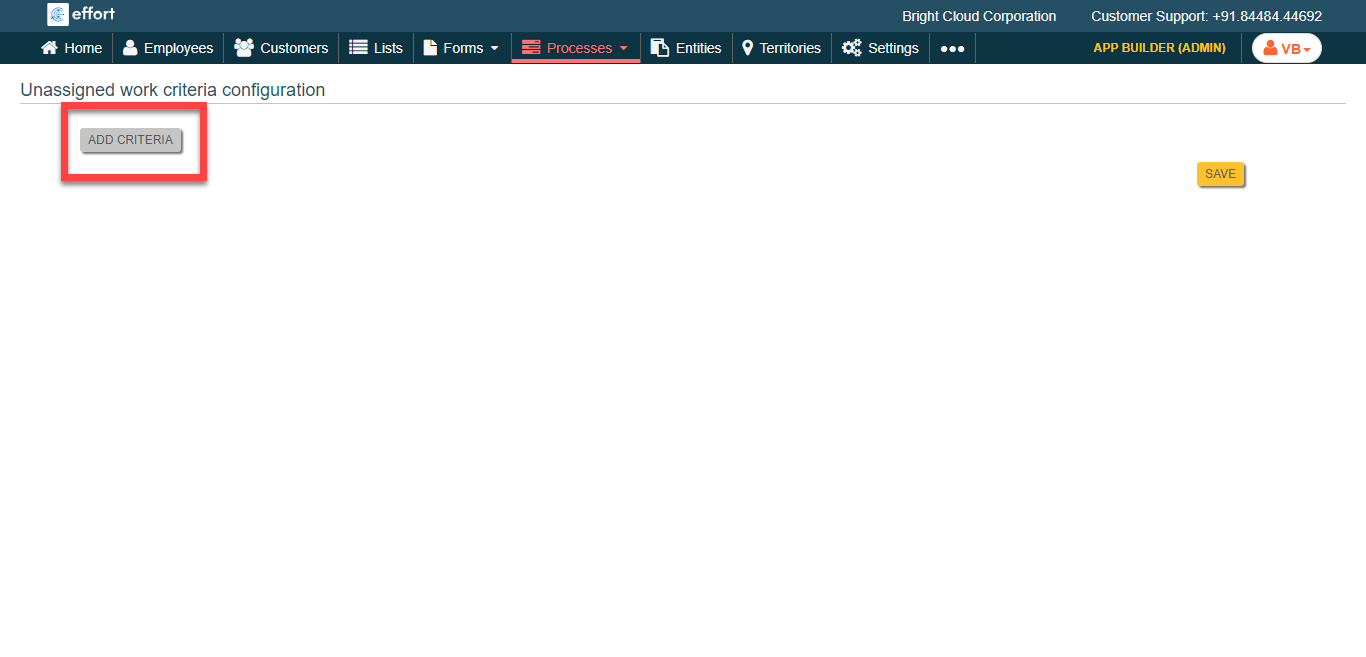
Click the Add Criteria button.
-
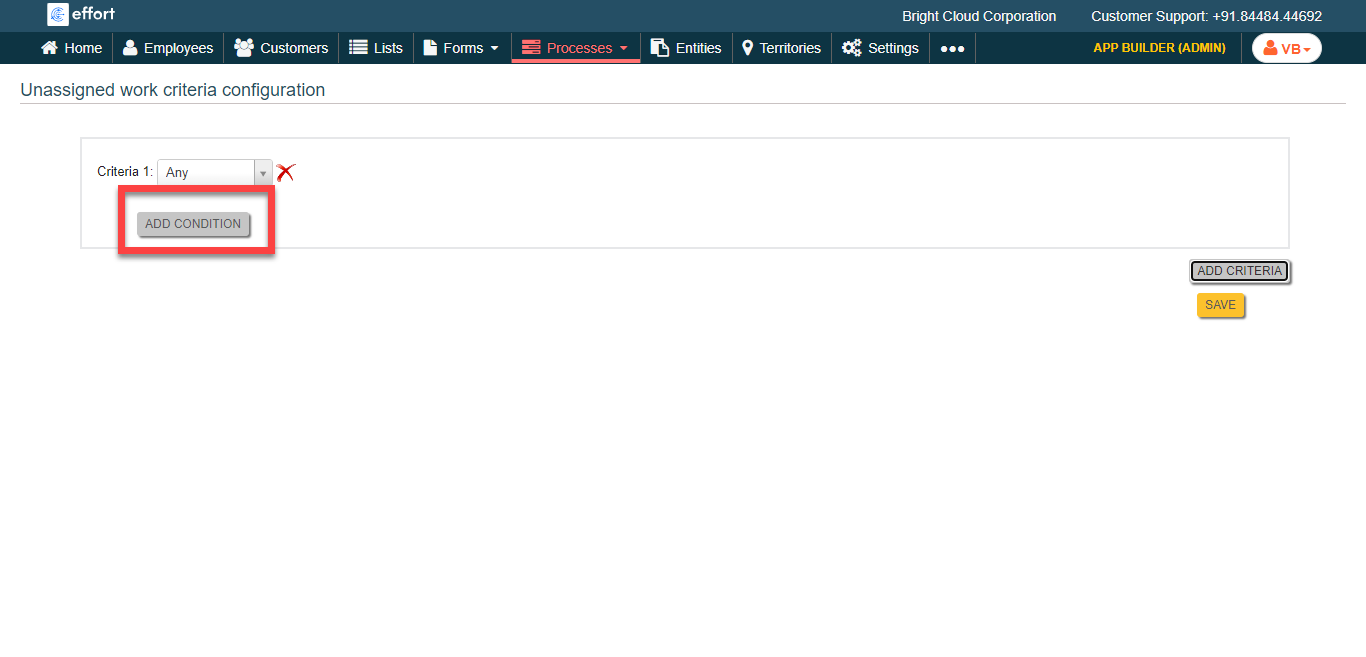
Click the Add Condition button to define
condition.
-
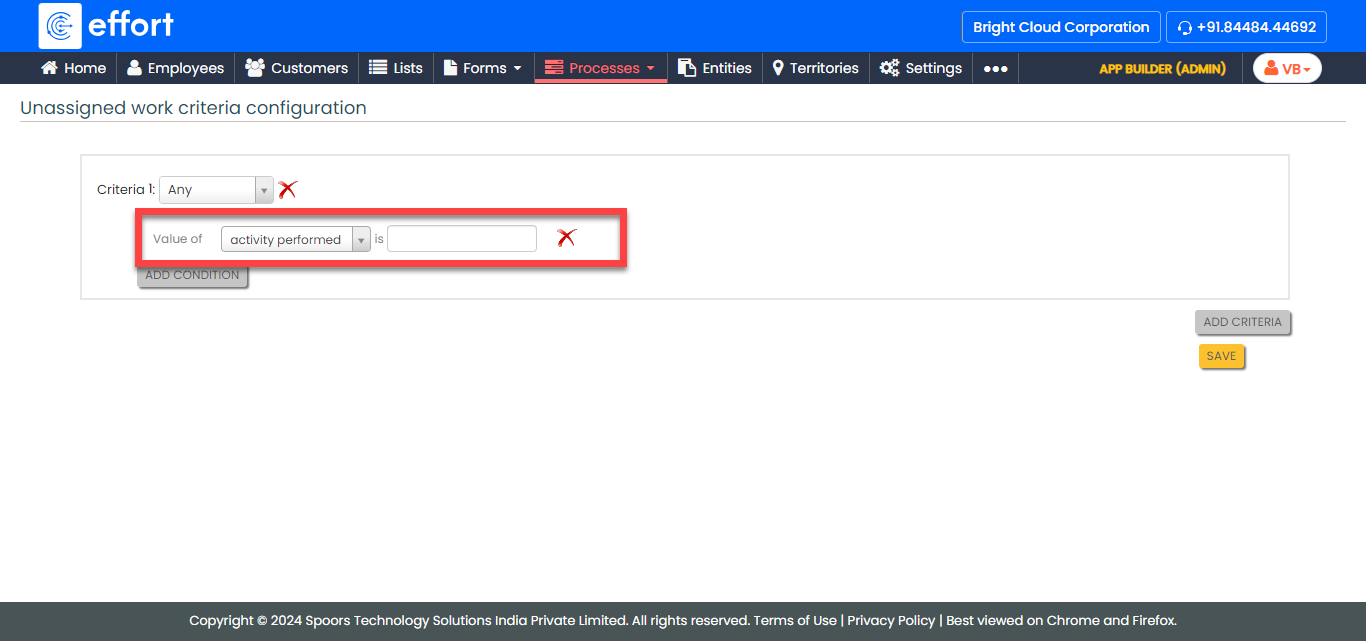
Define the conditions as per your requirement.
- Click Save.