

Configure Self Assignment
- Make sure employees are mapped to pin codes. To configure, go to , add items to the Pincodes used for auto scheduling list under the Masters section.
- Make sure the work fields such as Start Time, End Time, and Pincode are mandatory.
-
Go to .
The Processes page appears.
-
Click the Activity Process card.
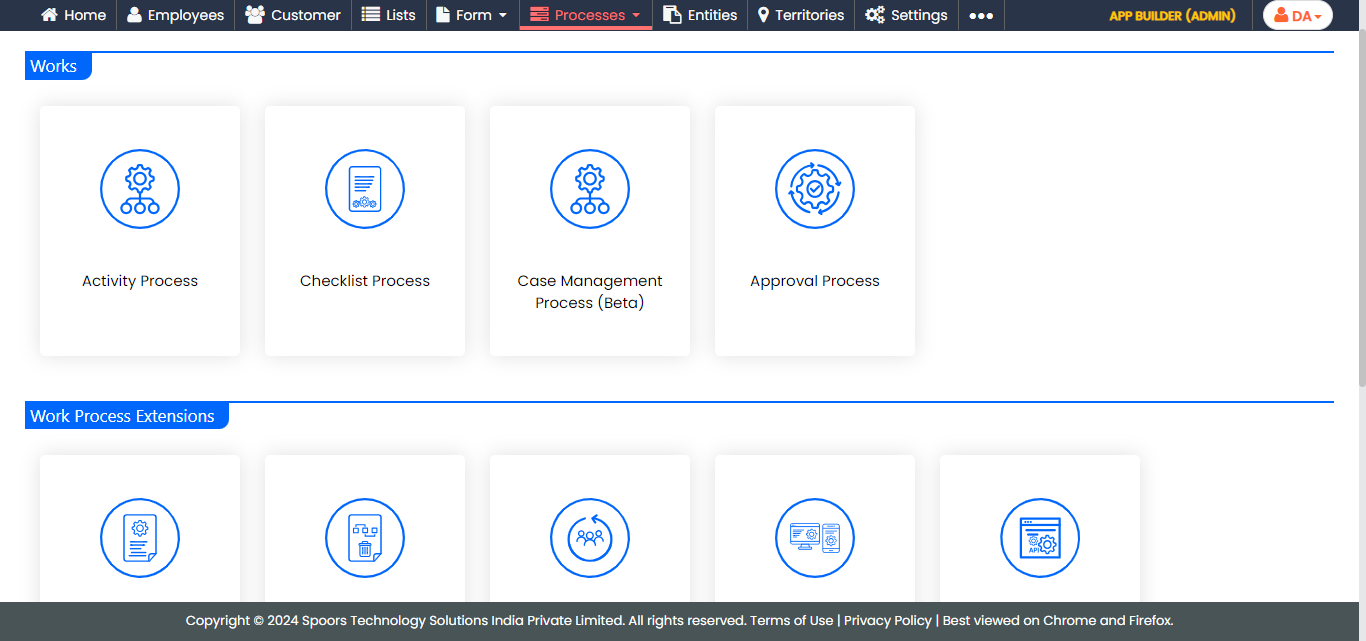
The Activity Process page appears.
-
Click on the required process card.
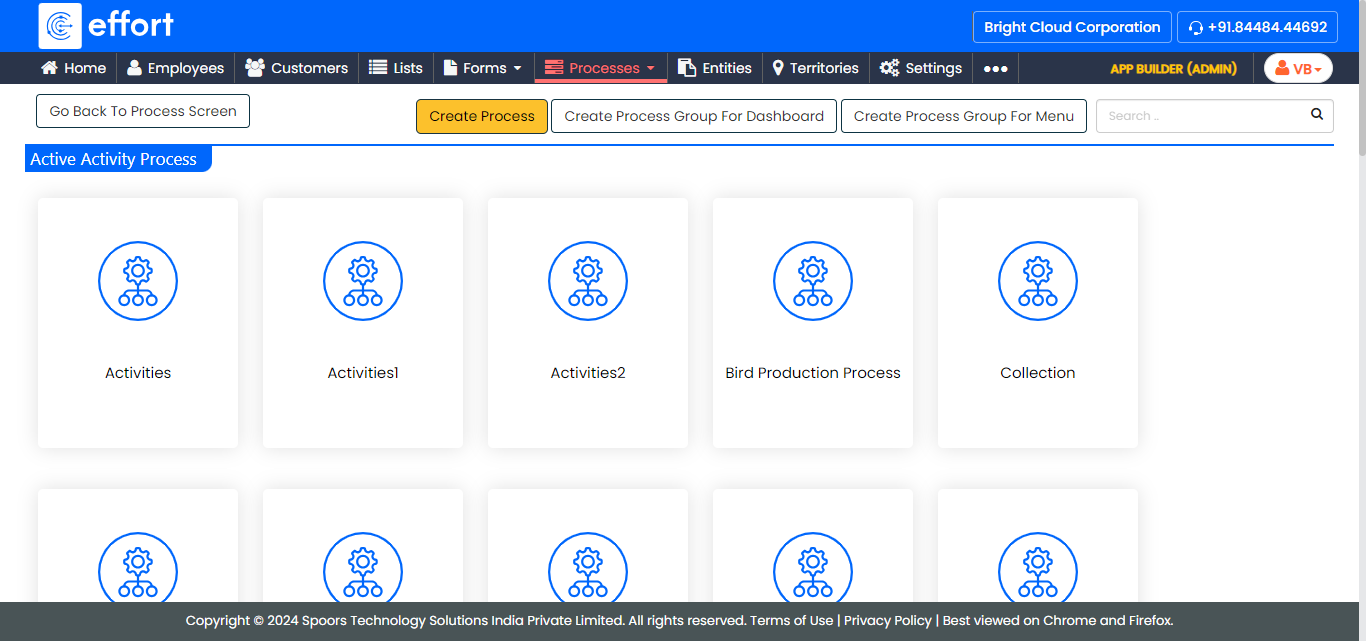
The selected <Work Process Name> Activities page appears.
- Scroll down to the Allocation And Scheduling section.
-
Click the Manage Self Assignment card.
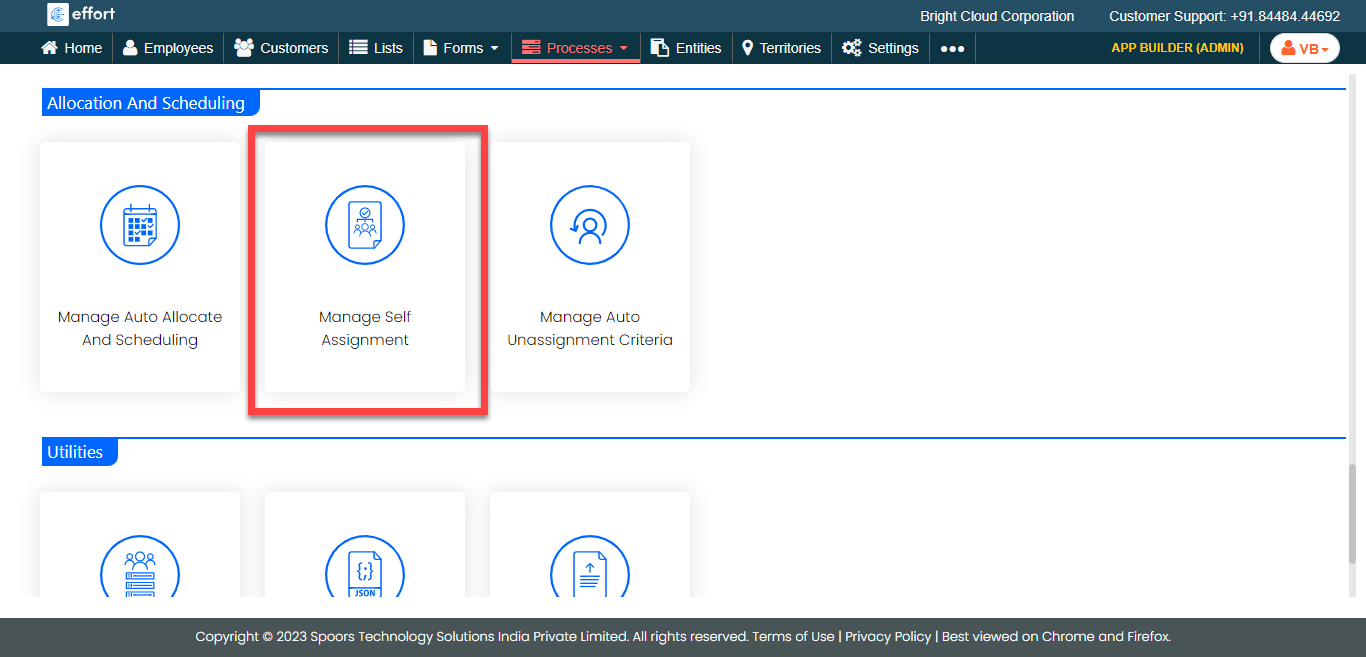
-
Enable the self assignment options as per your requirement.
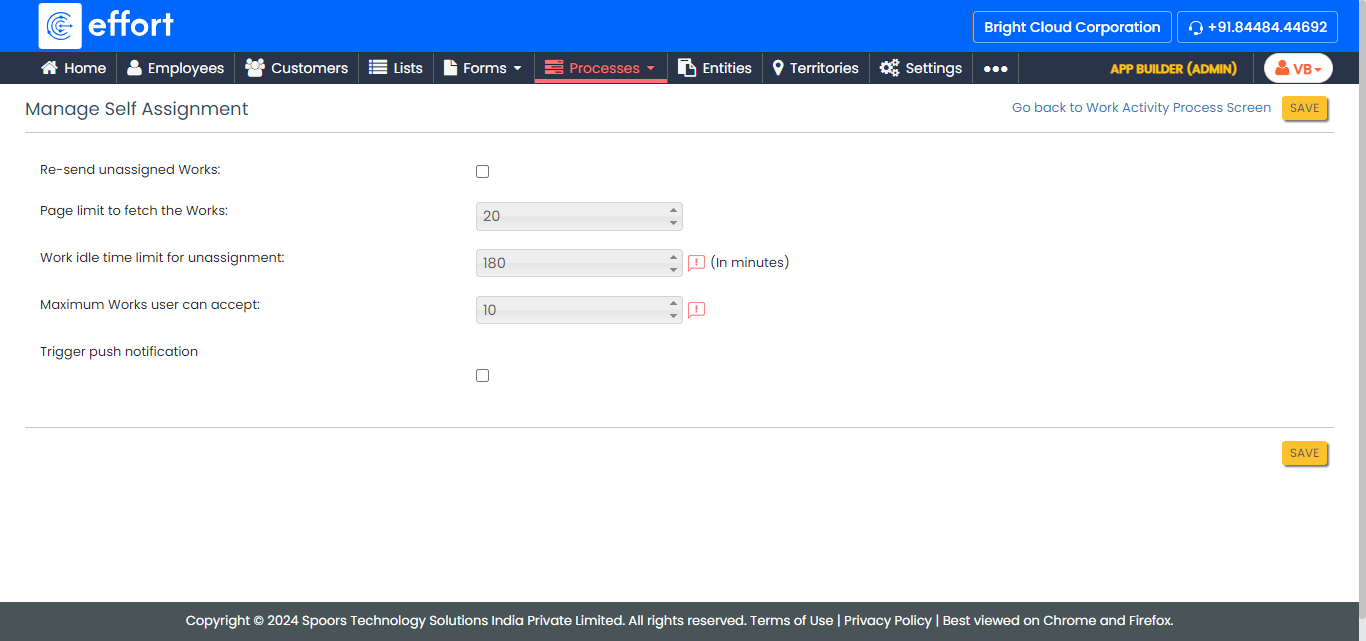
- Click Save.