

Manage Work Attachments
To manage work attachments, follow the steps below.
-
Go to .
The Processes page appears.
-
Click on the required work process card.
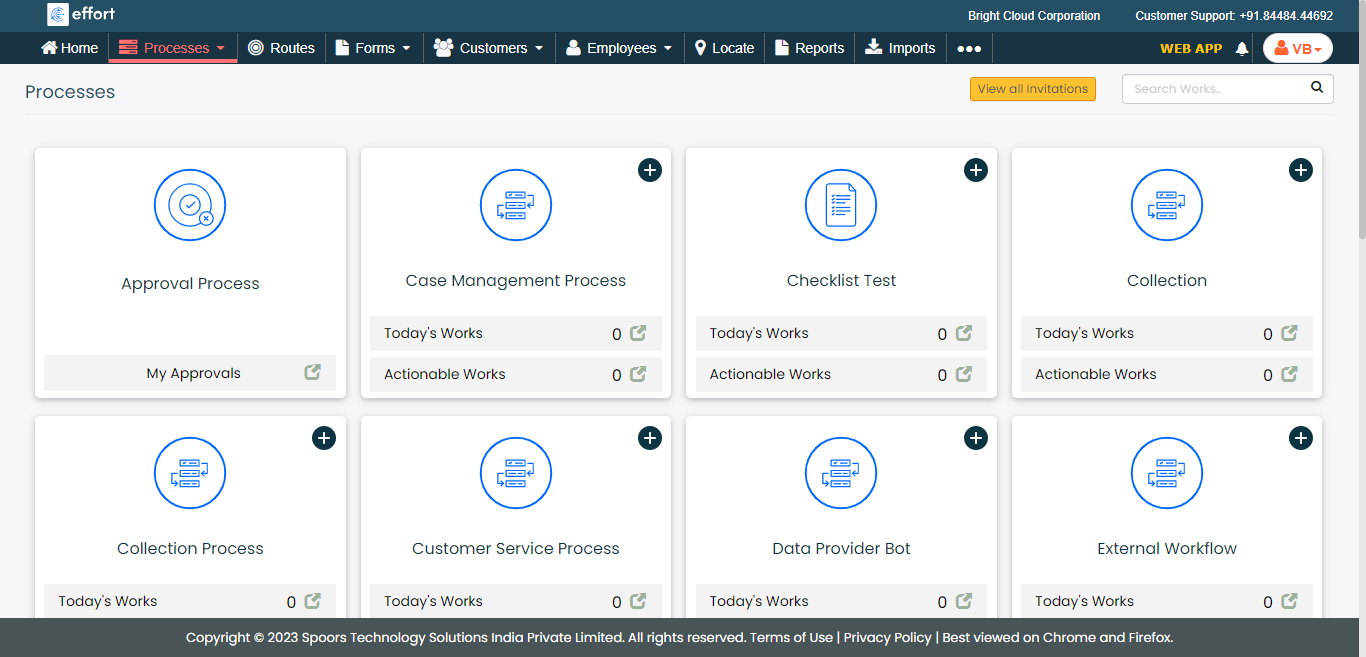
The Work Process page with a filters and other action buttons appears.
-
Click the Hide Metrics button.
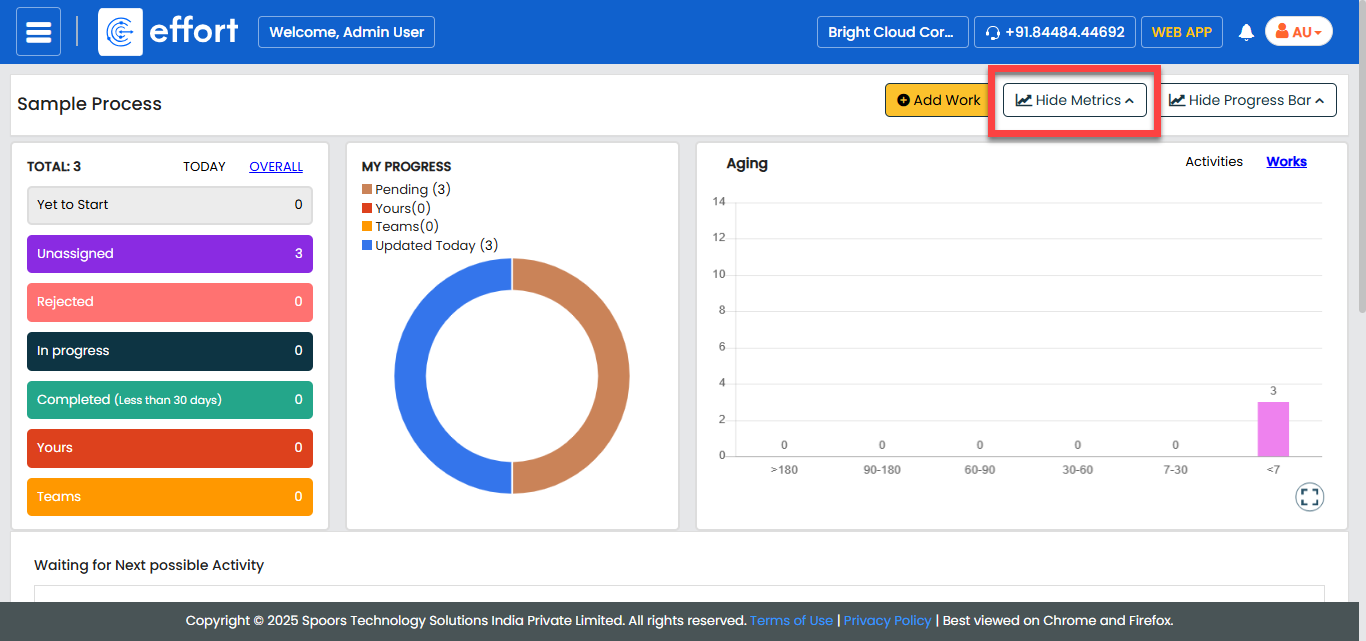
- Optional:
Click the Filters button and apply the required filter
to find the work that you want to modify.
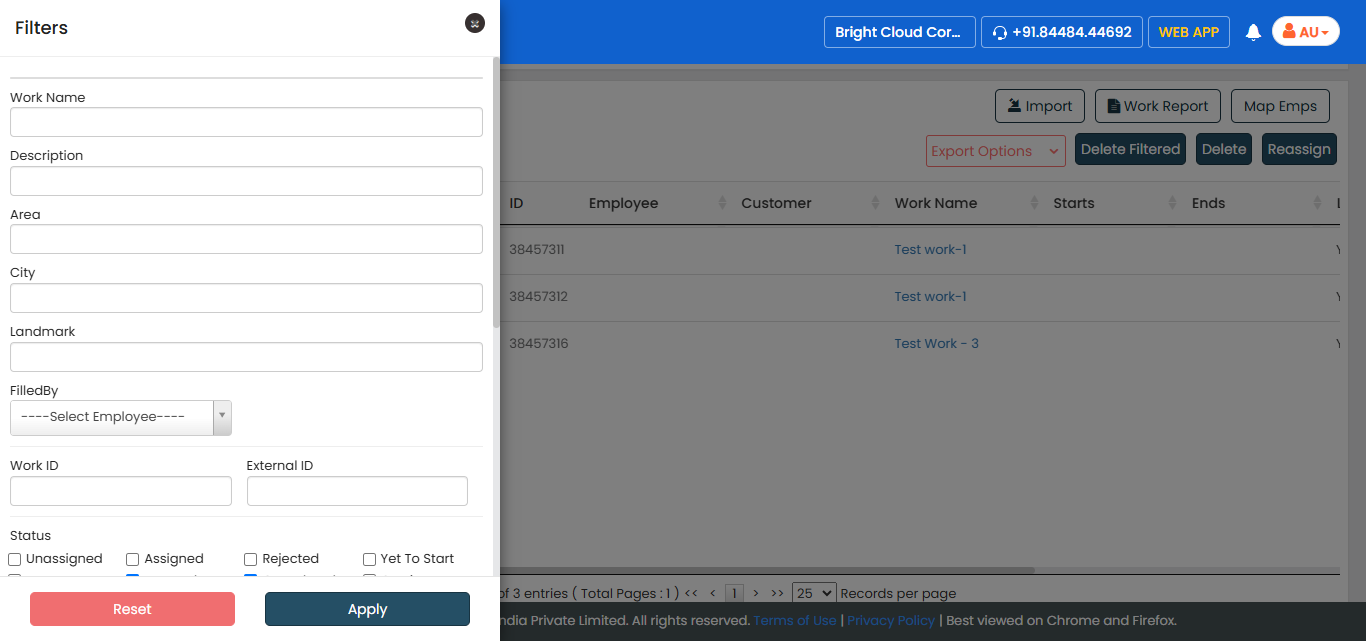
. -
Under the Actions column, click the eye icon.
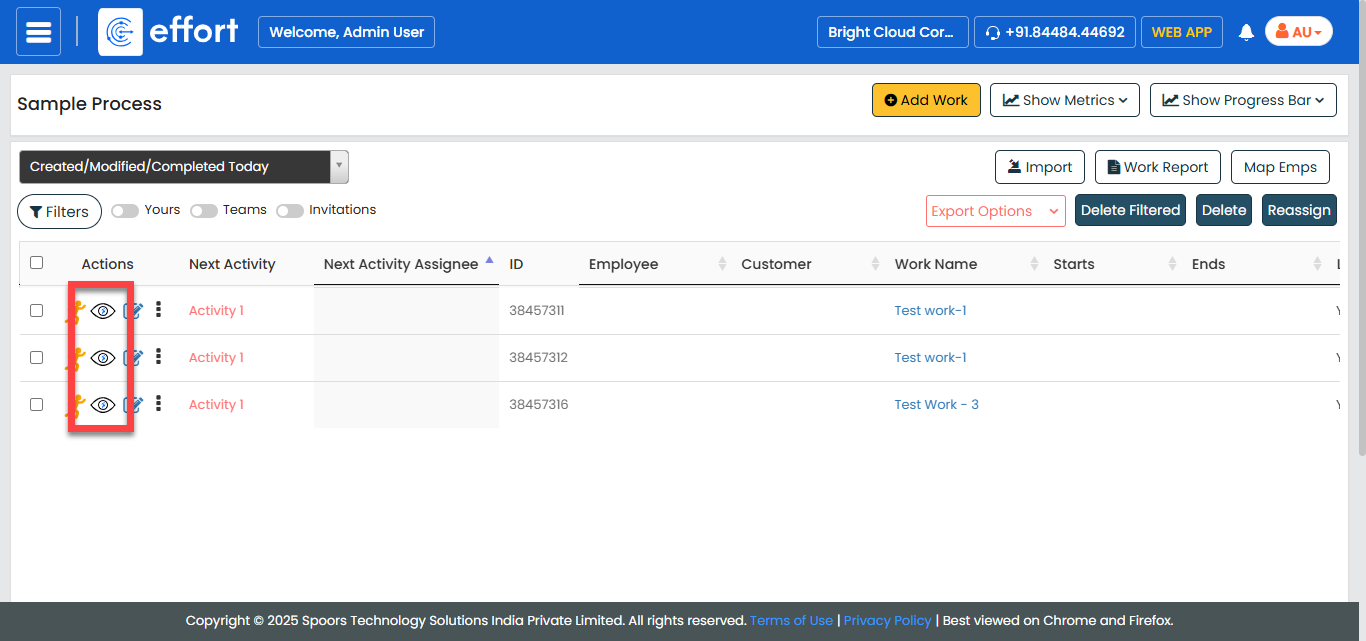
The work details page appears with all the details.
-
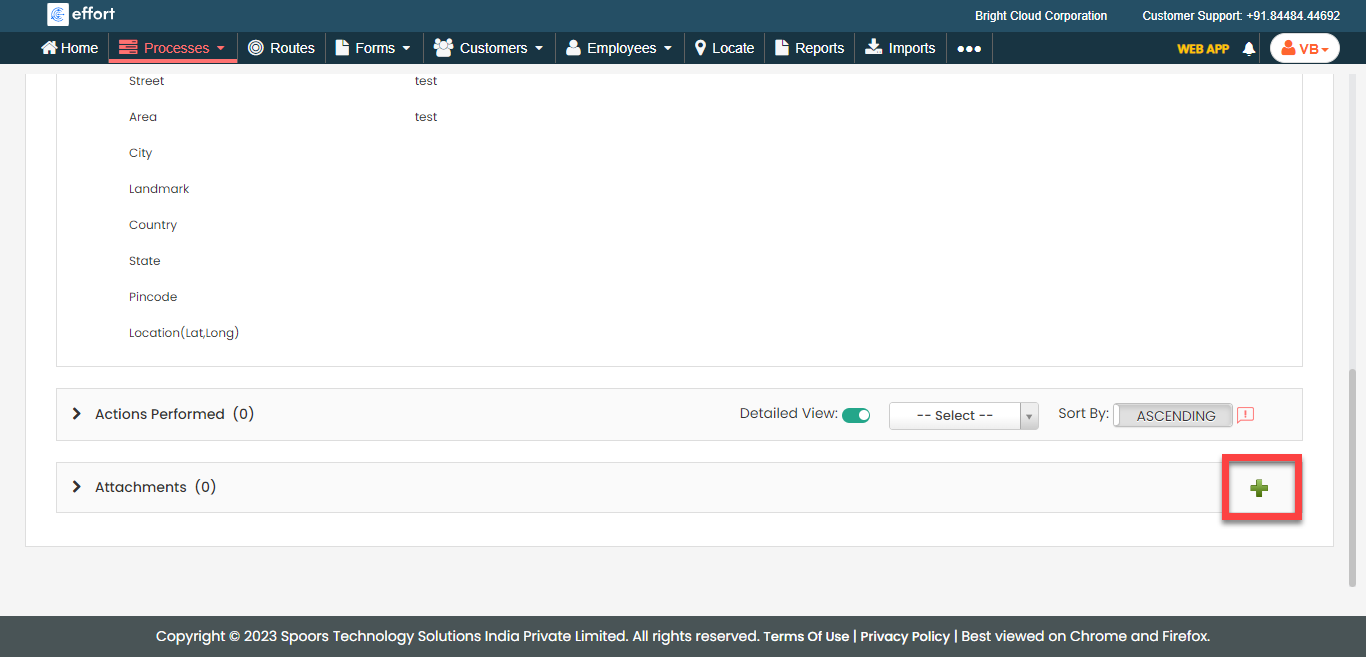
Go to the Attachments section and click the plus icon.
-
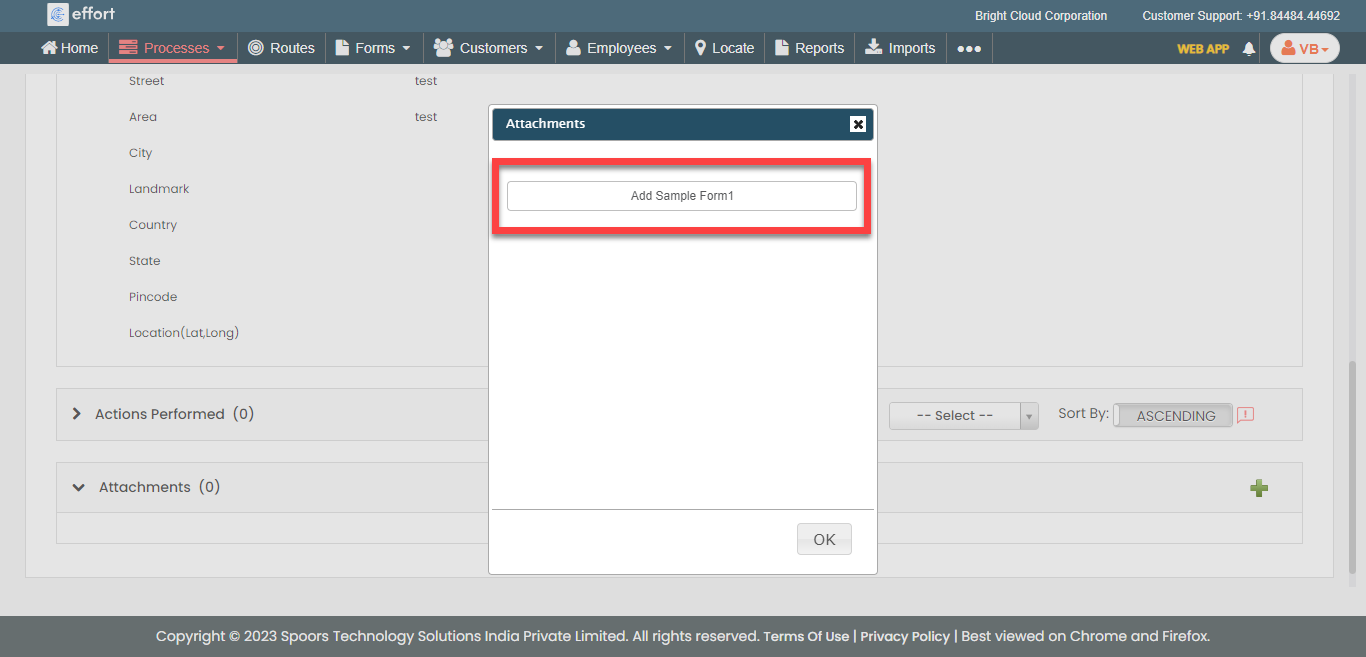
Click the form you want to fill.
-
Enter the details in the form.
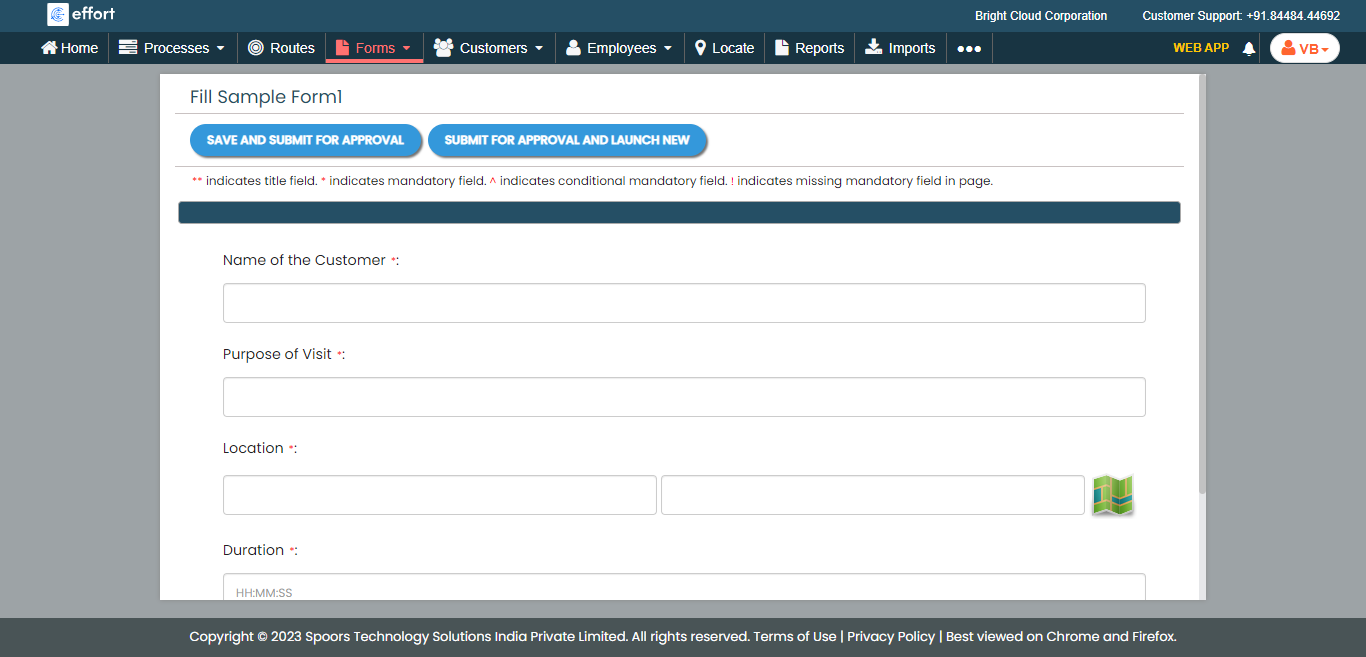
- Save the form submission.