

Bulk Delete Works
To bulk delete works, follow the steps below.
-
Go to .
The Processes page appears.
-
Click the Delete Works card under the Work
Process Extensions section.
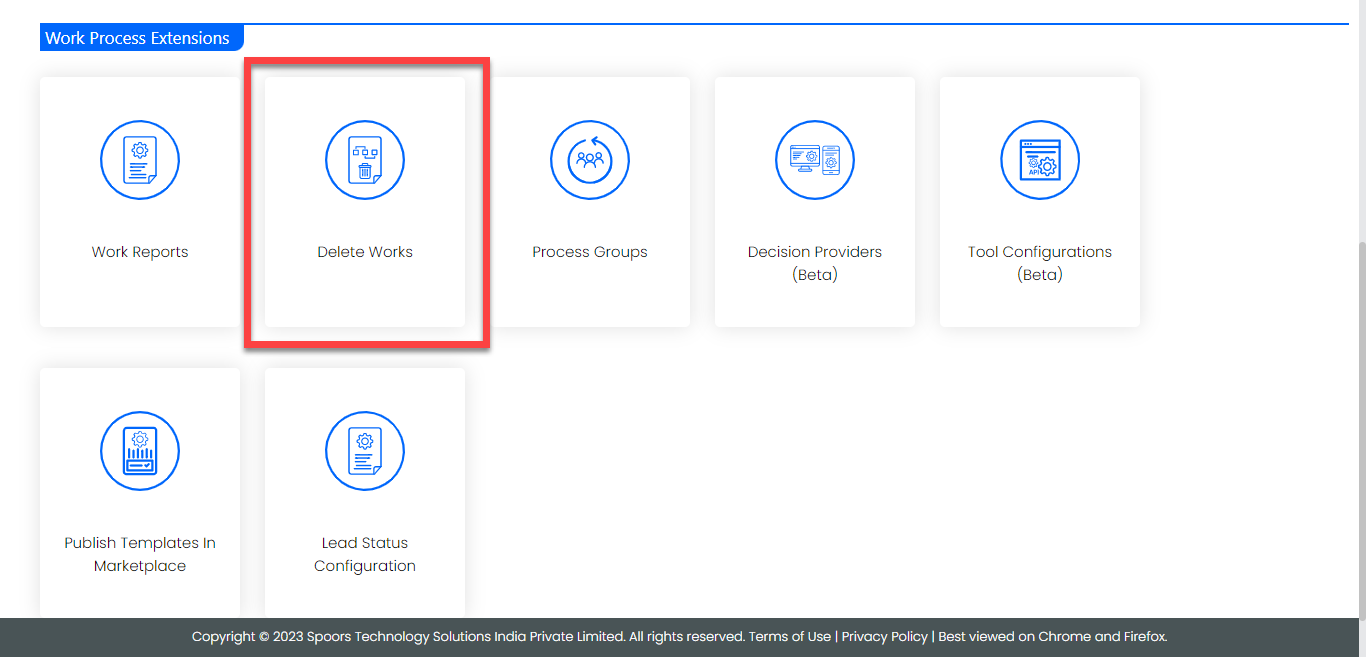
The Delete Works page appears.
-
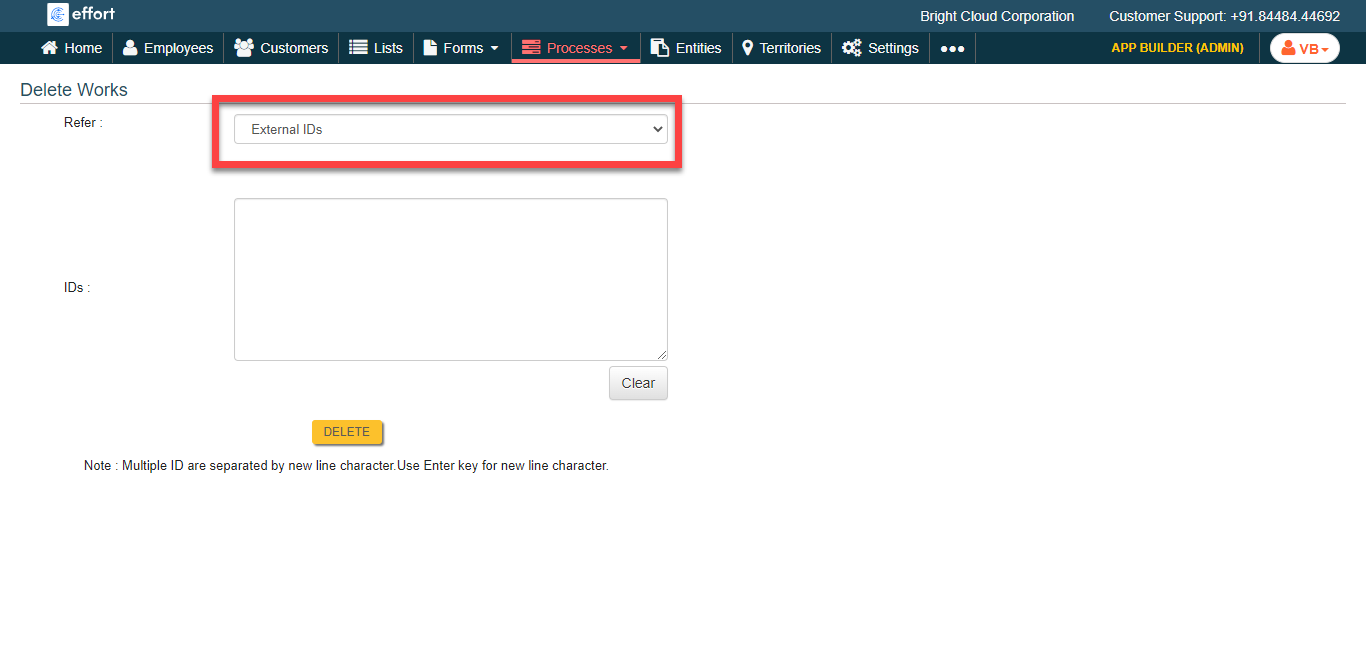
Select External IDs or Work IDs
for Refer:.
-
Enter work IDs in the IDs textbox.
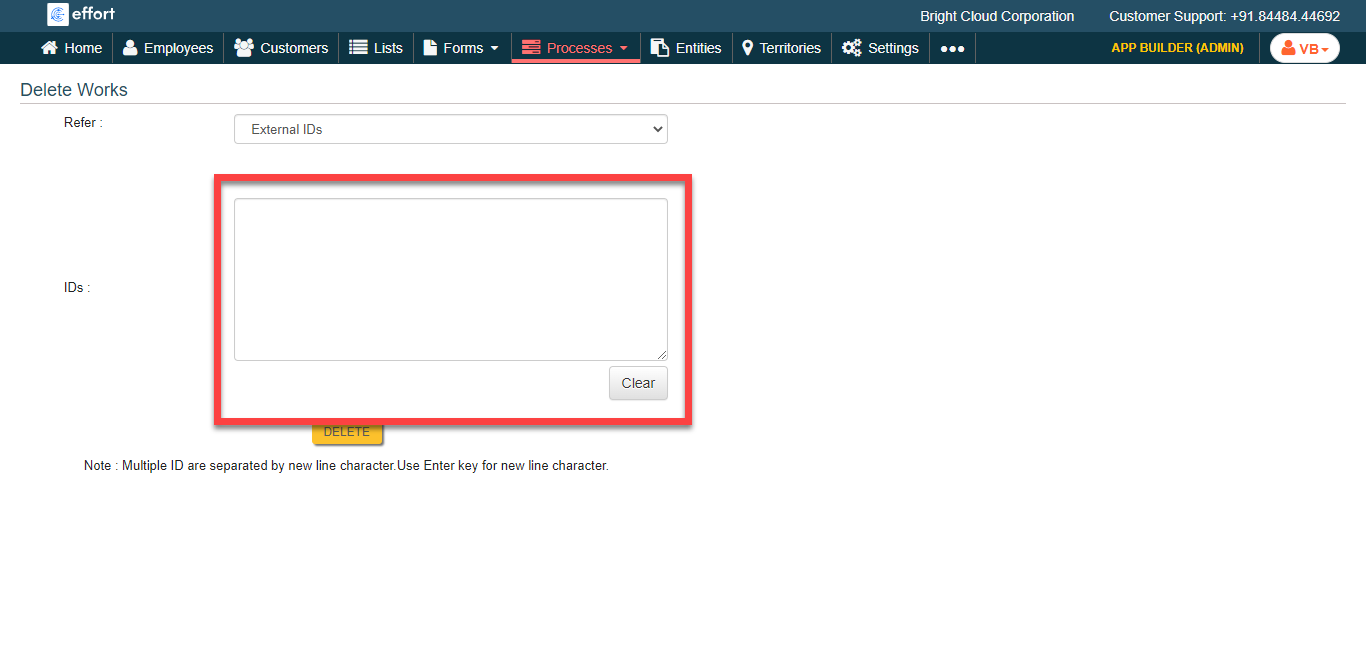
- Click Delete.