

Create Project in Business Central
If you want to know the complete Decision Provider configuration, refer to the tutorial Tutorial on Decision Providers.
-
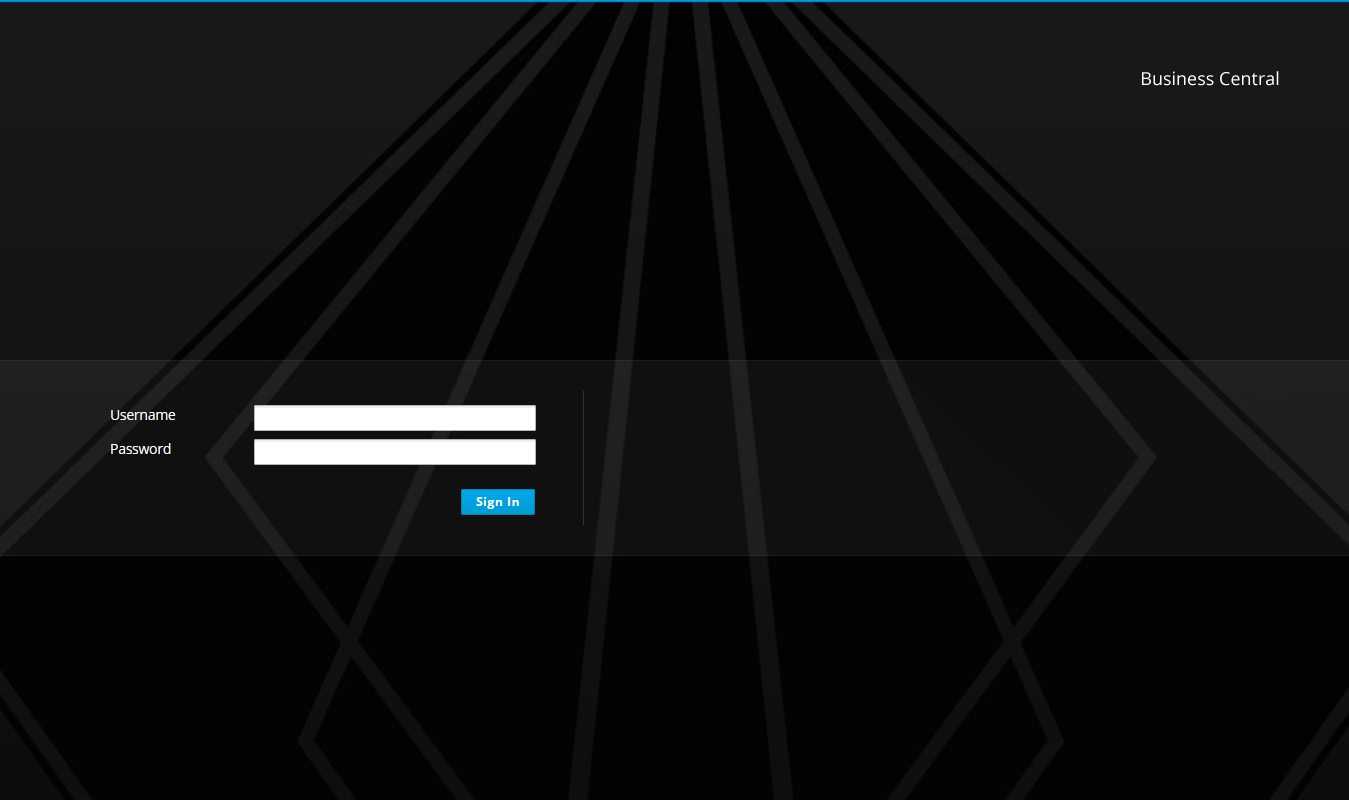
Login to Business Central with your credentials.
-
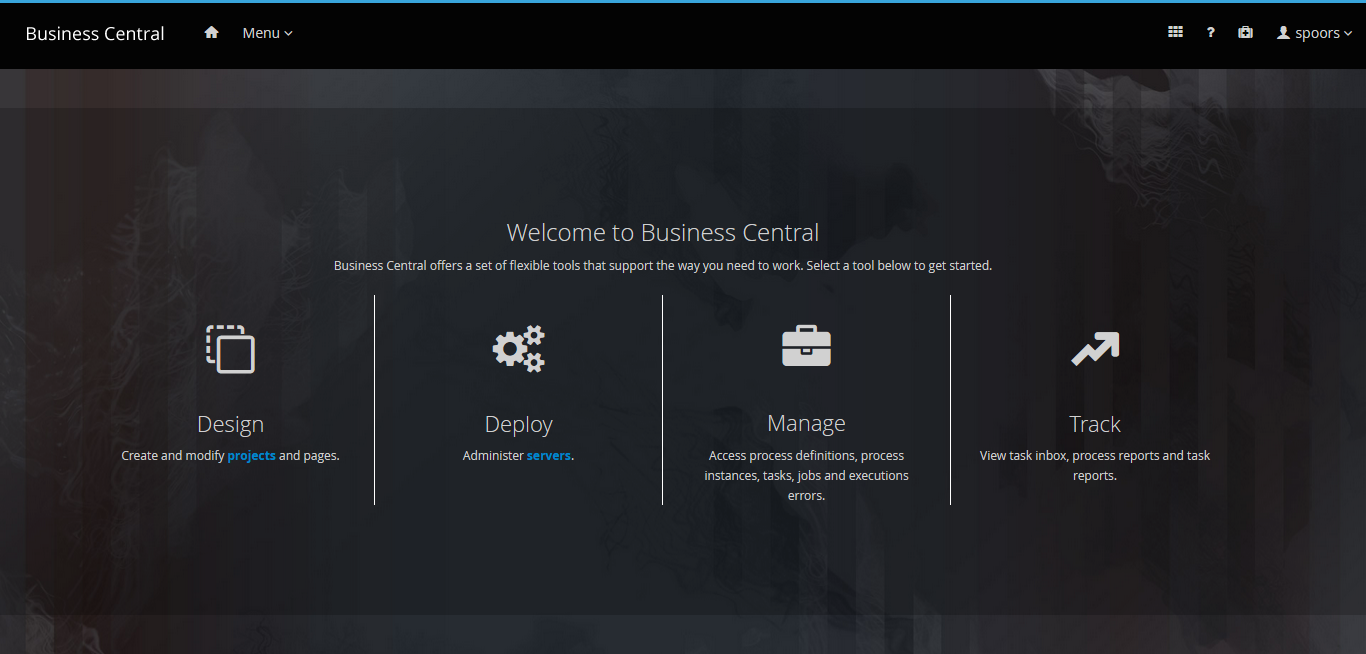
Click Design on the welcome page.
-
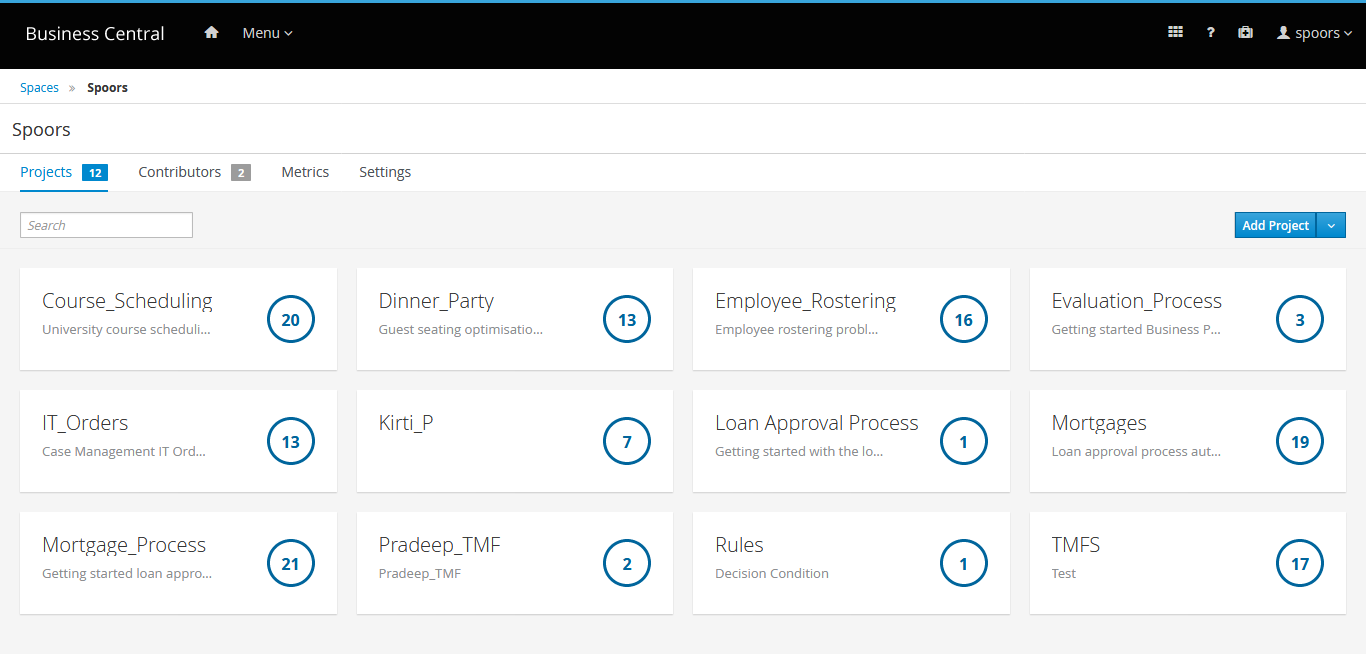
Click Add Project button located on the top right
corner.
-
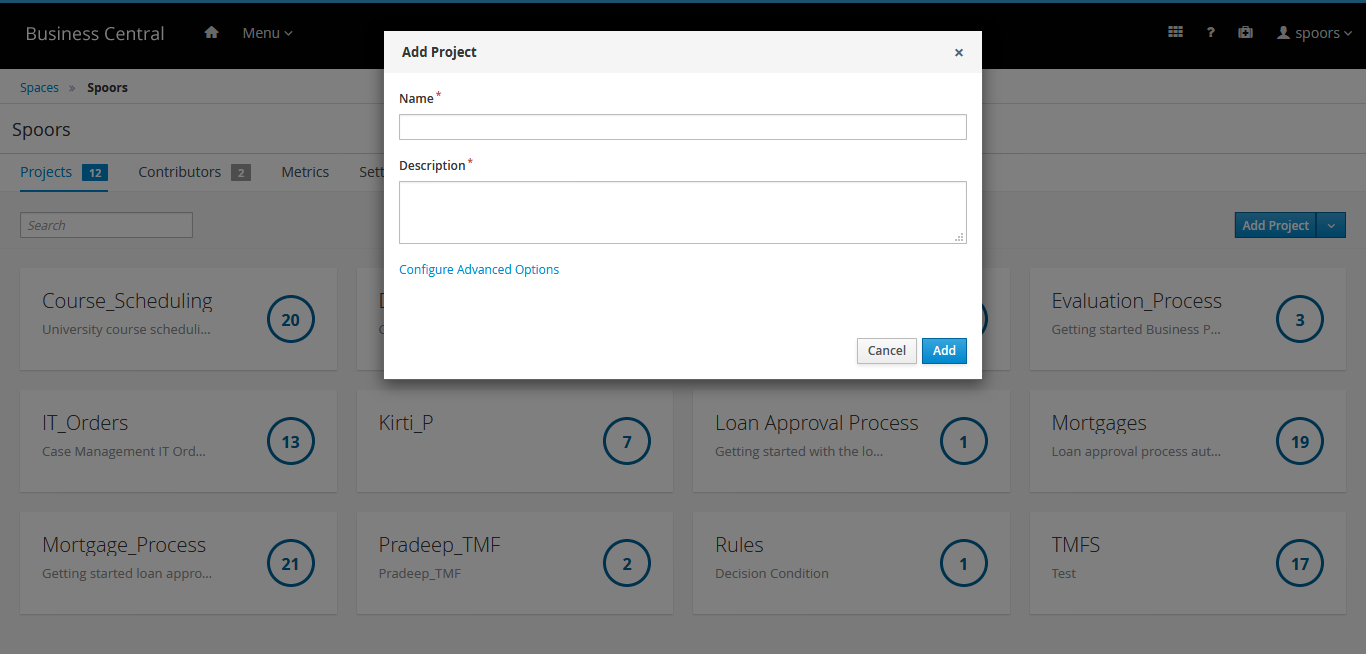
Enter Name and Description for
the project.
-
Click Configure Advanced Options to define the advanced
settings.
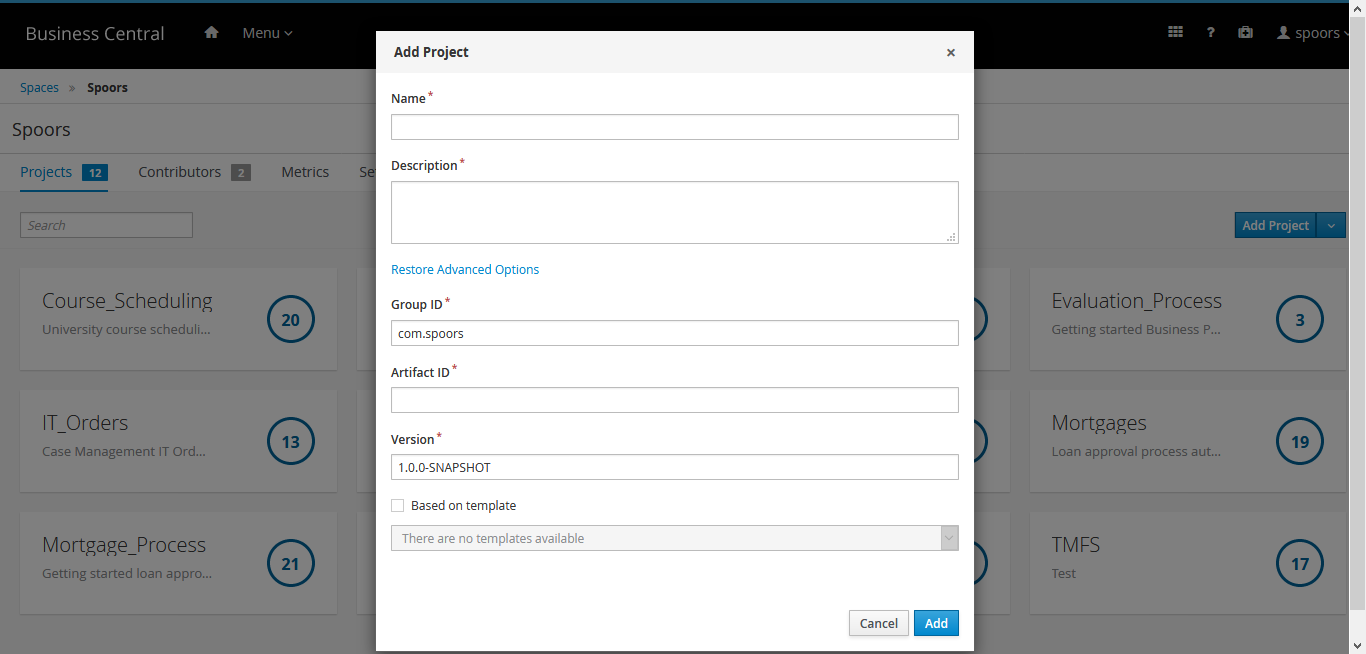
- Click Add to create a project.