

Configure As Customer Activity
To configure as customer activity, follow the steps below.
-
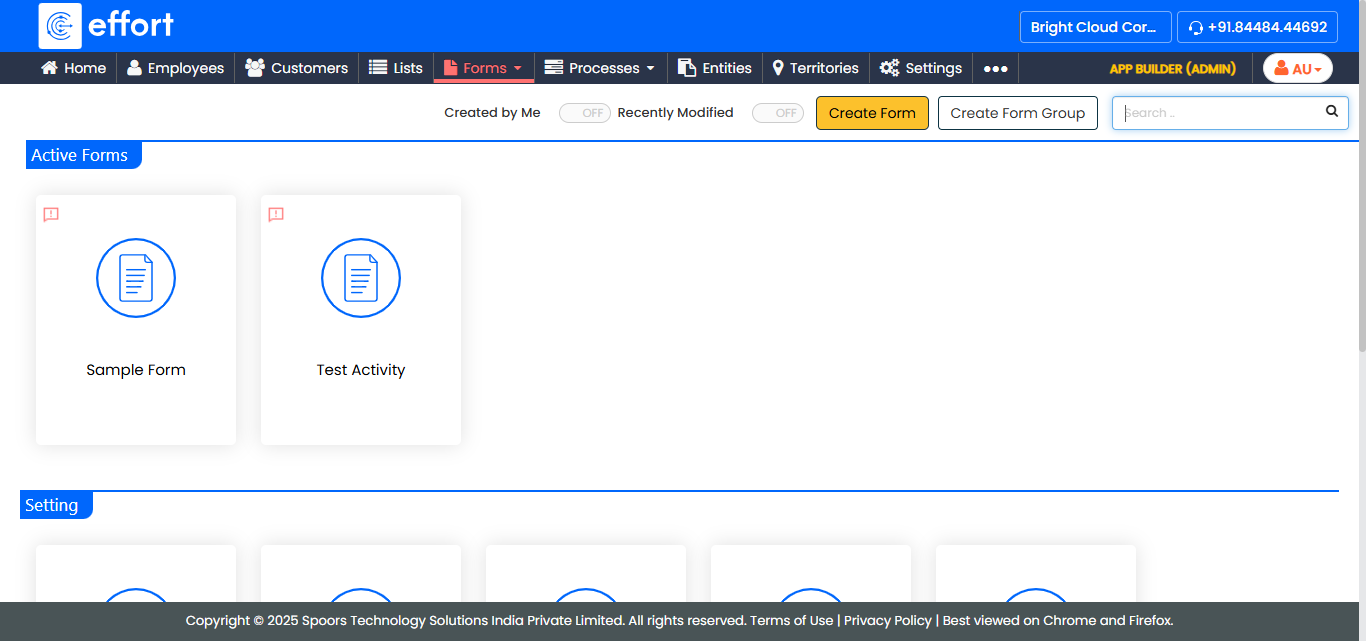
Go to .
The Forms page appears.
-
Click the Form which is having Customer data type to
view the <Form Name> Actions page.
-
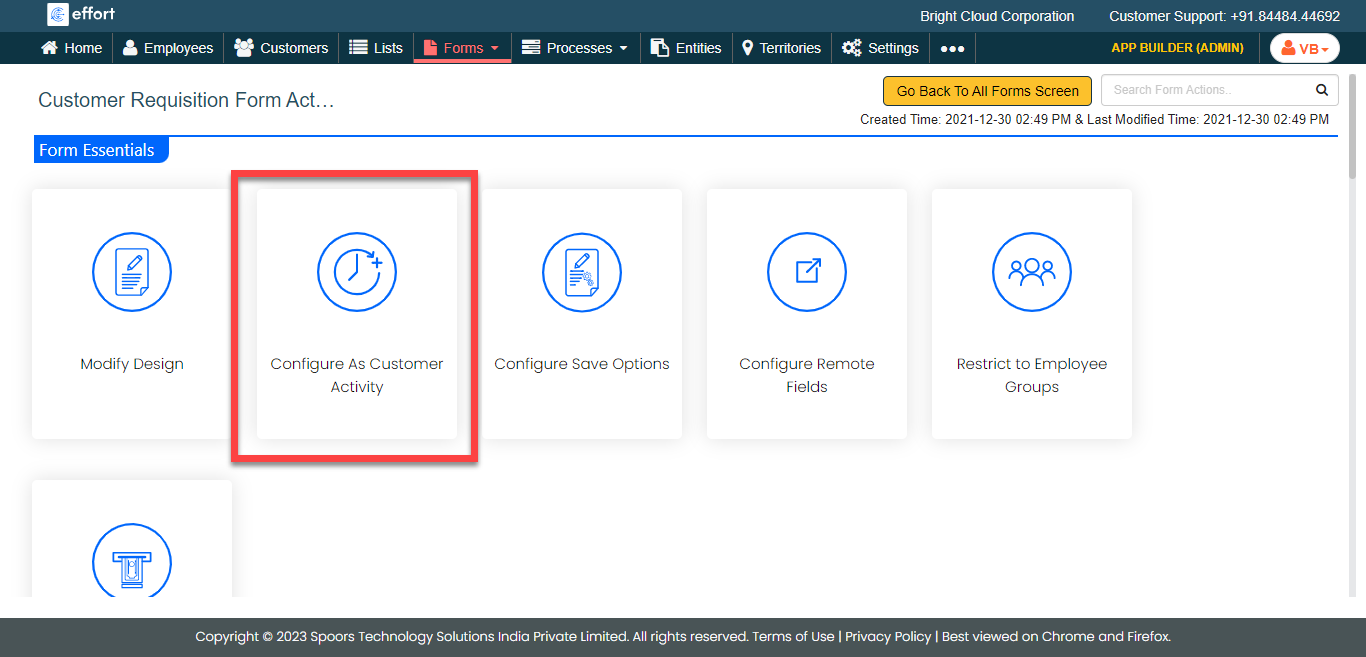
Under the Form Essentials section, click the
Configure As Customer Activity card.
-
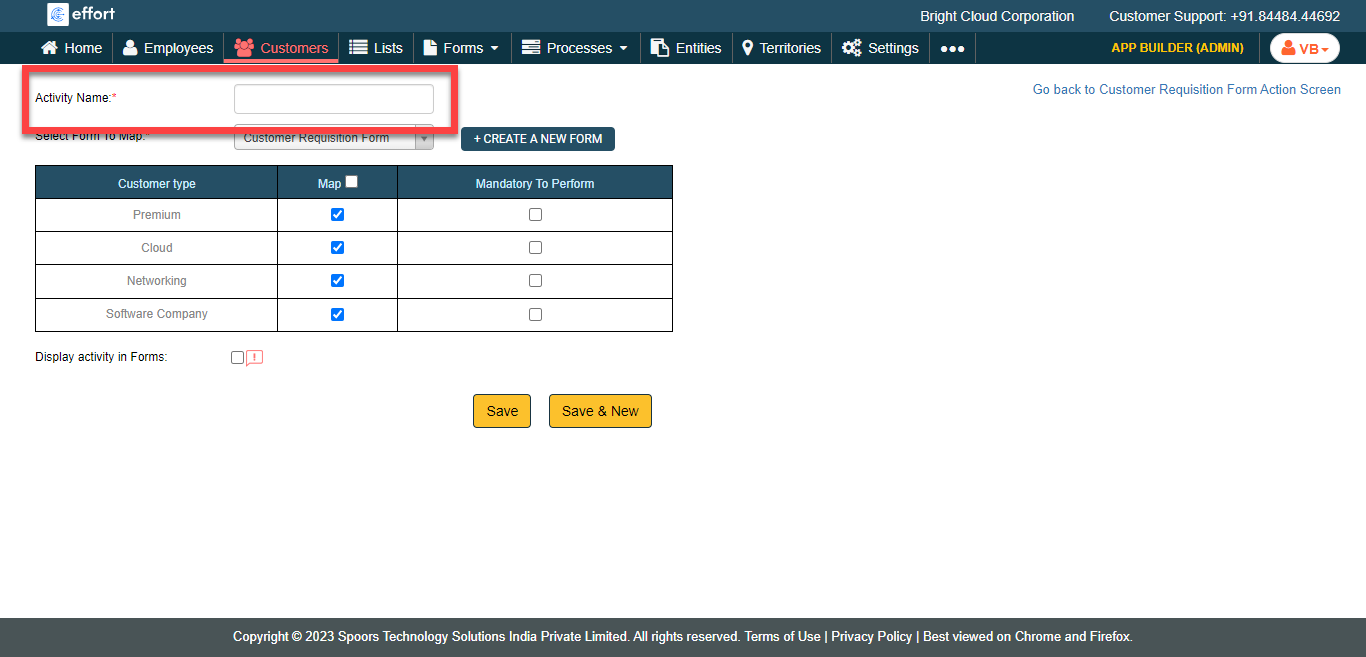
Enter a name for the activity in the Activity Name
field.
-
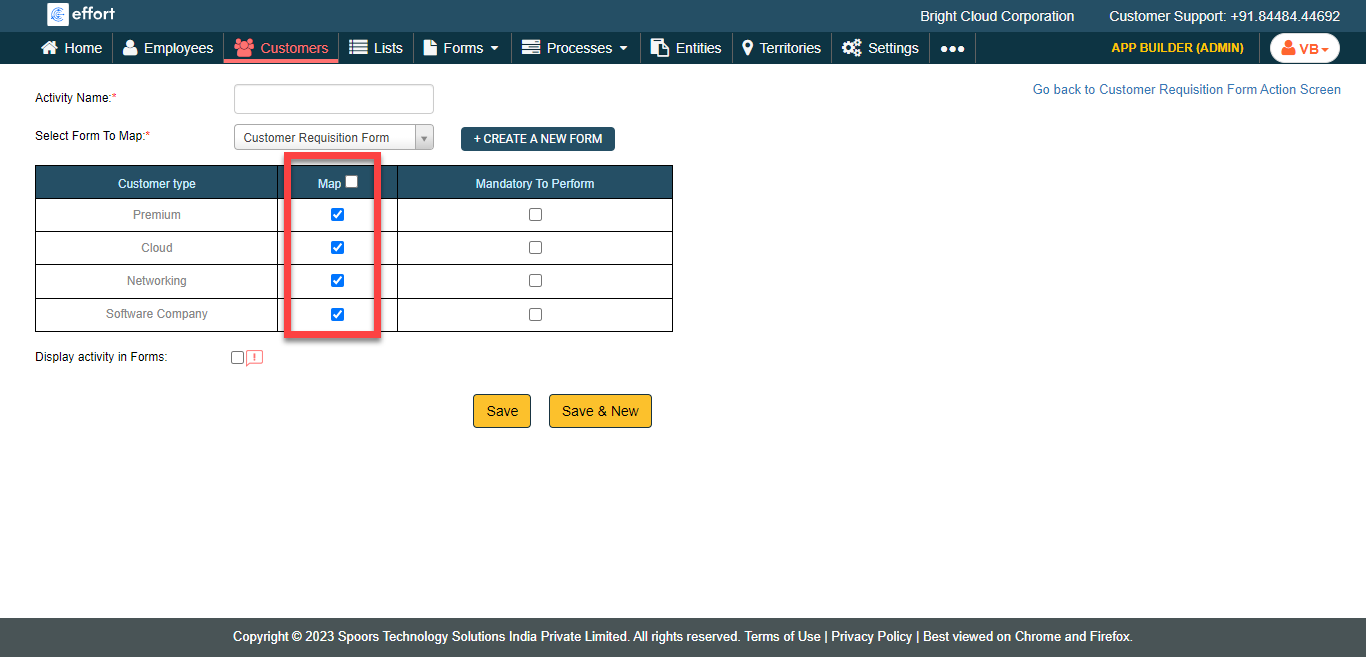
Select the checkboxes under the Map column to make the
activity applicable for the selected customer type.
- Optional:
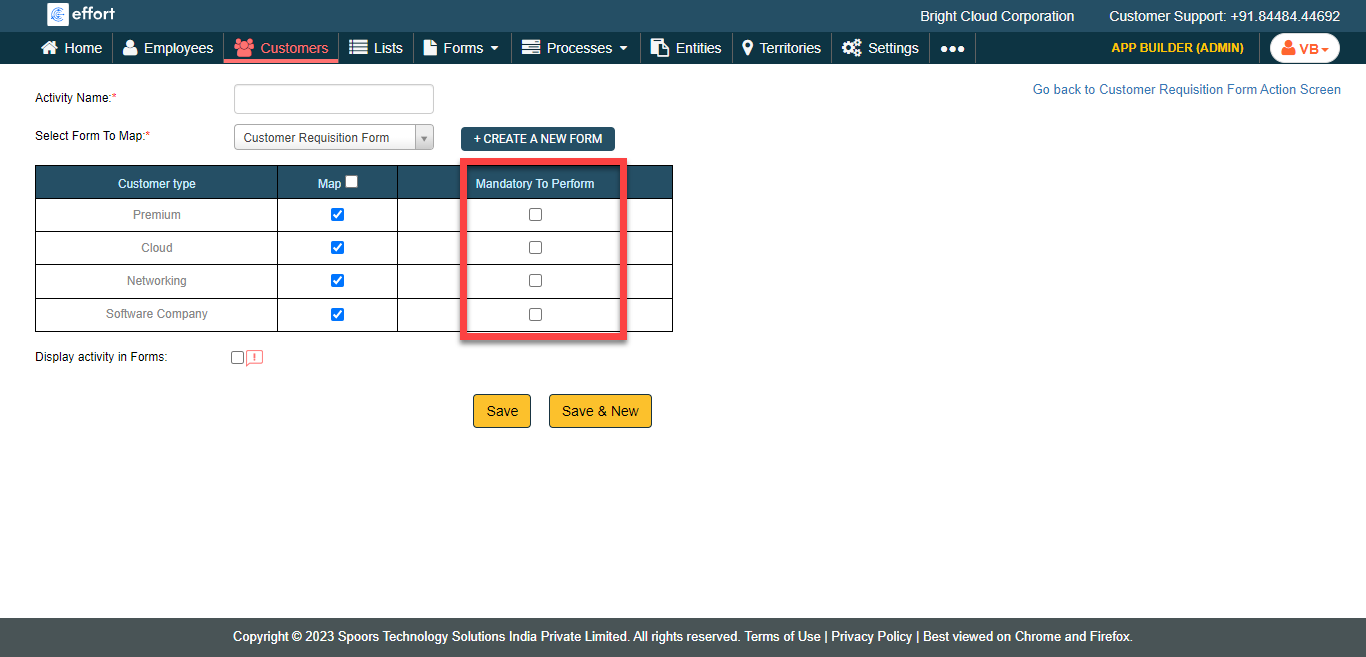
Select the checkbox in Mandatory to Perform to make the
activity as mandatory before the customer check-out.
- Optional:
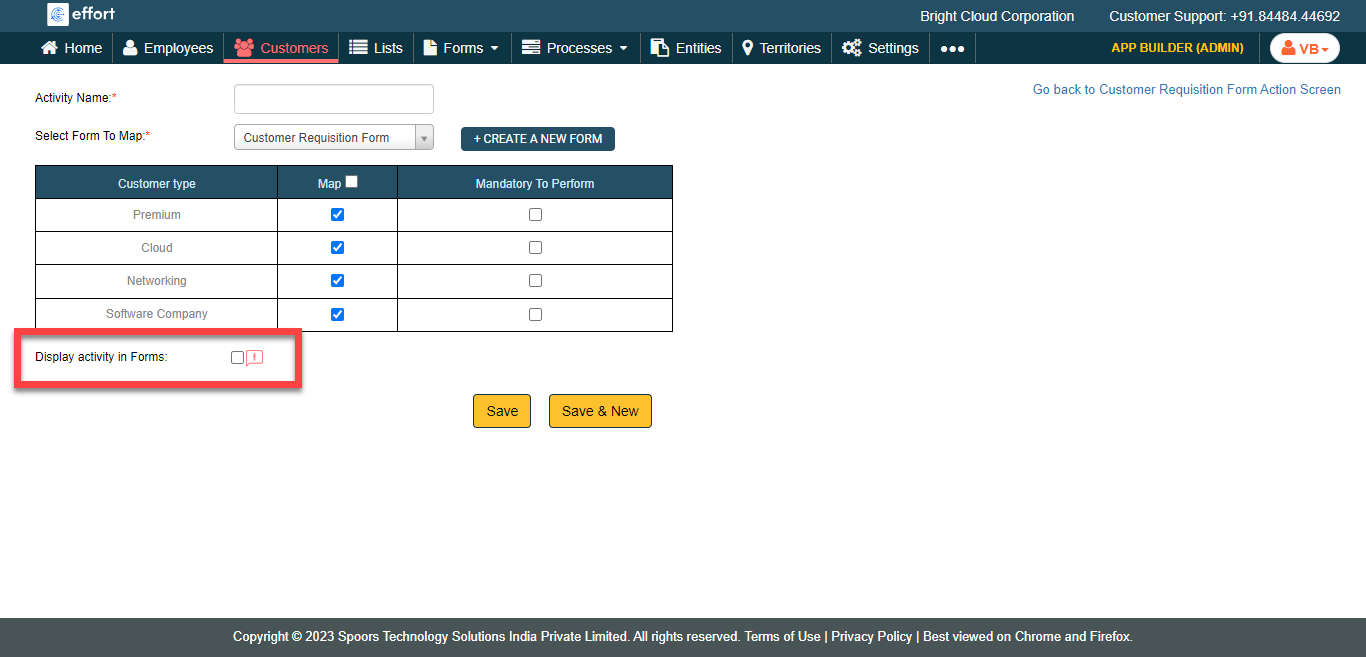
Select the checkbox Display Activity in Forms to make
the form visible in the Forms module.
- Click Save.