

Manage Lists in Form
To manage lists in form, follow the steps below.
-
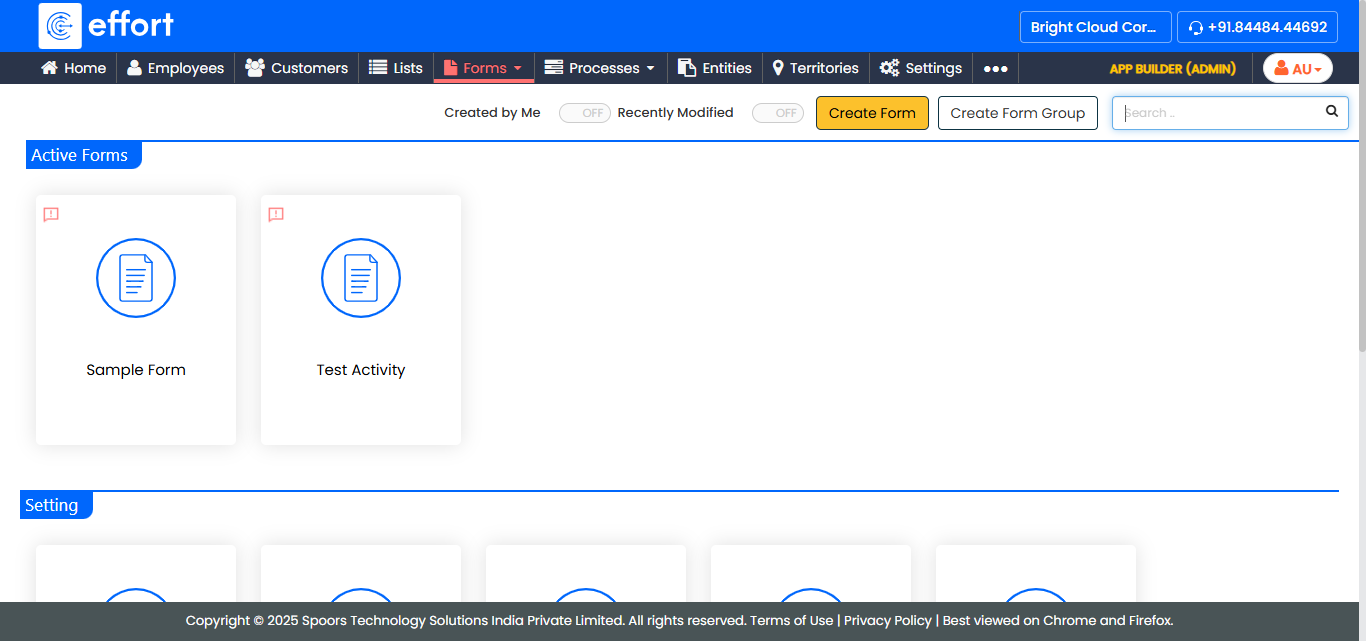
Go to .
The Forms page appears.
-
Click on the form card in which you want to manage lists.
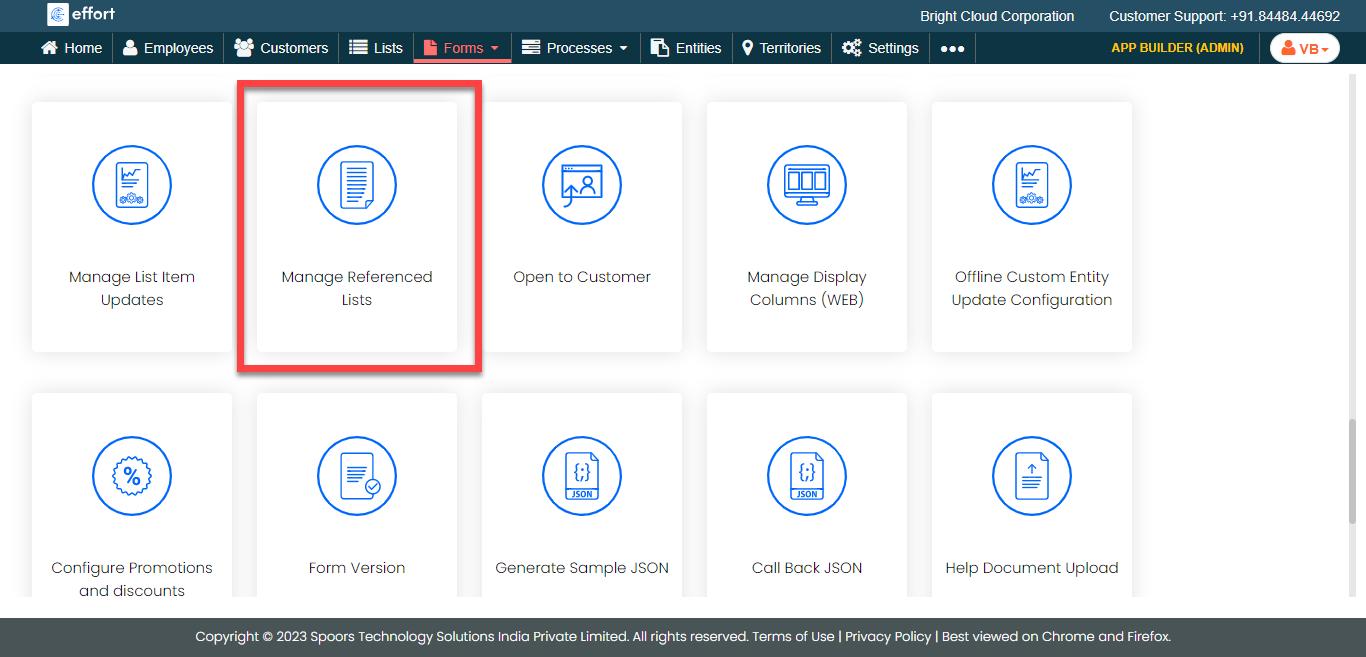
- Scroll down to the Utilities section.
-
Click the Manage Referenced Lists card.
-
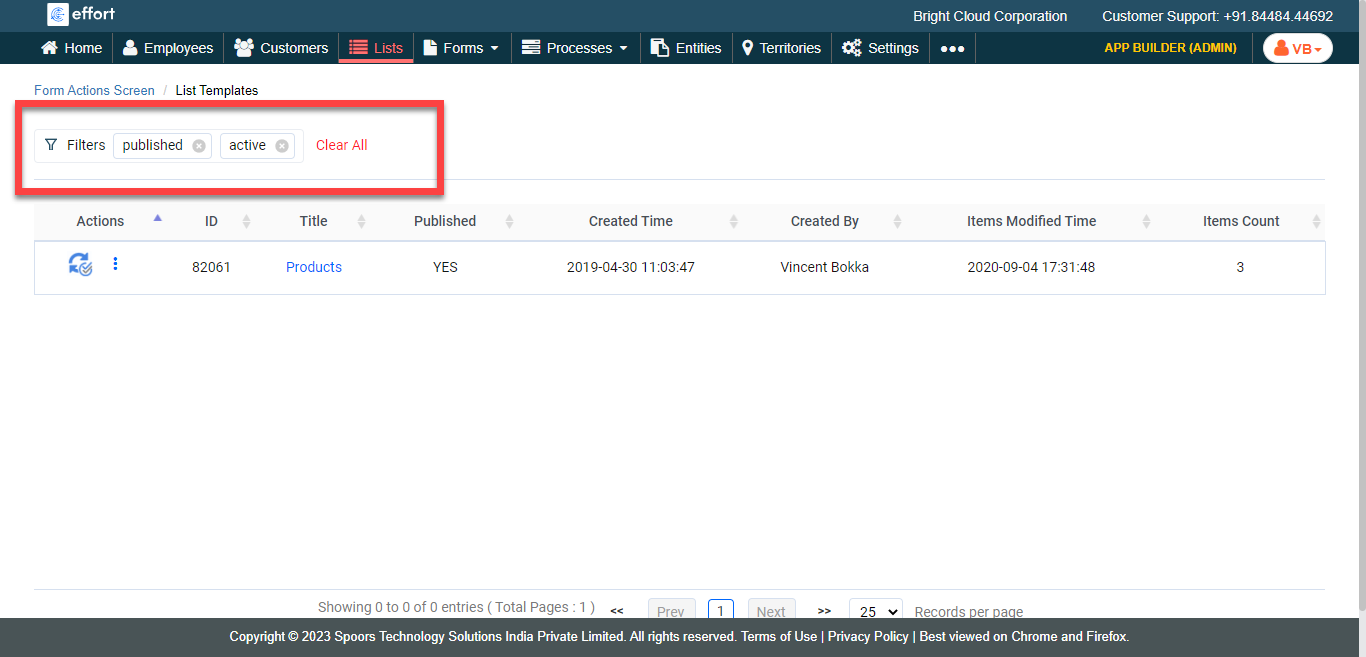
Make use of the Filters section to find the appropriate
list.
-
Click more options icon
 under the Actions column.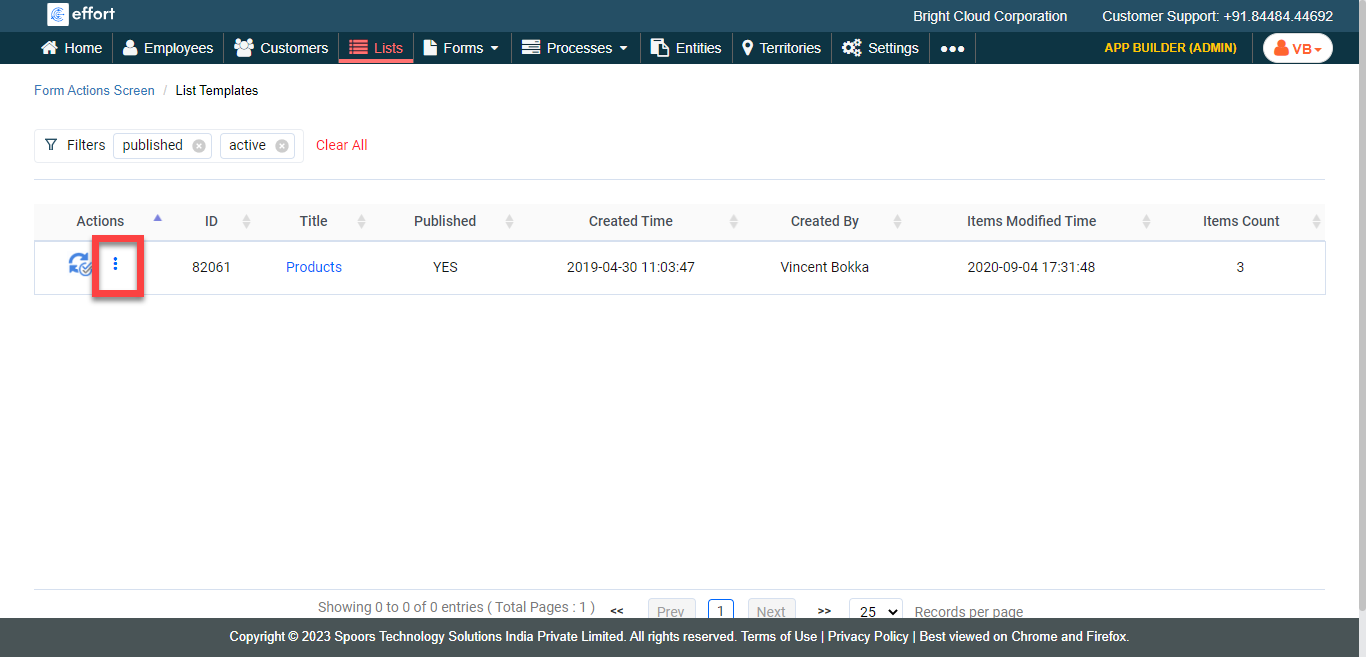
-
Click on the required option.
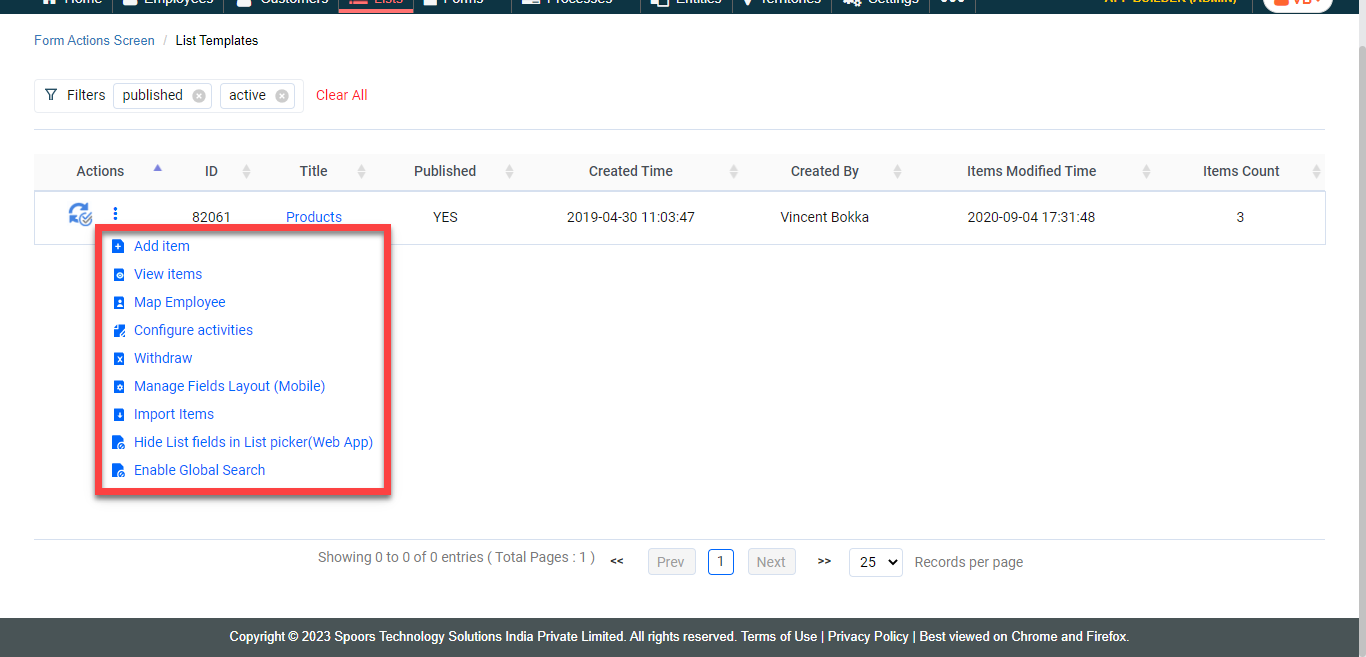
Refer to the below topics depending on your requirement.