

Upload a Help Document to a Form
To upload a help document to a form, follow the steps below.
-
Go to .
The Forms page appears.
-
Click on a form template for which you want to upload a help document.
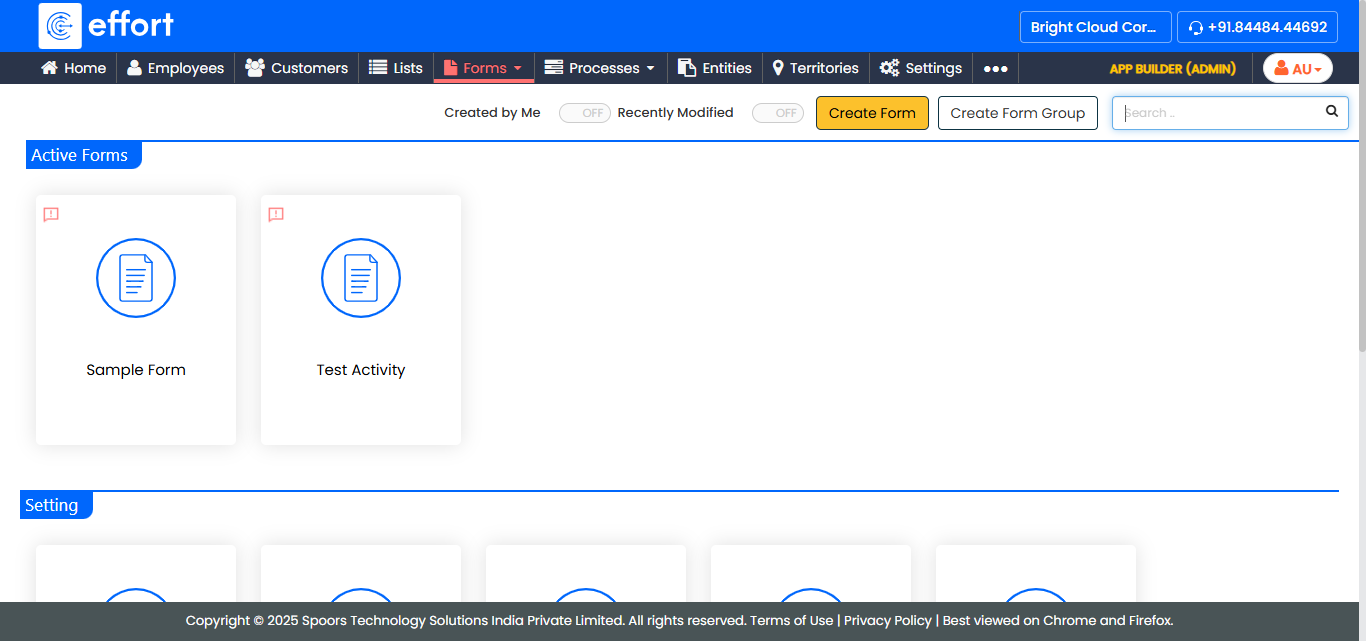
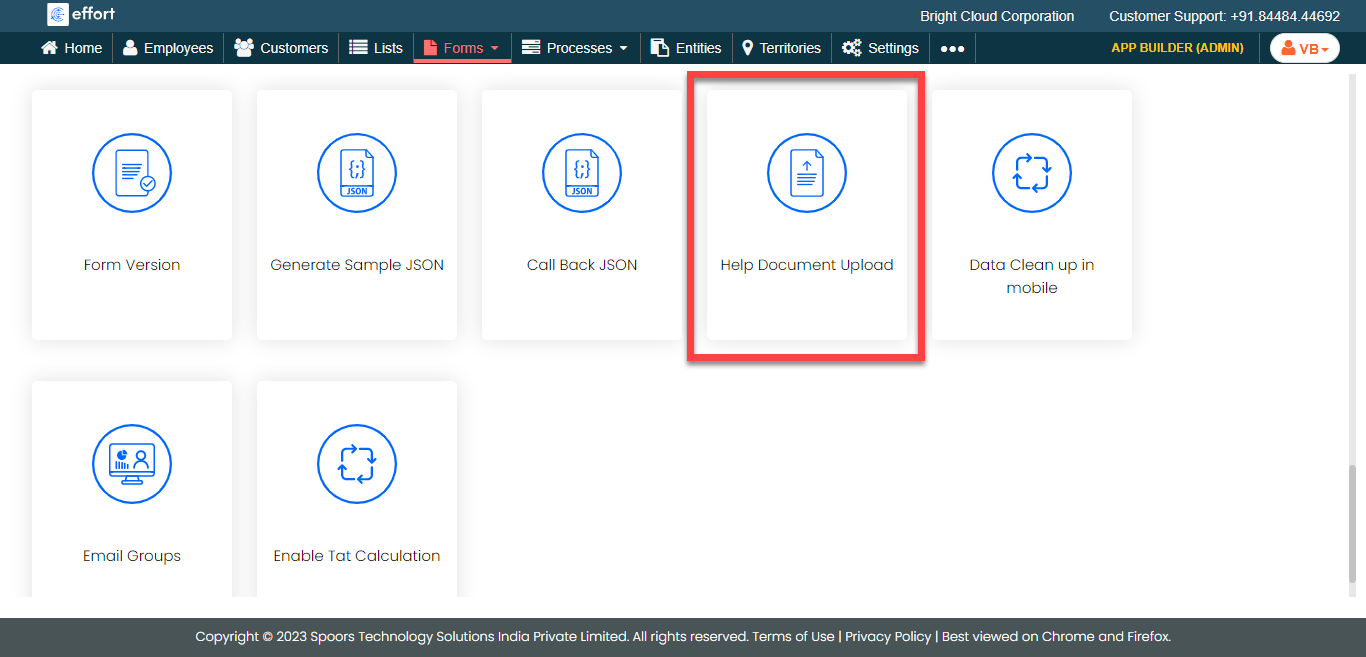
- Scroll down to the Utilities section.
-
Click the Help Document Upload card.
-
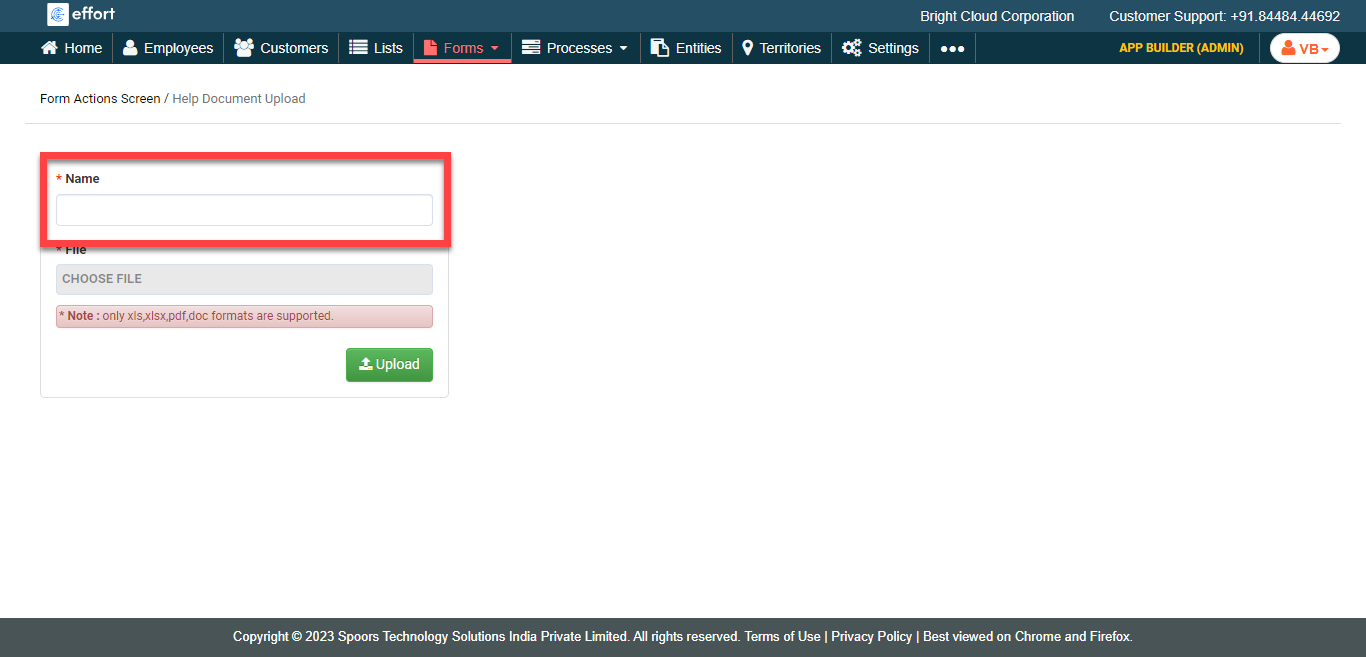
Enter a title to the document in the Name textbox.
-
Click Choose File and select the document.
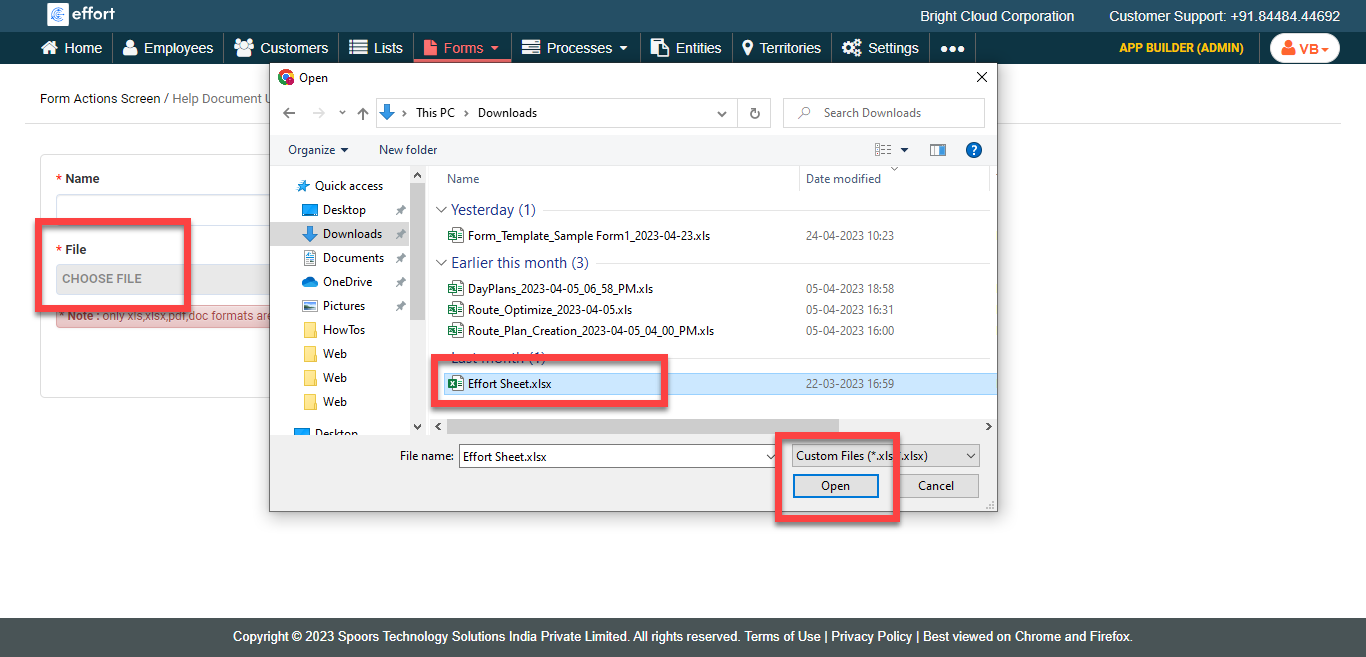
- Click Upload.