

Configure Display Columns For Web App
To configure display columns for web app, follow the steps below.
-
Go to
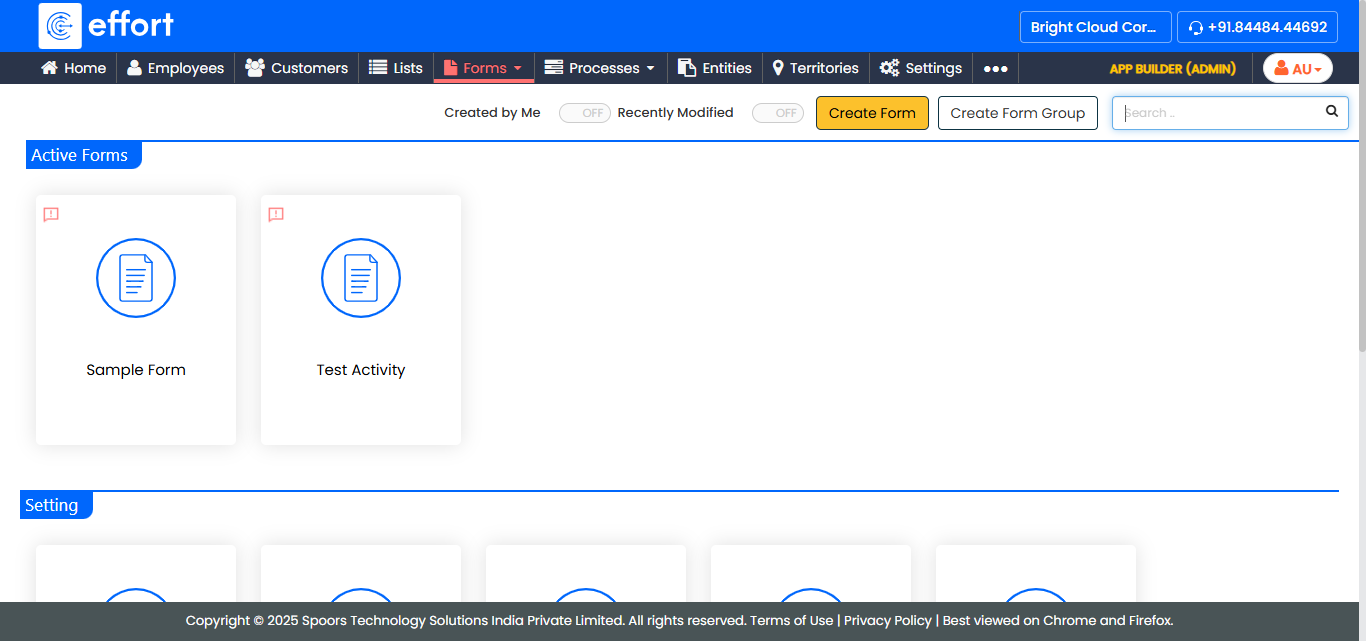
The Forms page appears.
-
Select the Form to view the <Form Name> Actions
page.
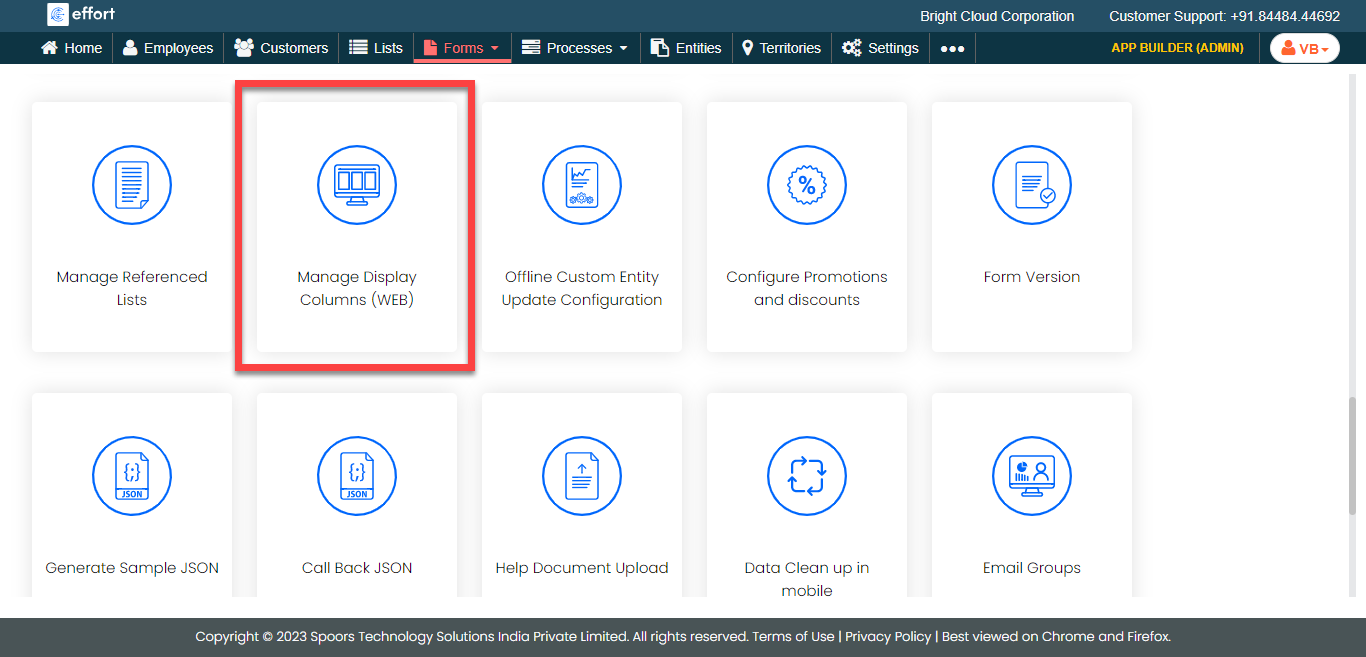
- Scroll down to Utilities section.
-
Click the Manage Display Columns (WEB) card.
The Manage Display Form Fields page appears with the form fields.
-
Click the checkboxes under the Visible column to make
the fields visible in the web app form screen.
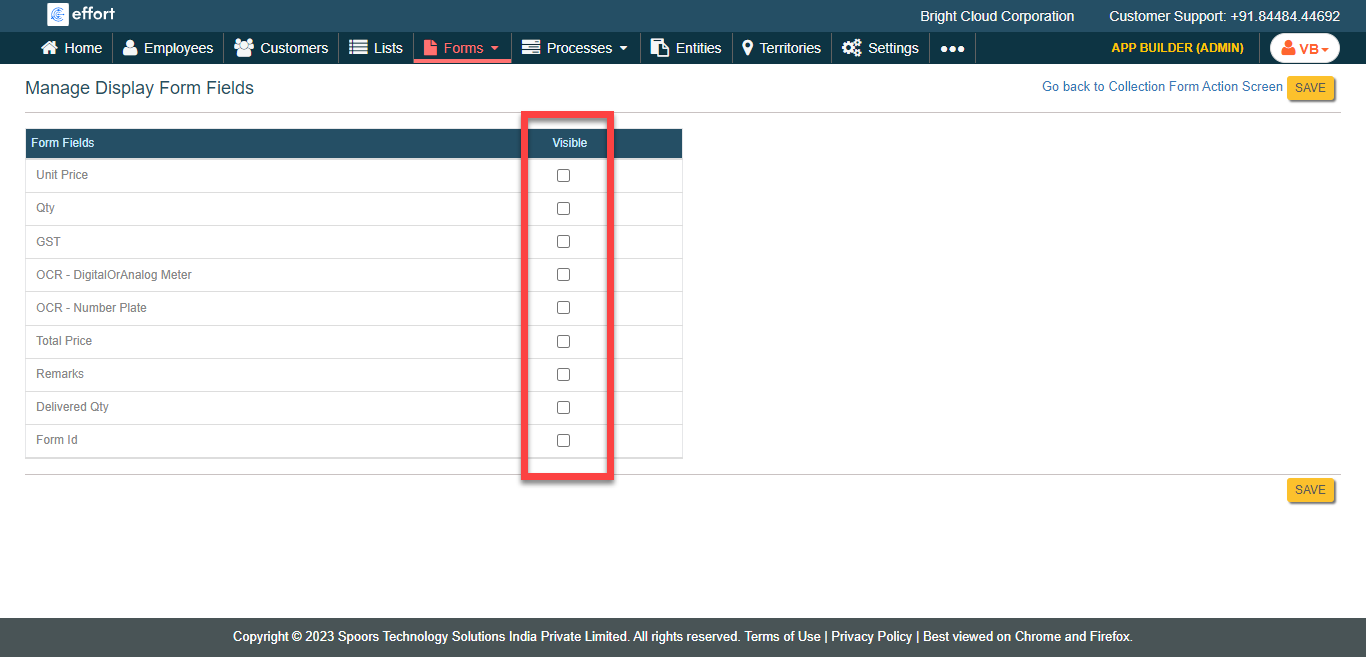
- Click Save.