

Configure Remote Fields
To configure remote fields, follow the steps below.
-
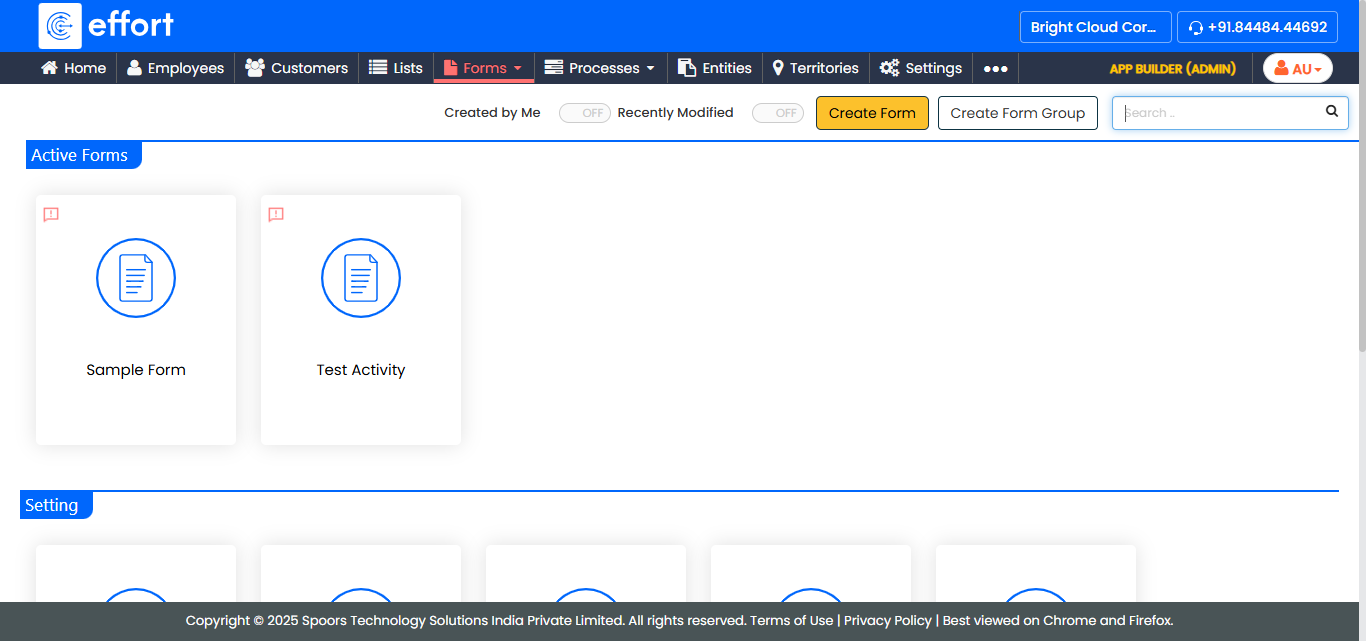
Go to .
The Forms page appears.
-
Select the form to view the <Form Name> Actions page.
-
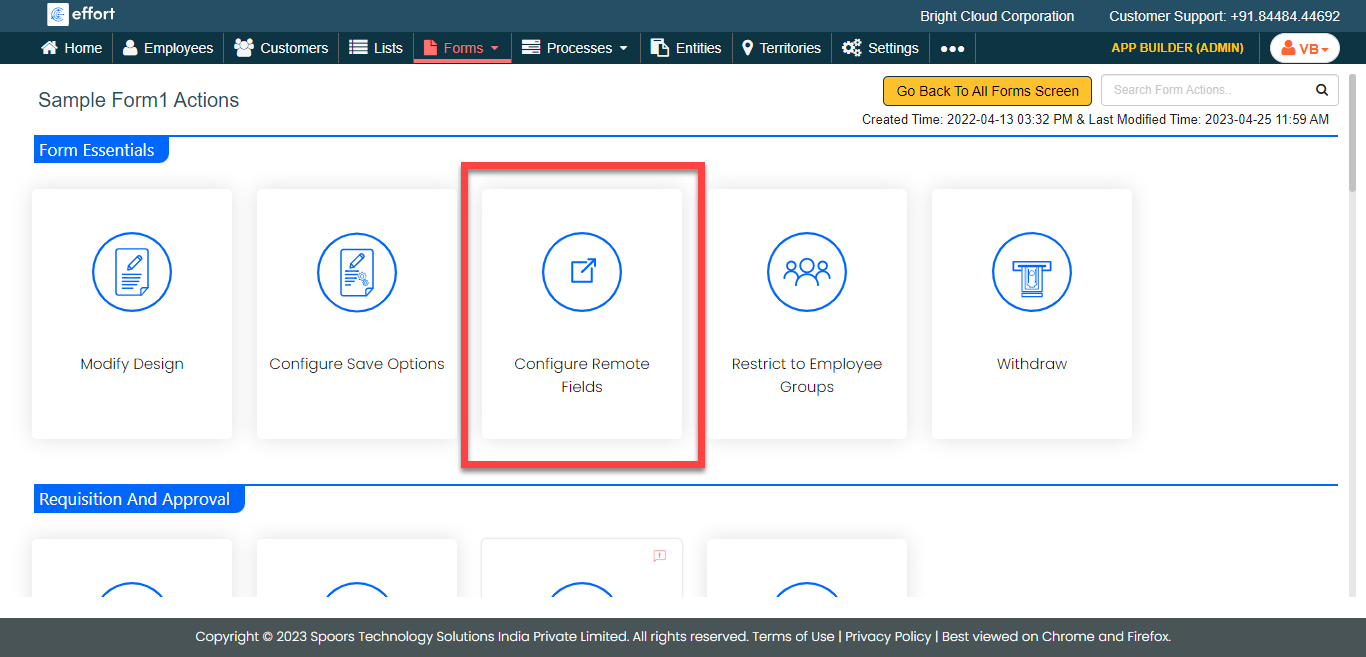
Under the Form Essentials section, click the
Configure Remote Fields card.
-
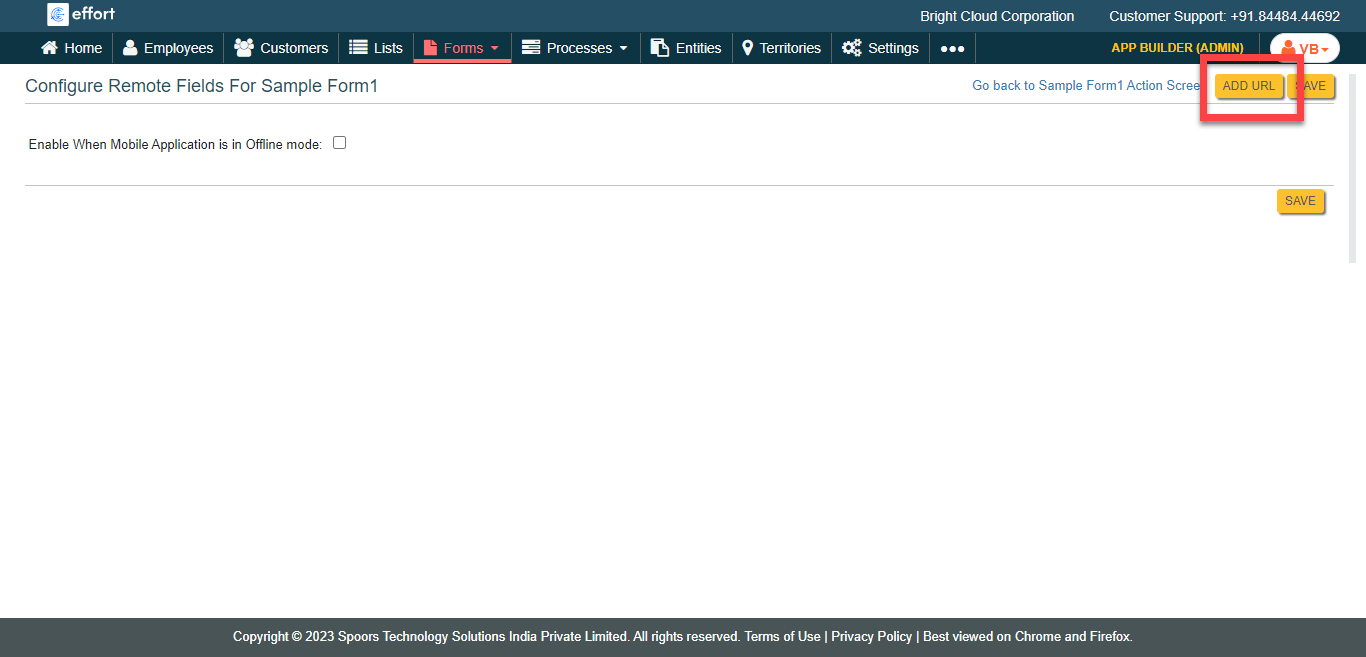
Click the Add URL button.
-
Configure all the mandatory fields.
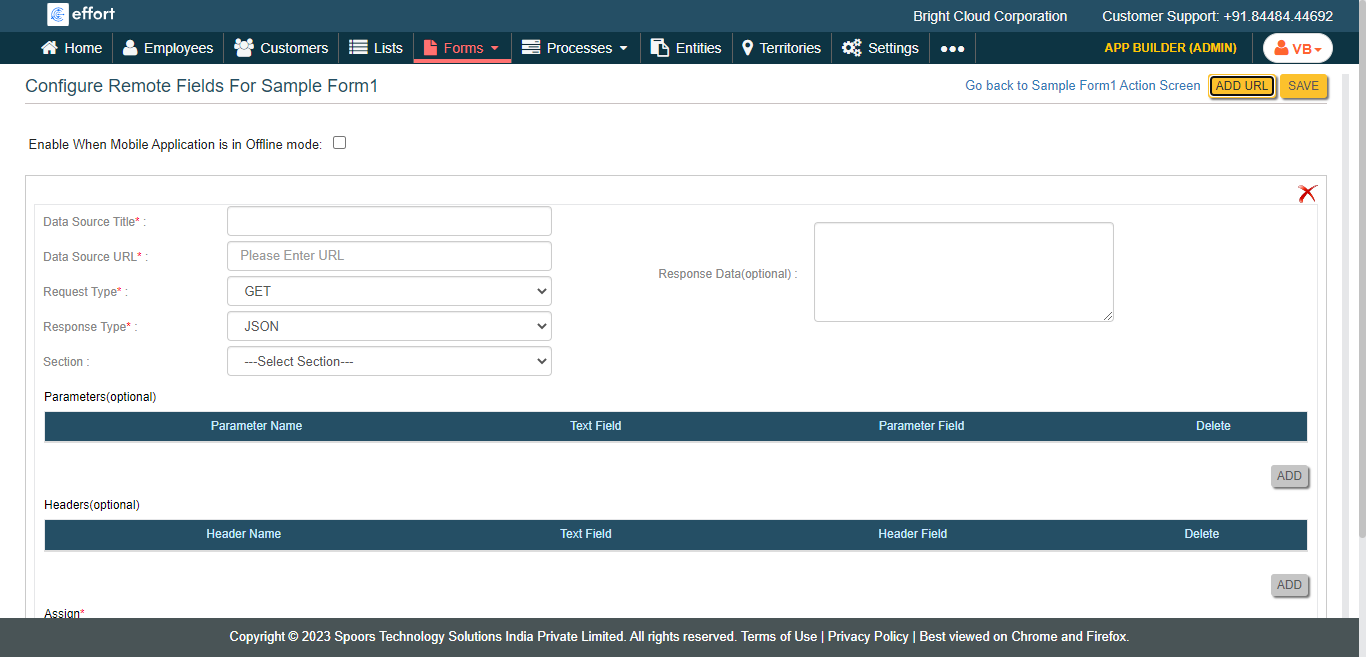
- Click Save.