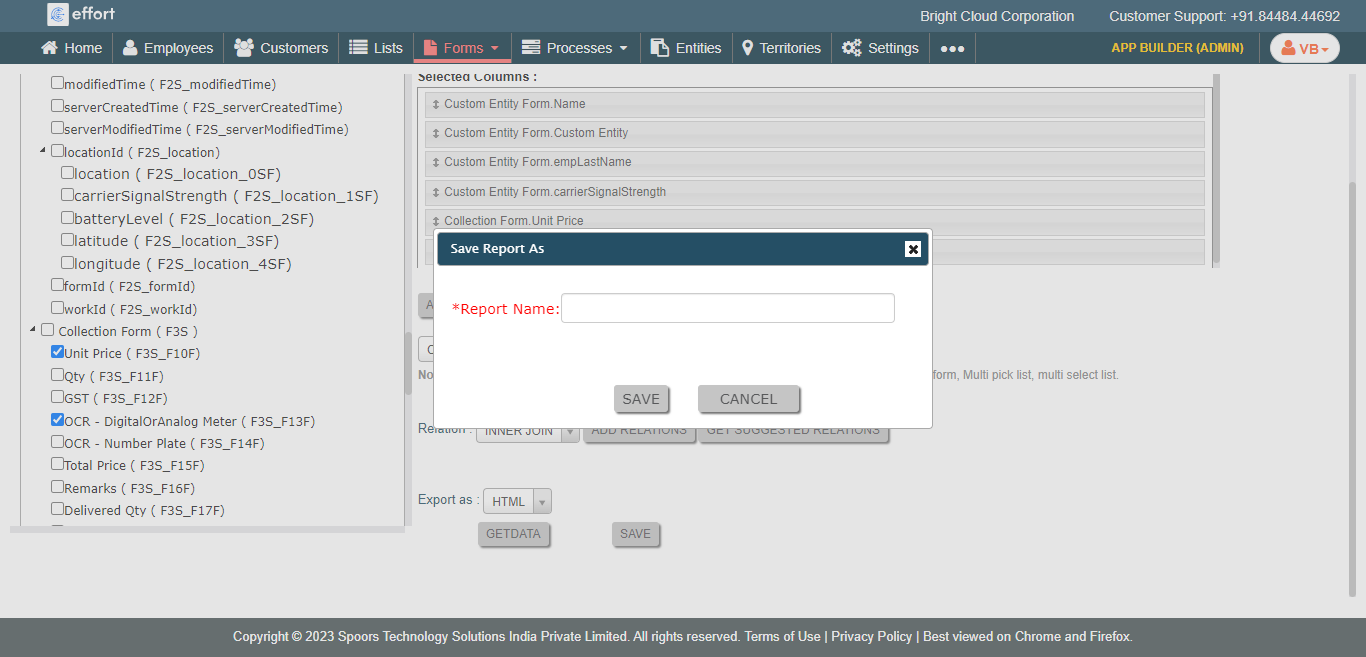
Design Advanced Form Submission Report Builder
To design advanced form submission report builder, follow the steps below.
-
Go to .
The Forms page appears.
- Scroll down to the Settings section.
-
Click the Advanced Form Report Builder card.
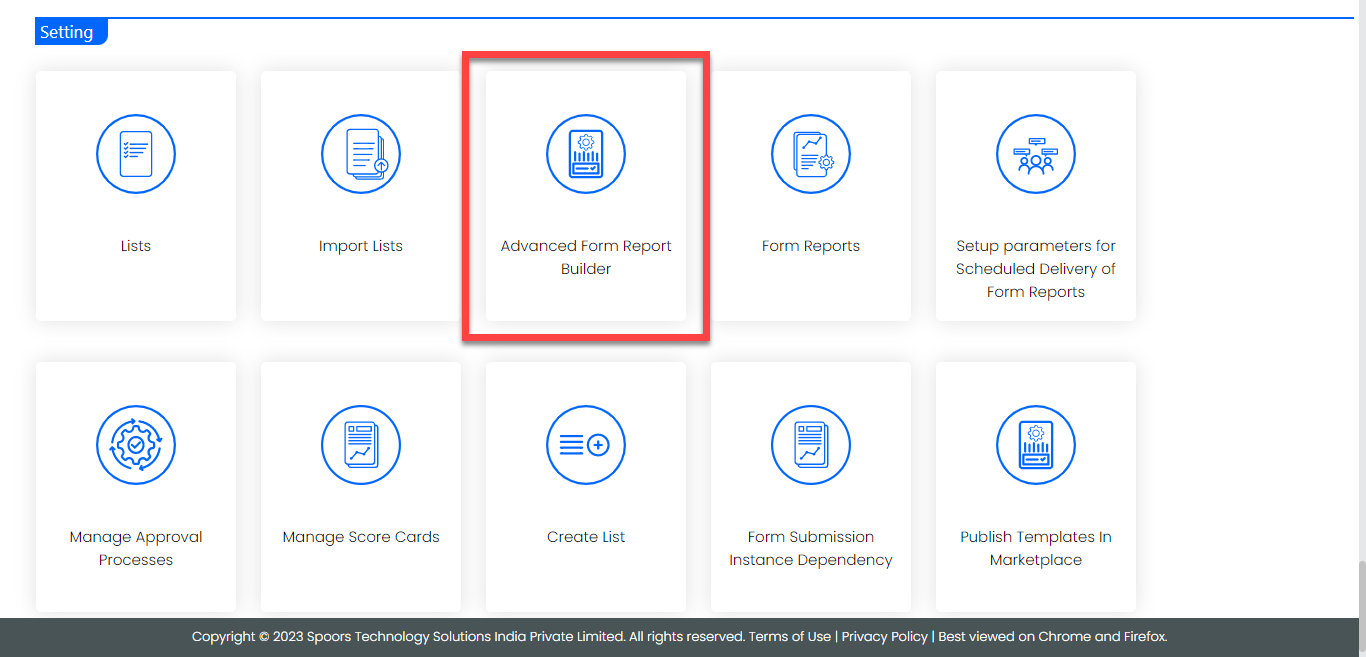
The Advanced Form Report Builder page appears.
-
Click Form field to select the required form
templates.
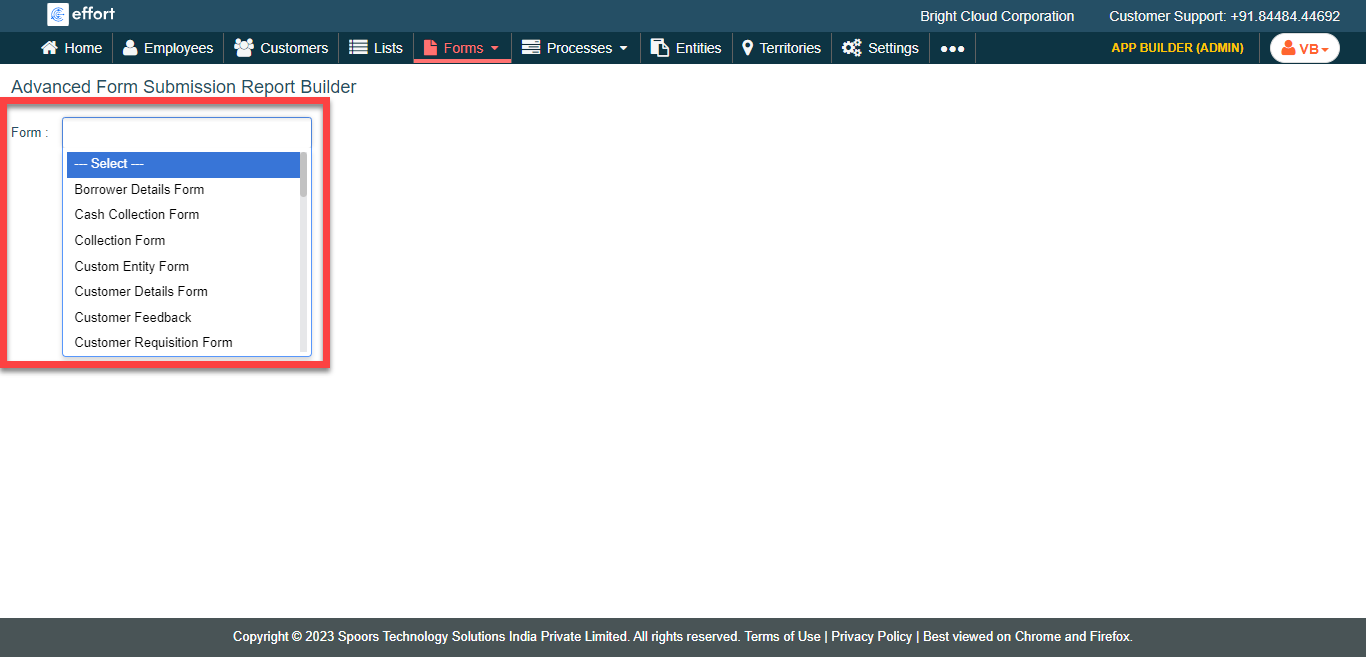
-
Select the required fields from the left side section.
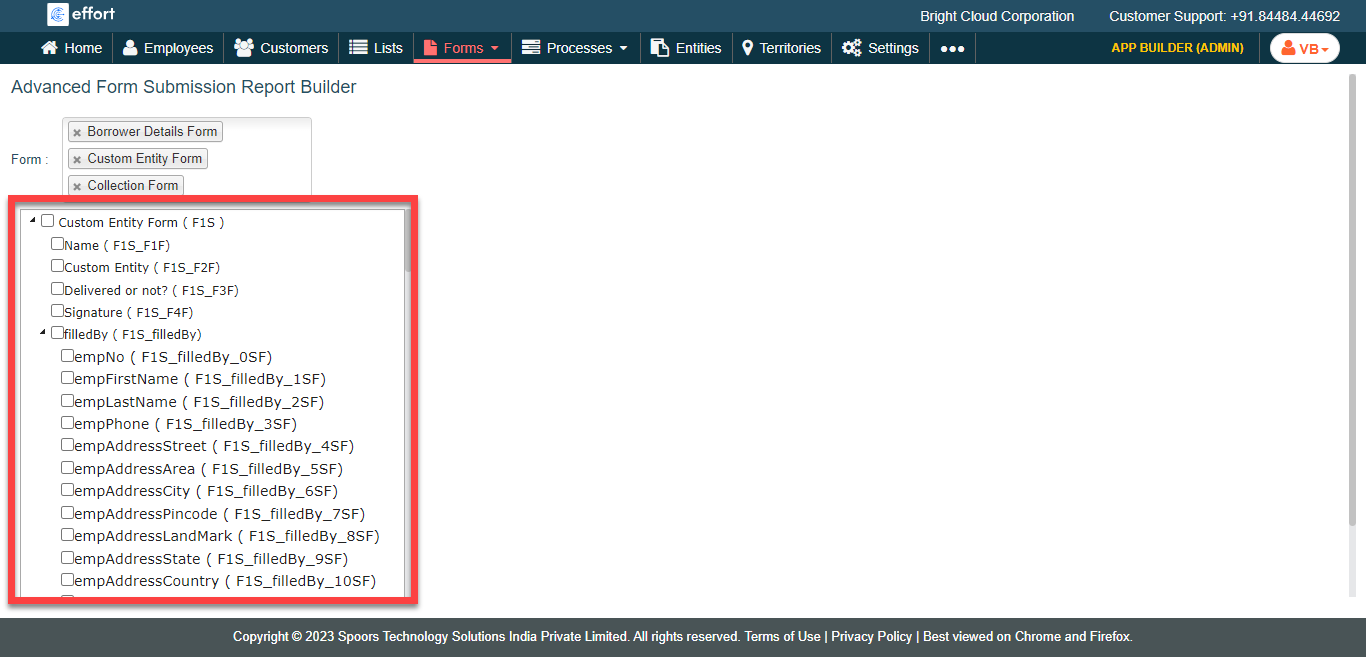
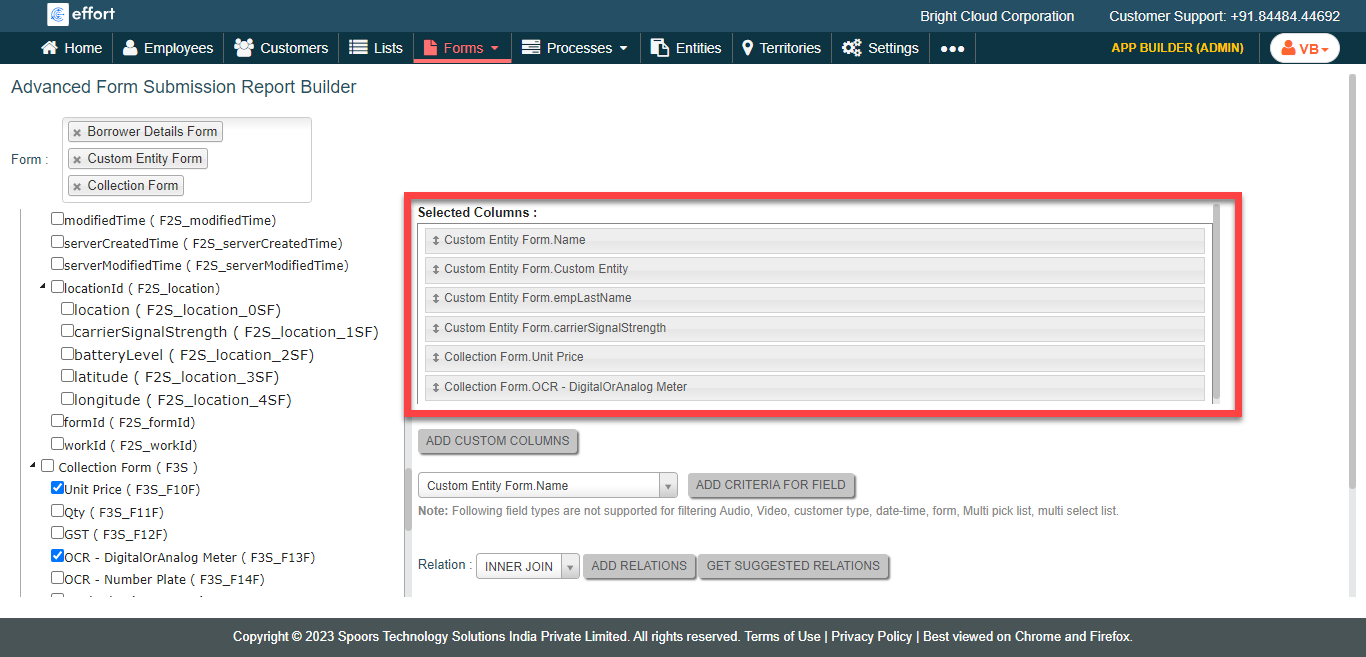
- Optional:
Drag and drop the selected fields to change the order under the
Selected Columns section.
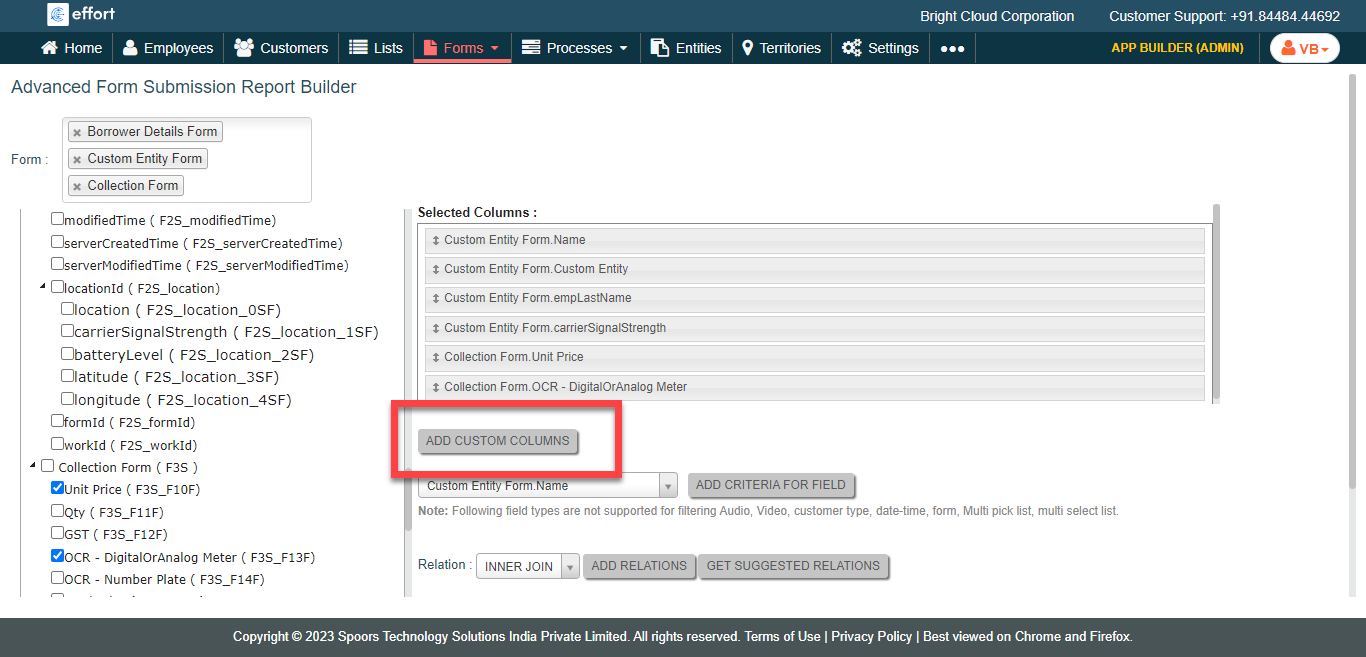
- Optional:
Click Add Custom Columns button to create custom
columns.
- Optional:
Select export options from the Export as dropdown.
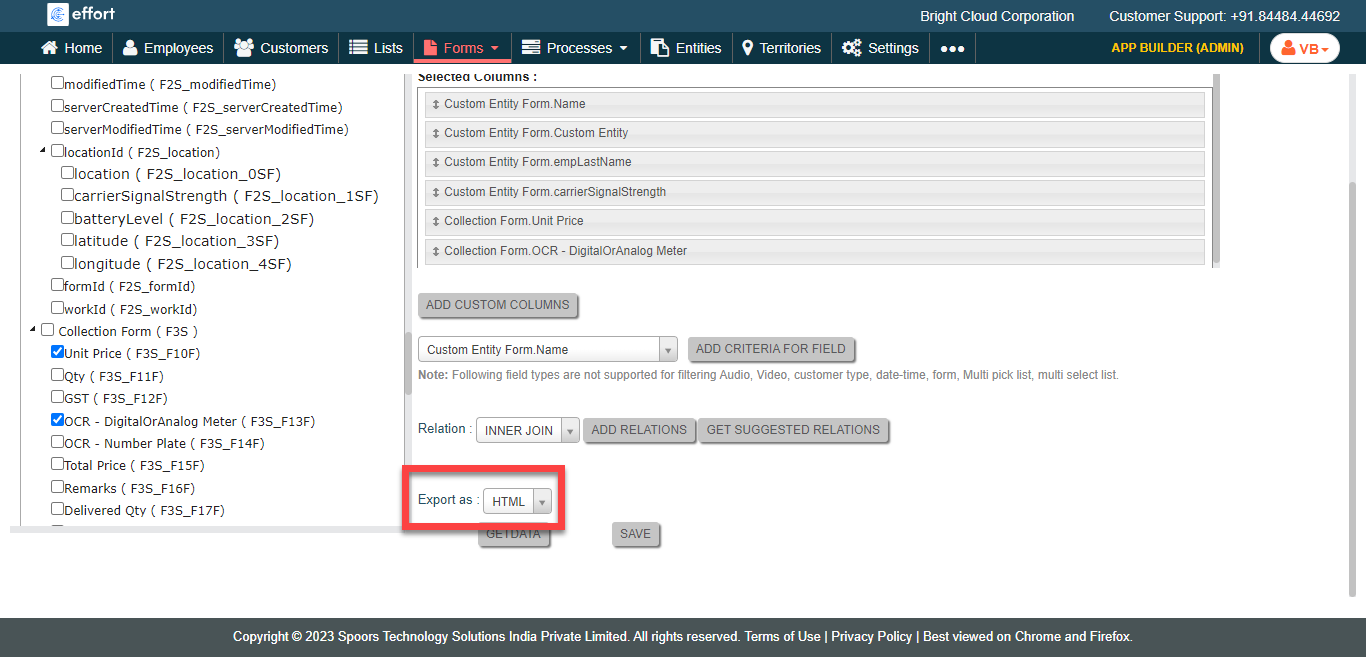
Export as defaults to HTML. -
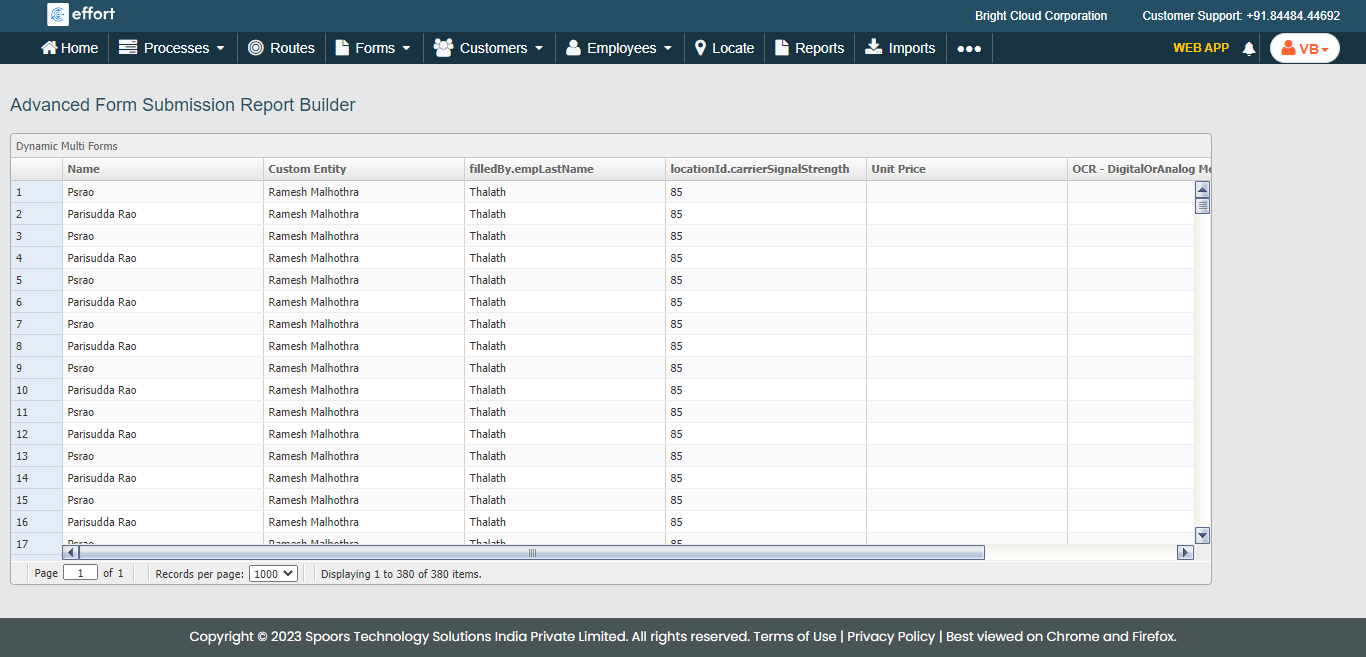
Click the Get Data button to view the report in a new
tab.
-
Click Save to view the report in the Saved
Form Submission Reports section.
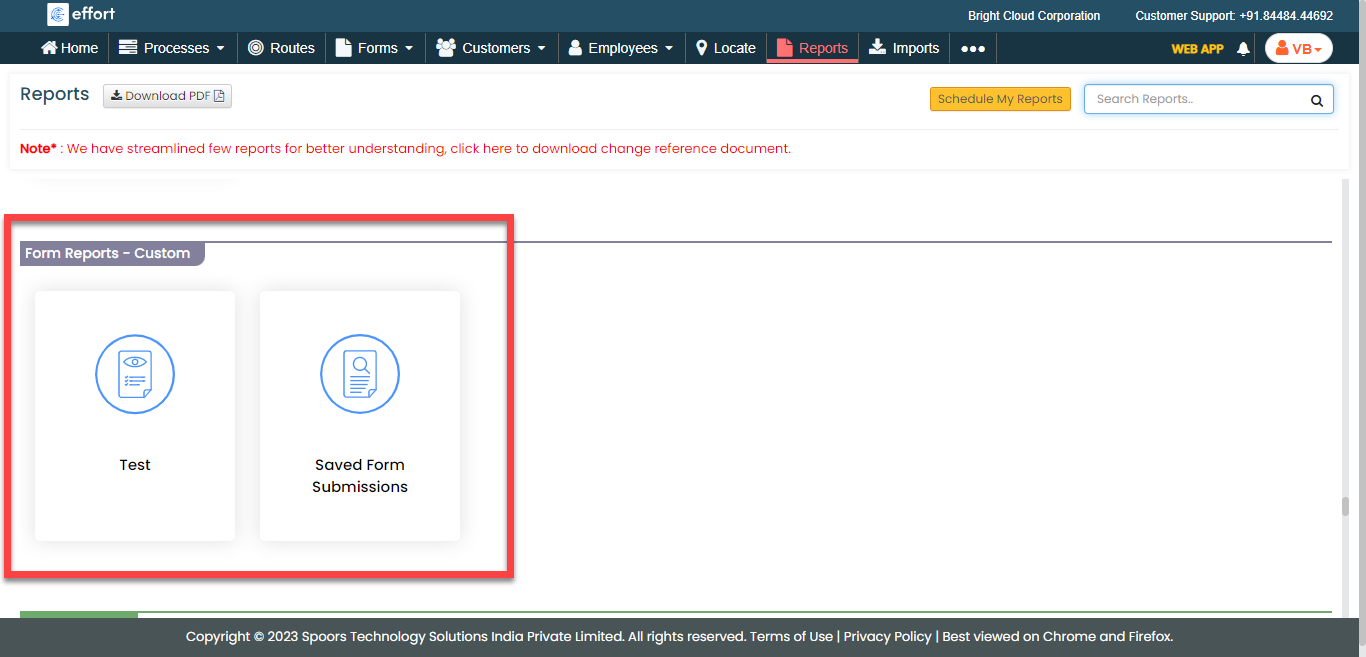
-
Enter Report Name in the confirmation pop-up window and
Click Save.